Animaker is the best animation maker for most people, rated 4.7 out of 5 on G2 from 1,071 reviews, with a free plan and paid plans from $15 a month. Pick Vyond for business training videos, Powtoon for quick explainers, and Blender if you want a free 3D tool.
How we make this list: we compare pricing pages, product documentation and public user reviews, then re-check every price before each update. No product paid for a place. Disclosure.
Animaker leads at 4.7/5 from 1,071 G2 reviews, with a free plan and paid plans from $15 a month.
Vyond is the business pick for training and internal videos, but Starter costs $58 a month billed yearly.
Powtoon and Renderforest both start at $15 a month billed yearly and include free plans.
Blender is the only fully free tool here, with 3D modeling, animation and rendering at no cost.
Paid plans in this list run from $0 to $699 a year, and most free plans watermark exports or cap video length.
What to look for in an animation maker
An animation maker should let you build a finished video without drawing skills. Templates, ready-made characters, scenes and a drag-and-drop timeline matter more than a long feature list.
Check the free plan first. Most free plans add a watermark, cap video length at 3 minutes or limit exports to 720p, so a short test video shows the real limits fast.
Price is usually lower on yearly billing than on monthly billing. A $15 a month yearly plan can cost $29 a month or more when paid monthly, so compare the yearly total before you buy.
AI features are now metered in most tools. Credits for text-to-video, voices and translation run out fast on entry plans, so check the monthly allowance before you buy.
Animaker is a browser-based animation maker for explainers, training videos and social clips, with templates, custom characters and AI video tools. The free plan lets you create watermarked videos, and the Basic plan at $15 a month adds 5 premium exports a month, 5 custom characters and 720p video.
The trade off is the export cap. Basic allows only 5 premium exports a month, so Starter at $25 a month billed yearly is the better fit once you publish weekly. It suits marketers and trainers who want a quick animated video without drawing skills.
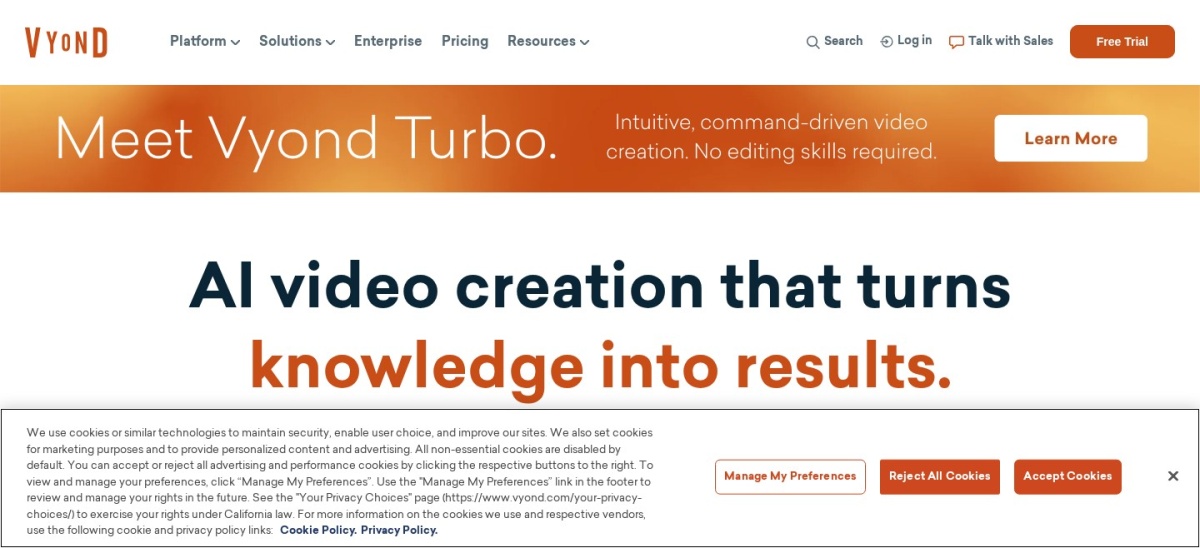
Vyond is a cloud animation platform built for business training, onboarding and internal communication videos. Starter at $58 a month billed yearly, or $699 a year, includes AI avatars, more than 650 text-to-speech voices, screen recording and text-to-video tools.
The trade off is price. Vyond has no free plan, only a trial, and Starter covers a single user, so teams pay per seat. It suits companies that make training videos often and need a consistent, professional style.
What we like
Strong character and scene library for business videos
AI avatars and 650+ voices
Text-to-video and screen recording included
Watch out for
No free plan, only a trial
Single-user Starter plan at $58 a month
Per-seat pricing adds up for teams
Professional adds team tools and Shutterstock assets at $100 a monthVisit vyond.com
03
Powtoon
4.4/5on G2 (287 reviews, checked Nov 2026)
Paid from$15/mo
Best for quick explainer videos
Free planYes, watermarked
Cheapest paidLite, $15/mo
Free video lengthUp to 3 minutes
Max quality1080p on Lite
powtoon.com
Powtoon homepage, captured Nov 2026.
Powtoon is a long-running explainer maker with characters, scenes and motion templates for marketing and training videos. The free plan exports 720p video up to 3 minutes long with a Powtoon watermark, and Lite at $15 a month billed yearly removes it on 5 exports a month.
The trade off is the export limit. Lite allows only 5 watermark-free exports a month, and AI credits are metered at 300 a year. It suits small teams that need short explainers fast and publish only a few videos a month.
What we like
Large template and character library
Free plan for short videos
1080p MP4 downloads on Lite
Watch out for
Lite caps watermark-free exports at 5 a month
AI credits are limited to 300 a year on Lite
Advanced plan is $125 a month billed yearly
Professional adds unlimited premium exports at $40 a monthVisit powtoon.com
04
Renderforest
4.7/5on G2 (447 reviews, checked Nov 2026)
Paid from$15/mo
Best budget all-round video maker
Free planYes, watermarked
Cheapest paidLite, $15/mo
Free video lengthUp to 3 minutes
AI credits9,600 a year on Lite
renderforest.com
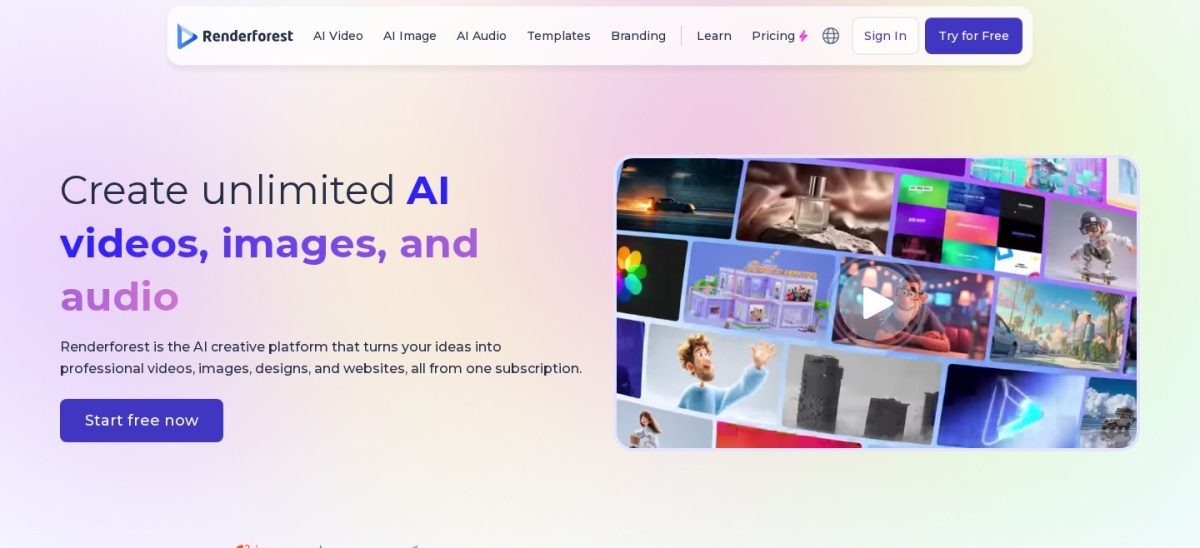
Renderforest homepage, captured Nov 2026.
Renderforest is an online video maker with animation templates, logo tools, AI video and a stock library, so it covers more than animation alone. The free plan exports watermarked 720p video up to 3 minutes long, and Lite at $15 a month adds watermark-free exports and 9,600 AI credits a year.
The trade off is quality on the entry plan. Lite exports at 720p, and 1080p needs the Pro plan at $39 a month. It suits creators who want one cheap tool for intros, explainers and social videos.
Blender is a free, open-source 3D creation suite with modeling, rigging, animation and rendering in one download. There is no paid plan and no watermark, and it is rated 4.6 out of 5 on G2 from 319 reviews.
The trade off is the learning curve. Blender is a professional 3D tool, so a first animation takes far longer than a template video in Animaker or Powtoon. It suits creators who want full control over 3D animation and are willing to learn the editor.
Adobe Animate is a timeline-based 2D vector animation tool for web ads, games and interactive work. The single-app plan costs $22.99 a month billed yearly and includes Adobe Express, Adobe Firefly, 100 GB of cloud storage and links to Photoshop and Illustrator.
The trade off is its future. Adobe has put Animate in maintenance mode, with security and bug fixes but no new features planned. It suits designers already in Creative Cloud who animate for the web.
What we like
Refined vector drawing and timeline tools
HTML5 Canvas and WebGL export
Works with Photoshop and Illustrator
Watch out for
In maintenance mode with no new features planned
Subscription only, with no perpetual licence
No free plan beyond a 7-day trial
No higher Animate-only tier; Creative Cloud bundles add more appsVisit adobe.com
07
Biteable
4.4/5on G2 (26 reviews, checked Nov 2026)
Starts at$15/mo
Best for fast template marketing videos
Free planNo, 7-day trial
Cheapest paidPro, $15/mo billed yearly
ExportsUnlimited HD exports on Pro
Avatar clips20 a month on Pro
biteable.com
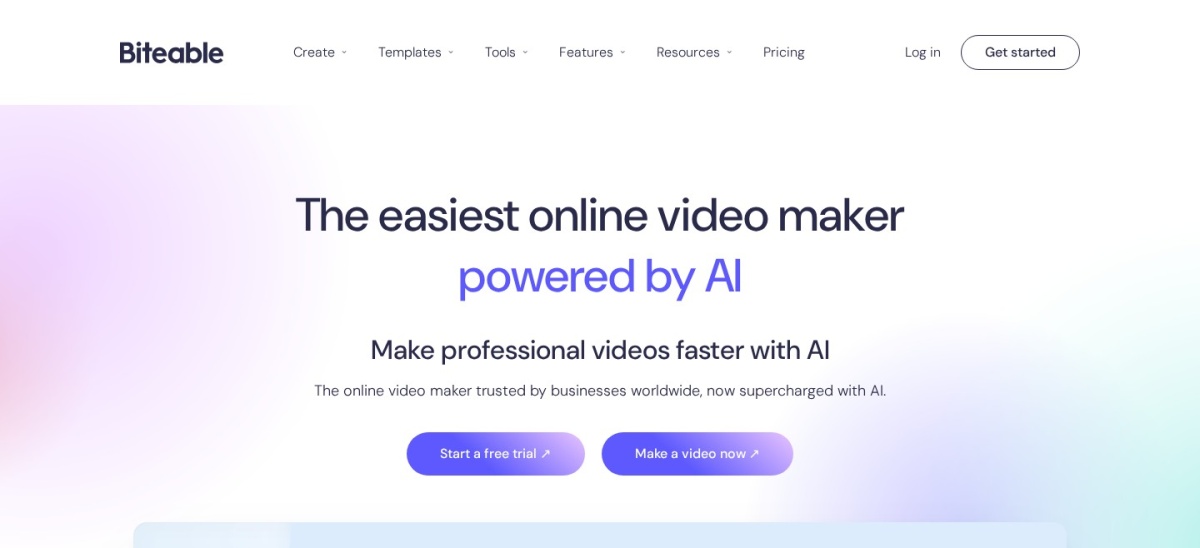
Biteable homepage, captured Nov 2026.
Biteable is an online video maker built around templates, stock clips and an AI builder for marketing and social videos. Pro costs $15 a month billed yearly, or $29 a month on monthly billing, and includes unlimited HD exports, 20 AI avatar clips a month and video analytics.
The trade off is the missing free plan. There is only a 7-day trial, and 4K export, captions and translation need the Premium plan at $49 a month billed yearly. It suits marketers who want a finished video from a template in an afternoon.
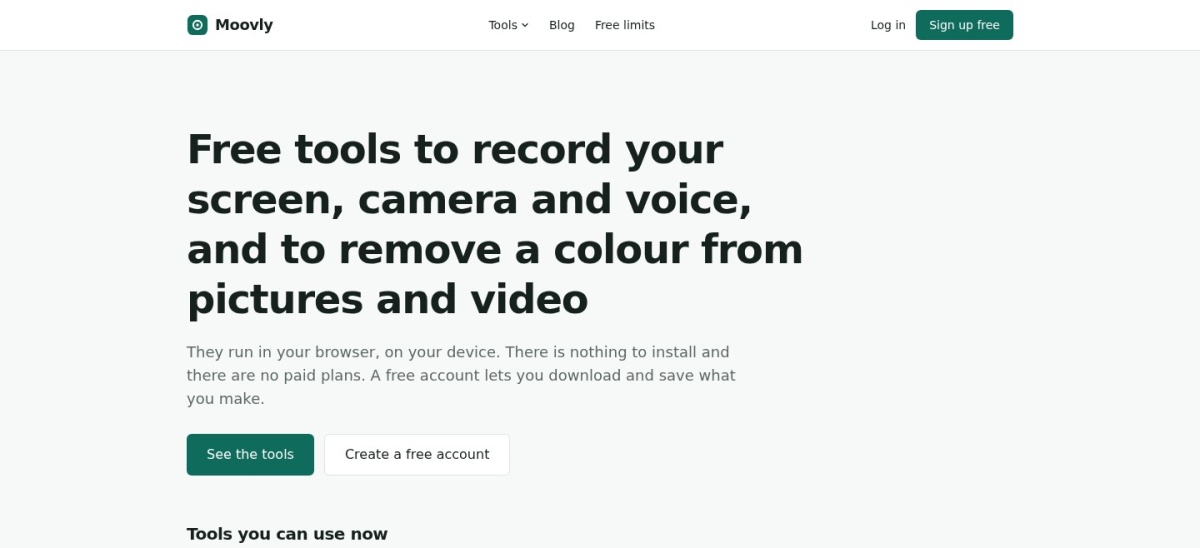
Moovly is a cloud video maker with a drag-and-drop timeline, templates and more than 1 million free stock assets for business videos. The free plan publishes to YouTube and Vimeo with a watermark, and Pro costs $24.92 a month billed yearly, or $299 a year, with 25 downloads a month.
The trade off is value. Pro is dearer than Animaker, Powtoon or Renderforest, and its GetApp rating of 4.1 out of 5 is the joint lowest here. It suits teams that want a simple timeline editor with a large stock library.
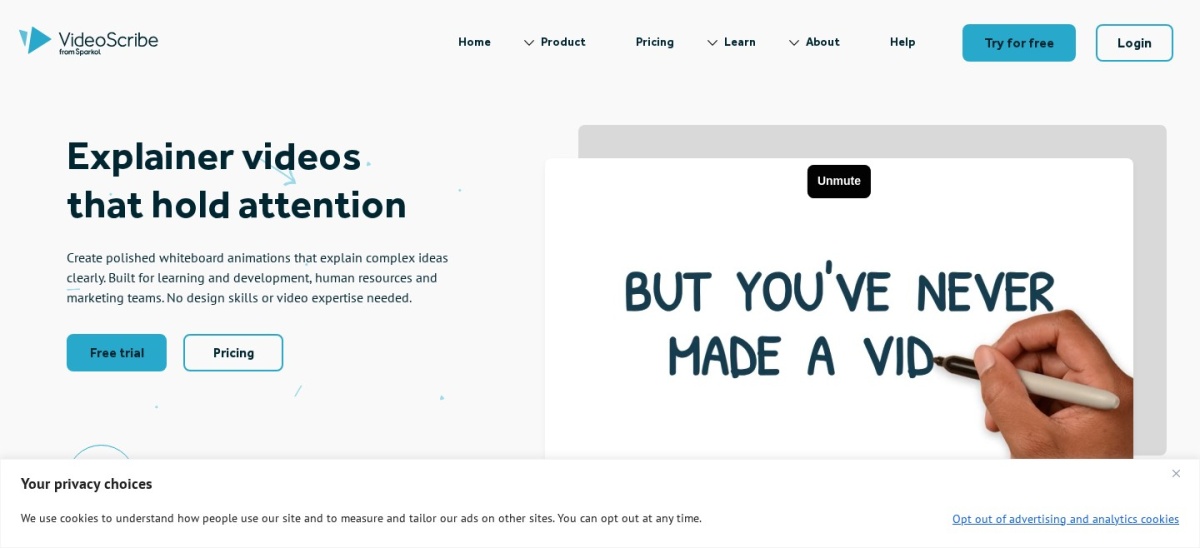
VideoScribe is a whiteboard animation tool that draws scenes by hand on screen, a style that works well for explainers and training. The annual plan costs $185 a year, and the monthly plan costs $43 a month, with templates, images and music included.
The trade off is range. VideoScribe does one style well, so it is a poor fit for character animation or 3D work. It suits teachers and trainers who want a clear hand-drawn explainer without learning a full animation editor.
Free plans in this list cover short videos well. Animaker, Powtoon, Renderforest and Moovly all let you build and export a watermarked video without paying.
Paid plans mostly remove the watermark and raise the caps. You get longer videos, sharper exports and more downloads each month.
Blender is the exception. It is free with no watermark, no export cap and no paid tier, but it takes far longer to learn than any template tool here.
If you publish one video a month, a $15 plan is enough. If you publish weekly, check the monthly export and credit limits before you choose.
How we chose
We started from the animation tools most often listed for this keyword, then kept 9 established tools with a public pricing page and a public rating on G2 or GetApp.
Prices come from each vendor's pricing page or a November 2026 reading of it, checked on 24 November 2026. Ratings and review counts come from G2 on the same day, except Moovly, which uses GetApp. Where a vendor shows a sale, the list shows the regular price.
We left out tools with no public price and tools aimed only at frame-by-frame cartoon work. No vendor paid for a place, and we do not claim hands-on testing for this list.
How to choose an animation maker
Start with the video you need to make this month, then match the tool to it.
Decide the style first. Explainers suit Powtoon or Animaker, whiteboard suits VideoScribe, and 3D suits Blender. Style narrows the list faster than price.
Try the free plan or trial. Build one real video and export it. The watermark, length cap and export limit will show whether the free tier is enough.
Check the monthly limits. Exports, AI credits and downloads run out fast on entry plans. A $15 plan with 5 exports a month is dear if you publish weekly.
Check where the video will play. A video for your site needs an MP4 download at 1080p, while a social clip can stay at 720p. See how to embed a video in WordPress before you buy.
FAQ
What is the best animation maker software?
Animaker is the best animation maker for most people. It is rated 4.7 out of 5 on G2 from 1,071 reviews, has a free plan, and paid plans start at $15 a month.
Is there a free animation maker?
Yes. Blender is fully free with no watermark or export cap, but it is a 3D tool with a steep learning curve. Animaker, Powtoon, Renderforest and Moovly also have free plans, but exports are watermarked.
How much does animation maker software cost?
Paid plans in this list run from $0 to $699 a year. Most tools start at $15 a month billed yearly, while Vyond starts at $58 a month and Blender costs nothing.
Which animation maker is best for beginners?
Animaker and Powtoon are the easiest starts, with templates, characters and drag-and-drop editors. Both have free plans, so you can build a first video before paying.
Can I use animation maker videos for business?
Most paid plans in this list include commercial use, while free plans often do not. Check the plan terms before using a video in an ad or a paid course.
What is the best animation maker for whiteboard videos?
VideoScribe is the best whiteboard animation maker here. Its annual plan costs $185 a year, and its hand-drawn style suits training and education videos well.
SaaS SEO and WordPress specialist with about 8 years of experience. Rakib compares WordPress plugins, themes, hosting and software using public pricing, documentation and user reviews. See how we rank.