Best Android Development Platform in 2026: 9 Tools Compared
WLWPLegible EditorsLast verified 22 Nov 2026How we rank12 min read
★ Short answer
Android Studio is the best Android development platform for pure Android work, as Google's free official IDE with Kotlin, the emulator and profiling tools. Pick Flutter for one codebase across Android and iOS, or React Native if your team already writes React.
How we make this list: we compare pricing pages, product documentation and public user reviews, then re-check every price before each update. No product paid for a place. Disclosure.
Android Studio is free and official, rated 4.5 out of 5 on G2 from 653 reviews.
Flutter and React Native are the two leading free cross-platform frameworks, rated 4.6 and 4.5 on G2.
Kotlin Multiplatform shares logic while keeping fully native UIs on each platform.
Expo EAS starts at $19 a month for managed builds, with 15 Android builds a month free.
FlutterFlow Basic is $39 a month for a visual builder that exports real Flutter code.
Native or cross-platform: the first choice
Android development starts with one choice: build native for Android only, or share code with iOS. Native gives the newest platform APIs on day one, while cross-platform saves a second team.
Google's own tools sit under every option. Android Studio bundles the Android SDK, emulator and build tools, and even cross-platform frameworks lean on its SDK somewhere.
The tools themselves cost nothing. Android Studio, Kotlin Multiplatform, Flutter, React Native, .NET MAUI and Ionic are all free and open source, so the real costs are developer time, a Google Play account and cloud services.
The bill starts when you buy convenience. Managed builds, visual builders and no-code tools charge from the day you publish, so check what the free tier actually includes before you commit.
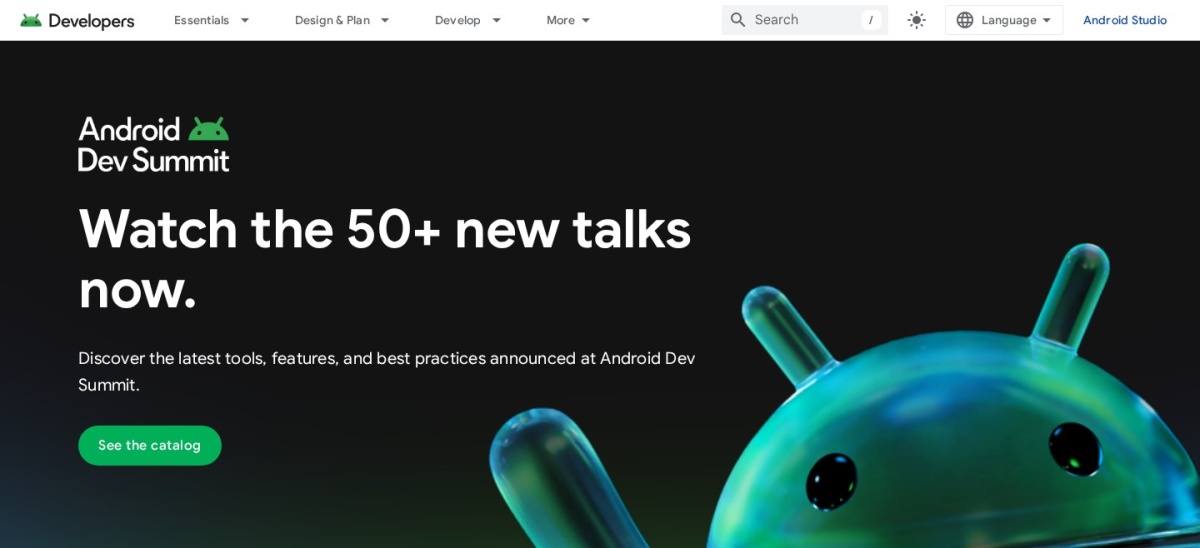
Android Studio is Google's official IDE for Android, and for pure Android development nothing else is close. It bundles a smart code editor, the Android SDK, a fast emulator and profiling tools that show exactly where your app burns CPU, memory and battery, with first-class Kotlin support.
The trade off is scope. It builds Android apps only, so a team that also needs iOS must add a second platform or framework. It suits teams whose product lives on Android first, or who need the newest platform APIs on day one.
What we like
Official IDE from Google, rated 4.5 out of 5 on G2
Free download for Windows, macOS, Linux and ChromeOS
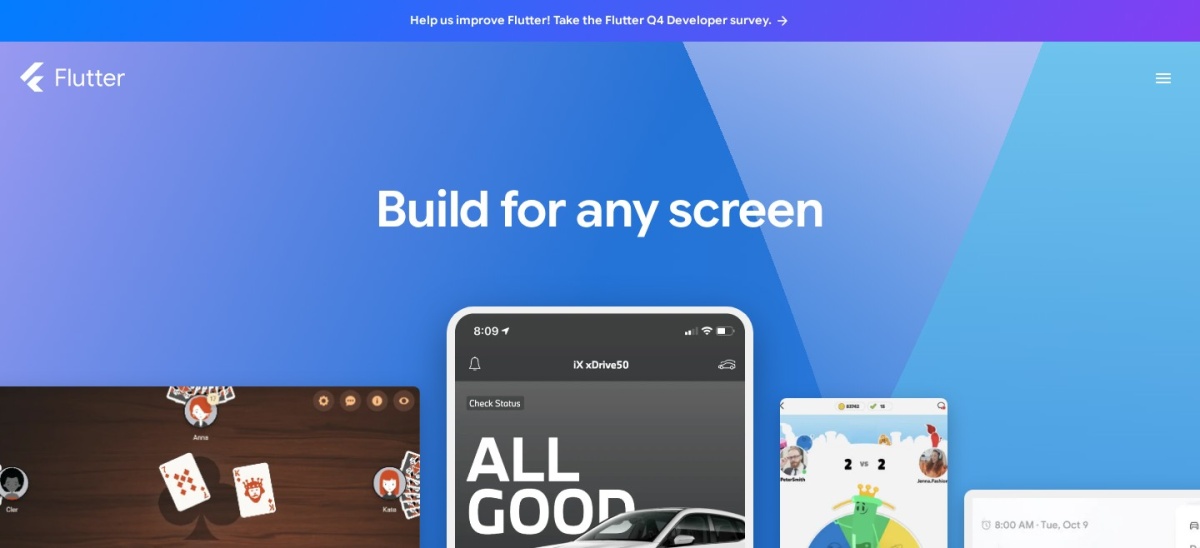
Flutter is Google's open-source UI toolkit, letting one team ship to Android, iOS, web and desktop from a single Dart codebase. It renders its own widgets, so the app looks identical on both mobile platforms, and Material 3 and Cupertino designs are built in.
The trade off is Dart. The talent pool is smaller than JavaScript or Kotlin, apps are larger than native equivalents because they bundle the engine, and niche features sometimes need native bridges. It suits teams that want a polished, branded UI on both platforms without two teams.
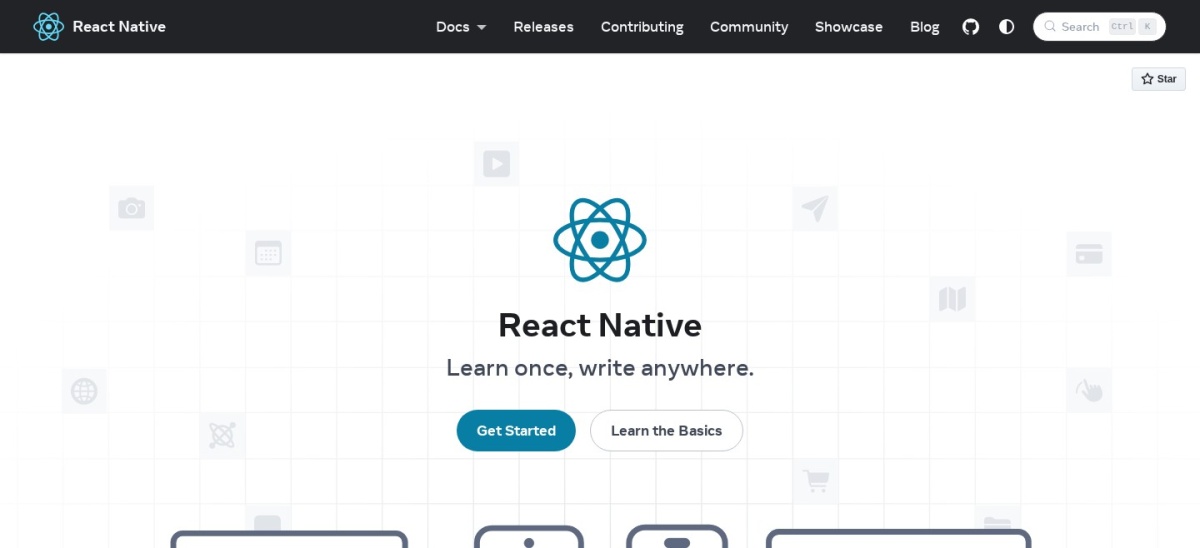
React Native is Meta's open-source framework, bringing React's declarative UI model to Android and iOS with genuinely native components. If your team already writes React for the web, the learning curve is gentle, and the JavaScript ecosystem means a library exists for almost everything.
The trade off is native work. Some features still need native modules, and performance tuning can mean writing platform code. It suits JavaScript and React teams that want native Android controls and the largest hiring pool in cross-platform development.
3.9/5on JetBrains Marketplace (76 reviews, checked Nov 2026)
PriceFree
Best shared logic with native UIs
LanguageKotlin
Shared codeLogic, networking, data
UIsNative per platform
PriceFree, open source
kotlinlang.org
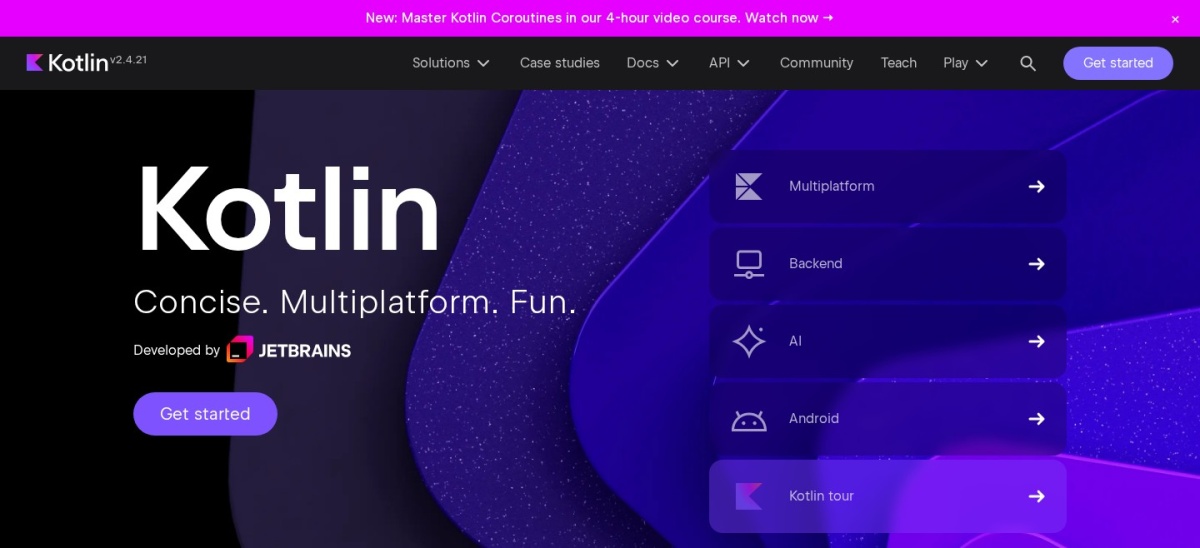
Kotlin Multiplatform homepage, captured Nov 2026.
Kotlin Multiplatform is a framework that takes the middle path: write your networking, data and business logic once in Kotlin, then build each platform's UI natively. You get fully native Android and iOS interfaces with no shared-logic duplication, and JetBrains declared it stable and production-ready in late 2023.
The trade off is that UIs are not shared. Each platform still needs its own interface code, so the saving is logic, not design. It suits Android teams writing Kotlin that also need an iOS app without rewriting the logic.
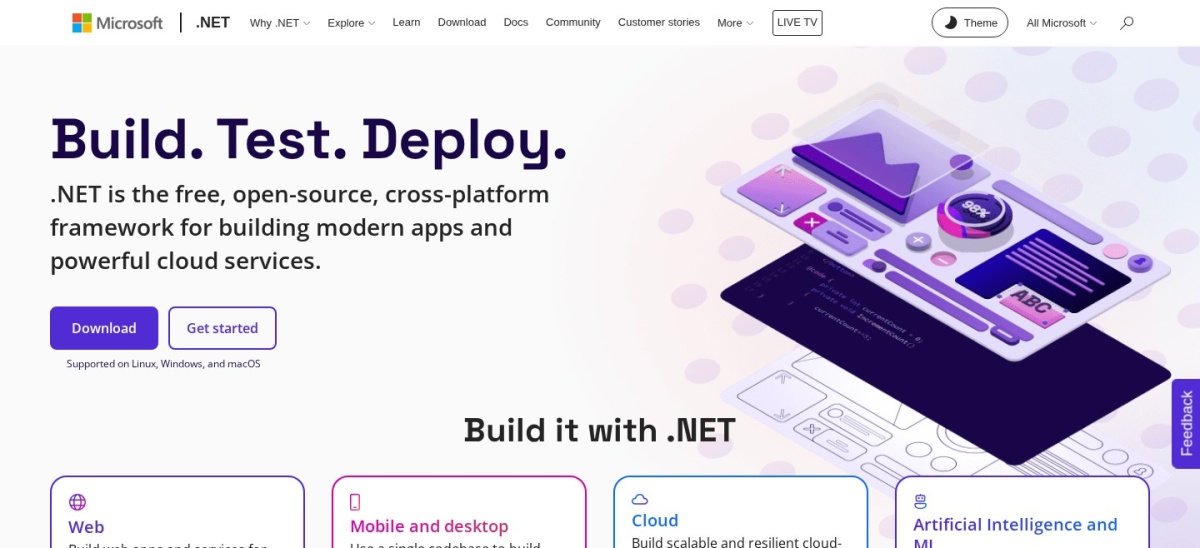
.NET MAUI is Microsoft's cross-platform framework for building native Android, iOS, Windows and macOS apps from a single C# and XAML codebase. It is the successor to Xamarin, and it reuses the skills and libraries a .NET team already has.
The trade off is community size. It is smaller than Flutter or React Native, so answers and third-party libraries can be thinner. It suits C# teams that want one codebase across mobile and desktop without learning a new language.
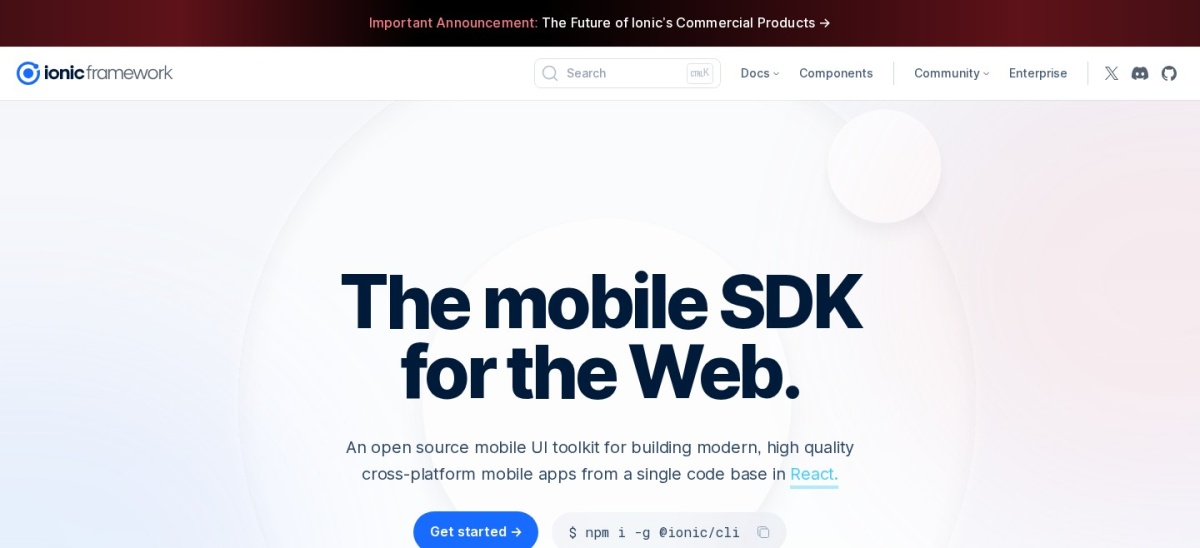
Ionic is a framework that lets web developers ship mobile apps using the stack they already know: HTML, CSS and TypeScript with Angular, React or Vue. It offers a library of mobile-optimized components, gestures and tools for building interactive apps, and it is free and open source.
The trade off is that apps run in a web view. Performance and native feel can lag behind Flutter or React Native for heavy apps. It suits web teams moving into mobile who want to reuse their skills and ship fast.
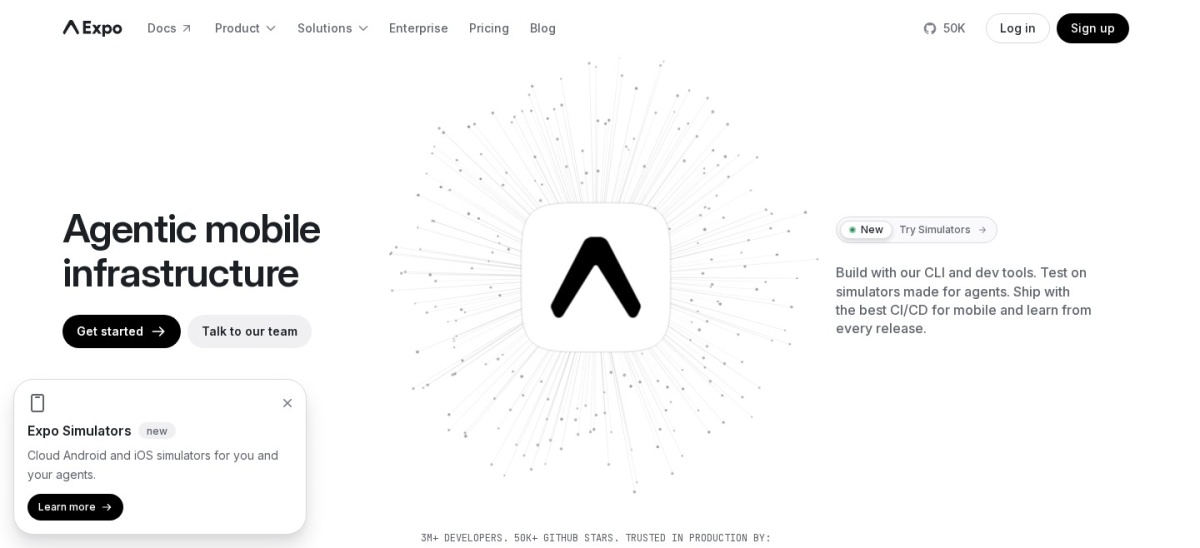
Expo is the managed layer on top of React Native. Its framework and EAS Free tier cost $0 with 15 Android builds a month, then EAS Starter is $19 a month and Production is $199, both plus usage, with over-the-air updates for shipped apps.
The trade off is cost at scale. Builds and usage add up, so a busy team can outgrow the free tier quickly. It suits React Native teams that want managed Android builds and over-the-air updates without running their own build servers.
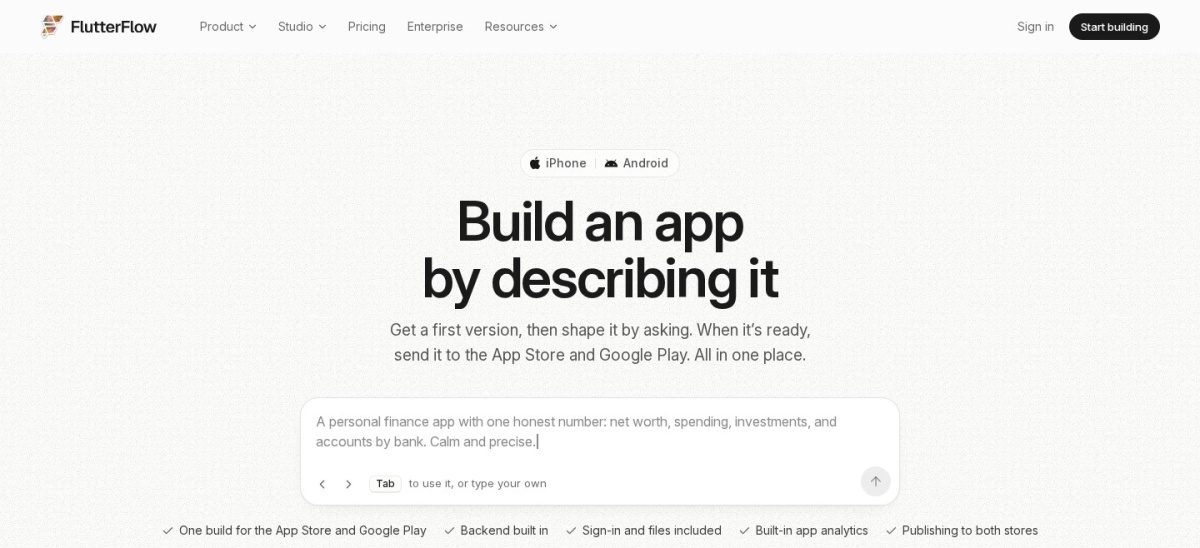
FlutterFlow is a visual Android app builder that exports real Flutter code, aimed at founders and teams who want to ship fast without writing every screen by hand. It has a free plan, and Basic costs $39 a month, with Firebase integration built in.
The trade off is control. Visual builders are fast for standard screens but can fight you on custom behaviour, and the paid plan starts the day you publish. It suits non-developers and small teams who want a working Android app in the store quickly.
Unity is the game engine behind a large share of mobile games, and its free Personal tier covers Android game development with pro-grade tools for 2D and 3D, physics, animation and asset management. It is rated 4.5 out of 5 on G2 from 364 reviews.
The trade off is fit. Unity is a game engine, not a general app framework, so business apps are better built elsewhere. It suits teams building Android games who want the largest asset store and hiring pool in mobile games.
What we like
Rated 4.5 out of 5 on G2 from 364 reviews
Free Personal tier for game development
Largest asset store in mobile games
2D and 3D in one editor
Watch out for
Overkill for non-game apps
Learning curve for the full editor
Paid plans start when revenue passes the free limitVisit unity.com
Free frameworks vs paid builders
Free frameworks cost nothing but need developers. Android Studio, Flutter and React Native are free and open source, so a team pays in time, not licences.
Paid builders sell speed. Expo EAS starts at $19 a month for managed builds, and FlutterFlow Basic is $39 a month for a visual builder that exports Flutter code.
For a first app, start free. Move to a paid builder only when builds, updates or publishing take more time than the subscription saves.
How we chose
We started from the platforms Android teams actually compare in 2026, from Google's official IDE to cross-platform frameworks and visual builders.
Prices come from vendor pricing pages as reported by dated comparison pages checked in November 2026. Most tools here are free, so the list notes where paid plans start. Ratings come from G2, SourceForge or the JetBrains Marketplace in the same period.
We left out tools without an Android target and enterprise-only low-code suites. No vendor paid for a place, and this list is based on pricing, docs and reviews, not on using the tools ourselves.
How to choose an Android development platform
Start from your team's skills, then check whether you also need iOS.
Check whether you need iOS too. Android only means Android Studio and Kotlin. Android plus iOS means Flutter, React Native or Kotlin Multiplatform from one codebase.
Match the language to your team. Kotlin teams pick Android Studio, Dart teams pick Flutter, JavaScript teams pick React Native, and C# teams pick .NET MAUI.
Try the free tier first. Every framework here is free, and Expo and FlutterFlow both have free tiers. Build a small screen before you pay for anything.
Plan for publishing costs. Budget for a Google Play developer account, store assets and any cloud services, since those are the real costs once the tools are free.
FAQ
What is the best Android development platform?
Android Studio is the best pick for pure Android work, as Google's free official IDE with Kotlin, the emulator and profiling tools. Flutter is the best cross-platform pick, and React Native suits JavaScript teams.
Is Android Studio free?
Yes. Android Studio is a free download for Windows, macOS, Linux and ChromeOS, and the installer runs about 1.5 GB. It includes the Android SDK, emulator and profiling tools.
Is Flutter or React Native better for Android?
Flutter gives one Dart codebase with an identical custom UI on Android and iOS, rated 4.6 out of 5 on G2. React Native renders real native controls and suits teams that already write React, rated 4.5 out of 5.
Can I build an Android app without coding?
Yes. FlutterFlow is a visual builder that exports real Flutter code, with a free plan and Basic at $39 a month. Expo also offers managed React Native builds with a free tier.
What language should I use for Android development?
Kotlin is Google's preferred language since 2019, with first-class support in Android Studio. Java still works, Dart powers Flutter, and JavaScript or TypeScript powers React Native.
Does Android development cost money?
The tools are free. Costs come from developer time, a Google Play developer account and cloud services. Paid plans start at $19 a month for Expo EAS and $39 a month for FlutterFlow Basic.