MonsterInsights is our top pick for ecommerce analytics on WordPress, active on 2+ million sites with built-in WooCommerce and Easy Digital Downloads funnel reports. Choose PixelYourSite for multi-channel server-side ad pixels, or Independent Analytics if you want cookie-free, self-hosted store reporting without external scripts.
How we make this list: we compare pricing pages, product documentation and public user reviews, then re-check every price before each update. No product paid for a place. Disclosure.
MonsterInsights runs on 2+ million WordPress sites and brings GA4 ecommerce funnel reports into wp-admin starting at $199/yr regular price.
PixelYourSite serves 400,000+ active installs and pairs browser pixels with server-side Conversions APIs starting at $199/yr for 1 site.
Conversios connects WooCommerce to GA4, Google Ads, Meta, and 4 product feed catalogs on 10,000+ sites, with Pro regular pricing at $398/yr.
Independent Analytics stores all stats locally in your WordPress database on 100,000+ sites, with Pro packages starting at $49/yr.
GTM4WP (700,000+ installs) and Google Analytics for WooCommerce (100,000+ installs) offer completely free data-layer and GA4 event tracking.
What to look for in ecommerce analytics tools
Standard pageview counters tell you how many people visited a product page, not why they abandoned the cart. Ecommerce analytics tools bridge that gap by recording structured shopping events—product views, cart additions, checkout steps, shipping selections, and completed purchases—alongside order totals and currency values.
Tracking accuracy is the second factor to weigh. Ad blockers, browser privacy restrictions, and cookie consent banners frequently block client-side JavaScript tags. Look for tools that support server-side event delivery (such as Meta Conversions API or Google Measurement Protocol), Google Consent Mode v2, or local first-party database storage.
Finally, check where your reports live and how your store data connects to ad platforms. Some plugins surface revenue and funnel charts directly inside the WordPress dashboard, while others push clean data layers to Google Tag Manager or sync product catalogs with Google Merchant Center and Meta.
4.8/5on WordPress.org (2,316 reviews, checked Nov 2026)
Paid from$199/yr
Best overall GA4 dashboard for WordPress stores
Active installs2+ million
Tracking engineGoogle Analytics 4
Ecommerce supportWooCommerce, EDD, MemberPress
Entry regular price$199/yr (Plus)
monsterinsights.com
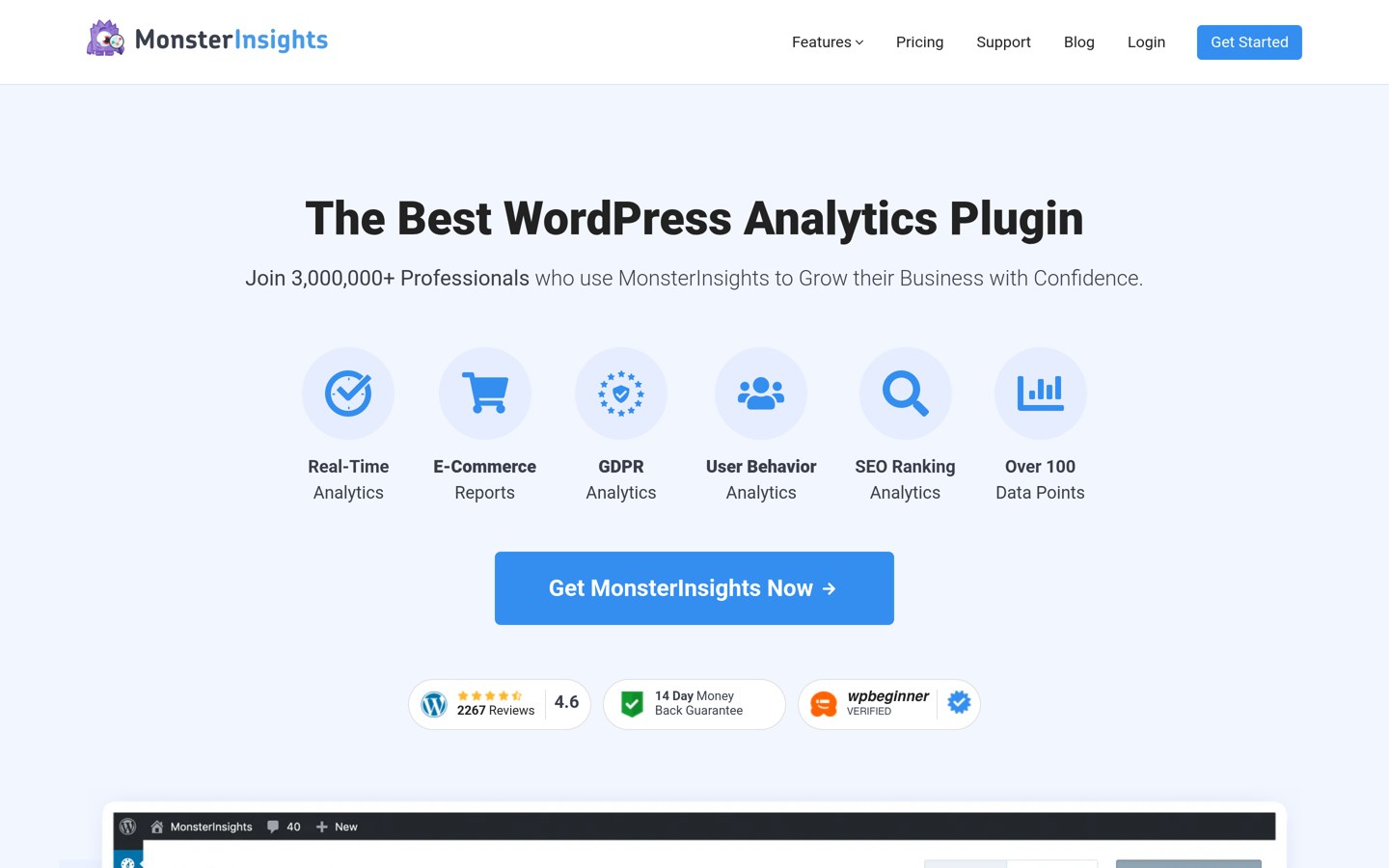
MonsterInsights homepage, captured Nov 2026.
MonsterInsights is a WordPress Google Analytics plugin active on 2+ million sites that surfaces GA4 traffic, search keywords, and conversion reports inside your admin dashboard. Its free version sets up basic GA4 tracking, while paid tiers unlock WooCommerce and Easy Digital Downloads funnel reports, product feed insights, and AI-assisted report summaries.
The trade off is that ecommerce tracking requires the Pro tier rather than the entry Plus plan ($199/yr regular price, often discounted to $89.55/yr for new buyers), and Pro lists at $399/yr regular ($159.60/yr promo). It suits store owners who want visual GA4 revenue and checkout reports inside WordPress without writing code.
What we like
Visual ecommerce funnel report for WooCommerce and Easy Digital Downloads
Displays revenue, conversion rate, and top products directly in WordPress
Includes PrivacyGuard PII blocking and EU compliance consent integrations
AI Insights and Conversations AI summarize store performance in plain English
Watch out for
Full ecommerce tracking requires the Pro plan ($399/yr regular price)
Introductory discounts renew at standard annual rates
Relies on external Google Analytics servers rather than local storage
Plus ($199/yr regular) adds custom dashboards and standard reports; Pro ($399/yr regular) unlocks WooCommerce and EDD ecommerce tracking.Visit monsterinsights.com
02
PixelYourSite
4.3/5on WordPress.org (281 reviews, checked Nov 2026)
Paid from$199/yr
Best for multi-channel ad pixels and Conversions API
Active installs400,000+
Ad networksMeta, Google, TikTok, OpenAI
Server-side APIsMeta CAPI, GA4 MP, TikTok API
Entry regular price$199/yr (Starter)
pixelyoursite.com
PixelYourSite homepage, captured Nov 2026.
PixelYourSite is a tag and server-side API manager used on 400,000+ WordPress sites to fire unified ecommerce events across Meta, Google Analytics 4, Google Tag Manager, and OpenAI. The free plugin automatically tracks WooCommerce and Easy Digital Downloads events—including view content, add to cart, and purchases—while respecting popular GDPR consent plugins.
The trade off is that server-side Conversions APIs, Google Ads, TikTok tags, and profit-value tracking require PixelYourSite Pro, starting at $199/yr for a single-site Starter license. It suits performance marketers running paid social and search campaigns who need deduplicated browser and server conversion events.
What we like
Sends identical WooCommerce and EDD events to Meta, GA4, and ad networks
Supports server-side Conversions APIs to recover ad-blocked conversions
Includes an MCP server to audit pixel setups with Claude or ChatGPT
Works out of the box with major cookie consent management plugins
Watch out for
Pinterest, Bing, and Reddit tags require higher tiers or paid add-ons
Does not provide built-in visual revenue charts inside wp-admin
Interface has dense settings across multiple ad platforms
Starter ($199/yr for 1 site) adds server-side Conversions APIs, Google Ads, TikTok tags, custom events, and MCP support.Visit pixelyoursite.com
03
Conversios
4.3/5on WordPress.org (204 reviews, checked Nov 2026)
Paid from$398/yr
Best all-in-one WooCommerce pixel and product feed sync
Active installs10,000+
GA4 events15+ ecommerce & engagement events
Product feedsGoogle, Microsoft, Meta, TikTok
Entry regular price$398/yr (Pro)
conversios.io
Conversios homepage, captured Nov 2026.
Conversios is a WooCommerce conversion tracking and product feed plugin active on 10,000+ sites that tracks 15+ GA4 shopping journey events alongside free Google Ads, Meta Pixel, TikTok, and OpenAI conversion tags. It also syncs WooCommerce product catalogs in real time to Google Merchant Center, Microsoft Merchant Center, Meta Catalog, and TikTok Catalog.
The trade off is its higher regular annual price of $398/yr (frequently discounted to $159.20/yr for 1 site) if you want server-side CAPI tracking, the Order Recovery Engine, and in-dashboard funnel reports. It suits WooCommerce stores running Shopping and catalog ads that want pixels and feeds in one plugin.
Supports Google Consent Mode v2 and WooCommerce HPOS
Pro adds server-side CAPI across GA4, Google Ads, Meta, TikTok, and Snapchat
Centralizes GA4, Google Ads, and Meta conversion reports in WordPress
Watch out for
Regular annual renewal ($398/yr) is higher than single-purpose pixel plugins
Built specifically for WooCommerce rather than general WordPress sites
Offsite payment gateways that skip the Order Received page need server-side recovery
Pro ($398/yr regular) unlocks server-side CAPI, Order Recovery Engine, Google Ads enhanced conversions, and funnel reporting.Visit conversios.io
04
Independent Analytics
4.9/5on WordPress.org (168 reviews, checked Nov 2026)
Paid from$49/yr
Best cookie-free, self-hosted WordPress analytics
Active installs100,000+
Data storageLocal WordPress database
Cookies usedNone (cookieless tracking)
Entry regular price$49/yr (Pro Standard)
independentwp.com
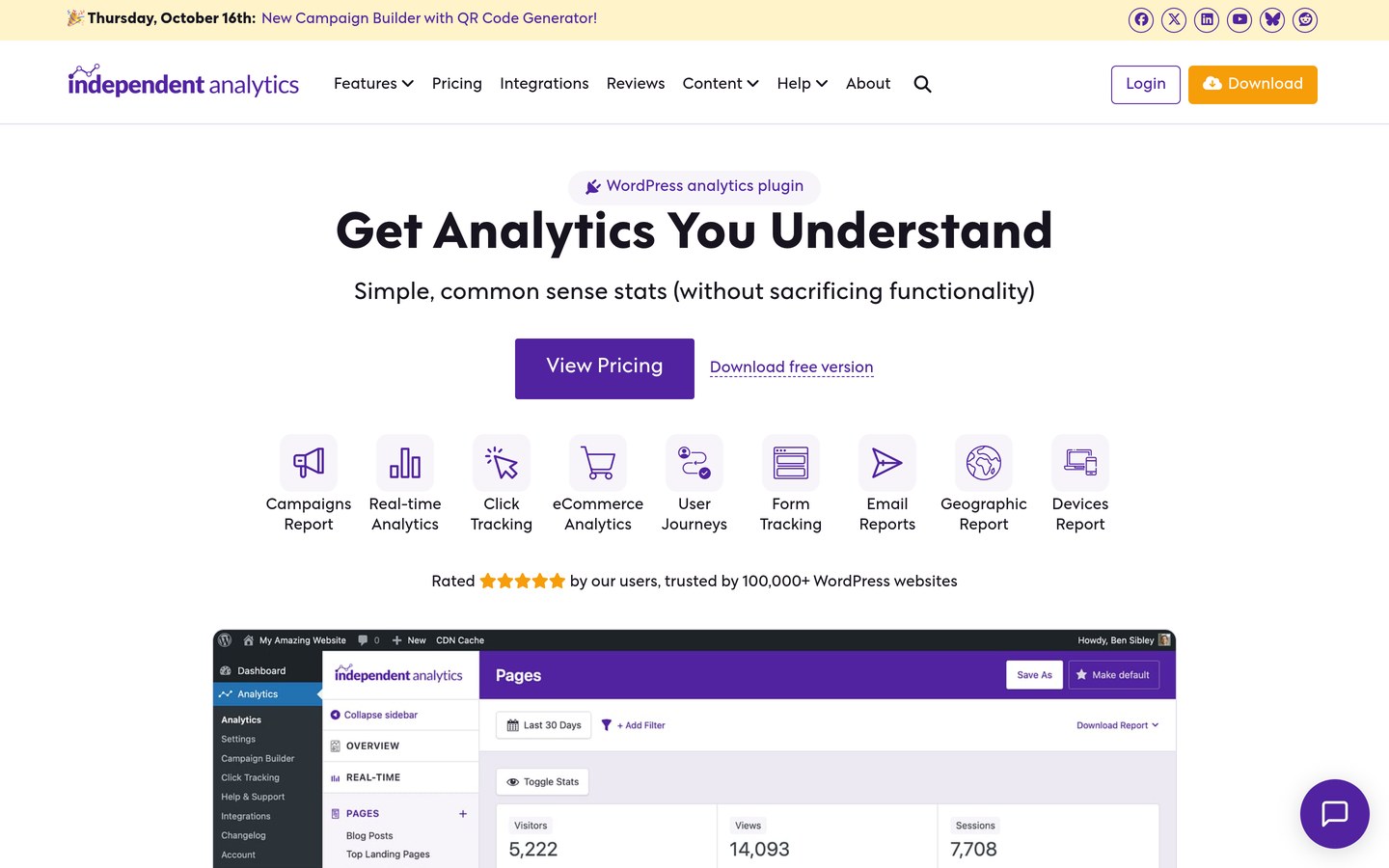
Independent Analytics homepage, captured Nov 2026.
Independent Analytics is a privacy-first WordPress analytics plugin active on 100,000+ sites that records visits locally in your database without cookies, external scripts, or third-party servers. The free version includes unlimited pageviews, geographic breakdowns, referrer tracking, UTM campaign reports, device stats, and CSV exports inside a clean admin dashboard.
The trade off is that it focuses on first-party website and campaign analytics rather than multi-channel ad pixel firing or server-side CAPI sync, with Pro starting at $49/yr for 1 site. It suits store owners and agencies who want fast, GDPR-compliant analytics without consent-banner data loss.
What we like
Zero external JavaScript requests and no cookies required
Unlimited sites and pageviews on the free version
4.9 out of 5 rating on WordPress.org with lightweight database queries
Affordable $49/yr entry Pro tier with a 30-day money-back guarantee
Watch out for
Stores data in your WordPress database, increasing local storage on high-traffic shops
Does not send server-side conversion events to Meta or Google Ads
Pro offers no free trial (covered by a 30-day refund policy)
Pro Standard ($49/yr for 1 site) adds customizable Overview dashboards, solo page/referrer reports, and scheduled HTML email reports.Visit independentwp.com
05
Analytify
4.7/5on WordPress.org (210 reviews, checked Nov 2026)
Paid from$199/yr
Best for ad-blocker-resistant GA4 tracking in WordPress
Active installs20,000+
Tracking engineGoogle Analytics 4 + GTM
Ecommerce supportWooCommerce & EDD add-ons
Entry regular price$199/yr (StartUp, 2 sites)
analytify.io
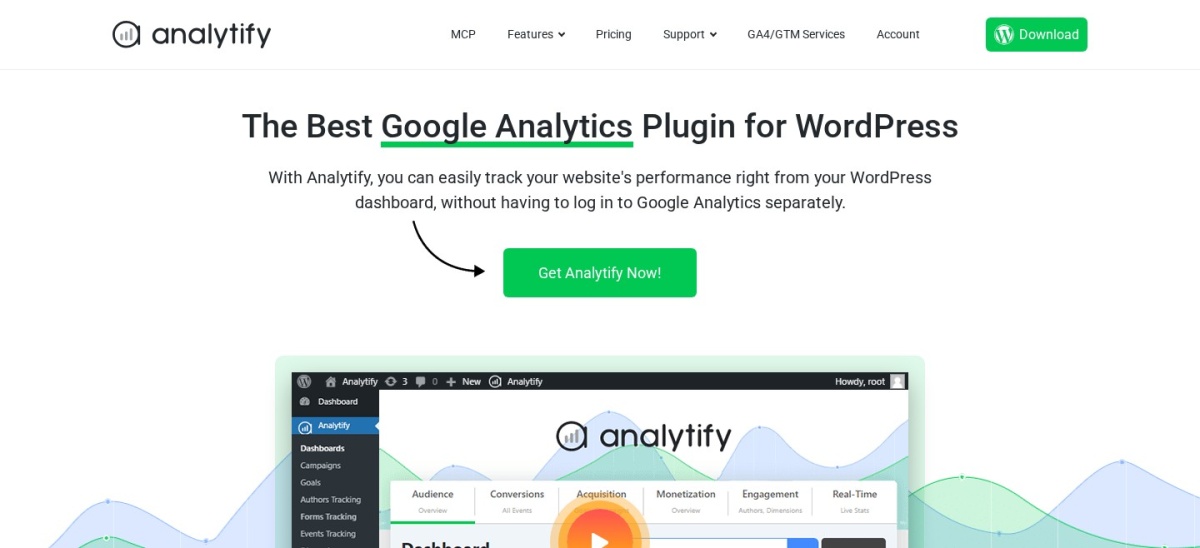
Analytify homepage, captured Nov 2026.
Analytify is a Google Analytics 4 plugin active on 20,000+ WordPress sites that presents page-level metrics, Search Console queries, geographic maps, and social referrals in wp-admin. Its free core plugin can serve the Google Analytics script from your own domain to resist ad blockers and integrates natively with CookieYes and Google Consent Mode v2.
The trade off is that Enhanced eCommerce tracking for WooCommerce and Easy Digital Downloads requires a paid bundle, starting at $199/yr regular price ($99/yr promo) for the 2-site StartUp plan. It suits small stores and freelancers managing two sites who want clean GA4 reports and ad-blocker-resistant tracking.
What we like
Serves GA4 tracking scripts from your own domain to reduce ad-blocker loss
Entry StartUp plan covers 2 sites and includes all premium add-ons
Tracks product clicks, impressions, cart additions, AOV, and cart abandonment in Pro
Includes developer filters for custom cookie consent workflows
Watch out for
WooCommerce and EDD enhanced ecommerce tracking require paid plans
Smaller active install base (20,000+) than MonsterInsights
No single-site paid tier below the 2-site StartUp license
StartUp ($199/yr regular for 2 sites) unlocks real-time stats, WooCommerce and EDD enhanced ecommerce tracking, and automated email reports.Visit analytify.io
06
GTM4WP
4.5/5on WordPress.org (238 reviews, checked Nov 2026)
PriceFree
Best free data layer for Google Tag Manager power users
Active installs700,000+
Tracking engineGoogle Tag Manager dataLayer
Ecommerce supportFull WooCommerce dataLayer
PriceFree (open source)
gtm4wp.com
GTM4WP homepage, captured Nov 2026.
GTM4WP (Google Tag Manager for WordPress) is a free open-source plugin active on 700,000+ sites that injects your GTM container snippets and populates a rich JavaScript dataLayer automatically. For ecommerce stores, it pushes product impressions, cart actions, checkout steps, and purchase values into the dataLayer so you can route events to GA4, Google Ads, or server-side GTM containers.
The trade off is that GTM4WP has no built-in reporting dashboard and expects you to configure triggers, variables, and tags inside Google Tag Manager yourself. It suits technical marketers and agencies who want complete control over tag firing without paying annual plugin fees.
What we like
100% free with no paid tiers, upsells, or event limits
Generates structured WooCommerce ecommerce events in the GTM dataLayer
Supports server-side Google Tag Manager tagging setups
Actively maintained on 700,000+ WordPress installations
Watch out for
Requires familiarity with Google Tag Manager containers and triggers
Displays zero charts or sales reports inside WordPress
Misconfigured GTM tags can cause duplicate conversion firing
Completely free open-source plugin with no paid upgrades.Visit gtm4wp.com
07
Google Analytics for WooCommerce
2.4/5on WordPress.org (96 reviews, checked Nov 2026)
PriceFree
Best free official GA4 connector for WooCommerce
Active installs100,000+
DeveloperWooCommerce / Automattic
GA4 eventsCart, shipping, payment, purchase
PriceFree (open source)
woocommerce.com
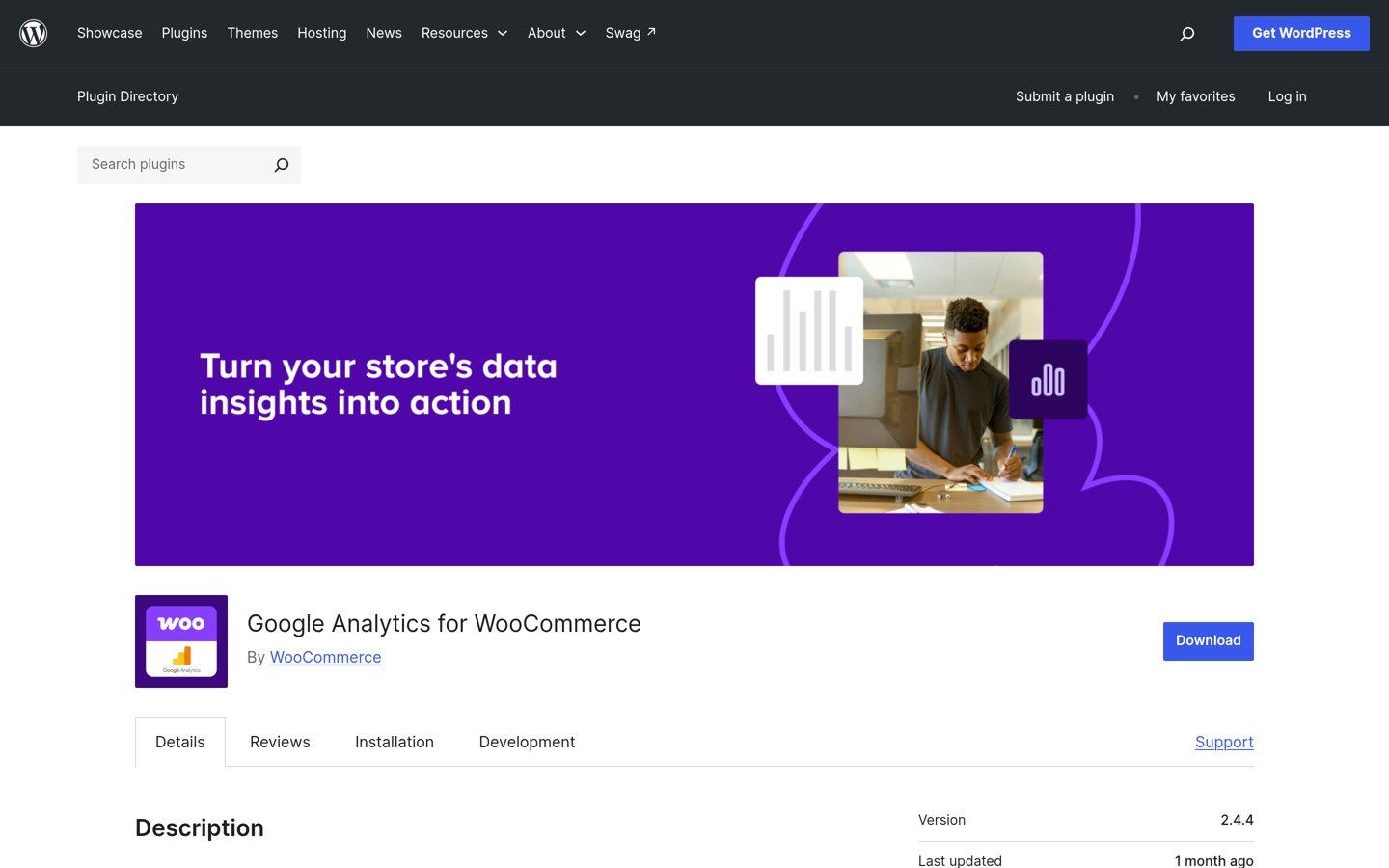
Google Analytics for WooCommerce homepage, captured Nov 2026.
Google Analytics for WooCommerce is the official open-source integration maintained by WooCommerce and Automattic, active on 100,000+ stores. It connects your shop to Google Analytics 4 via Global Site Tag and tracks core ecommerce events—including product views, cart additions, shipping and payment steps, and completed orders—while stripping sensitive order keys from URLs.
The trade off is its low 2.4 out of 5 WordPress.org rating, driven by user complaints over setup quirks and limited reporting compared to full-featured plugins, even though it is completely free. It suits budget-conscious WooCommerce stores that only need basic GA4 transaction tracking inside Google Analytics.
What we like
Official free plugin developed and maintained by WooCommerce / Automattic
Tracks standard GA4 ecommerce events including Composite Products and shipping steps
Automatically excludes admin visits and strips sensitive query parameters
Frequently updated for the latest WooCommerce and WordPress releases
Watch out for
Low 2.4/5 user rating on WordPress.org with reports of edge-case tracking bugs
No dashboard reports inside WordPress—all analysis happens in GA4
Does not manage Meta, TikTok, or Pinterest ad pixels
Client-side pixels vs. server-side Conversions APIs
Traditional browser pixels rely on JavaScript running in the shopper's browser to report cart additions and completed orders. When visitors use ad blockers, Safari Intelligent Tracking Prevention, or decline marketing cookies, browser scripts often fail to fire, leaving gaps between your actual WooCommerce order log and your ad manager.
Server-side tracking—supported by plugins like PixelYourSite Pro and Conversios Pro—sends conversion events directly from your web server to Meta CAPI, Google Measurement Protocol, or TikTok Events API using shared event IDs for deduplication. If you spend money on paid ads, pairing a browser pixel with server-side delivery gives ad algorithms cleaner purchase signals.
How we chose
We built this list around actively maintained WordPress and WooCommerce analytics plugins that track real store metrics—product views, cart events, checkout steps, and purchase revenue—rather than simple hit counters. Each candidate had to show active maintenance within the last 12 months and an established user base on WordPress.org.
Every active install figure, star rating, review count, and regular annual price was verified on 22 Nov 2026 directly from WordPress.org plugin listings and vendor pricing pages. Where vendors display promotional first-year discounts, we list the regular renewal price in our comparison table and note current sale prices in the review text.
We excluded plugins with fewer than 1,000 active installs, abandoned extensions without recent WordPress compatibility updates, and enterprise SaaS platforms that do not publish transparent regular pricing. No vendor paid for a place, and we do not claim testing for this list.
How to choose an ecommerce analytics tool
Match your analytics stack to how you acquire customers and where your team prefers to read reports:
Decide where you want to view reports. Pick MonsterInsights, Analytify, or Independent Analytics if you want sales and traffic charts directly inside your WordPress admin. Choose GTM4WP or Google Analytics for WooCommerce if you prefer analyzing funnels inside GA4.
Check which ad networks you run. If you advertise on Meta, TikTok, Google Ads, or OpenAI, choose PixelYourSite or Conversios so one purchase event feeds every ad platform in its native format without duplicate code.
Prioritize privacy and consent compliance. If you operate in strict privacy regions and want zero cookies or external requests, Independent Analytics records traffic locally. If you use GA4 or ad pixels, confirm the plugin supports Google Consent Mode v2.
Compare regular renewal rates, not just promo prices. Several WordPress analytics plugins advertise 50% to 60% first-year discounts on their pricing pages. Budget around the regular annual renewal rate so your tracking stack stays predictable in year two.
FAQ
What is the best free analytics tool for ecommerce on WordPress?
GTM4WP is the best free option for stores comfortable with Google Tag Manager, offering a complete WooCommerce dataLayer on 700,000+ sites. If you want a plug-and-play dashboard without GTM, Independent Analytics offers unlimited free local traffic stats, while PixelYourSite's free version covers basic Meta and GA4 WooCommerce events.
Do I need server-side tracking for my WooCommerce store?
If you run paid ads on Meta, Google, or TikTok, server-side tracking helps recover conversions lost to ad blockers and browser restrictions. Plugins like PixelYourSite Pro and Conversios Pro send server events with deduplication IDs so your ad accounts receive accurate purchase values.
Can I run Google Analytics and a local WordPress analytics plugin together?
Yes. Lightweight local plugins such as Independent Analytics store visit records in your WordPress database without external scripts, so they do not conflict with Google Analytics 4 or Google Tag Manager containers.
Why does MonsterInsights cost more for ecommerce tracking?
MonsterInsights includes basic GA4 setup in its free plugin and standard reports in its Plus plan ($199/yr regular), but reserves its WooCommerce and Easy Digital Downloads funnel tracking for the Pro tier ($399/yr regular).
Is the official Google Analytics for WooCommerce plugin worth using?
It works for basic, free GA4 event tracking on WooCommerce and is maintained by Automattic, but its 2.4 out of 5 rating reflects user frustration with limited reporting and setup issues. Stores needing ad pixels or in-dashboard funnel charts usually outgrow it quickly.
SaaS SEO and WordPress specialist with about 8 years of experience. Rakib compares WordPress plugins, themes, hosting and software using public pricing, documentation and user reviews. See how we rank.