Best All-in-One AI Workspace Tool in 2026: 9 Tools Compared
WLWPLegible EditorsLast verified 22 Nov 2026How we rank15 min read
★ Short answer
Notion is the best all-in-one AI workspace tool for most small teams. Its docs, wikis, databases and tasks share one structure, and full AI with Notion Agent starts on Business at $20 a member a month billed annually, while ClickUp suits task-first teams and Google Workspace suits Gmail users.
How we make this list: we compare pricing pages, product documentation and public user reviews, then re-check every price before each update. No product paid for a place. Disclosure.
Notion Business costs $20 a member a month billed annually, and that is where full Notion AI, Agent and AI Meeting Notes start.
ClickUp Unlimited costs $7 a user a month billed annually, with AI credits included.
Google Workspace Business Starter costs $7 a user a month on a one-year commitment, the lowest entry price here.
Taskade Pro costs $10 a month billed annually for up to ten people, or $120 a year for the whole team.
Monday.com is rated 4.7 out of 5 on G2, the highest G2 score in this list.
What an all-in-one AI workspace should cover
An all-in-one AI workspace puts docs, tasks, chat and an AI assistant in one place, so a small team stops paying for four subscriptions and stops losing work between them. The AI should be able to read the same content the team writes and plans in.
Docs-first tools such as Notion and Coda start from writing and structured data. Tasks-first tools such as ClickUp, Asana and Monday.com start from deadlines, owners and boards. Pick the shape that matches where your work starts.
Office suites are a third shape. Google Workspace and Microsoft 365 Copilot put AI inside email, docs and meetings, but they are separate apps with an assistant inside each one, and task structure is weaker.
The billing unit matters more than the headline price. Notion, ClickUp and Asana charge per user, Coda charges only Doc Makers, and Taskade charges one flat fee for up to ten people. Our guide on choosing an AI workspace for documents covers the docs-first side in more detail.
Notion is the default pick for teams whose work starts as writing. Pages, wikis and databases share one structure, so a meeting note can become a task list and a task list can become a project board, all searchable from one box. Plus costs $10 a member a month billed annually.
The trade off is the AI. Plus and Free include only a trial of Notion AI, so the Agent, AI Meeting Notes and enterprise search start on Business at $20 a member a month billed annually. It suits small teams that live in docs and wikis and want one place for notes, projects and AI writing.
What we like
Most flexible workspace here, docs, wikis, databases and tasks
Notion Agent can search the workspace and connected apps
Free plan covers unlimited pages for individuals
Strongest template and community ecosystem in this list
Watch out for
Full Notion AI starts on Business at $20 a month
Custom Agents run on metered credits, $10 per 1,000
Large databases can feel slow, offline use is limited
ClickUp is a workspace that tries to replace several subscriptions at once, and on price it comes closest. Unlimited covers tasks, docs, chat, whiteboards and Gantt charts for $7 a user a month billed annually, with unlimited storage and 1,000 automations a month, and every paid plan includes AI credits.
The trade off is setup. Reviewers like the flexibility but warn that the settings, views and custom fields take real time to tame. It suits small teams that want tasks, docs, chat and dashboards in one workspace at the lowest per-seat price.
What we like
Cheapest paid entry on annual billing at $7 a user
AI credits included on every paid plan
Widest view set: list, board, calendar, Gantt, chat
Unlimited storage and 1,000 automations a month on Unlimited
Watch out for
Settings and views take real time to tame
The $7 rate needs annual billing; monthly billing is $10 a user
Premium AI models start on Business at $12 a month
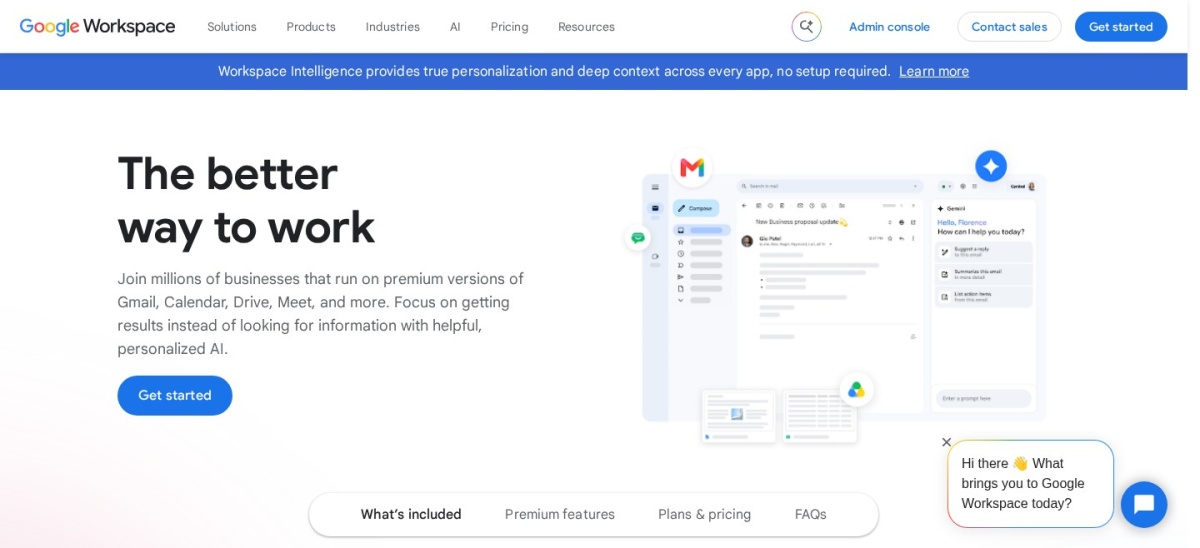
Google Workspace is the safe pick because most teams already live in it. Business Starter covers custom email, Drive, Docs, Sheets, Slides and Meet for $7 a user a month on a one-year commitment, and Gemini now comes with it in Gmail and the Gemini app on Starter.
The trade off is structure. There is no free plan, only a 14-day trial, and no native task views, so Docs and Sheets do the organizing. It suits small businesses that already live in Gmail and Google Docs and want Gemini built into email, docs and meetings.
What we like
Gemini included in every business plan
Lowest entry price in this list
Real-time collaboration in Docs and Sheets is the smoothest here
Business email, 30 GB storage and Meet for 100 people
Watch out for
No free plan, only a 14-day trial
Full Gemini in Docs and Meet needs Standard at $14 a month
Coda is the pick for teams whose workspace is really a database with a friendly face. Docs hold live tables, buttons, formulas and automations, so a tracker, a dashboard and a project plan can be the same document. Pro costs $12 a Doc Maker a month billed annually.
The trade off is learning. Formulas, packs and cross-doc sync take real time to master, and unlimited automations need Business at $33 a Doc Maker a month. It suits operations teams that build their workspace from structured data.
What we like
Only Doc Makers are billed, editors and viewers are free
Docs AI included from Pro
Strongest formula and automation engine here
Tables act like a lightweight database with buttons
Watch out for
Steepest learning curve in this list
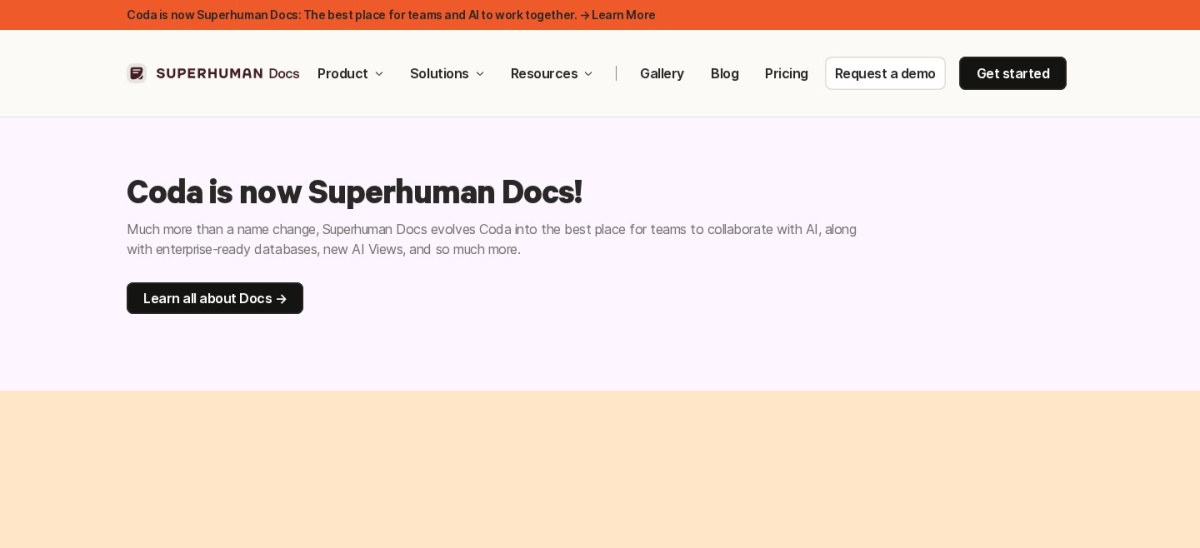
Now branded Superhuman Docs after the acquisition
Unlimited automations need Business at $33 a month
Business adds unlimited automations and more packsVisit coda.io
05
Asana
4.4/5on G2 (13,870 reviews, checked Nov 2026)
Paid from$13.49/mo
Best for structured projects
Starter plan$10.99/user/mo billed yearly
Asana AIIncluded on paid plans
Free planYes, up to 2 users
AI Studio credits50,000 a month on Starter
asana.com
Asana homepage, captured Nov 2026.
Asana is the most structured tool in this list, and that is the point. Work has one owner, one due date and one status, and Timeline and Gantt views show how it all fits together from the Starter plan. Starter costs $10.99 a user a month billed annually.
The trade off is scope. Asana organizes tasks, not knowledge, so there is no real docs or wiki, and portfolios and goals need Advanced at $24.99. It suits small teams that run structured projects with clear owners, deadlines and approvals.
What we like
Asana AI included on every paid plan, with 50,000 AI Studio credits
Clearest project structure here, Timeline and Gantt from Starter
Unlimited free guests on paid plans
Goals connect daily work to company targets on Advanced
Watch out for
No real docs or wiki
AI Teammates capped at 5 requests per user a month
Portfolios and goals need Advanced at $24.99 a month
Advanced adds portfolios, goals and resource managementVisit asana.com
06
Monday.com
4.7/5on G2 (17,964 reviews, checked Nov 2026)
Paid from$12/mo
Best visual AI workspace
Basic plan$9/seat/mo billed yearly
AI credits1,000 a month on Basic
Free planYes, up to 2 seats
Seat minimum3 seats on paid plans
monday.com
Monday.com homepage, captured Nov 2026.
Monday.com is the most visual tool here, with the highest G2 score in this list at 4.7 out of 5. Work lives on color-coded boards with automations that move items, notify owners and update statuses without anyone touching them, and AI credits are bundled into every paid plan.
The trade off is seat rules. Every paid plan has a three-seat minimum, so a solo user still pays $27 a month on Basic billed annually, and Basic has no automations or integrations. It suits visual teams that manage work on boards and want AI credits bundled into the seat price.
What we like
Highest G2 score in this list at 4.7 out of 5
AI credits bundled into every paid plan
Automations and integrations from Standard
Color-coded boards are easy for new users to read
Watch out for
Three-seat minimum on every paid plan
Seats are sold in blocks after three
Basic has no automations or integrations at all
Standard adds automations and integrations at $12 a seatVisit monday.com
07
Microsoft 365 Copilot
4.3/5on G2 (980 reviews, checked Nov 2026)
Starts at$31.50/mo
Best for teams already on Microsoft 365
Copilot add-on$30/user/mo annual term
Base plan neededYes, Microsoft 365 plan
Free planNo, Copilot Chat free
Copilot Business$21/user/mo annual
microsoft.com
Microsoft 365 Copilot homepage, captured Nov 2026.
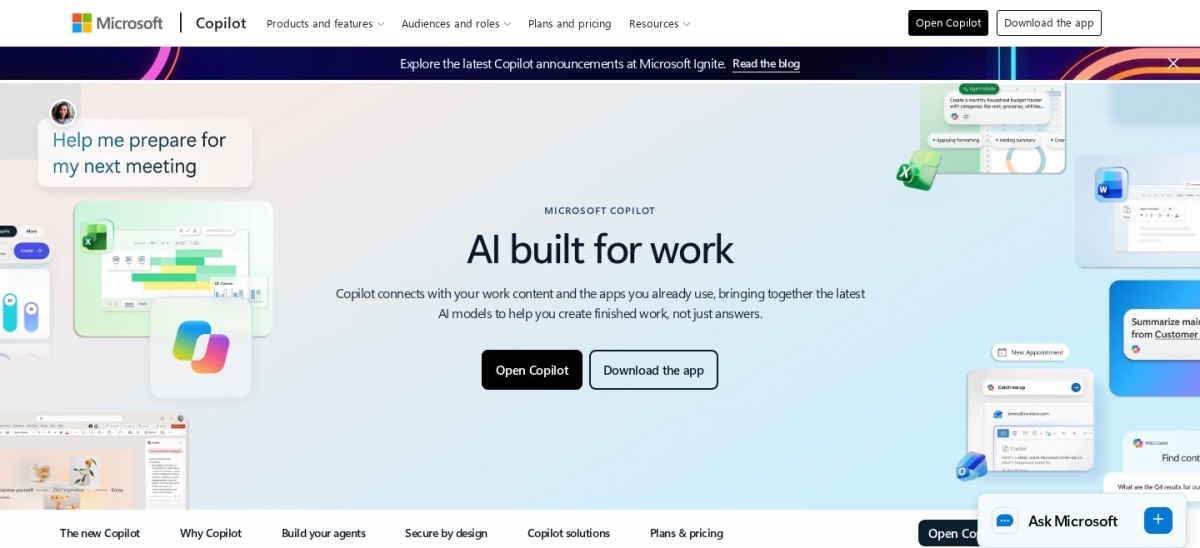
Microsoft 365 Copilot is the pick for teams that already live inside Word, Excel, Outlook and Teams. It reads your files, email and meeting history to draft documents, summarize threads and answer questions grounded in your own data, with no new app to learn.
The trade off is the total bill. Copilot is an add-on, never a standalone product, so the $30 licence sits on top of a qualifying Microsoft 365 plan. It suits teams already on Microsoft 365 that want AI inside Word, Excel, Outlook and Teams.
What we like
Deepest integration in this list, inside Word, Excel and Teams
Copilot Business costs $21 a user a month on an annual term
Enterprise-grade compliance and admin controls
Reads files, email and Teams chats to draft and answer
Watch out for
Copilot is an add-on, never standalone
$30 licence sits on top of a base Microsoft 365 plan
Airtable is the pick when work is really data: content calendars, CRMs, inventories and hiring pipelines built on linked records. Tables connect with rollups, lookups and formulas, automations move records between views, and Interface Designer turns a base into a custom app. Team costs $20 a seat a month billed annually.
The trade off is billing. Team charges for everyone with commenter-or-higher permission, and the jump to Business is steep at $45 a seat. It suits teams that organize work as structured data with linked records.
What we like
AI credits included on every plan, including Free
Most flexible data model here, linked records and rollups
Read-only collaborators and share links are not charged
Interface Designer turns a base into a custom app
Watch out for
Team bills commenters as seats
Jump from Team $20 to Business $45 is steep
Reviewers flag a learning curve and slow large bases
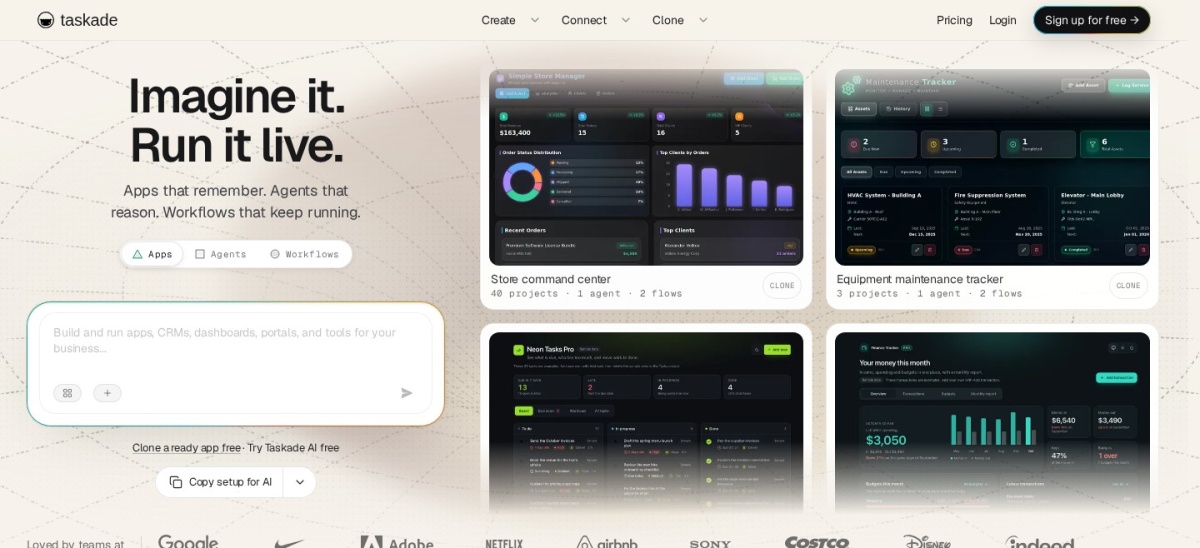
Taskade is the most AI-native tool in this list, and the cheapest flat rate. Pro costs $10 a month billed annually for up to ten people, not per person, and covers custom AI agents, automations and Taskade Genesis, which turns a prompt into a working app.
The trade off is scale and maturity. AI runs on a credit pool, and reviewers say credits run out fast when agents and automations run often. It suits small teams and solo builders who want an AI-native workspace with agents and automations at one flat monthly price.
What we like
Flat pricing, not per seat, $10 a month billed annually
Most AI-native tool here, custom agents and Genesis
An all-in-one workspace keeps docs, tasks and AI in one shared database, so the AI can read the same content the team writes and plans in.
An office suite with AI is separate apps with an assistant inside each one: strong on documents and email, weaker on task structure, and you still switch apps all day.
Choose by where the work lives. If it lives in documents and email, the suite you already pay for is the cheapest AI you will buy. If it lives in tasks, a workspace is the better home.
How we chose
We started from tools that combine docs, tasks and AI in one workspace, plus the two office suites with AI, and kept those with a clear paid plan and free way to start.
Prices come from each vendor pricing page, checked on 2 November 2026, and re-checked on 22 November 2026. Ratings come from G2 pages opened on the same day, and any figure we could not verify was left out rather than guessed. ClickUp $9 annual rate is a promotion against a $12 regular price.
We left out single-purpose AI tools with no workspace. No vendor paid for a place, and we do not claim hands-on testing for this list.
How to choose an all-in-one AI workspace tool
Start with where the work lives, then check what AI your current suite already includes.
Find where the work lives. If it lives in documents and email, check the suite you already pay for first. If it lives in tasks and deadlines, a workspace is the better home.
Check where the AI lives. Some tools bundle AI into every paid plan, others charge for it. Notion keeps full AI on Business, and Microsoft sells Copilot as an add-on.
Count who actually needs a paid seat. Notion, ClickUp and Asana charge every user, while Coda charges only Doc Makers and Taskade charges one flat fee for up to ten seats.
Test the exit before you commit. Export a real project and check what the file contains. Migration is the cost nobody quotes on the pricing page.
FAQ
What is the best all-in-one AI workspace tool?
Notion is the best fit for most teams, with docs, wikis, databases and tasks in one place and Notion Agent from the Business plan. If tasks matter more than docs, ClickUp is the better pick at $7 a user a month billed annually.
How much does an all-in-one AI workspace cost?
Between $8.40 and $31.50 a user a month billed monthly at the entry level. Google Workspace starts at $8.40, Notion at $12 and ClickUp at $10, and Microsoft 365 Copilot at $31.50, plus a base plan. Taskade is the outlier at $20 a month flat.
Is there a free all-in-one AI workspace tool?
Yes, with limits. Notion, ClickUp, Coda, Asana, Monday.com, Airtable and Taskade all have free plans. The free tiers cap AI use hard, so treat them as a way to test the workspace, not as a permanent AI plan.
Do I need to pay extra for AI in these tools?
Usually not, with two exceptions. ClickUp, Coda, Asana, Monday.com, Airtable, Taskade and Google Workspace bundle AI into their paid plans. Notion keeps full AI on Business, and Microsoft 365 Copilot is itself a paid add-on.
Notion vs ClickUp: which is better for a small team?
Notion if the work starts as writing: docs, wikis and databases are its strength. ClickUp if the work starts as tasks: it has more views, more automations and a lower per-seat price.
Which AI workspace is cheapest for 10 people?
Taskade Pro costs $10 a month billed annually for up to ten people, or $120 a year for the whole team. Google Workspace Business Starter costs $840 a year for ten, and ClickUp Unlimited costs $840 a year.