Best AIA Billing Software in 2026: 9 Tools Compared
WLWPLegible EditorsLast verified 22 Nov 2026How we rank13 min read
★ Short answer
Knowify is the best AIA billing software for most trade contractors. It generates G702/G703 pay apps with retainage and change orders for $99 a month billed yearly, syncs with QuickBooks Online, and beats GCPay for GC-managed pay apps and Contractor Foreman on price.
How we make this list: we compare pricing pages, product documentation and public user reviews, then re-check every price before each update. No product paid for a place. Disclosure.
Knowify is the only tool here with native G702/G703 forms and a published price, at $99 a month billed yearly.
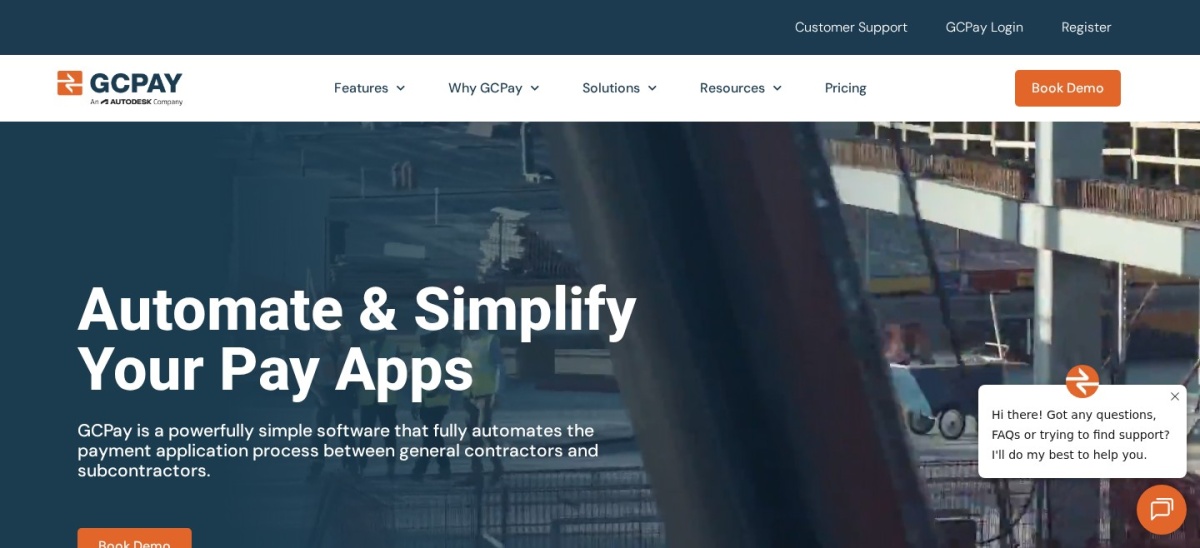
GCPay is rated 4.8 out of 5 on G2 from 190 reviews, and it automates AIA-style billing for commercial GCs.
Procore, Siteline and Textura do not publish a list price, so budget on a sales quote, not a plan page.
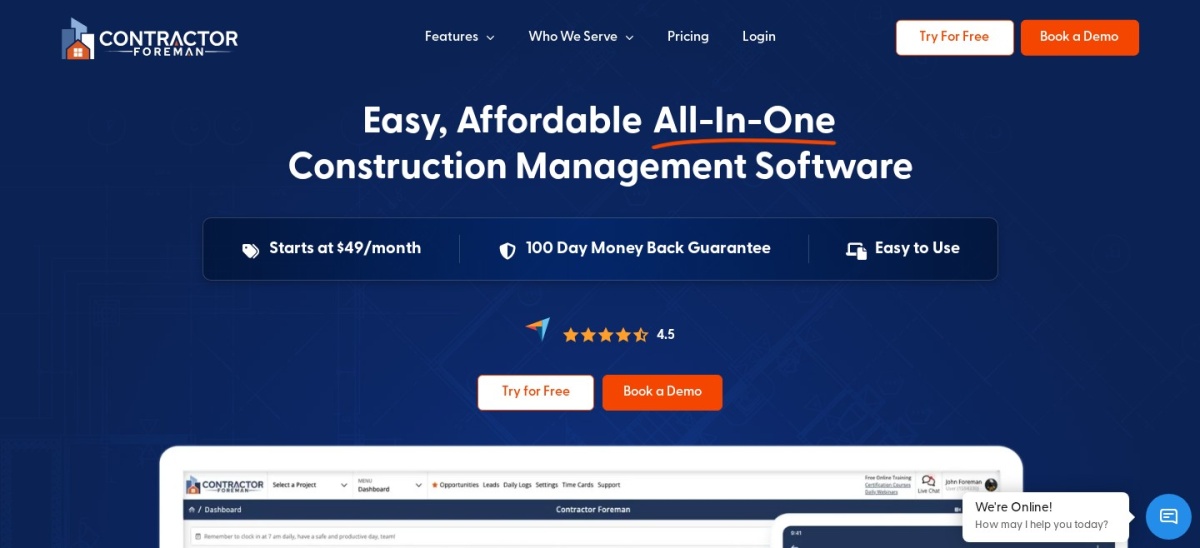
Contractor Foreman starts at $49 a month, the lowest published starting price in this list.
QuickBooks Online Plus costs $140 a month but has no true G702/G703 form, only progress invoices.
What AIA billing means in construction
AIA billing is progress billing on the American Institute of Architects forms: the G702 Application and Certificate for Payment and the G703 Continuation Sheet. The G703 lists the schedule of values line by line, and the G702 totals the work completed, less retainage.
Most owners and architects expect those forms, so a tool that only sends a plain invoice will not pass a pay app review. Look for native G702/G703 output, retainage tracked per line, and change orders that roll into the next draw.
Retainage is the part the owner holds back, usually 5 to 10 percent, until the job is complete. A good tool tracks what is held on each line and reminds you to bill the release.
Lien waivers matter just as much. Conditional and unconditional waivers should be produced with each payment, and our guide on how to create an invoice in WordPress covers the basics of a clean invoice, though construction pay apps need the AIA forms above.
Knowify is job management software for trade contractors that generates G702/G703 pay apps with retainage, stored materials and change orders handled. Core lists at $99 a month billed yearly, or $149 monthly, with one user included and extra users at $29 a month.
The trade off is scope. Knowify is built for trade contractors on QuickBooks Online, not for portals your GC runs, so it will not submit into Textura or Procore Pay for you. It suits electrical, plumbing, HVAC and other trade contractors who bill GCs on AIA forms.
What we like
Native G702/G703 forms with official branded AIA forms
GCPay is pay app and lien waiver software for commercial general contractors managing many subcontractors. It automates AIA-style billing, collects waivers, and tracks compliance so month-end pay apps do not need re-keying. It is rated 4.8 out of 5 on G2 from 190 reviews.
The trade off is price. GCPay does not publish a list price, so you need a sales quote based on project volume and value. It suits commercial GCs who chase pay apps and waivers from dozens of subs every month.
Procore is a construction management platform, and its invoicing tools let subcontractors bill against the GC commitment schedule of values in an open billing period. Retainage sits on each line, and Procore Pay releases signed unconditional waivers only after payment completes.
The trade off is cost and opacity. Procore prices by product on annual construction volume, with no list price, and entry packages are reported around $375 a month for a single module. It suits mid-market and enterprise GCs already running Procore.
What we like
Native G702/G703 billing inside the project
Retainage and waiver release built into the workflow
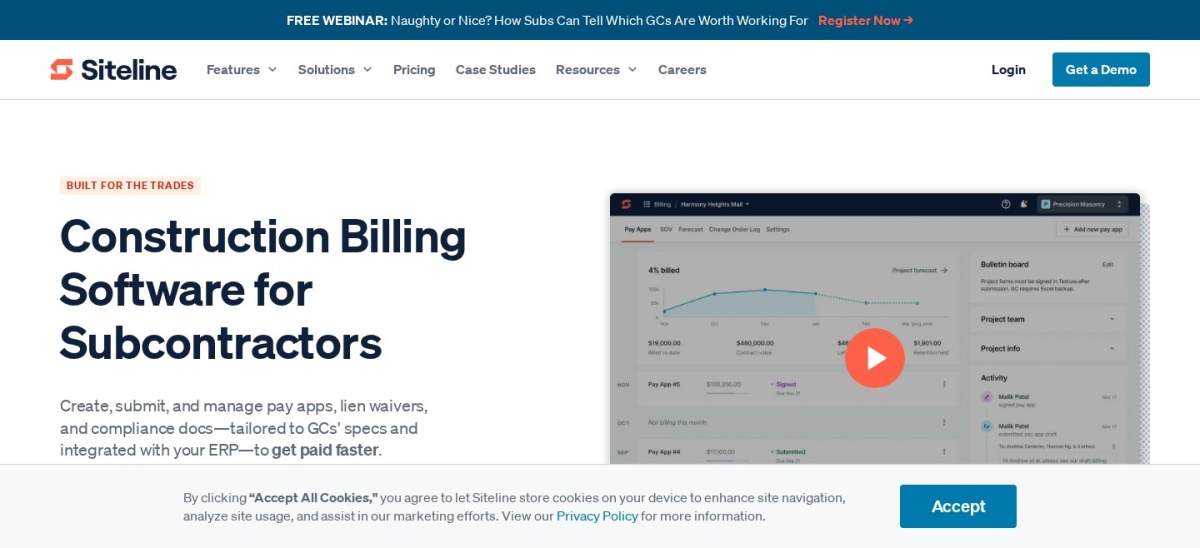
Siteline is billing and collections software built for commercial subcontractors. It generates pay apps in each GC format, adjusts retention for the whole pay app or each line, and submits by email or through GC portals including Textura, GCPay and Procore Pay.
The trade off is price. Siteline pricing is custom and quoted on request, and lien rights management is a paid add-on to the Suite. It suits commercial subs who submit pay apps to dozens of different GCs, each with its own form and portal.
Contractor Foreman is construction management software with native G702/G703 billing, starting at $49 a month and rising to $249 a month on higher tiers. It covers estimates, scheduling, project tracking and billing in one login, which keeps the monthly bill low for small GCs.
The trade off is polish. Its interface is less polished than Buildertrend, and deeper accounting still needs a ledger beside it. It suits budget-conscious GCs who need true AIA forms without an enterprise contract.
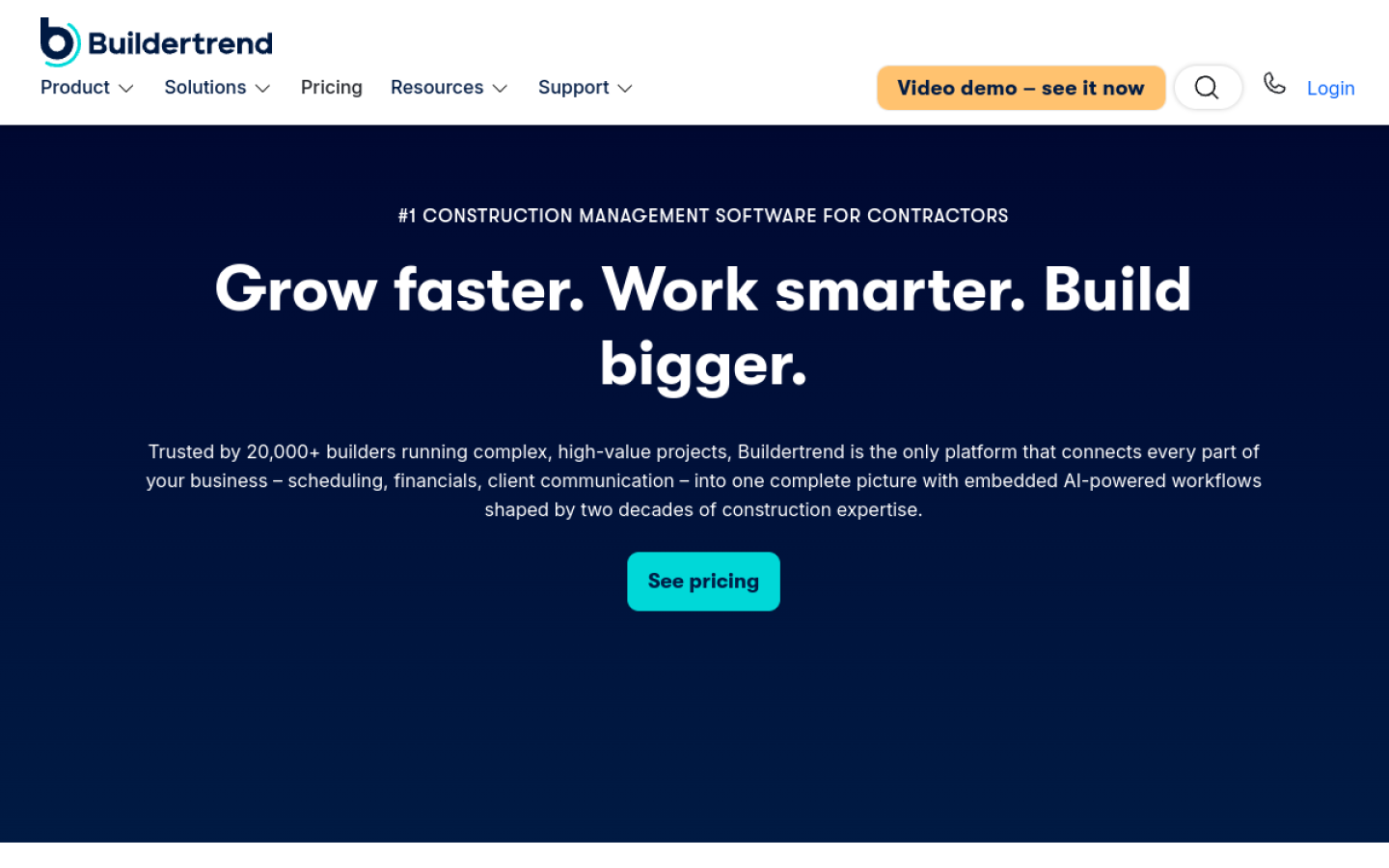
Buildertrend is project management software for residential builders and remodelers, with schedule of values billing, per-draw retention and a client payment portal. Plans start at $499 a month, and it pairs billing with scheduling, selections and client communication.
The trade off is form and price. Its billing is progress billing, not native AIA G702/G703, and $499 a month is steep for crews under 10 people. It suits residential GCs running 4 to 30 active projects who want billing beside project management.
What we like
Strong client portal with payments
Schedule of values billing with per-draw retention
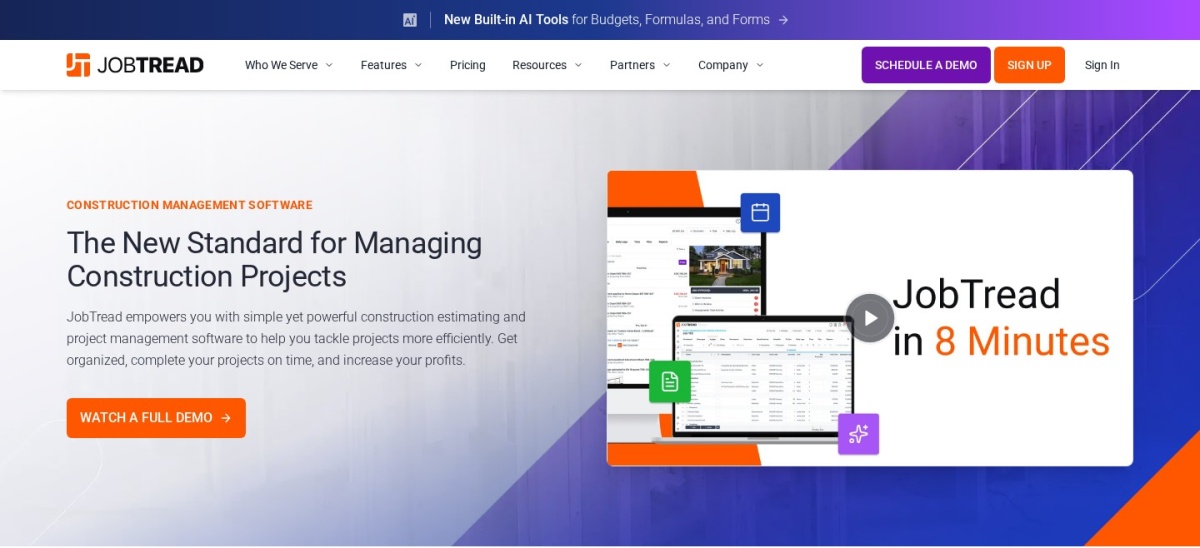
JobTread is construction management software for residential GCs, with progress billing, budgets and job costing at a flat $349 a month. The flat price includes unlimited users, which keeps the bill predictable as the crew grows.
The trade off is depth. Its certified payroll is weaker than Jonas or Sage, and billing is progress billing rather than native AIA forms. It suits residential GCs who want one flat price and unlimited users.
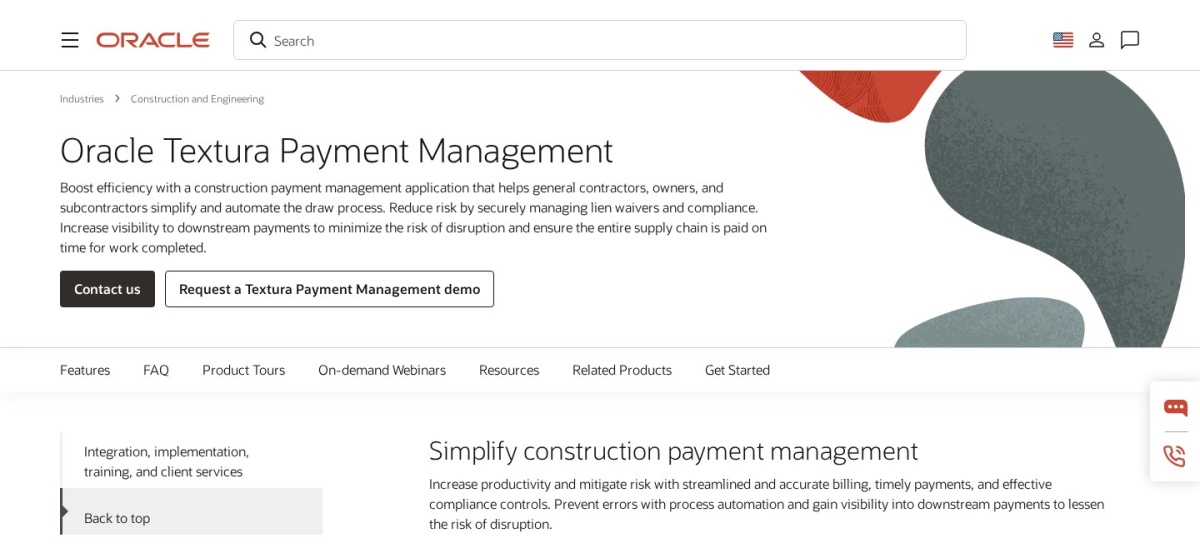
Oracle Textura is payment management for general contractors, owners and subcontractors. It generates G702/703 documents from each contract schedule of values, collects conditional and unconditional lien waivers, and exchanges unconditional waivers for ACH payment.
The trade off is choice. You rarely choose Textura; the GC does, and a first-tier sub pays a one-time fee per contract, set as a fixed percentage of the contract value. It suits subs whose GC runs its projects on Textura.
What we like
G702/703 generated from the contract SOV
Waivers exchanged for ACH payment
Used by large GCs and owners
Deposit notifications with ACH payment
Watch out for
Subs pay a fee per contract
No direct integration with a sub ERP
You do not choose it, the GC does
Fees are a percentage of contract value per contractVisit oracle.com
09
QuickBooks Online
4/5on G2 (3,870 reviews, checked Nov 2026)
Starts at$140/mo
Best ledger beside an AIA tool
AIA G702/G703No, progress invoices only
Retainage trackingWorkaround only
Project trackingYes, on Plus
Paid planPlus, $140/mo
quickbooks.intuit.com
QuickBooks Online homepage, captured Nov 2026.
QuickBooks Online is a general ledger, and Plus lists at $140 a month with project profitability tracking. It creates progress invoices from an accepted estimate, billing the remaining total, a percentage or an amount each time, which suits a small sub with a few jobs.
The trade off is the form. There is no G702/G703 form and no retainage logic, so most subs keep a spreadsheet beside it or add a billing tool such as Knowify or Siteline. It suits small contractors whose CPA already lives in QuickBooks.
The G703 Continuation Sheet lists every line of the schedule of values, with the value, work completed to date and balance left. It is the detail behind the pay app.
The G702 Application and Certificate for Payment totals the G703, subtracts retainage and prior payments, and states the amount due now. The architect signs it to certify the work.
A tool that only produces the G702 total without the G703 detail will fail most pay app reviews. Check that both forms come out of the same schedule of values.
How we chose
We started from construction billing tools that produce AIA G702/G703 pay apps, or work beside them, and kept those with a clear billing workflow for subs and GCs.
Prices come from each vendor pricing page or a vendor-page price list copied on 13 October 2026, checked again on 22 November 2026. Ratings come from G2 and Capterra pages opened on the same day. Where a vendor shows no list price, the list says Custom rather than guessing a number.
We left out tools that only send plain invoices with no progress billing. No vendor paid for a place, and we do not claim hands-on testing for this list.
How to choose AIA billing software
Start with who requires the form, then match the tool to your side of the pay app.
Check who requires the form. If the GC runs Textura, GCPay or Procore Pay, that portal decides the workflow. If you bill owners direct, pick a tool that generates G702/G703 itself.
Confirm native G702/G703 output. Ask for a sample pay app from your own schedule of values. Progress invoicing is not the same as a true AIA form.
Test retainage and change orders. Retainage should track per line, and an approved change order should roll into the next draw without re-keying.
Get the price in writing. Four tools here quote on request or by contract value. Ask for the full annual cost, including per-contract fees, before the demo ends.
FAQ
What is AIA billing software?
AIA billing software creates progress payment applications on the American Institute of Architects forms, G702 and G703. The G703 lists the schedule of values line by line, and the G702 totals the work completed less retainage.
What is the best AIA billing software?
Knowify is the best pick for most trade contractors, with native G702/G703 forms, retainage tracking and QuickBooks sync for $99 a month billed yearly. GCPay suits commercial GCs, and Procore suits large GCs already on its platform.
Can QuickBooks do AIA billing?
Not on its own. QuickBooks Online creates progress invoices from an estimate, but it has no G702/G703 form and no retainage logic. Most subs add a billing tool such as Knowify or Siteline beside it.
How much does AIA billing software cost?
Published prices in this list run from $49 a month for Contractor Foreman to $499 a month for Buildertrend. Knowify starts at $99 a month billed yearly, while Procore, GCPay, Siteline and Textura quote on request.
What is retainage in construction billing?
Retainage is the part of each payment the owner holds back, usually 5 to 10 percent, until the job is complete. A good tool tracks it per line and reminds you to bill the release when the work is done.
Do subcontractors pay to use Textura?
Often, yes. A first-tier subcontractor pays a one-time fee per contract, set as a fixed percentage of the contract value. The GC can instead prepay its subcontractors access, so check the contract screen before you accept a project.