Best AI YouTube Thumbnail Generator Tools in 2026: 9 Tools Compared
WLWPLegible EditorsLast verified 22 Nov 2026How we rank12 min read
★ Short answer
Canva is the best AI YouTube thumbnail tool for most creators. Its Pro plan costs $12 a month billed yearly, with Magic Studio AI, brand kits and 100GB of storage. Pick Adobe Express for Adobe-quality templates at $9.99 a month.
How we make this list: we compare pricing pages, product documentation and public user reviews, then re-check every price before each update. No product paid for a place. Disclosure.
Canva Pro costs $12 a month billed yearly and adds Magic Studio AI, 5 brand kits and 100GB of storage.
Adobe Express Premium costs $9.99 a month with 250 Firefly generative credits a month.
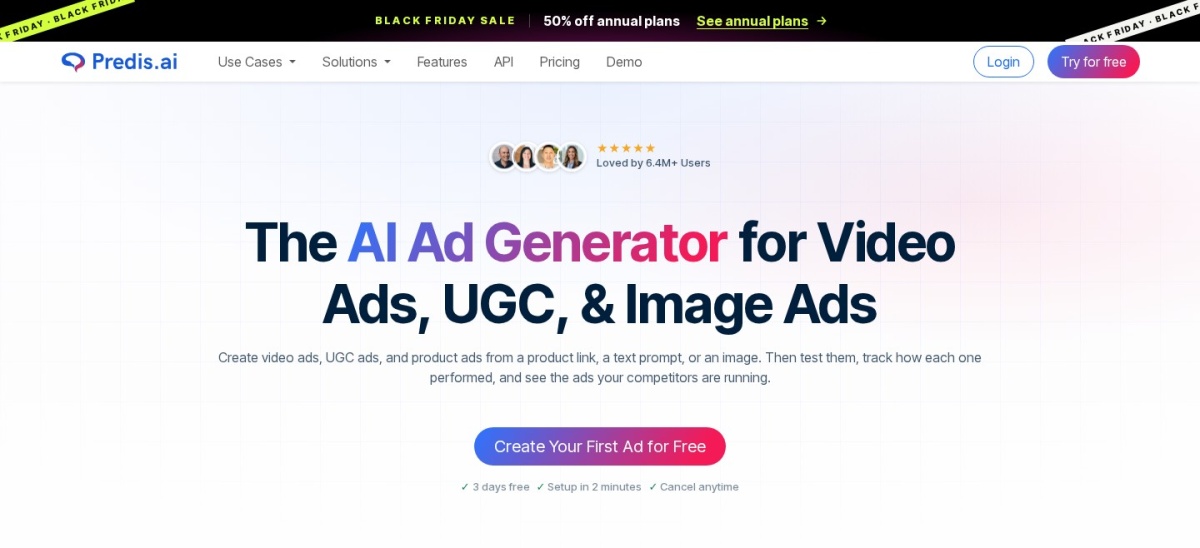
Predis.ai starts at $27 a month and generates ad and social creatives from a link or prompt.
VistaCreate Pro costs $10 a month for up to 10 seats with a large template library.
Snappa Pro costs $10 a month billed yearly and is the fastest option for simple thumbnails.
FotoJet starts at $3.33 a month billed yearly, the lowest paid price in this list.
What makes a good thumbnail tool
A good thumbnail tool needs three things: a 1280 by 720 canvas, bold text that reads at small sizes, and a fast way to test new ideas.
AI features help most with backgrounds and text. Background removal, text-to-image and one-click resize save time, but the idea and the wording still come from you.
Templates matter more than AI for beginners. A library of proven YouTube layouts beats a blank canvas with a clever generator.
Canva is the largest all-round design tool in this list, with Magic Studio AI for text-to-image, background removal and Magic Resize. Pro costs $12 a month billed yearly, or $18 month to month, for one person, with 5 brand kits, 100GB of storage and 10 times the AI allowance of the free plan.
The trade off is the seat limit. Pro covers exactly one person, and a second person moves you to Business at $25 a month per person. It suits solo creators who want the largest template library and a full AI toolkit.
Adobe Express is Adobe's browser design app with Firefly generative AI built in. Premium costs $9.99 a month billed monthly, with 250 generative credits a month, 100GB of storage, brand kits, one-click resize and Adobe Stock photos. The free plan includes 25 generative credits a month.
The trade off is the credit cap. Heavy AI use runs through 250 credits fast, and the Firefly Pro tier costs $19.99 a month for more. It suits creators who already use Adobe tools or want Adobe-quality templates.
Predis.ai is an AI platform for making ad and social creatives, including video ads and product ads, from a product link, text prompt or image. Paid plans start at $27 a month, with scheduling and analytics beside the creative tools.
The trade off is that Predis.ai is built for ads and social posts, not only thumbnails. Some sources list higher starting prices, so check the live checkout before budgeting. It suits creators who make thumbnails, ads and social posts in one place.
VistaCreate is the closest direct rival to Canva, formerly Crello, with a similar editor and a large template library. The free plan covers most features with 100 million plus assets, while Pro costs $10 a month for up to 10 seats.
The trade off is AI depth. VistaCreate has limited AI features beside Canva's Magic Studio and Adobe's Firefly. It suits small teams who want a generous free plan and a low team price.
Snappa is a browser design tool built for speed, with no feature bloat and a short learning curve. The free plan allows 3 downloads a month, while Pro costs $10 a month billed yearly, or $15 month to month, with unlimited downloads.
The trade off is AI depth. Snappa has no AI generation to match Canva or Adobe Express, so images come from its stock library. It suits creators who want a thumbnail in minutes without learning a full editor.
Fotor is a photo editing and design platform with AI image generation, batch editing, layers and masks. The free plan covers basic editing across web and mobile, while Pro costs $8.99 a month with more AI tools and assets.
The trade off is template depth. Fotor is stronger on photo editing than on YouTube thumbnail templates, so layout work takes longer than in Canva. It suits creators whose thumbnails start from photos.
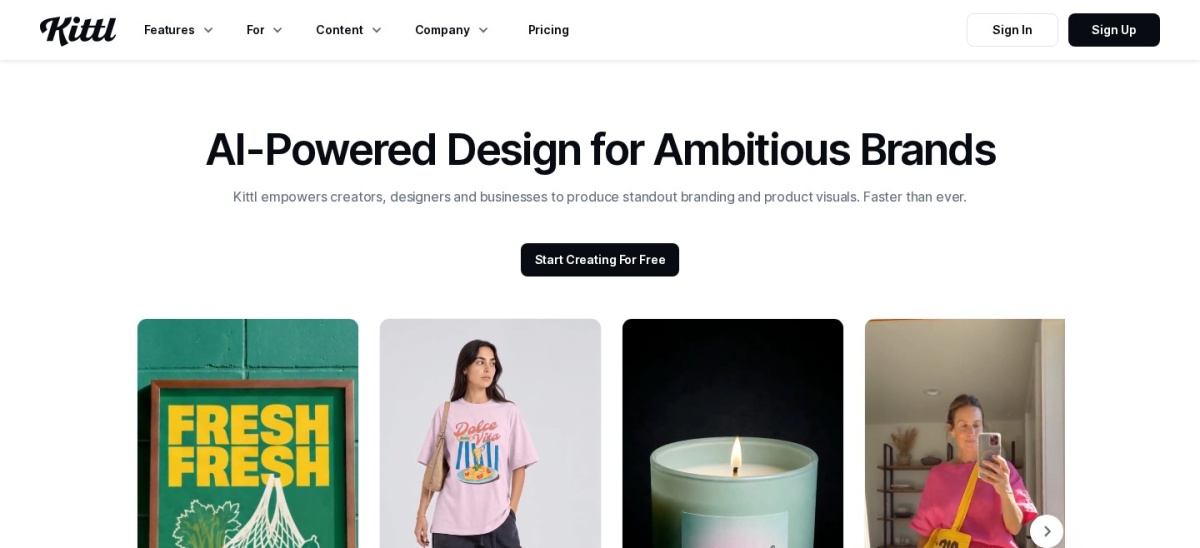
Kittl is a design tool built for bold typography, merch and print, with print presets, mockups and a commercial licence. Pro costs $14 a month billed yearly, or $19 month to month, with AI design features beside its type tools.
The trade off is focus. Kittl is built for merch and print first, so its YouTube templates are thinner than Canva's. It suits creators who want heavy, distinctive type on their thumbnails.
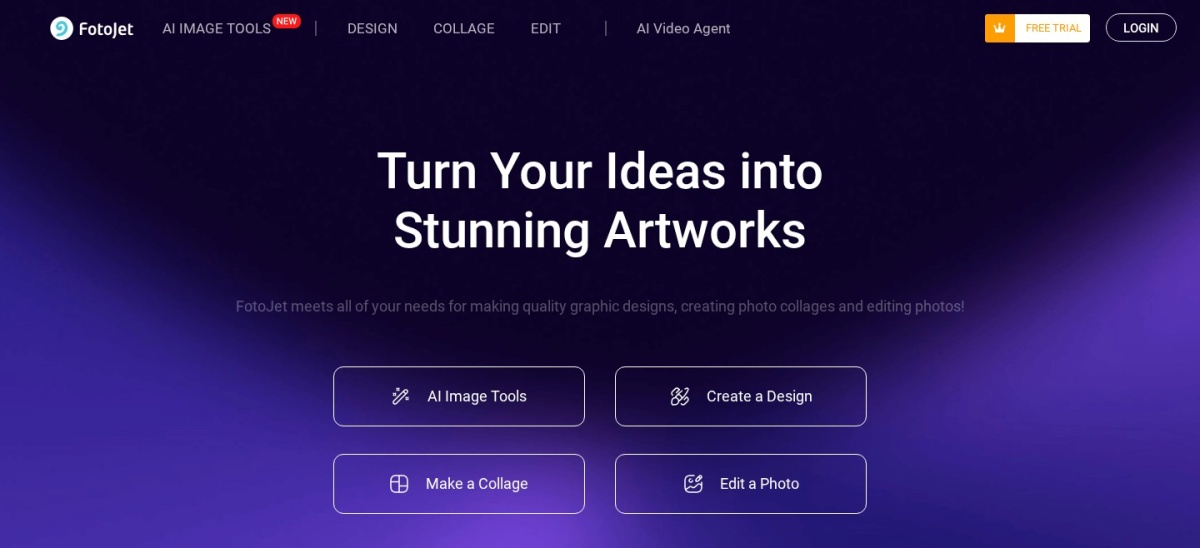
FotoJet is a web tool for quick graphics, collages and photo edits with a simple editor. The free plan covers basic use, while the paid plan starts at $3.33 a month billed yearly, the lowest paid price in this list.
The trade off is AI depth. FotoJet has no AI generation to match Canva or Adobe Express, and its template library is smaller. It suits creators who want the cheapest paid plan for simple thumbnails.
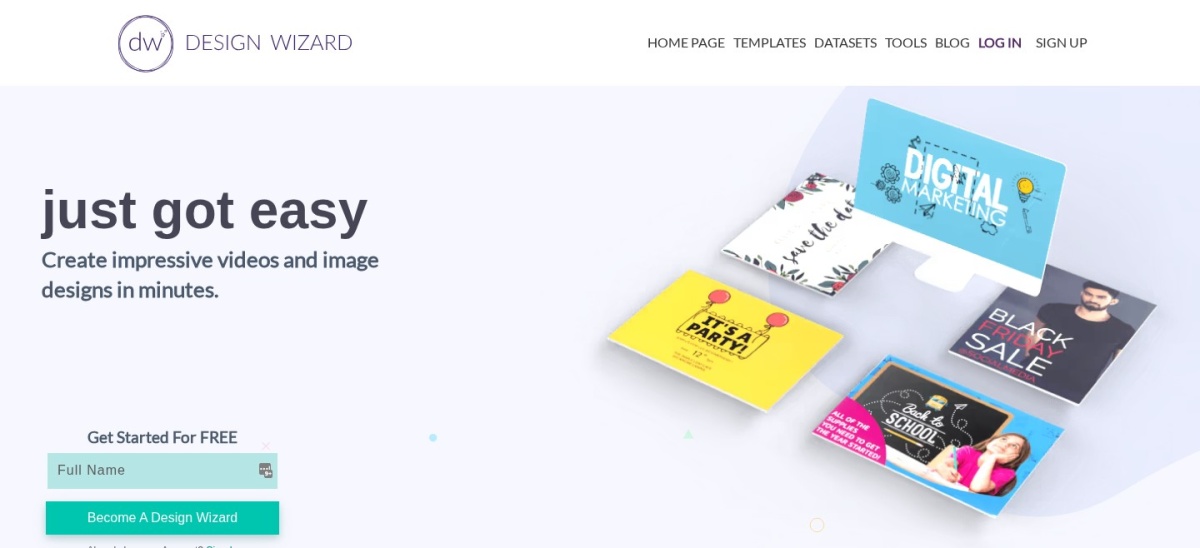
DesignWizard is a browser design tool for social graphics, presentations and illustrations, with templates and brand kits. The free plan covers basic use, while paid access starts at $9.99 a month billed yearly, with a seven-day trial.
The trade off is AI depth. DesignWizard has fewer AI features than Canva or Adobe Express, so image work leans on its template library. It suits creators who want brand kits and templates at a low price.
We started from design tools with public pricing pages and AI features, then kept those with YouTube thumbnail templates, background removal or text-to-image generation.
Prices come from each vendor's pricing page as reported by pricing trackers in November 2026, checked on 22 November 2026. Where sources disagreed, the list uses the most recent November 2026 figure and notes the gap. Where a vendor shows a sale, the list shows the regular price.
We left out tools with no public price and pure photo editors with no templates. No vendor paid for a place, and we do not claim hands-on testing for this list.
How to choose an AI YouTube thumbnail tool
Start with the free plan, make five real thumbnails, then pay only if a limit blocks you.
Check the template library first. Open the YouTube thumbnail templates and count how many fit your channel. Templates matter more than AI for most creators.
Test the AI features on a real photo. Try background removal and text-to-image on your own images. If the results need heavy fixing, the AI will not save time.
Check the export size and quality. Thumbnails must export at 1280 by 720 without watermarks. Free plans that watermark exports are not usable for a real channel.
Compare the yearly price, not the monthly one. Annual billing cuts most of these tools by 20 to 40 percent. FotoJet at $3.33 a month billed yearly is the cheapest paid plan here.
FAQ
What is the best AI YouTube thumbnail generator?
Canva is the best AI YouTube thumbnail tool for most creators. Its Pro plan costs $12 a month billed yearly, with Magic Studio AI, brand kits and 100GB of storage. Adobe Express is best for Adobe users at $9.99 a month.
Is there a free AI thumbnail maker?
Yes. Canva, Adobe Express, VistaCreate, Snappa, Fotor, FotoJet and DesignWizard all have free plans. Canva free includes 250,000+ templates, and Adobe Express free includes 25 generative credits a month.
Which thumbnail tool is cheapest?
FotoJet is the cheapest paid option here at $3.33 a month billed yearly. Fotor Pro is next at $8.99 a month, and Adobe Express Premium costs $9.99 a month.
Do AI thumbnail tools make better thumbnails?
AI helps with backgrounds, removal and generation, but the idea, wording and face still decide clicks. A good template with three bold words beats a clever AI image with weak text.
What size should a YouTube thumbnail be?
YouTube thumbnails should be 1280 by 720 pixels. All the tools in this list can export at that size, but check that the free plan does not add a watermark.
Can I use Canva free for YouTube thumbnails?
Yes. Canva free includes 250,000+ templates and basic AI features, which cover most thumbnails. Pro adds Magic Studio AI, brand kits and 100GB of storage for $12 a month billed yearly.