Best AI Workspace Tool for Documents in 2026: 9 Tools Compared
WLWPLegible EditorsLast verified 22 Nov 2026How we rank12 min read
★ Short answer
Notion is the best AI workspace tool for documents for most teams. Its Business plan costs $20 a user a month and includes full AI drafting, summaries, meeting notes and workspace search. Pick Coda for docs that act like apps and Craft for the cleanest writing surface.
How we make this list: we compare pricing pages, product documentation and public user reviews, then re-check every price before each update. No product paid for a place. Disclosure.
Notion Business costs $20 a user a month and is the first plan with full AI included; Plus at $10 only has an AI trial.
Google Workspace Business Starter is the cheapest suite option at $7 a user a month with Gemini included.
Coda Pro costs $12 a Doc Maker a month with AI included, and editors on paid plans cost nothing.
Taskade Pro covers up to 10 seats for a flat $10 a month with AI included.
Microsoft 365 Copilot Business costs $21 a user a month as an add-on, on top of a Microsoft 365 subscription.
What an AI workspace for documents should include
An AI workspace tool for documents combines writing, wikis and databases with AI that drafts, summarizes and answers questions from your own files.
The price trap in this category is the AI add-on. Some tools include AI in the base plan, while others charge per user on top, which can double the bill for a team.
Notion is the clearest example. Plus costs $10 a user a month but only includes an AI trial, so full AI starts on Business at $20 a user a month.
Check whether AI is included before you compare headline prices. Our guide on WordPress themes for writers covers a different kind of writing setup.
Notion is a docs-first workspace with pages, databases, wikis and projects in one surface, plus AI drafting, summaries, meeting notes and workspace search. The Business plan costs $20 a user a month billed annually and is the first plan where full AI is included, with unlimited blocks and file uploads.
The trade off is the Plus plan. Plus costs $10 a user a month but only includes an AI trial, so buyers of Notion AI should budget for Business. It suits teams whose work starts as writing and grows into databases and projects.
ClickUp is a task-first workspace with tasks, docs, whiteboards, goals, Gantt charts and dashboards in one app. The Unlimited plan costs $7 a user a month billed annually, with unlimited storage and tasks, and paid plans include AI credits.
The trade off is the AI add-on. The full Brain AI experience starts on Business, so price the base plan plus the add-on together. It suits teams that live in tasks and projects and want AI inside that work.
What we like
Tasks, docs, chat and dashboards in one app
Free Forever plan for testing
Low per-seat entry among the suites here
Watch out for
Full Brain AI needs a higher tier or add-on
The $7 rate needs annual billing; monthly billing is $10 a user
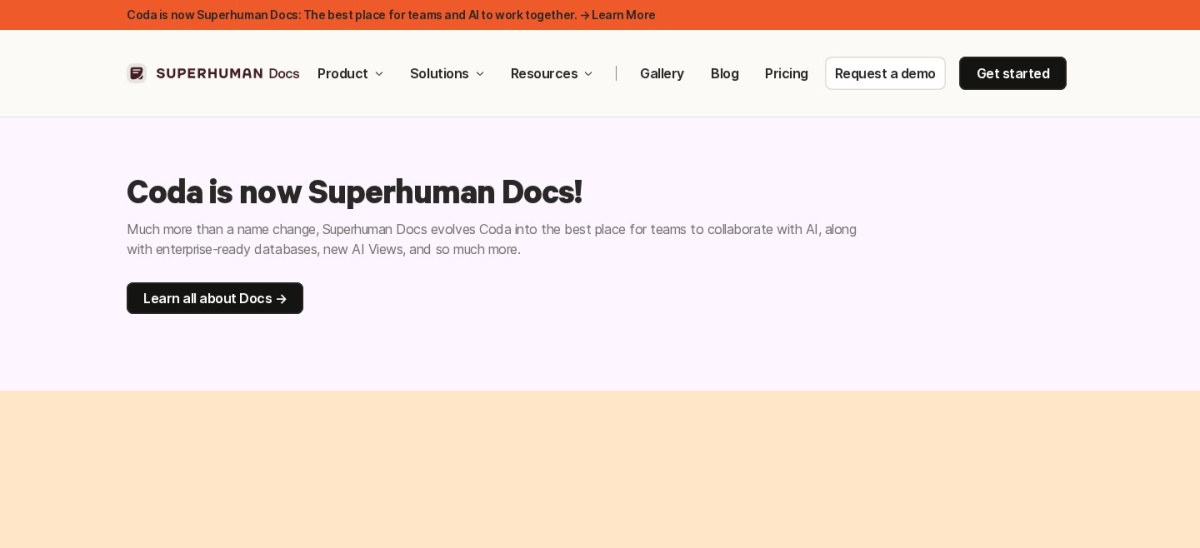
Coda is a workspace that turns docs into apps with tables, formulas, buttons and Packs that pull in data from other tools. The Pro plan costs $12 a Doc Maker a month billed annually, and editors on paid plans cost nothing, which keeps the bill low when a small group builds for many readers.
The trade off is the learning curve. Formulas and Packs take time to learn, so simple note-taking teams may find Coda heavy. It suits operations teams that build trackers, dashboards and automations in living docs.
What we like
AI included on paid tiers
Editors on paid plans cost nothing
Docs work like apps with formulas and Packs
Watch out for
Steeper learning curve than Notion
Business plan jumps to $33 a Doc Maker a month
Business adds more controls at $33 a Doc MakerVisit coda.io
04
Google Workspace
4.6/5on G2 (48,171 reviews, checked Nov 2026)
Starts at$7/mo
Best for teams already on Google
Cheapest planBusiness Starter, $7/user/mo
Free planNo, 14-day trial
AI includedYes, Gemini with the seat
AppsGmail, Docs, Drive, Meet
workspace.google.com
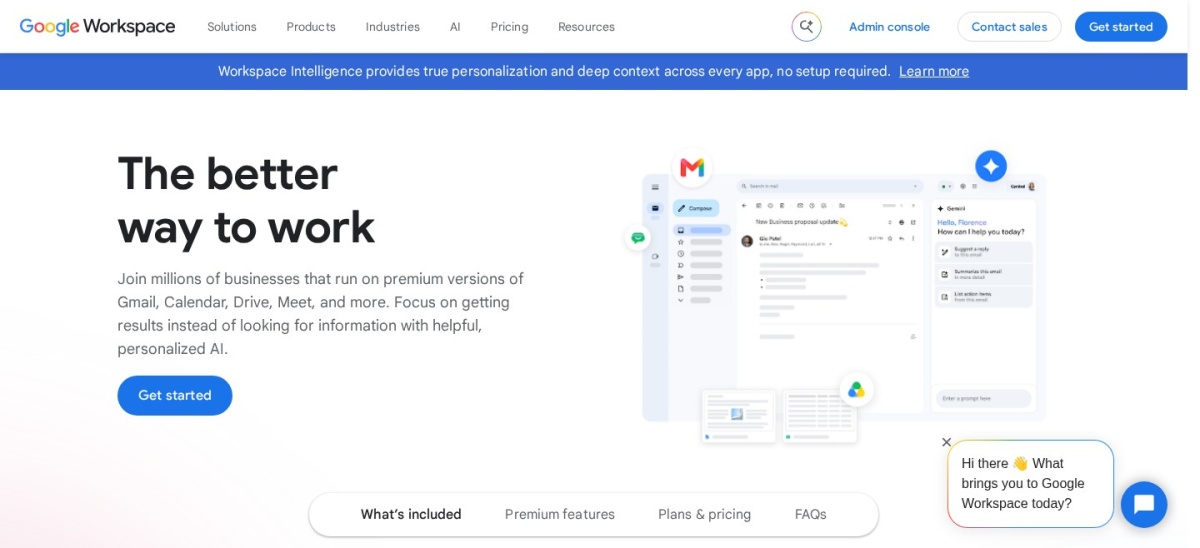
Google Workspace homepage, captured Nov 2026.
Google Workspace is the productivity suite most teams already live in, with Gmail, Drive, Docs, Sheets, Slides and Meet. The Business Starter plan costs $7 a user a month on an annual commitment, and Gemini comes with the seat instead of as a paid add-on.
The trade off is depth. Gemini drafts and summarizes well, but Workspace has no databases or wiki structure like Notion or Coda. It suits small teams already living in Gmail and Google Docs who want Gemini built in.
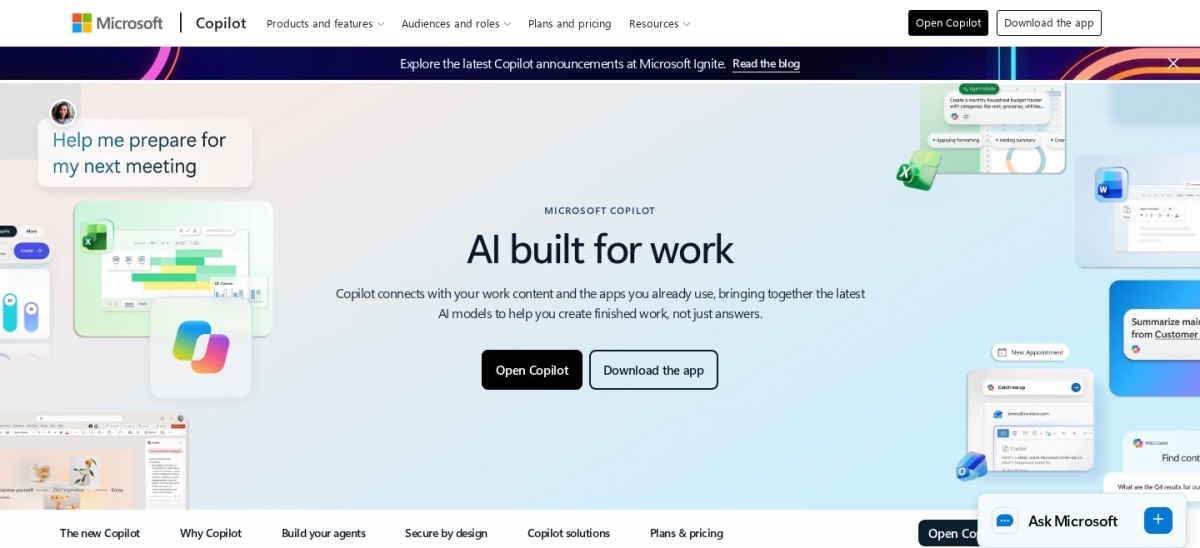
Microsoft 365 Copilot homepage, captured Nov 2026.
Microsoft 365 Copilot is the AI for teams that already live in Word, Outlook and Teams. It drafts documents, summarizes email and meetings, and answers questions from your own files. The Business add-on costs $21 a user a month billed annually, and Enterprise Copilot is $30.
The trade off is the base cost. Copilot is an add-on on top of a Microsoft 365 subscription, so the total is higher than $21. It suits Microsoft shops that want AI inside Word, Excel, Outlook and Teams without leaving the suite.
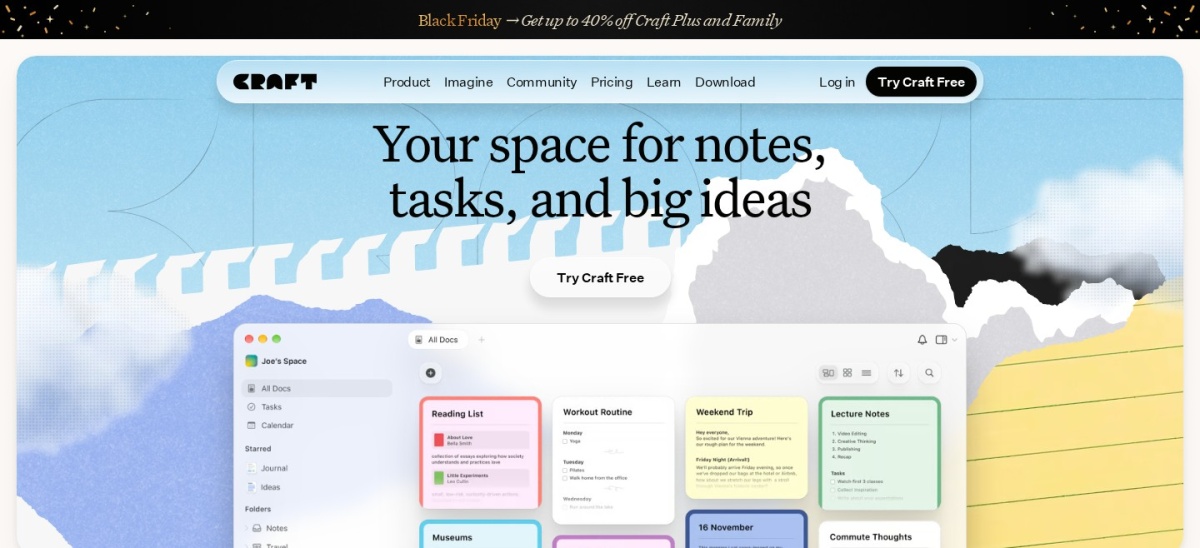
Craft is a clean, fast document app with native apps for Mac, iOS and Windows and a writing experience closer to a notes app than a database. Paid plans start at $5 a month, with AI features included, and documents work well offline.
The trade off is structure. Craft has no databases or project tools like Notion or Coda, so it fits writing first and planning second. It suits solo writers, designers and small teams who value a polished surface.
What we like
Prettiest writing surface in this list
AI included in paid plans
Fast native apps and offline docs
Watch out for
No databases or project tools
Weaker for large team wikis
Plus adds more storage and features at $8 a monthVisit craft.do
07
Slite
4.6/5on G2 (275 reviews, checked Nov 2026)
Paid from$8/mo
Best for team knowledge bases
Cheapest planStandard, $8/user/mo
Free planYes
AI includedYes, on Standard
Best forTeam knowledge bases
slite.com
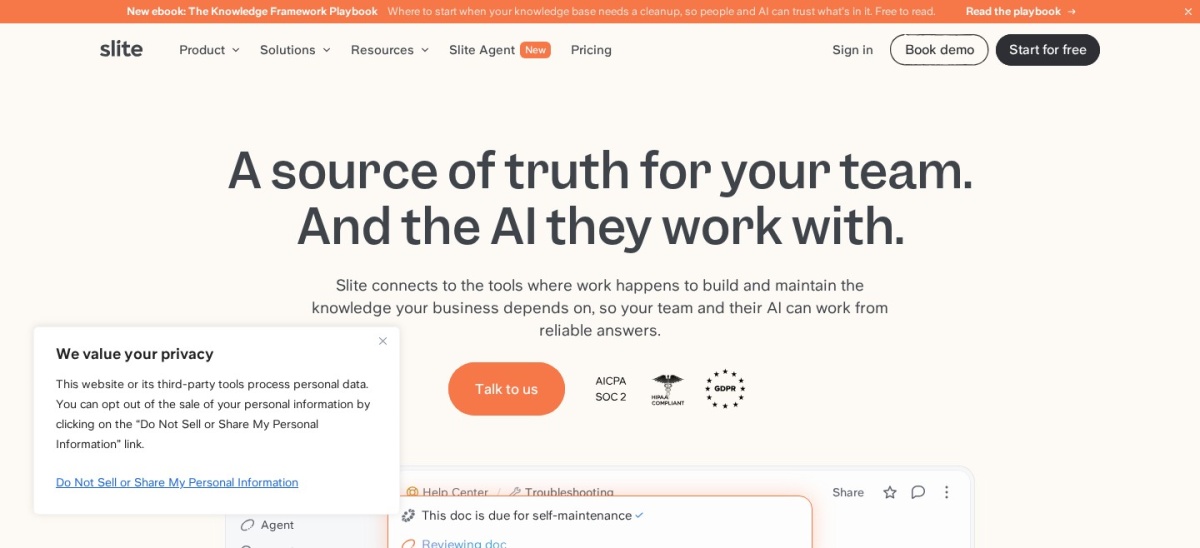
Slite homepage, captured Nov 2026.
Slite is a team knowledge base that people actually maintain, with docs organized, searchable and easy to update. The Standard plan costs $8 a user a month, with AI features included, including an Ask button that answers questions using your own docs as the source.
The trade off is scope. Slite is a wiki first, not a project tool, so teams that need tasks and databases should look at Notion or ClickUp. It suits teams that want a knowledge base with cited AI answers.
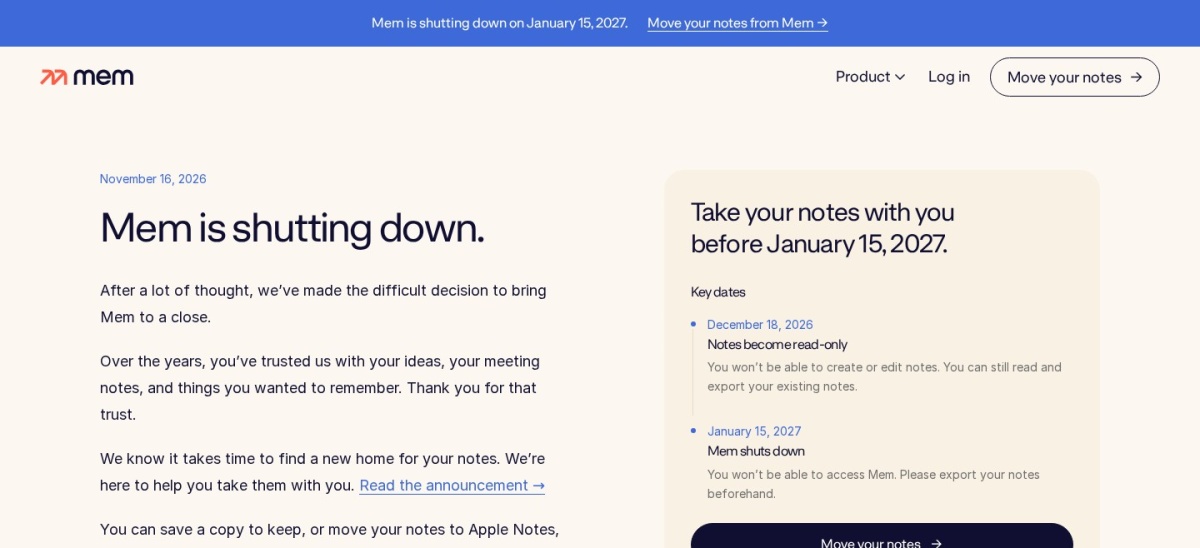
Mem is an AI-first notes app that builds a memory layer across your notes and surfaces related material when you write or ask. The Pro plan costs $10 a month, with AI features included, and Mem X can draft a meeting recap using your prior notes.
The trade off is team depth. Mem is weaker as a team database tool than Notion or Coda, and its template set is smaller. It suits people with large personal note collections who struggle to find old material.
What we like
AI auto-connects related notes
Fast capture and search
Free plan for testing
Watch out for
Weak as a team database tool
Smaller template set than Notion
Teams plan adds shared workspaces at $15 a userVisit mem.ai
09
Taskade
4.5/5on G2 (92 reviews, checked Nov 2026)
Paid from$10/mo
Best flat price for small teams
Cheapest planPro, $10/mo flat
Seats on ProUp to 10 seats
Free planYes, 2 members
AI includedYes
taskade.com
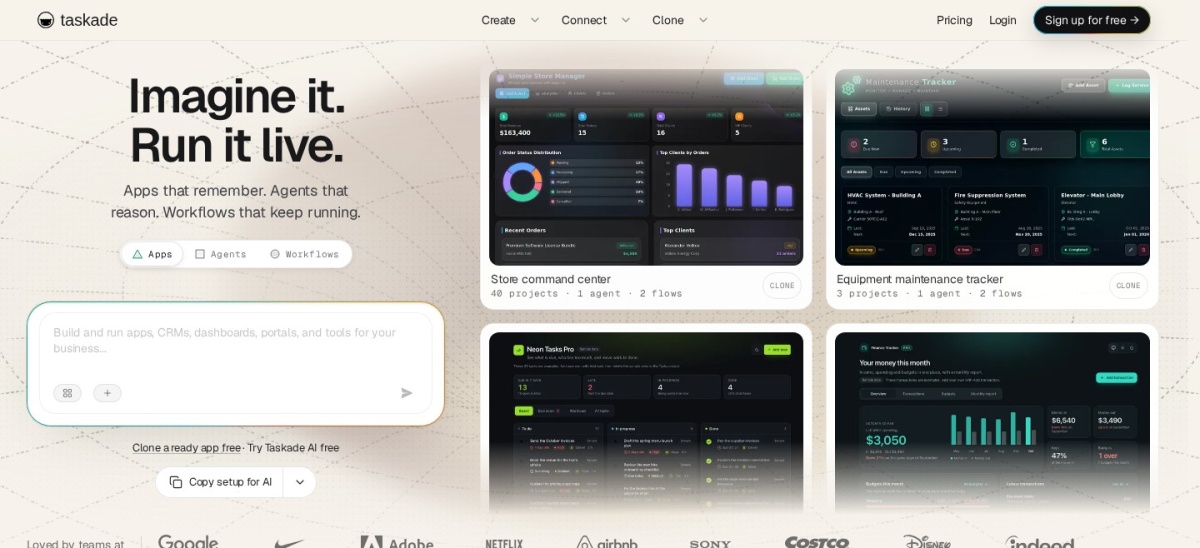
Taskade homepage, captured Nov 2026.
Taskade is an AI-native workspace with docs, tasks, mind maps and AI agents in one place. The Pro plan costs $10 a month and covers up to 10 seats with AI included, which is the lowest total cost in this list for a small team.
The trade off is maturity. Taskade is smaller than Notion or ClickUp, so its template and integration range is thinner. It suits small teams and solo builders who want AI agents and automations at one flat monthly price.
Coda, Google Workspace, Craft, Slite, Mem and Taskade include AI in their paid plans, so the headline price is close to the real price.
Notion and ClickUp sell AI separately or on higher tiers. Notion AI is a $10 add-on on Plus or included on Business at $20, and ClickUp Brain is a paid add-on on top of the base plan.
Microsoft 365 Copilot is an add-on too, at $21 a user a month on annual billing for Business, on top of a Microsoft 365 subscription.
How we chose
We started from the AI workspace tools with published pricing and public review coverage, then kept 9 built around documents, wikis and notes.
Prices come from each vendor's pricing page and pricing comparisons, checked on 22 November 2026. Prices are per user per month on annual billing unless the card says flat. Where a vendor shows a sale, the list shows the regular price.
We left out tools with no published entry price. No vendor paid for a place, and we do not claim hands-on testing for this list.
How to choose an AI workspace tool for documents
Check whether AI is included in the price first, then test the writing surface.
Check whether AI is included in the plan. A $10 plan with a $10 AI add-on costs the same as a $20 plan with AI included. Read the plan details before you compare.
Test the writing surface with a real doc. Draft a meeting note and a project page. The best workspace is the one your team will actually open every day.
Count seats honestly. Per-user pricing adds up fast. Coda charges only Doc Makers, and Taskade Pro covers up to 10 seats for a flat $10 a month.
Try the free plan with your real files. Import a few real documents and test AI search and summaries before you pay for the whole team.
FAQ
What is the best AI workspace tool for documents?
Notion is the best pick for most teams, with Business at $20 a user a month including full AI. Coda suits docs that act like apps, and Craft suits solo writers who want the cleanest surface.
How much does an AI workspace tool cost?
Prices in this list run from $5 a month for Craft to $21 a user a month for Microsoft 365 Copilot Business. Notion Business is $20 a user a month, Coda Pro is $12 a Doc Maker a month and Slite is $8 a user a month.
Is Notion AI included in the Plus plan?
No. Plus costs $10 a user a month but only includes an AI trial. Full Notion AI, including the Agent and AI meeting notes, starts on Business at $20 a user a month.
Is there a free AI workspace tool for documents?
Yes. Notion, ClickUp, Coda, Craft, Slite, Anytype and Taskade all offer free plans, though AI features are limited or absent on most free tiers. Google Workspace and Microsoft 365 Copilot have no free plan.
Which AI workspace is best for a team knowledge base?
Slite is the best pick for a team knowledge base, with AI that answers questions from your own docs at $8 a user a month. Notion and Coda are stronger if you also need databases and projects.
Does Google Workspace include Gemini AI?
Yes. Google Workspace Business Starter costs $7 a user a month on an annual commitment, and Gemini comes with the seat instead of as a paid add-on.