WLWPLegible EditorsLast verified 24 Nov 2026How we rank10 min read
★ Short answer
ElevenLabs is the best AI voiceover tool for most creators, with a $6-a-month Starter plan that includes a commercial licence and instant voice cloning, rated 4.5 out of 5 on G2. Pick Murf for slide-synced training narration and Descript if you edit podcasts by transcript.
How we make this list: we compare pricing pages, product documentation and public user reviews, then re-check every price before each update. No product paid for a place. Disclosure.
ElevenLabs leads on voice quality: 4.5 out of 5 on G2 from 1,211 reviews, with commercial use from $6 a month.
Murf has the highest rating here at 4.7 out of 5 on G2 from 1,414 reviews, and its studio fits training and e-learning best.
Descript is the only pick that is a full editor: fix spoken words by typing, with cloning from $24 a month.
Fliki turns scripts, blog posts and slides into narrated videos, with 1,000 voices on its $28 a month Standard plan.
Speechify and NaturalReader split reader and commercial products, so check the licence before you publish audio.
Listnr is the cheapest paid plan with commercial rights at $19 a month, but it has only 15 G2 reviews.
What to look for in an AI voiceover tool
A voiceover tool turns a script into spoken audio. The best ones sound close to a human narrator, handle pauses and emphasis well, and let you fix a mispronounced word without re-recording the whole script.
Check the licence first. Several tools sell a cheap reader plan for personal listening and a separate plan for audio you publish, so a low headline price may not cover commercial use.
Voice cloning is the feature that splits this list. ElevenLabs clones a voice on its $6 plan, while Murf keeps cloning on its $99 Business plan, so the cheapest plan is not always the cheapest route to your own voice.
Credits and hours are the real budget. Most tools meter output by credits, characters or hours, and a long audiobook or course can burn a monthly allowance in a few scripts. AI-generated narration is still AI content, so our guide on whether Google penalizes AI content is worth a read before you publish at scale.
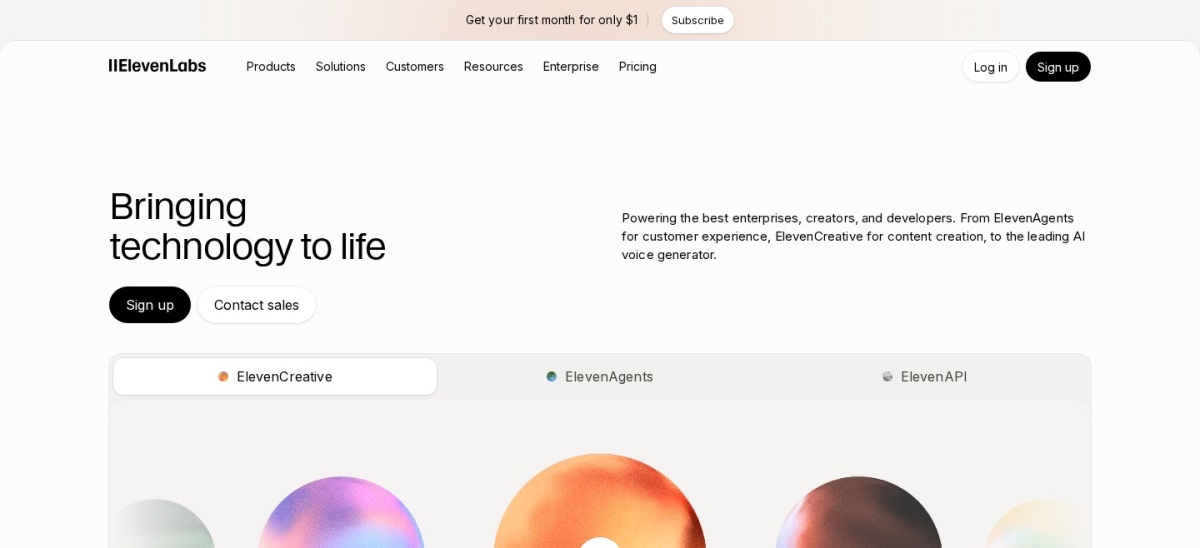
ElevenLabs is the most lifelike AI voice platform in this list, with a large voice library, voice design and dubbing in its Studio. The free plan gives 10,000 credits a month for non-commercial use, and Starter at $6 a month adds a commercial licence, instant voice cloning and 30,000 credits a month.
The trade off is metering. Credits burn fast on long narration, and the realistic next step for regular creators is Creator at $22 a month, not Starter. It suits YouTubers, audiobook narrators and anyone who puts voice quality first.
What we like
Most natural-sounding voices in this list
Instant voice cloning on the cheapest paid plan
Dubbing Studio for multilingual versions
Watch out for
Credit allowance runs out fast on long scripts
Sale prices on the page hide the regular $22 Creator price
Best studio for training and e-learning voiceovers
Free plan10 minutes, preview only
Voices200+
Languages30+
Cheapest paidCreator, $29/mo
murf.ai
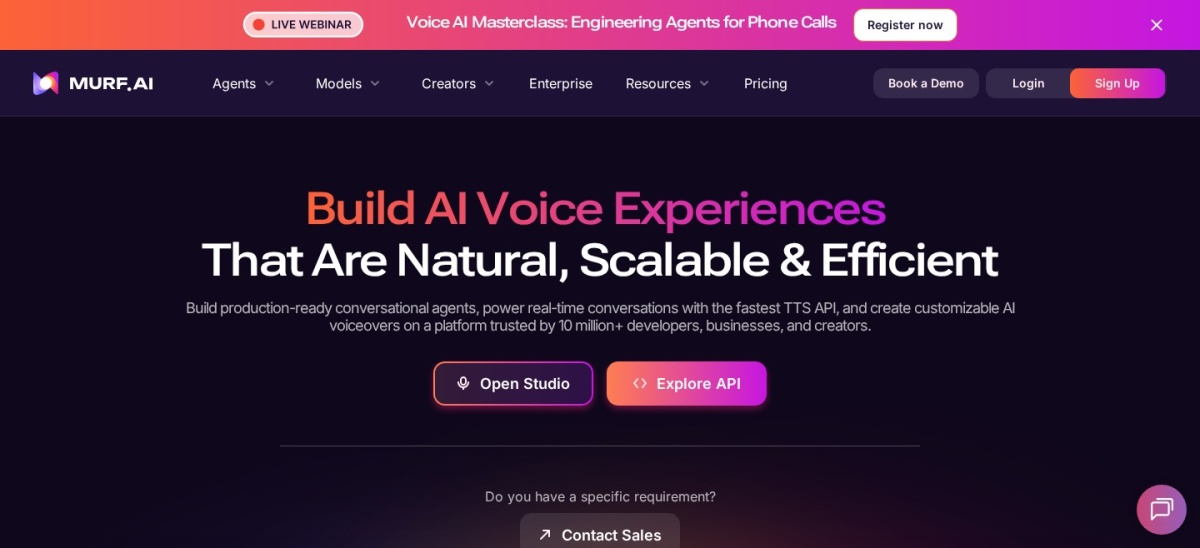
Murf homepage, captured Nov 2026.
Murf is a browser-based voiceover studio built around a timeline editor, with 200+ voices in 30+ languages. Creator at $29 a month gives 24 hours of voice generation a year, unlimited downloads, commercial rights and a Canva integration, and it is rated 4.7 out of 5 on G2 from 1,414 reviews.
The trade off is cloning. Voice cloning sits on Business at $99 a month, and the free plan gives about 10 minutes of preview audio with no downloads. It suits corporate training teams and course creators who narrate slides every week.
What we like
Timeline and slide-synced editing for training
Highest G2 rating in this list at 4.7 out of 5
Commercial rights from the Creator plan
Watch out for
Voice cloning needs the $99 Business plan
Free plan cannot download audio
Voice hours are capped per year, not per month
Business adds cloning and slide add-ins at $99/moVisit murf.ai
03
Descript
4.6/5on G2 (915 reviews, checked Nov 2026)
Paid from$24/mo
Best for podcasters who edit by transcript
Free plan1 media hour a month
Voice cloningCustom clones on Hobbyist
AI credits400 a month on Hobbyist
Cheapest paidHobbyist, $24/mo
descript.com
Descript homepage, captured Nov 2026.
Descript is an audio and video editor where you edit media by editing its transcript. Its AI Speech feature creates custom voice clones, and Regenerate fixes spoken words by typing the correction, with no re-recording. Hobbyist at $24 a month includes 10 media hours and 400 AI credits a month.
The trade off is that you pay for a full editor even if you only want voices, and AI speech spends credits from a monthly pool. It suits podcasters and video creators who already edit in Descript and want narration in the same place.
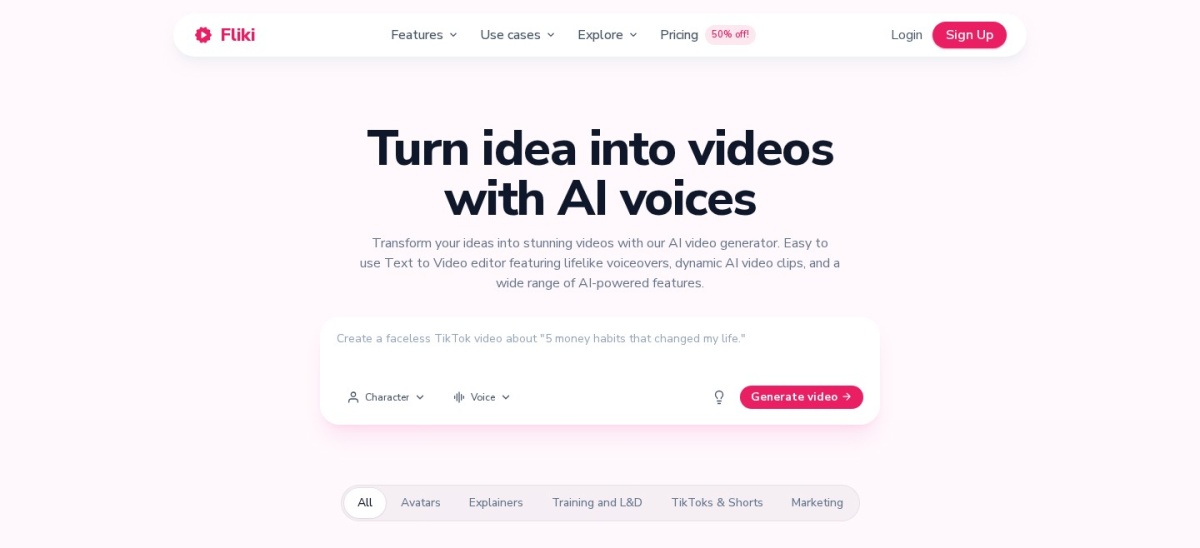
Fliki turns a script, blog post or slide deck into a narrated video with stock visuals, music and subtitles. Standard at $28 a month gives 180 credits a month, 1,000 voices including 500 ultra-realistic ones, 1080p export, videos up to 15 minutes and commercial rights.
The trade off is credits. The same allowance pays for voiceover, avatars and video clips, so heavy editing eats it fast. It suits faceless YouTube channels and social creators who publish voiced videos every week.
4.6/5on Trustpilot (4,700 reviews, checked Nov 2026)
Paid from$19/mo
Best for document-to-audio and listening
Free plan600 Studio credits
Voices1,000+
Languages60+
Cheapest paidStudio Starter, $19/mo
speechify.com
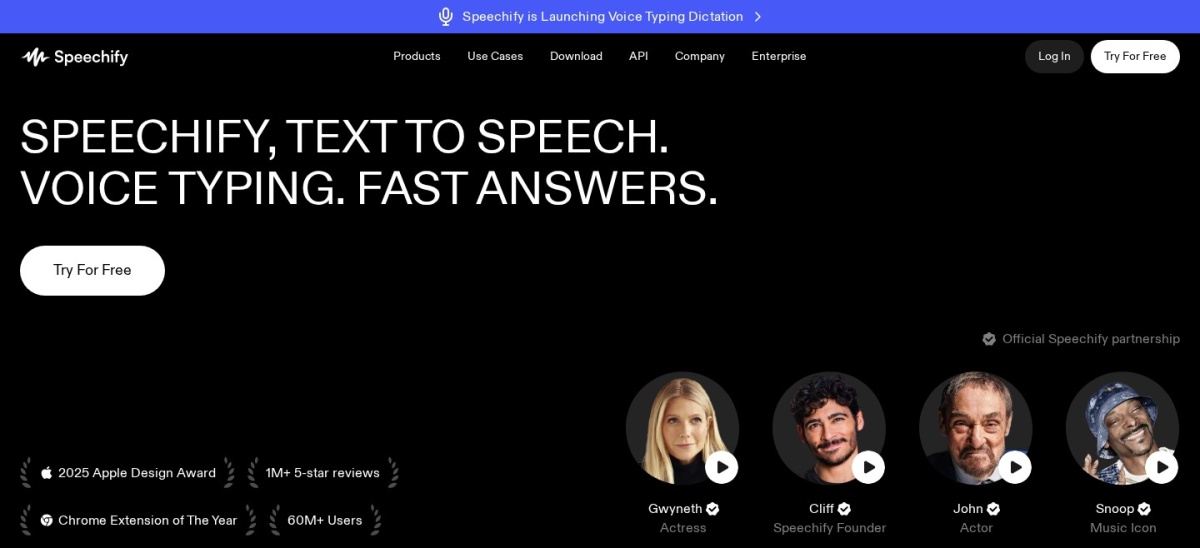
Speechify homepage, captured Nov 2026.
Speechify is a reader and a voiceover Studio under one brand, with 1,000+ voices. Studio Starter at $19 a month gives 7,200 credits a month, about 2 hours of voiceover, plus dubbing, voice changing and commercial rights, while the free Studio plan gives 600 credits with no commercial rights.
The trade off is the split product. The $29 a month Premium reader plan is for personal listening only and does not cover published voiceovers. It suits people who want to listen to documents aloud and make voiceovers with the same voices.
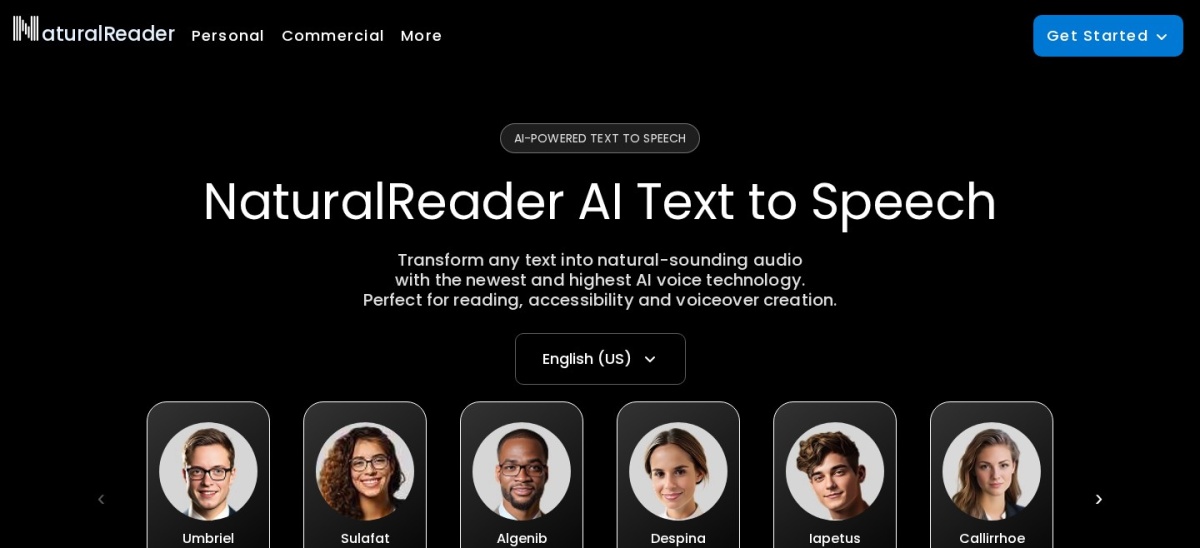
NaturalReader is a simple text-to-speech reader that turns documents, web pages and PDFs into spoken audio. Personal plans start at $13.90 a month, but they are for personal listening only, so published voiceovers need the separate Commercial product, with Starter at $29 a month and 500,000 credits a month.
The trade off is the two-product split. Buying the wrong plan means paying twice, and voice cloning lives on the personal Plus plan, which cannot be used commercially. It suits readers and small teams who want simple narration without a studio to learn.
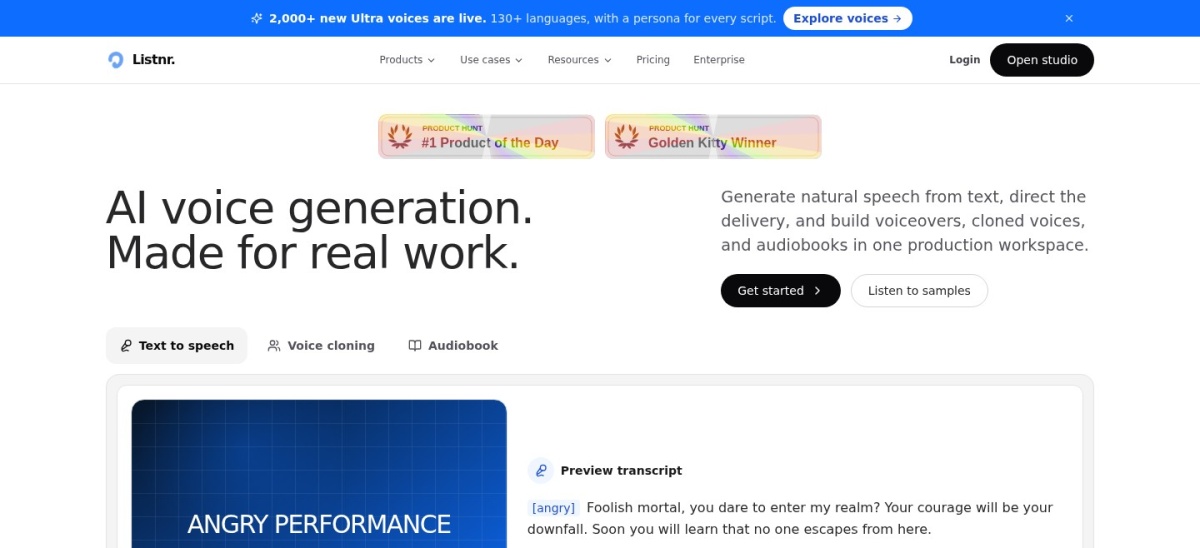
Listnr is a voice toolkit with text to speech, voice cloning, translation and podcast hosting in one place. Individual at $19 a month gives 20,000 credits a month, about 2 hours of voice generation, unlimited downloads and commercial rights, across 1,000+ voices in 142+ languages.
The trade off is evidence. It has only 15 G2 reviews, and 2025 reviewers reported outages and slow support. It suits solo creators who want the cheapest commercial plan and are happy to test the voices first.
Free plans are for trying voices, not publishing. Most give a small credit allowance, watermarked exports or no downloads, and several give no commercial rights at all.
Paid plans mostly add rights and volume. The first paid tier usually unlocks commercial use, downloads and more credits, which is what turns a demo into a publishable voiceover.
Cloning and dubbing sit higher up. ElevenLabs clones on Starter, but Murf and NaturalReader keep cloning on pricier plans, so check where your must-have feature lives before you compare prices.
If you publish every week, budget by the month, not by the plan. A $19 plan with 2 hours of audio costs more per finished minute than a $29 plan with 24 hours a year once you pass a few scripts a month.
How we chose
We started from the best-known AI voiceover tools on G2, Capterra and Trustpilot, then kept the seven with a real free plan, published pricing and a voiceover workflow, not just a developer API.
Prices come from each vendor's pricing page, checked on 24 November 2026. Ratings and review counts come from G2 or Trustpilot on the same day. Where a vendor shows a sale, the list shows the regular price.
We left out tools with no published self-serve price and tools that had pivoted away from voiceovers. No vendor paid for a place, and we do not claim to have used these tools ourselves.
How to choose an AI voiceover tool
Start with what the audio is for, then match the licence and the allowance to that job.
Decide where the audio will be published. Published or monetised audio needs a commercial licence. Reader plans for personal listening do not cover it, so check the plan, not just the price.
Test the exact voice on your own script. Use the free plan to hear your words in the voice you will publish with. A voice that sounds great on a demo can still misread your product names.
Count your monthly minutes before you pick a plan. Add up the finished audio you publish each month, then compare credit and hour allowances. A cheap plan with a small allowance costs more per minute.
Check cloning and dubbing before you pay. If you need your own voice or other languages, confirm which plan includes them. Cloning ranges from $6 a month on ElevenLabs to $99 on Murf.
FAQ
What is the best AI voiceover tool?
ElevenLabs is the best pick for most creators. Its Starter plan costs $6 a month with a commercial licence and instant voice cloning, and it is rated 4.5 out of 5 on G2 from 1,211 reviews.
Can I use a free AI voiceover tool for YouTube videos?
Only if the free plan includes commercial rights, and most do not. ElevenLabs, Murf and Fliki all need a paid plan for commercial use, so check the licence on the plan you use before you publish.
How much does an AI voiceover cost per month?
Paid plans in this list start at $6 a month for ElevenLabs Starter and run to $29 a month for Murf Creator. Most creators spend $19 to $29 a month, and heavy users need a higher tier for more credits.
Which AI voiceover tool sounds most human?
ElevenLabs is widely rated the most lifelike, with expressive voices and a large library. Murf and Descript also score well, at 4.7 and 4.6 out of 5 on G2, so test all three on your own script.
Can AI voiceover tools clone my voice?
Yes, most tools in this list offer cloning. ElevenLabs includes instant cloning on its $6 Starter plan, while Murf keeps cloning on its $99 Business plan, so the cost of your own voice varies a lot.
Do AI voiceover tools work in other languages?
Yes. Listnr covers 142+ languages, NaturalReader 90+ and ElevenLabs 74, with dubbing on several tools. Voice quality varies by language, so test the languages you actually publish in.