Fathom is the best AI video summarization tool for most people, with unlimited free recordings and transcripts and a 5.0 out of 5 G2 rating from about 7,000 reviews. Pick Fireflies for team meetings, Descript if you also edit video, and Eightify for quick YouTube summaries.
How we make this list: we compare pricing pages, product documentation and public user reviews, then re-check every price before each update. No product paid for a place. Disclosure.
Fathom's free plan covers unlimited recordings and transcripts, with advanced summaries capped at 5 a month.
Fireflies Pro costs $10 a month billed annually and adds 8,000 minutes of storage per seat.
Descript is the only pick here that edits video by editing its transcript, starting at $16 a month billed annually.
Otter and Notta are the cheapest paid plans here, at $8.33 and $8.17 a month billed annually.
Eightify and NoteGPT focus on YouTube videos rather than meetings, with annual plans starting at $59.99 and $108 a year.
What an AI video summarizer should do
A video summarizer turns a long recording into a short written summary, with a transcript you can search. The best tools also pull out action items, key moments and quotes, so you can find one point without replaying an hour of video.
Meeting tools and YouTube tools solve different problems. Meeting summarizers join live calls on Zoom, Google Meet or Teams, while YouTube summarizers work from a video link or an uploaded file.
Free plans are genuinely useful here, but they all cap something. Check the monthly minute limit, the number of AI summaries and whether uploads count against the same allowance before you commit.
Accuracy depends on the recording. Clear audio with one speaker at a time gives the cleanest transcript, and every summary here should be checked against the transcript before you share it. Our guide on whether Google penalizes AI content explains why unchecked AI text is a risk.
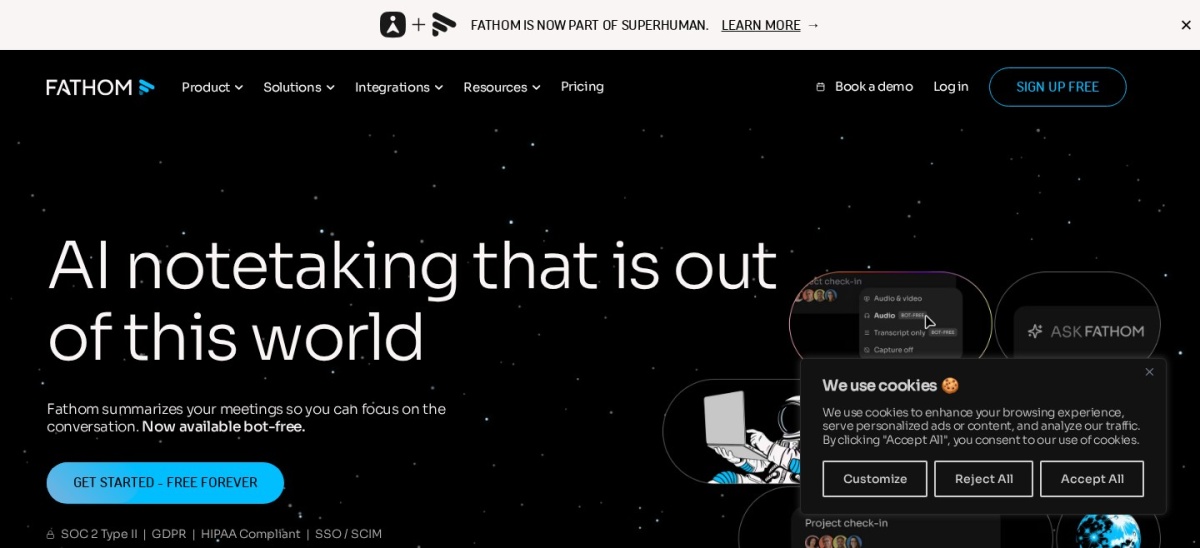
Fathom is an AI meeting assistant that records Zoom, Google Meet and Microsoft Teams calls, then produces a transcript and a summary with action items. The free plan covers unlimited recordings, transcripts and search, with 5 advanced summaries a month, and summaries usually land within 30 seconds of a call ending.
The trade off is that unlimited advanced summaries need Premium at $16 a month billed annually, and Team plans need at least 2 users. It suits anyone who records meetings every day and wants the free plan to do most of the work.
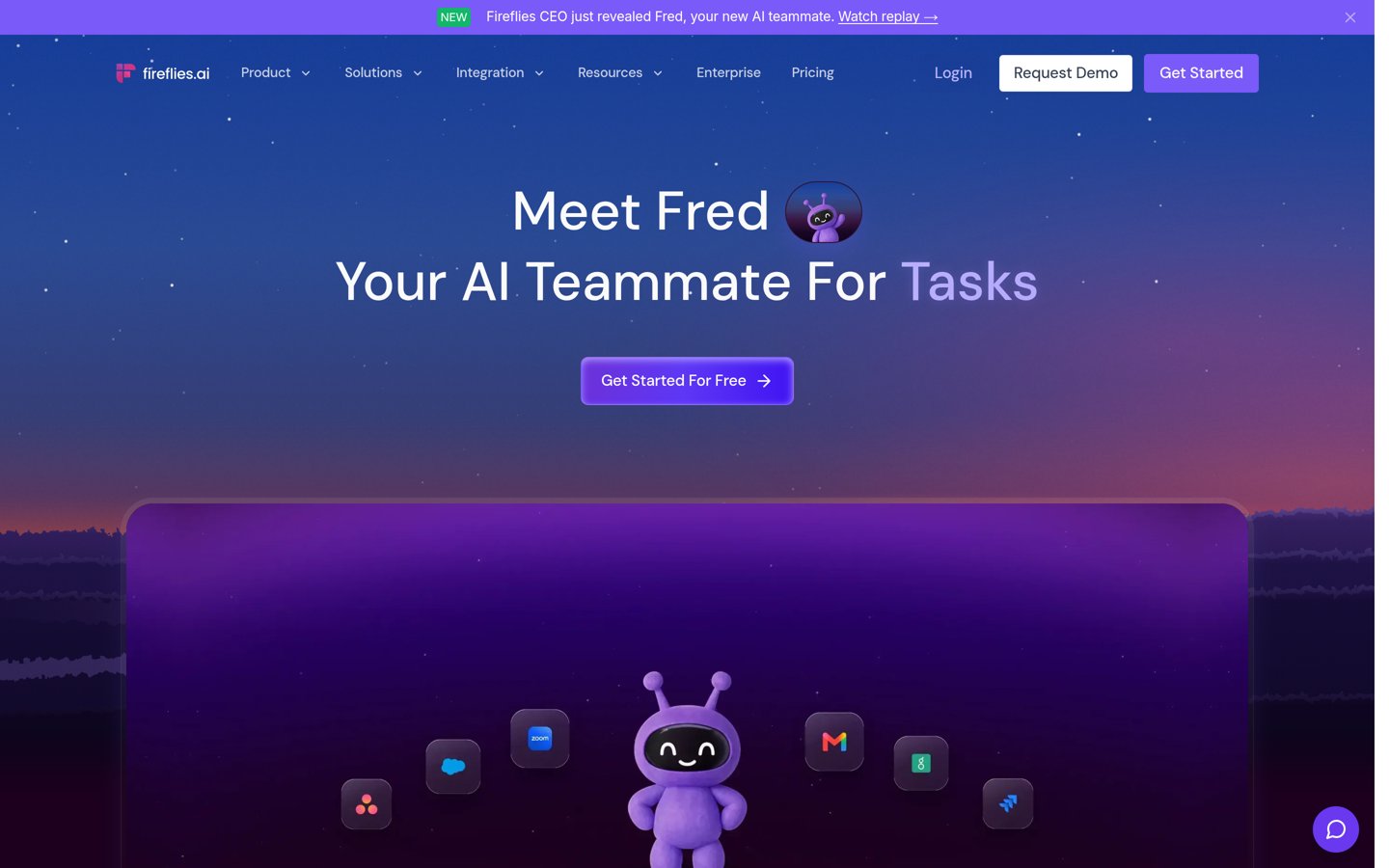
Fireflies.ai is an AI meeting assistant that joins video calls as a bot, transcribes them in more than 100 languages and turns them into searchable summaries. The free plan includes unlimited transcription with 400 minutes of storage per team, plus basic AI summaries.
The trade off is storage. Pro costs $10 a month billed annually and raises storage to 8,000 minutes per seat, with unlimited AI summaries and integrations. It suits teams that want meeting notes flowing into Slack, a CRM or Zapier.
tl;dv is a meeting recorder that captures Zoom and Google Meet calls, transcribes them in more than 30 languages and turns key moments into short clips. The free plan covers unlimited meetings and viewers, with 10 AI meeting notes, 10 AI queries and 3 uploads a month.
The trade off is the AI cap. Pro costs $20 a month billed annually and removes the caps on AI notes, queries and uploads, with global transcript search. It suits teams that share short highlight clips instead of full recordings.
What we like
Unlimited meetings on the free plan
Turns key moments into shareable clips
4.7 out of 5 on G2 from 546 reviews
Watch out for
Free AI notes capped at 10 a month
Pro is $20 a month, the dearest here
Pro removes the caps on AI notes and uploadsVisit tldv.io
04
Descript
4.6/5on G2 (905 reviews, checked Nov 2026)
Paid from$16/mo
Best for creators who also edit video
Free media60 min/month
Hobbyist media10 hrs/month
AI credits400/month
Paid planHobbyist, $16/mo
descript.com
Descript homepage, captured Nov 2026.
Descript is a video and podcast editor that lets you edit a recording by editing its transcript, with AI summaries and filler-word removal built in. The free plan covers 60 minutes of media a month, with 100 one-time AI credits and 720p exports with a watermark.
The trade off is metering. Hobbyist costs $16 a month billed annually for 10 media hours and 400 AI credits a month, and heavy use burns credits fast. It suits creators who edit spoken video every week and want the summary beside the edit.
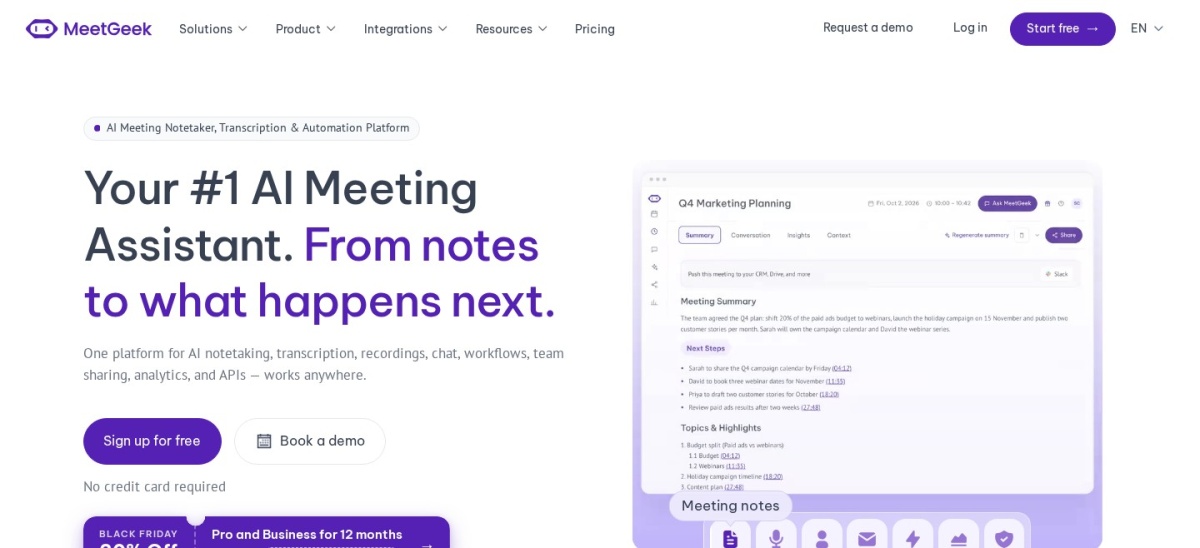
MeetGeek is an AI meeting notetaker that records, transcribes and summarizes calls in more than 100 languages, with structured summaries built around facts, next steps and decisions. The free plan includes 3 hours of transcription a month and unlimited AI summaries.
The trade off is hours. Pro costs $9.99 a month billed annually for 20 hours of transcription a month, with integrations and AI agents. It suits small teams that want tidy summaries and automations without paying for a large platform.
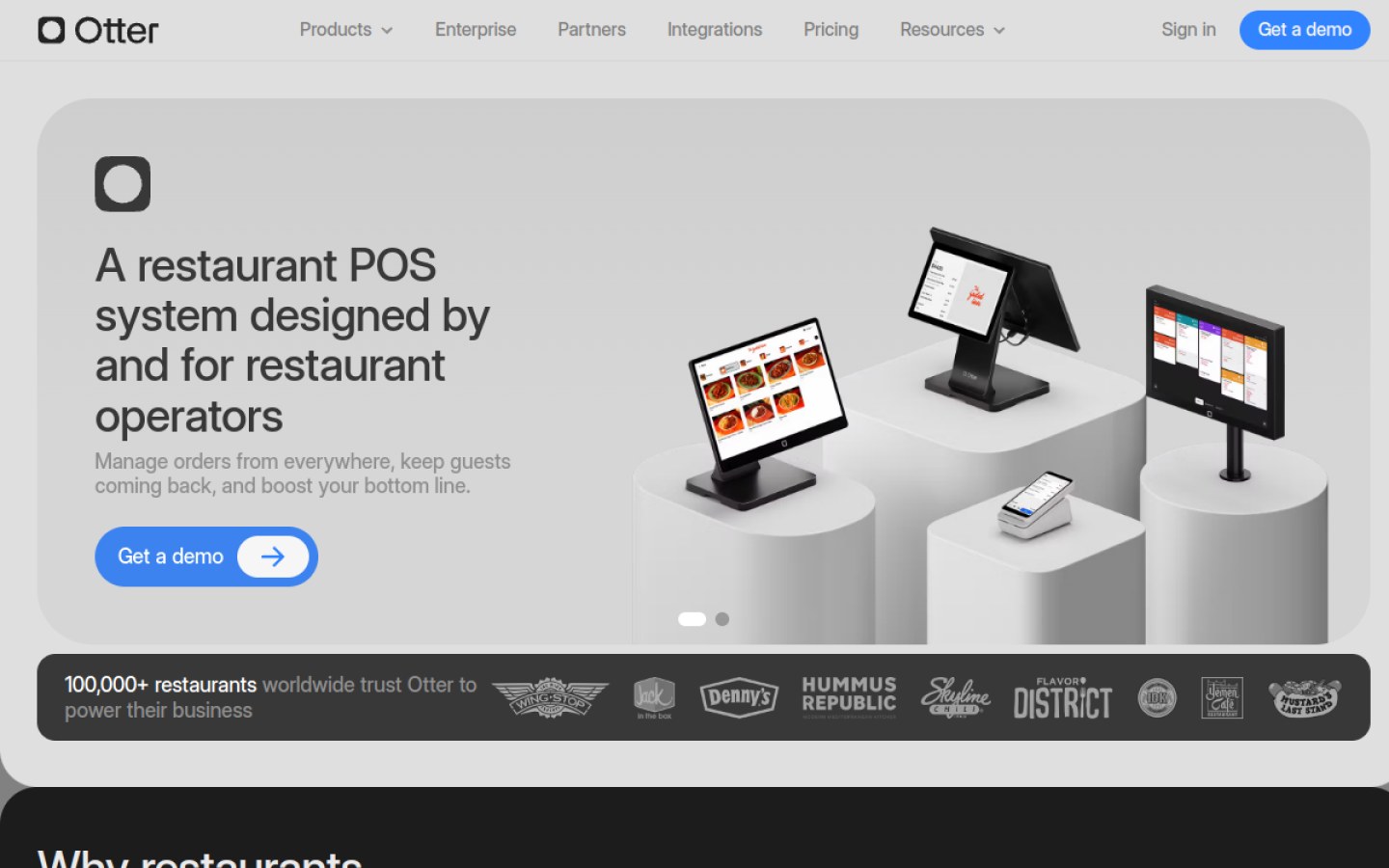
Otter.ai is a meeting transcription tool that records live calls and uploaded audio or video, then produces a searchable transcript with an AI summary. The free plan covers 300 transcription minutes a month, with 30 minutes per conversation and 3 lifetime file imports.
The trade off is the minute cap. Pro costs $8.33 a month billed annually for 1,200 minutes a month, 10 imports and 50 AI Chat queries. It suits individuals who need accurate live transcripts and stay under 1,200 minutes a month.
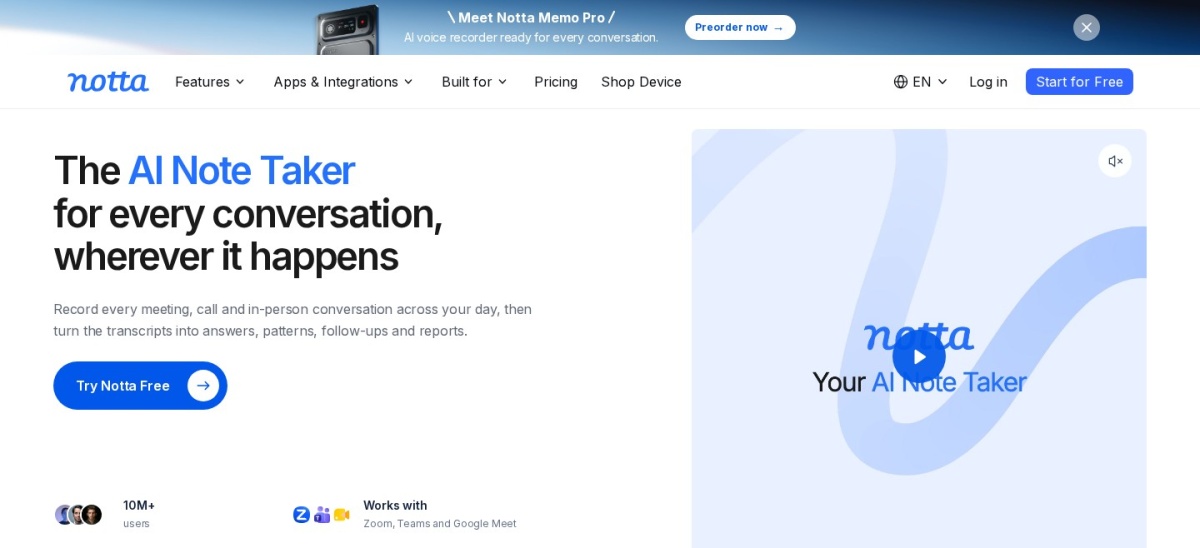
Notta is an AI notetaker that transcribes live meetings and uploaded audio or video files in 58 languages, with AI summaries and speaker identification. The free plan covers 120 transcription minutes a month, with 10 AI summaries and recordings capped at 3 minutes each.
The trade off is the free cap. Pro costs $8.17 a month billed annually for 1,800 minutes a month and 100 AI summaries, with recordings up to 5 hours. It suits price-sensitive users who record a lot and want the cheapest Pro plan here.
What we like
Cheapest Pro plan in this list
1,800 minutes a month on Pro
Transcribes in 58 languages
Watch out for
Free recordings capped at 3 minutes each
Some reviewers report surprise charges after trials
Pro adds 1,800 minutes and 100 summaries a monthVisit notta.ai
08
NoteGPT
4.8/5on G2 (20 reviews, checked Nov 2026)
Paid from$9/mo
Best for turning videos into study notes
Free requests15/month
Pro quotas1,000/month
YouTube videosWith or without subtitles
Paid planPro, $9/mo
notegpt.io
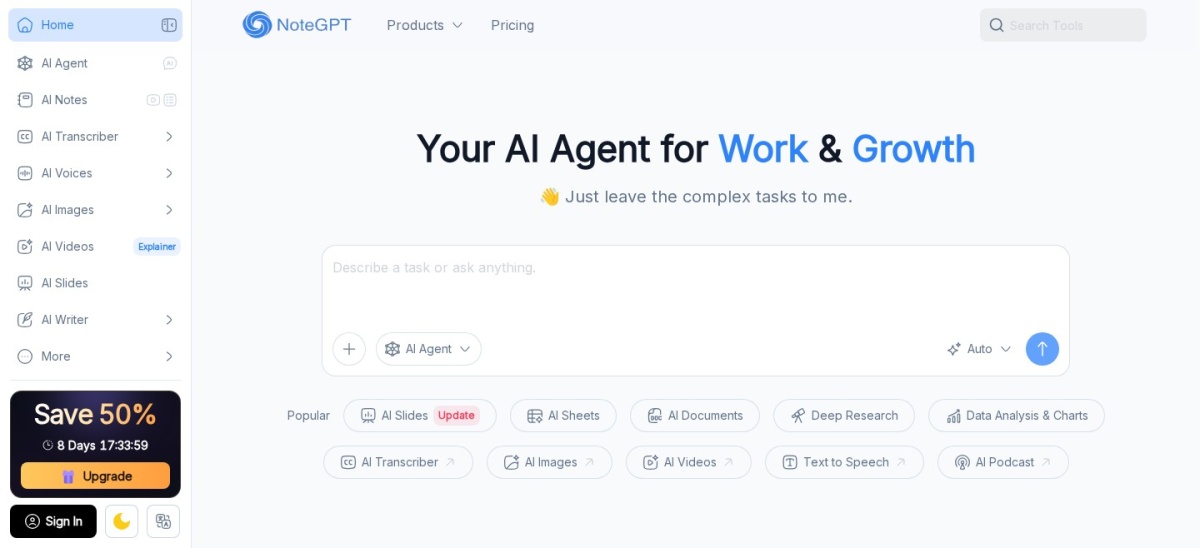
NoteGPT homepage, captured Nov 2026.
NoteGPT is an AI study tool that summarizes YouTube videos, uploaded video and audio, PDFs and articles, then turns them into notes, mind maps and flashcards. The free plan covers 15 AI requests a month, and Pro handles YouTube videos with subtitles at no length limit.
The trade off is quotas. Pro costs $9 a month billed annually and includes 1,000 basic quotas a month, with uploaded files charged 1 quota per minute. It suits students whose course material is mostly video and who want study notes from it.
What we like
Summarizes YouTube, files, PDFs and articles
Builds mind maps and flashcards from summaries
4.8 out of 5 on G2, from 20 reviews
Watch out for
Only 20 G2 reviews, a small sample
Quota math is easy to burn through on long uploads
Eightify is a Chrome extension and mobile app that summarizes YouTube videos into key ideas, timestamps and a transcript, without leaving the video page. The free plan covers a few summaries a day, and Pro adds unlimited summaries with priority processing.
The trade off is scope. Pro costs $9.99 a month, or $59.99 a year, and only works on YouTube, so meetings and uploaded files need another tool. It suits anyone who watches long YouTube videos and wants the main points in minutes.
Free plans cover the basics well. Most include live transcription, a transcript and a few AI summaries each month.
Paid plans mostly add minutes and summaries. You get more recording hours, more AI summaries and integrations with the tools your team already uses.
If you summarize video every day, the paid plan usually pays for itself in saved time. If you only need one or two summaries a week, start free and upgrade when you hit a cap.
Check the annual price before you buy. Monthly billing costs far more here: Fireflies Pro is $18 a month monthly against $10 billed annually, and Otter Pro is $16.99 against $8.33.
How we chose
We started from the best-known AI video summarizers: meeting notetakers that record calls, editors that summarize as they edit, and YouTube summarizers. We kept 9 tools with a free plan, published prices and a public rating.
Prices come from each vendor's pricing page and review-site listings, checked on 24 November 2026. Ratings and review counts come from G2 on the same day, except Eightify, which uses the App Store. Where a vendor shows a sale, the list shows the regular price.
We left out tools with no public price and tools that only summarize text. No vendor paid for a place, and we do not claim hands-on testing for this list.
How to choose an AI video summarization tool
Start with where your videos live, then match the free plan to how much you watch each month.
Pick the source first. Meeting tools join live calls, YouTube tools work from a link, and editors work from an uploaded file. A tool built for one source rarely covers the others well.
Count your monthly minutes. Add up the hours of video you need summarized each month, then check the free plan's minute cap. Most free plans cover a few hours, not a full workload.
Check the summary cap, not just minutes. Some free plans limit AI summaries to 5 or 10 a month even when transcription is unlimited. If you need a summary for every recording, that cap decides the plan.
Read a summary against its transcript. Skim one summary beside the transcript before you share it. Names, numbers and quotes are where AI summaries slip most often.
FAQ
What is the best AI video summarization tool?
Fathom is the best pick for most people. Its free plan covers unlimited recordings and transcripts, and it holds a 5.0 out of 5 G2 rating from about 7,000 reviews. Fireflies is the stronger choice for teams that need integrations.
Can I summarize a YouTube video for free?
Yes. Eightify and NoteGPT both summarize YouTube videos on free plans, with a few summaries a day or 15 AI requests a month. NoteGPT also handles videos without subtitles, up to 120 minutes on Pro.
Do these tools work on Zoom, Google Meet and Teams?
Most meeting tools in this list cover Zoom and Google Meet, and Fathom, Fireflies and Otter also cover Microsoft Teams. Check the platform list before you pay if your team meets elsewhere.
How accurate are AI video summaries?
Accuracy follows the recording. Clear audio with one speaker at a time gives the cleanest transcript, and noisy or overlapping speech lowers it. Always check names, numbers and action items against the transcript before sharing a summary.
Is there a free AI video summarizer?
Yes, all 9 tools in this list have a free plan. Fathom is the most generous, with unlimited recordings and transcripts, while Notta is the cheapest paid upgrade at $8.17 a month billed annually.
What is the cheapest AI video summarization tool?
Notta has the cheapest paid plan here at $8.17 a month billed annually, with 1,800 minutes a month. Otter is close behind at $8.33 a month, and Fireflies Pro costs $10 a month billed annually.
SaaS SEO and WordPress specialist with about 8 years of experience. Rakib compares WordPress plugins, themes, hosting and software using public pricing, documentation and user reviews. See how we rank.