Best AI Video Enhancer Software in 2026: 9 Tools Compared
WLWPLegible EditorsLast verified 22 Nov 2026How we rank10 min read
★ Short answer
Topaz Video AI is the best AI video enhancer for serious restoration, with 20-plus AI models for upscaling to 4K and beyond at $299 a year. Pick VideoProc Converter AI for the cheapest start at $34.95 a year, or DaVinci Resolve for free AI upscaling.
How we make this list: we compare pricing pages, product documentation and public user reviews, then re-check every price before each update. No product paid for a place. Disclosure.
Topaz Video AI is the pro standard at $299 a year, with no free plan and no product-level rating published.
VideoProc Converter AI is the cheapest paid plan here at $34.95 a year; Winxvideo AI costs $59.95 a year at its regular price.
AVCLabs costs $39.95 a month and is rated 4.0 out of 5 on Trustpilot from 555 reviews.
DaVinci Resolve is the only free editor here that also upscales, with Studio at $295 once.
HitPaw VikPea starts at $43.19 a month, the dearest monthly plan in this list.
What an AI video enhancer should do
AI video enhancers upscale, denoise, sharpen and stabilise old or low-resolution footage. Most run on your own computer, so the graphics card matters as much as the price.
The split is between desktop and browser tools. Topaz, AVCLabs, HitPaw and UniFab render locally, while most of the cheaper tools also work on your machine, not in the cloud.
Check the trial terms before paying. Most trials watermark exports or cap them at 30 seconds, and Topaz has no free plan at all. Our guide on optimising videos for WordPress shows where the finished video usually ends up.
Prices below are the cheapest paid plan on monthly billing, with the yearly figure in the ladder. Ratings come from Trustpilot or G2, checked in November 2026.
Topaz Video AI is the professional standard for restoring and upscaling old, low-resolution or damaged footage. The Personal plan at $299 a year includes more than 20 AI models for upscaling, denoising, sharpening, stabilising and frame interpolation, with unlimited local rendering.
The trade off is price and hardware. There is no free plan, month-to-month billing is $59, and it needs at least 6 GB of video memory. It suits editors, archivists and studios upscaling long footage to 4K and beyond.
What we like
Most AI models here, over 20
Upscales to 4K and above
Local rendering, files stay private
25 monthly cloud credits included
Watch out for
No free plan
$299 a year, the dearest yearly plan here
Needs 6 GB of video memory
No product-level Trustpilot rating, only a company-wide score
AVCLabs Video Enhancer AI homepage, captured Nov 2026.
AVCLabs Video Enhancer AI is a desktop upscaler that sharpens video with neural networks, with a focus on faces and batch processing. The trial is full-featured but watermarks exports and caps them at 30 seconds, and the monthly plan costs $39.95.
The trade off is the monthly price. It is $39.95 a month, though the yearly plan is $95.96 on promotion and a perpetual licence is $149.90. It suits users who want a one-time purchase instead of a subscription.
What we like
Strong face enhancement
Batch processing for many clips
Perpetual licence at $149.90
Rated 4.0 out of 5 on Trustpilot from 555 reviews
Watch out for
Trial watermarks exports and caps them at 30 seconds
3.8/5on Software Finder (11 reviews, checked Nov 2026)
Starts at$43.19/mo
Best all-rounder for desktop enhancement
AI modelsYes, several
Max output4K
Free trialYes, watermarked
Paid plan$43.19/mo
hitpaw.com
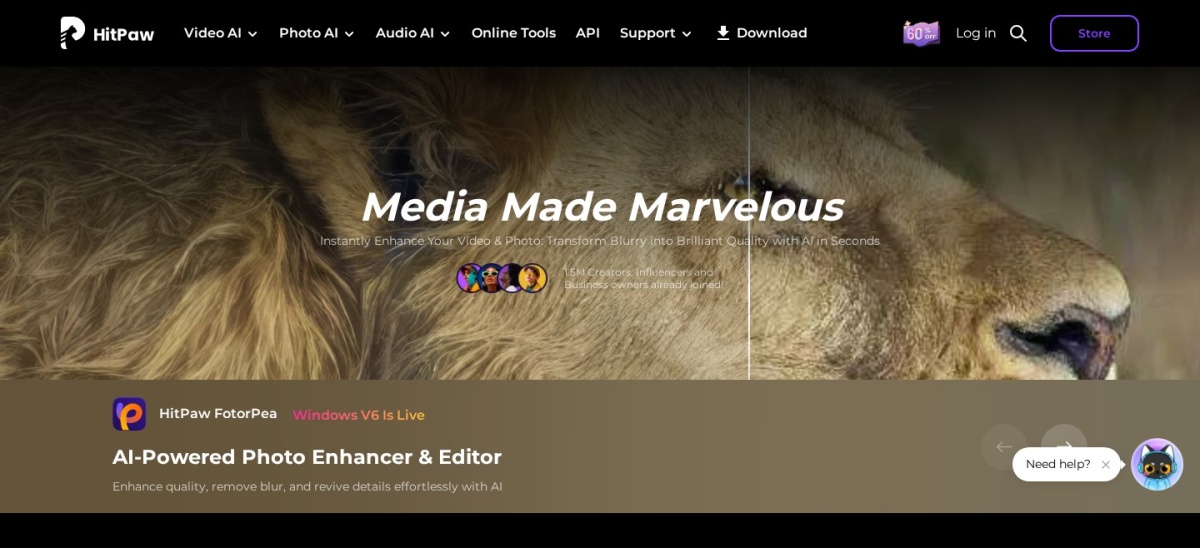
HitPaw VikPea homepage, captured Nov 2026.
HitPaw VikPea is a desktop AI video enhancer from HitPaw that upscales, denoises and sharpens video with several AI models. The trial is watermarked, and the monthly plan costs $43.19, with a yearly plan at $99.99 and a lifetime licence at $350.39.
The trade off is price. At $43.19 a month it is the dearest monthly plan in this list, and the rating of 3.8 comes from only 11 reviews on Software Finder. It suits users who want one desktop tool for many kinds of enhancement.
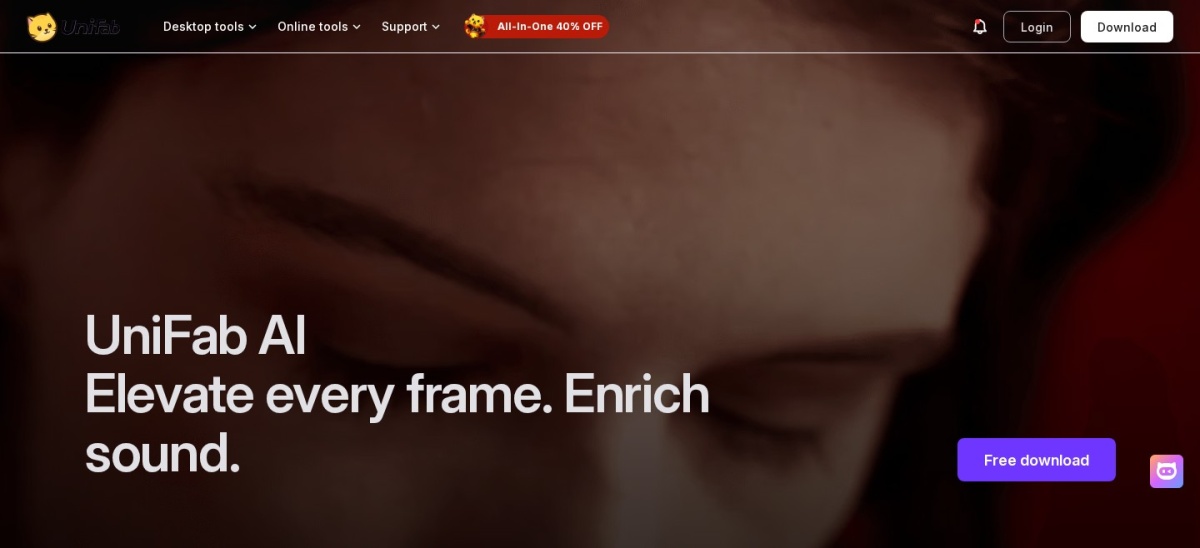
UniFab Video Enhancer AI homepage, captured Nov 2026.
UniFab Video Enhancer AI is a desktop enhancer from DVDFab that upscales and sharpens video with AI models. The one-year plan costs $99.99, and a lifetime licence is $129.99, which makes it one of the cheapest ways to own an enhancer outright.
The trade off is the rating. It holds 4.0 out of 5 on Trustpilot from 190 reviews, and some sources list different prices for the same plans. It suits buyers who want to pay once and keep the tool.
DaVinci Resolve is a full post-production editor with colour grading, audio mixing and visual effects, and the free version is a complete editor with no watermark. Studio costs $295 once and adds AI tools such as Magic Mask, voice isolation and neural upscaling.
The trade off is the learning curve. It is the hardest editor in this list to learn, and some AI effects need a strong graphics card. It suits editors who want pro tools and upscaling without a monthly subscription.
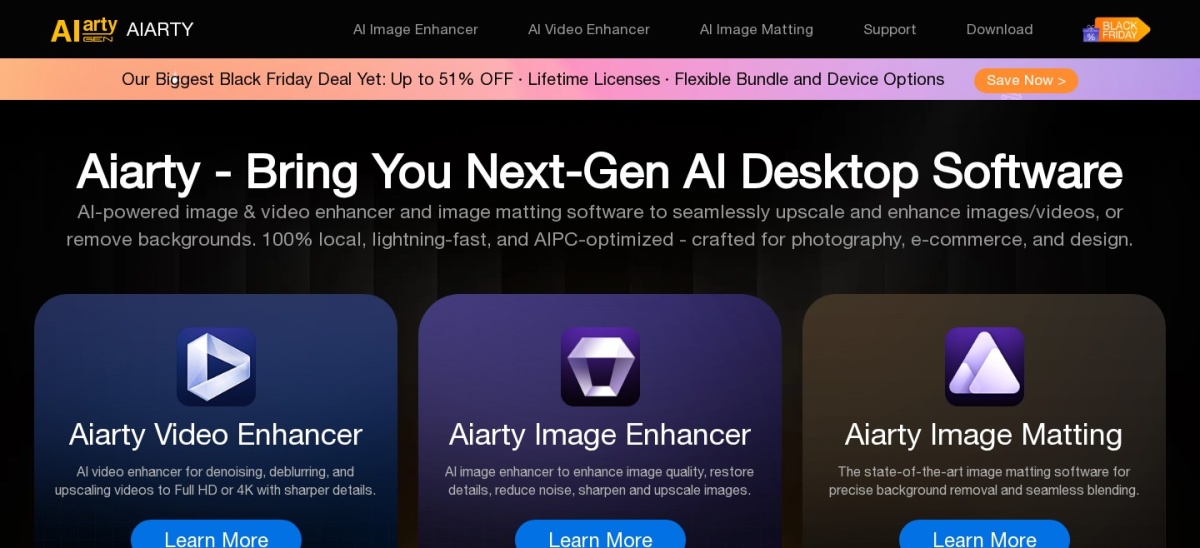
Aiarty Video Enhancer homepage, captured Nov 2026.
Aiarty Video Enhancer is a desktop AI upscaler that sharpens and denoises video, with a simple interface and a low yearly price. The trial caps exports at 120 seconds with a watermark, and Standard costs $79 a year with a lifetime licence at $149.
The trade off is the missing rating. No review-site rating was verified for Aiarty, so its $79 price is judged on features alone. It suits casual users who want cheap upscaling without a monthly bill.
4.3/5on Trustpilot (516 reviews, checked Nov 2026)
Starts at$34.95/yr
Best cheap AI enhancer
AI upscalingYes
Max output4K
Free trialYes
Paid planPremium 365, $34.95/yr
videoproc.com
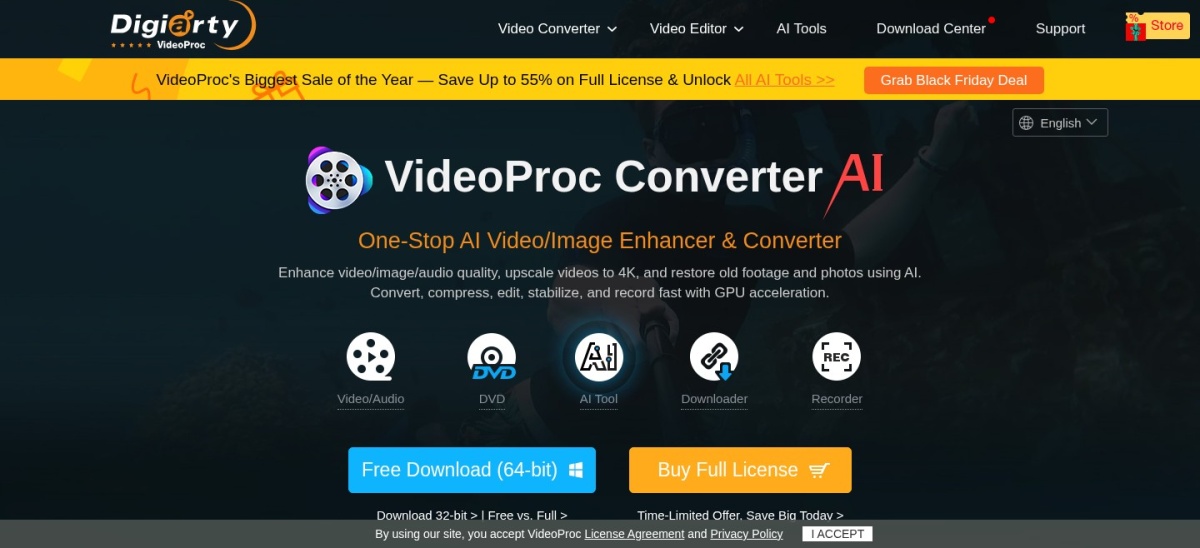
VideoProc Converter AI homepage, captured Nov 2026.
VideoProc Converter AI is a desktop video toolkit with AI upscaling, denoising and sharpening beside conversion and compression. The trial is free with limits, and Premium 365 costs $34.95 a year, with a lifetime licence at $54.95.
The trade off is scope. It is a converter first and an enhancer second, so it has fewer AI models than Topaz. It suits users who also need to convert, compress and edit video in one app.
3.8/5on Trustpilot (420 reviews, checked Nov 2026)
Starts at$59.95/yr
Best cheap one-year enhancer
AI upscalingYes
Max output4K
Free trialYes
Paid plan1-year, $59.95
winxdvd.com
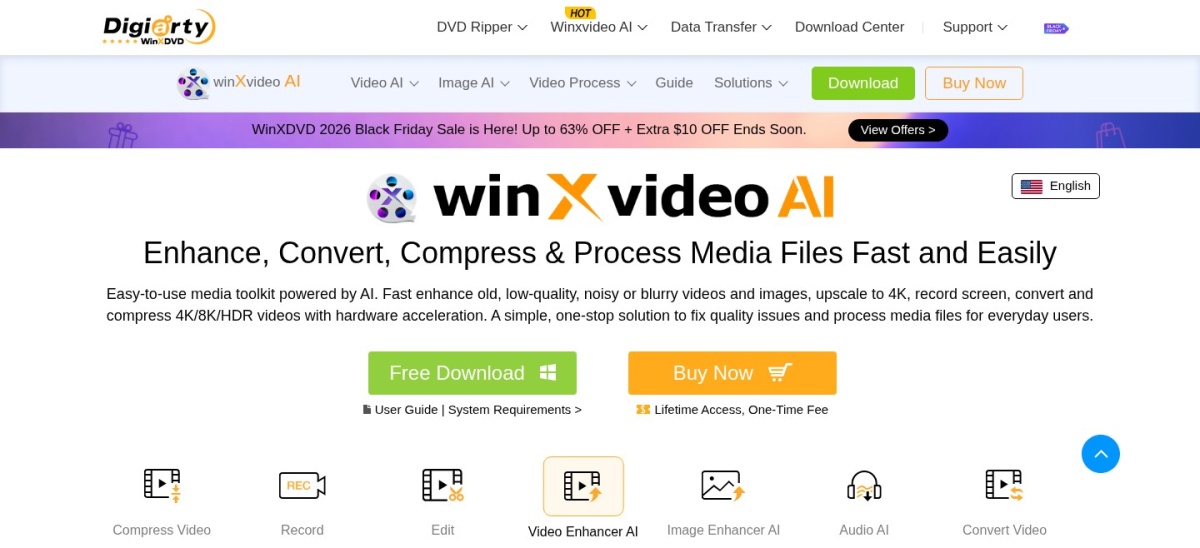
Winxvideo AI homepage, captured Nov 2026.
Winxvideo AI is a desktop AI enhancer from Digiarty that upscales, denoises and stabilises video. The trial is free with limits, and the one-year plan costs $59.95 at its regular price, renewing at $39.95, with a lifetime licence at $89.95 regular.
The trade off is the rating. Its 4.5 score comes from its own site, not a review platform, so it is not listed here. It suits buyers who want a yearly enhancer from a known vendor, with a lifetime option if they prefer to pay once.
What we like
30-plus AI models for video, image and audio
Lifetime licence at $89.95 regular
From Digiarty, the VideoProc maker
Watch out for
No independent review-site rating
Renews at $39.95 after the first year
Fewer AI models than Topaz
One-year plan is $59.95 regular; lifetime is $89.95 regularVisit winxdvd.com
09
Filmora
4.4/5on G2 (601 reviews, checked Nov 2026)
Paid from$49.99/yr
Best easy editor with AI enhancement
AI toolsYes, captions and effects
Free planYes, watermarked
AI enhancementYes
Paid planBasic, $49.99/yr
filmora.wondershare.com
Filmora homepage, captured Nov 2026.
Filmora is a beginner-friendly editor with AI captions, effects, templates and a simple timeline, plus AI enhancement for low-quality clips. The free plan covers editing with a watermark, and Basic at $49.99 a year removes it and adds more effects and AI tools.
The trade off is depth. It is not a pro timeline or a dedicated upscaler, and advanced colour or audio work needs a stronger editor. It suits beginners who want enhancement beside simple editing.
Desktop enhancers render on your graphics card. Topaz needs at least 6 GB of video memory, and AVCLabs needs 4 GB, so an old laptop will crawl.
Local rendering keeps your files private. Nothing uploads, which matters for client footage or unreleased work.
The cost is time. A long 4K upscale can run for hours on a modest card, while a cloud tool would finish faster but charge per minute.
If your computer is weak, pick a tool with a trial first and test one clip before buying a year.
How we chose
We started from AI video enhancers with published pricing and a review-site listing, then kept nine that cover desktop upscaling, face enhancement and editing.
Prices come from vendor pricing pages and review-site pricing data, checked on 22 November 2026. Ratings come from Trustpilot or G2 on the same day. Where a vendor shows a sale, the list shows the regular price.
We left out Remini, whose pricing is weekly and personalised with no fixed list, and Pixop, which charges per gigapixel with no flat plan. No vendor paid for a place, and we do not claim hands-on testing for this list.
How to choose an AI video enhancer software
Start with your footage and your computer, then match the tool to both.
Check your graphics card first. Topaz needs 6 GB of video memory and AVCLabs needs 4 GB. A weak card makes every upscale slow.
Test the trial on your worst clip. Most trials watermark exports or cap them at 30 seconds. Run your noisiest footage through before paying.
Compare yearly costs, not monthly ones. AVCLabs is $39.95 a month but $95.96 a year on promotion, and HitPaw is $43.19 a month but $99.99 a year.
Decide if you need a subscription. AVCLabs and UniFab sell perpetual licences, while Topaz is subscription-only since October 2025.
FAQ
What is the best AI video enhancer software?
Topaz Video AI is the pro standard for restoration and upscaling to 4K and beyond, at $299 a year. For a cheaper start, VideoProc Converter AI costs $34.95 a year and is rated 4.3 out of 5 on Trustpilot from 516 reviews.
Can I enhance video quality for free?
DaVinci Resolve is free and includes AI upscaling tools in its free version. Filmora also has a free plan with a watermark. Most dedicated enhancers only offer a watermarked trial.
How much does Topaz Video AI cost?
Topaz Video AI Personal costs $299 a year billed annually, or $59 a month with no commitment. Perpetual licences ended in October 2025, so it is subscription-only now.
Do I need a strong computer for AI upscaling?
Yes. Topaz needs at least 6 GB of video memory and AVCLabs needs 4 GB. Upscaling runs on your graphics card, so a weak computer will be slow.
What is the cheapest AI video enhancer?
VideoProc Converter AI costs $34.95 a year, the cheapest paid plan here. Winxvideo AI costs $59.95 a year at its regular price. Filmora is $49.99 a year and Aiarty is $79 a year.
Is AVCLabs better than Topaz?
Topaz is the stronger tool for long footage and restoration, while AVCLabs is better for face enhancement and batch work. AVCLabs also sells a perpetual licence at $149.90, while Topaz is subscription-only.