Best AI Video Creation Platforms in 2026: 9 Tools Compared
WLWPLegible EditorsLast verified 24 Nov 2026How we rank17 min read
★ Short answer
Synthesia is the best AI video creation platform for most teams. Its Starter plan costs $19 a month, includes 125+ avatars and 140+ languages, and it is rated 4.6 out of 5 on G2. Pick HeyGen for translation and lip-sync, or Pictory to turn scripts and blog posts into video fast.
How we make this list: we compare pricing pages, product documentation and public user reviews, then re-check every price before each update. No product paid for a place. Disclosure.
Synthesia leads for presenter-led training video, with 125+ avatars on Starter at $19 a month and a 4.6 out of 5 G2 rating from 2,804 reviews.
HeyGen is the strongest for translation, with lip-sync in 175+ languages and a 4.8 out of 5 G2 rating from 1,973 reviews.
Pictory is the fastest way to turn a script or blog post into a captioned video, starting at $29 a month with no free plan.
InVideo AI is the cheapest paid start in this list at $9 a month, with 190 credits for prompt-to-video drafts.
Runway is the pick for generative footage, but its $15 Standard plan buys only about 52 seconds of Gen-4.5 video a month.
What an AI video creation platform should do
AI video tools fall into three groups. Avatar tools put a digital presenter on screen, text-to-video tools build a video from a script or a blog post, and generative tools create new footage from a prompt.
The job decides the tool. Training and onboarding need an avatar and translation, marketing needs fast script-to-video with stock footage, and creative work needs generative clips that an editor can cut.
Watch the meter, not just the monthly price. Most tools sell credits or minutes, so a cheap plan can run out fast if every re-render spends credits. Check how many finished minutes the allowance buys before you pay.
A free plan is worth using first. It shows whether the voices and avatars suit your brand, and whether the export quality is good enough to publish. Our guide on embedding a video in WordPress covers what to do with the finished file.
Synthesia is an avatar video platform that turns a script into a video with a digital presenter. The free Basic plan gives 10 minutes of video a month with 9 avatars, and Starter at $19 a month adds 125+ avatars, downloads, no watermark, AI dubbing and 3 personal avatars.
The trade off is the credit meter. Starter includes 1,250 credits a month, about 12 extra minutes of video, so heavy output needs a higher plan. It suits training, onboarding and explainer teams that publish presenter-led video in several languages.
HeyGen is an AI video platform that turns text, images or documents into videos presented by realistic avatars. The free plan gives 3 watermarked videos a month, and Creator at $29 a month adds 600 credits, 1080p export, no watermark, voice cloning and lip-sync translation in 175+ languages.
The trade off is that credit use varies by avatar model and video length, so the cost per finished minute is hard to forecast. It suits marketers and trainers who publish presenter-led video every week and need it in more than one language.
Pictory is a text-to-video platform that turns scripts, blog posts, URLs and slides into captioned videos built from stock footage and AI voices. Starter at $29 a month includes up to 30 minutes of video, Getty Images and Storyblocks footage, and ElevenLabs voices, with no watermark.
The trade off is that there is no free plan, only a 14-day trial, and the minute allowance is fixed per month. It suits marketers and bloggers who repurpose written content into video every week.
What we like
Fastest script-to-video workflow in this list
Premium stock footage and voices included
Rated 4.6 out of 5 on G2
Captions built in on every video
Watch out for
No free plan, only a trial
Stock footage can look generic
Professional triples the credits and adds voice cloningVisit pictory.ai
04
InVideo AI
4.2/5on G2 (183 reviews, checked Nov 2026)
Paid from$9/mo
Best cheap prompt-to-video start
Prompt-to-videoYes, with AI agents
Video modelsSeedance, Veo, Kling
Free planYes, watermarked
Cheapest paid planBasic, $9/mo
invideo.io
InVideo AI homepage, captured Nov 2026.
InVideo AI is a browser video maker that turns a written brief into an edited draft using generative models such as Seedance, Veo and Kling, plus premium stock footage. Basic at $9 a month gives 190 credits, a timeline editor and watermark-free 4K export, and a free plan is available for trying the workflow.
The trade off is the credit system. Every generation spends credits at rates that vary by model, and credits do not roll over. It suits creators who make short marketing and social videos and want generation and editing in one place.
Runway is a generative video platform built around its Gen-4.5 model, with camera controls, motion brush, inpainting and 4K upscaling. Standard at $15 a month gives 625 credits, no watermark and 20 GB of storage, and a free plan with 125 one-time credits is available for a first look.
The trade off is how little the credits buy. Standard covers about 52 seconds of Gen-4.5 video a month, so re-rolls add up fast. It suits filmmakers and creative teams who need precise control over generated shots.
Descript is an editor for spoken video and audio that lets you cut a recording by deleting words in its transcript. Hobbyist at $24 a month gives 10 hours of media, 400 AI credits, 1080p export with no watermark, Studio Sound and filler-word removal, and a free plan covers 1 hour a month.
The trade off is the double meter. Media minutes and AI credits are both capped, and AI actions can burn credits fast. It suits podcasters, course makers and YouTubers who edit talking-head video every week.
Kapwing is a browser video editor with AI captions, translation, dubbing and one-click resizing for social formats. Pro at $24 a month gives 1,000 credits, 4K export, no watermark, brand kit and custom fonts, and a free plan covers short watermarked exports.
The trade off is the rating. Kapwing holds 3.9 out of 5 on G2 from only 40 reviews, the lowest score in this list, with some reviewers reporting failed exports. It suits social media managers who caption, translate and resize short clips every week.
Lumen5 is a text-to-video platform that turns blog posts and scripts into short marketing videos with a brand kit for colours, fonts and logos. Basic at $29 a month gives unlimited videos, 720p export, no Lumen5 branding and custom colours, with a free watermarked plan for trying it out.
The trade off is resolution. Basic exports at 720p, and 1080p needs Starter at $79 a month, which is steep for the quality on offer. It suits small teams that turn every blog post into a branded social clip.
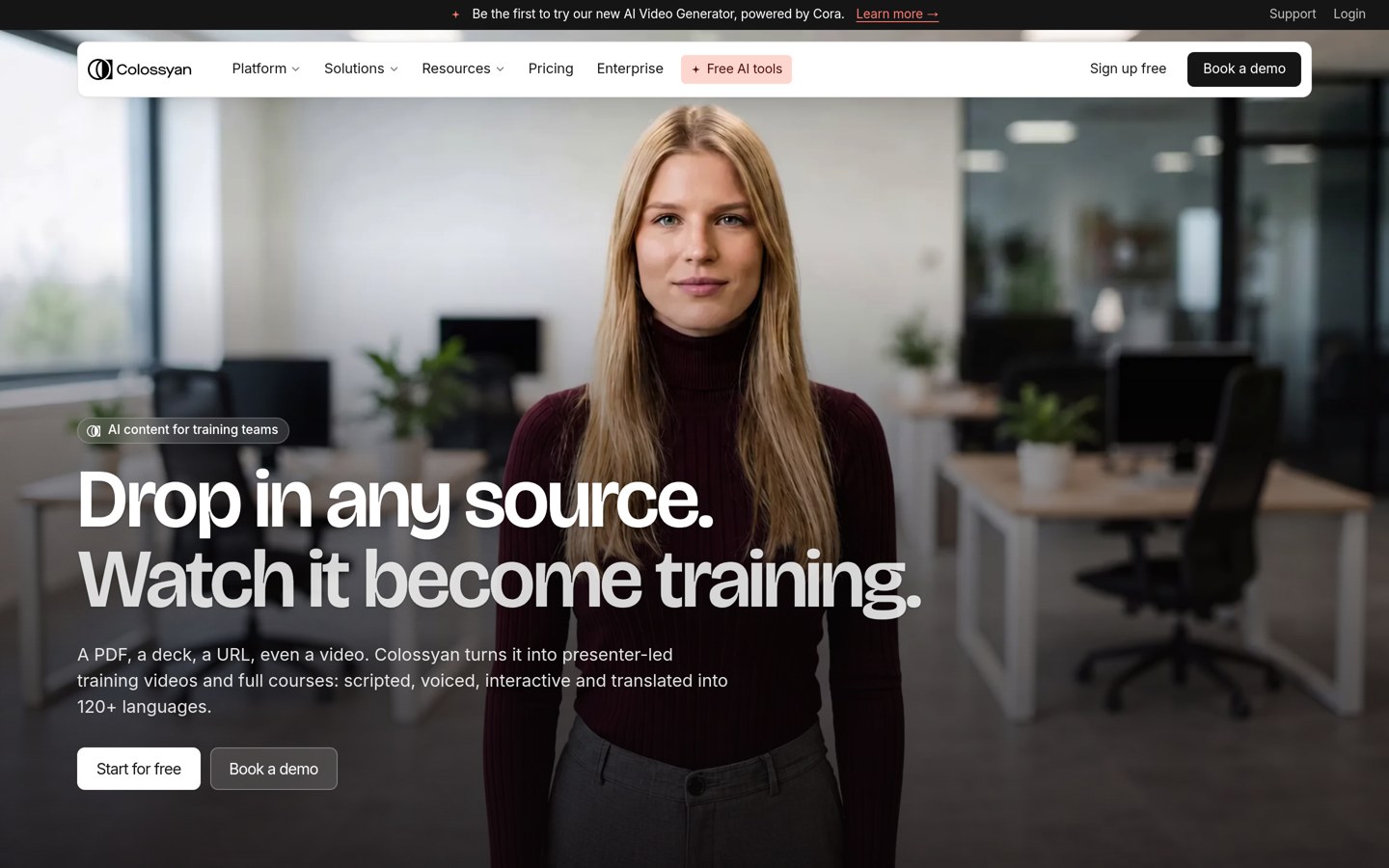
Colossyan is an avatar video platform built for training, with interactive videos, auto-translation and SCORM export for learning systems. The free Starter plan gives 20 minutes of video a month, and Professional at $89 a month adds 30 NEO minutes, 10 NEO2 minutes, watermark removal and 5 SCORM exports a month.
The trade off is price. Professional is the most expensive entry plan in this list, and the minute caps are tight for the money. It suits learning teams that need SCORM and interactive video without an enterprise contract.
Most tools in this list sell credits or minutes, not finished videos. Synthesia, HeyGen, Runway and InVideo AI all meter output, so two plans with the same monthly price can buy very different amounts of video.
Minutes are easier to plan around. Pictory, Descript and Colossyan state a minute allowance, so you can work out how many finished videos a plan covers before you pay.
Before you commit, make one typical video on the free plan or trial and note what it spends. That single number tells you more than any plan comparison table.
How we chose
We started from the best-known AI video platforms on G2 and review roundups, then kept nine that cover the three main jobs: avatar video, text-to-video and generative footage.
Prices come from each vendor's pricing page, checked on 24 November 2026. Ratings and review counts come from G2 on the same day. Where a vendor shows a sale or a first-month discount, the list shows the regular price.
We left out tools with no public pricing and tools built for a single narrow job, such as clip cutting alone. No vendor paid for a place, and we do not claim to have used these tools ourselves.
How to choose an AI video creation platform
Start with the job the video has to do, then check the meter that pays for it.
Name the job first. Avatar tools fit training, text-to-video fits repurposing, and generative tools fit B-roll. Picking the job first cuts the list in half.
Check the free plan or trial. Make one real video with your own script and brand colours. If the voice or avatar feels wrong, no price makes it right.
Work out the cost per finished minute. Divide the monthly price by the minutes or credits the plan buys. A cheap plan with a small allowance can cost more than a dearer one.
Check export quality and rights. Confirm the resolution, watermark and commercial-use terms on the plan you would actually buy, not the top plan.
FAQ
What is the best AI video creation platform?
Synthesia is the best pick for most teams. Its Starter plan costs $19 a month, includes 125+ avatars and 140+ languages, and it is rated 4.6 out of 5 on G2 from 2,804 reviews.
Which AI video tool is best for training videos?
Synthesia and Colossyan are the strongest for training. Synthesia is cheaper and covers more languages, while Colossyan adds interactive video and SCORM export for learning systems on its $89 Professional plan.
What is the cheapest AI video creation platform?
InVideo AI is the cheapest paid start in this list at $9 a month for Basic, with 190 credits. Synthesia Starter at $19 a month is the cheapest avatar-led option, and Runway Standard at $15 a month is the cheapest generative option.
Can I make AI videos for free?
Yes. Synthesia, HeyGen, InVideo AI, Runway, Descript, Kapwing, Lumen5 and Colossyan all have a free plan or free credits, though exports are usually watermarked and capped. Pictory has no free plan, only a 14-day trial.
Do AI video tools charge per video or per minute?
Most charge by credits or minutes, not per video. Synthesia, HeyGen, Runway and InVideo AI sell credits, while Pictory, Descript and Colossyan state a minute allowance. Check what one typical video spends before you commit.
Which AI video tool is best for social media clips?
Kapwing is the best fit for captions, translation and resizing short clips, at $24 a month for Pro. Pictory is better if the clips come from blog posts or scripts, and InVideo AI is better for prompt-to-video drafts.