OpusClip is the best AI video clipping tool for most creators, with a 4.6 out of 5 G2 rating: its $15-a-month Starter plan turns long videos into captioned vertical clips and scores each one for viral potential. Pick Vizard for more source minutes per dollar, or Descript if you also want to edit by transcript.
How we make this list: we compare pricing pages, product documentation and public user reviews, then re-check every price before each update. No product paid for a place. Disclosure.
OpusClip leads with a virality score, captions and direct posting, from $15 a month for 150 source minutes.
Vizard gives the most source minutes per dollar: 600 credits a month on Creator at $29 a month.
Descript is the only pick here that edits video by editing its transcript, with AI clips from $24 a month.
Submagic and Klap are caption-first clippers; both cap what the cheapest plan can do, so check the limits before paying.
Riverside only unlocks its Magic Clips on the Creator plan at $29 a month, not on the $19 Standard plan.
What an AI video clipping tool should do
An AI video clipping tool watches a long video, finds the strongest spoken moments, and cuts them into short vertical clips with captions. The best ones also reframe the shot so the speaker stays in frame.
Clip finding is only half the job. Check the export limits too: some free plans cap exports at 720p, add a watermark, or delete projects after a few days.
Credits are the other trap. Most tools charge by the minute of source video you upload, not by the finished clip, so a two-hour podcast costs far more than the clips it produces. Our guide on repurposing blog posts covers the same idea for written content: start from one strong source and cut it many ways.
Captions matter more than most buyers expect. Viewers watch shorts with the sound off, so animated, accurate captions in your language are worth more than a slightly smarter clip picker.
OpusClip is a dedicated AI clipper that turns long videos, podcasts and streams into captioned vertical clips. The free plan gives 60 credits a month, one credit per minute of source video, with exports up to 1080p. Starter adds 150 credits a month, no watermark, and direct posting to YouTube Shorts, TikTok and Instagram.
The trade off is the credit meter. A two-hour recording uses 120 of the 150 Starter credits, and Pro at $29 a month is the plan that adds a scheduler, team seats and export to Premiere Pro. It suits creators who publish clips every week from regular long videos.
What we like
Virality score ranks clips before you edit them
Direct posting to Shorts, TikTok and Instagram
Free plan is usable for a clip or two a week
Watch out for
Credits are charged per source minute, not per clip
Scheduling and Premiere export need the $29 Pro plan
Free exports carry a watermark and expire after 3 days
Pro adds a scheduler, team seats and Premiere exportVisit opus.pro
02
Vizard
4.7/5on G2 (434 reviews, checked Nov 2026)
Paid from$29/mo
Best value per source minute
Free plan60 credits a month
Cheapest paid planCreator, $29/mo
Source minutes600 a month on Creator
Export quality4K, no watermark on Creator
vizard.ai
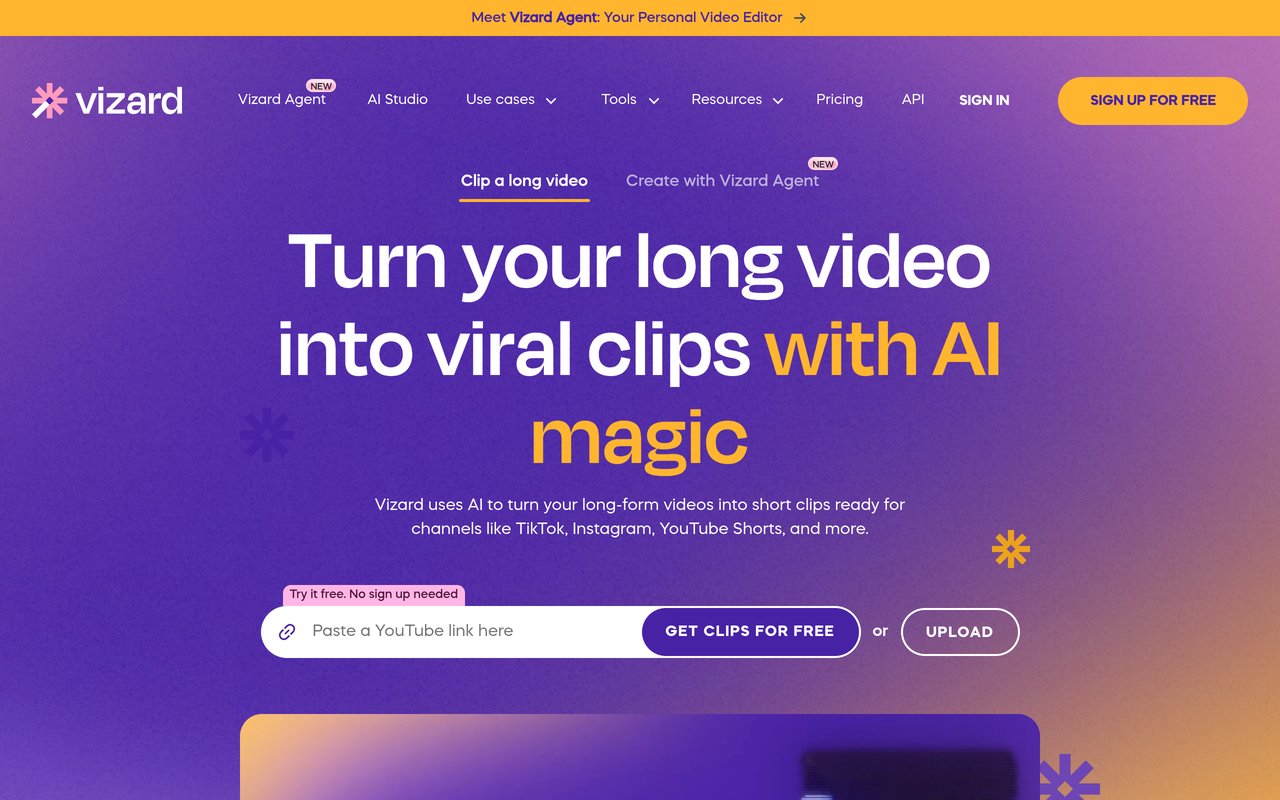
Vizard homepage, captured Nov 2026.
Vizard is an AI clipper for podcasts, webinars and long YouTube videos, with auto-captions, speaker detection and reframing to vertical. The free plan gives 60 credits a month at 720p with a watermark. Creator costs $29 a month, or $14.50 a month billed yearly, and covers 600 source minutes a month with 4K export.
The trade off is that the yearly price is where the value sits. Month to month, Creator costs the same $29 as OpusClip Pro but without its scheduler depth, and free clips expire after 3 days. It suits creators who clip long recordings often and want the most minutes per dollar.
What we like
600 source minutes a month beats every rival at this price
Descript is a text-based editor: you edit the transcript like a document and the video follows, then its Create Clips feature pulls short clips from the recording. The free plan covers 1 hour of media a month at 720p with a watermark. Hobbyist costs $24 a month, or $16 billed yearly, with 10 media hours, 400 AI credits and 1080p export.
The trade off is the double meter. Media hours and AI credits run out separately, and heavy AI use can burn the 400 Hobbyist credits fast. It suits podcasters and talking-head creators who want one tool for the full edit, not just the clips.
What we like
Transcript editing is the fastest way to cut spoken video
905 G2 reviews, the second-largest base in this list
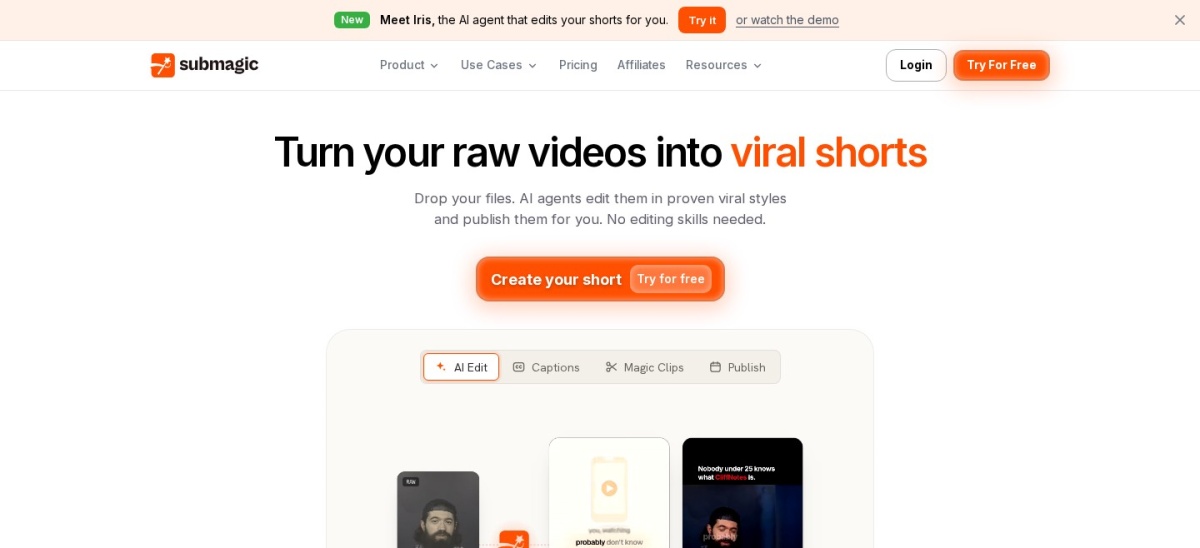
Submagic is a caption-first short-form editor that adds animated captions, cuts pauses, inserts B-roll and turns long recordings into clips. Starter costs $19 a month, or $12 billed yearly, and covers 15 videos a month with captions in more than 100 languages and 1080p export with no watermark.
The trade off is the Starter cap. Clips are limited to 2 minutes, and silence removal and other AI tools are not on Starter, so long podcast episodes need the $39 Pro plan. It suits creators who film short talking-head videos and care most about caption style.
What we like
Captions are the strongest in this list, in 100+ languages
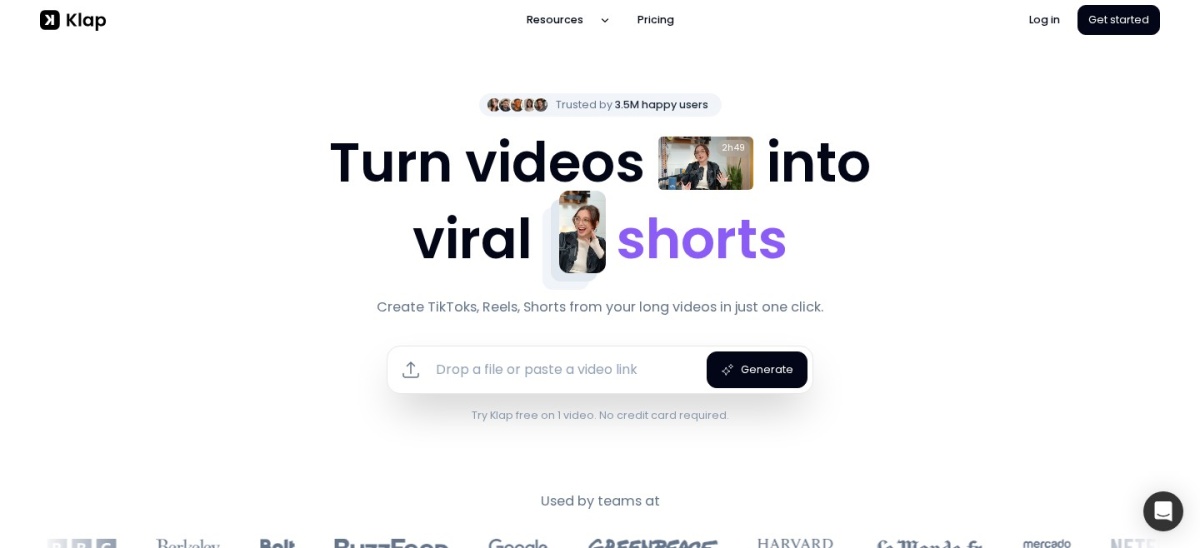
Klap is an AI clipper that turns a YouTube link or upload into vertical shorts with captions, a virality score and active-speaker reframing. Basic costs $29 a month, or $14.50 billed yearly, and covers 100 clips a month from source videos up to 3 hours, with scheduling to TikTok, YouTube, Instagram and LinkedIn.
The trade off is the clip quota. Every generated clip counts against the 100, including ones you discard, so a long podcast can use much of a month in one run. It suits speech-heavy shows where the AI only needs the words to find the moments.
What we like
Priced per clip, not per source minute
AI Reframe 2 keeps the speaker centred in vertical crops
Scheduling and analytics on every plan
Watch out for
Discarded clips still count against the quota
No free plan; the trial covers one video with no download
Works best on speech, not on silent or visual footage
Riverside is a remote recording studio that records each guest locally in up to 4K, then its Magic Clips feature cuts the recording into captioned vertical clips. The free plan covers 2 hours of recording a month at 720p with a watermark. Standard costs $19 a month, or $15 billed yearly, with 1080p video and unlimited guests.
The trade off is the plan split. Magic Clips are not on Standard; they need the Creator plan at $29 a month, or $24 billed yearly, so the clipping price is higher than the entry price. It suits interview shows that record remotely and want clips from the same session.
What we like
Highest G2 rating in this list at 4.8 out of 5
Local recording keeps quality high on bad connections
Text-based editing and AI show notes included
Watch out for
Magic Clips need the $29 Creator plan
Free plan is limited to 2 hours a month
Heavier on system resources than browser-only clippers
Kapwing is a browser video editor whose Repurpose Studio turns long videos into clips, with subtitles, dubbing, resizing and a full timeline editor in the same tab. The free plan gives 10 credits with 720p watermarked exports up to 4 minutes. Pro costs $24 a month, or $16 billed yearly, with 1,000 credits a month and 4K export.
The trade off is the rating and the per-member price. Kapwing holds 3.9 out of 5 on G2 from 41 reviews, the lowest here, and paid plans are billed per workspace member. It suits small teams that subtitle, translate and resize video every week in one browser editor.
What we like
Full editor, not just a clip generator
Subtitles, dubbing and resizing in one place
1,000 AI credits a month on Pro
Watch out for
Lowest G2 rating in this list at 3.9 out of 5
Paid plans are billed per member
Free exports are watermarked and capped at 4 minutes
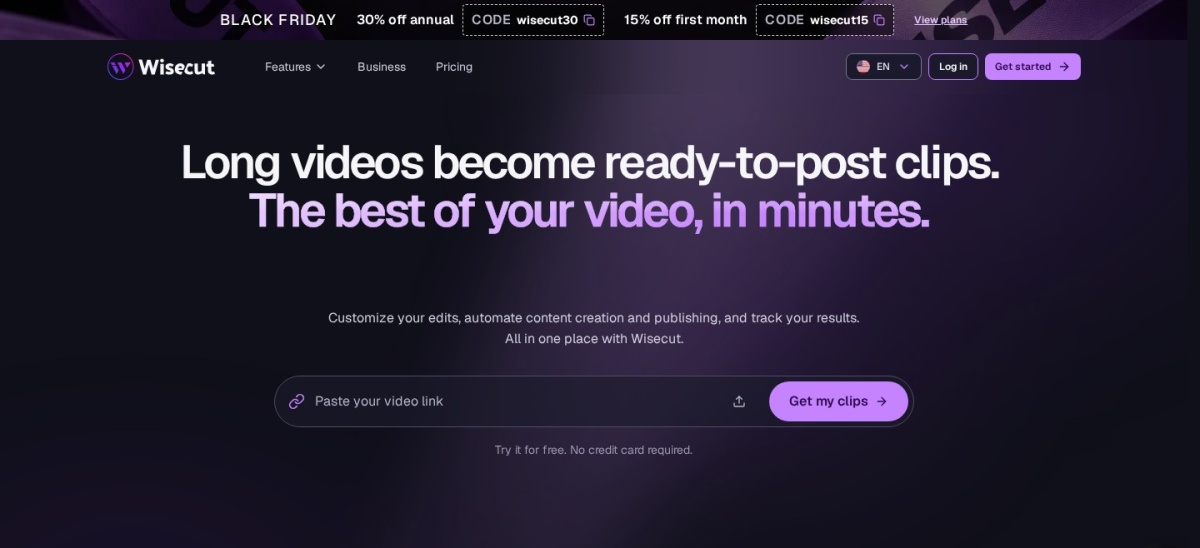
Wisecut is an AI editor that cuts silences and filler words from talking videos, adds captions and background music, and reframes clips for social feeds. The free plan gives 30 credits a month with exports at 480p. Starter+ costs $29 a month and covers 480 minutes of processing a month at 1080p with auto-posting to social media.
The trade off is polish. Wisecut tightens a talking video fast, but it is not a dedicated highlight finder like OpusClip or Vizard, and 4K needs the $119 Professional+ plan. It suits coaches and course creators who record long talking videos and want the dead air gone.
Pictory is a script-first video tool that turns a script, blog post or long video into captioned clips with stock footage, AI voices and a brand kit. Starter costs $29 a month, or $25 billed yearly, and covers 30 video minutes a month with 1 brand kit and access to 5 million stock clips.
The trade off is focus. Pictory is built for script-to-video first, so its clip finding is less specialised than OpusClip or Vizard, and 30 minutes a month is tight for weekly shows. It suits marketers who turn written content into short video more than it suits daily clip volume.
What we like
Turns scripts and blog posts into video
Large stock library from Getty and Storyblocks
Unused credits roll over month to month
Watch out for
No free plan, only a 14-day trial
30 video minutes a month is tight for regular shows
Free plans are good for a test, not for a schedule. Most cap exports at 720p, add a watermark, or delete projects after a few days.
Paid plans mostly buy minutes and quality. You get more source minutes, no watermark, 1080p or 4K export, and projects that stay in storage.
The cheapest paid plan is not always the clipping plan. Riverside keeps Magic Clips off its $19 Standard plan, and Submagic keeps silence removal off Starter.
If you publish clips every week, work out the cost per source minute first. A $15 plan that covers 150 minutes costs less per show than a $29 plan that covers 100 clips you mostly discard.
How we chose
We started from the established AI clipping tools named in 2026 comparisons and kept those with a working clip feature, a published price and a public rating.
Prices come from each vendor's pricing page, checked on 24 November 2026. Ratings come from G2 on the same day. Where a vendor shows a sale, the list shows the regular monthly price.
We left out tools with no published price or no public rating. No vendor paid for a place, and we do not claim hands-on testing for this list.
How to choose an AI video clipping tool
Start with how much long video you actually publish, then match the meter to it.
Count your source minutes per month. Add up the long videos you publish each month. A weekly two-hour podcast needs about 480 source minutes, which only a few plans here cover.
Check what the cheapest plan really includes. Some plans exclude the clip feature itself, cap clip length, or charge per clip. Read the plan table before you pay.
Test captions on your own footage. Use the free plan or trial on a real episode. Caption accuracy and reframing quality vary most on fast speech and multiple speakers.
Pick one clipper and one editor. A dedicated clipper plus a full editor covers more than two clippers. Pair OpusClip or Vizard with Descript or Kapwing if you also need full edits.
FAQ
What is the best AI video clipping tool?
OpusClip is the best pick for most creators. Its Starter plan costs $15 a month, finds highlights in long videos, adds captions, and scores each clip for viral potential. It holds 4.6 out of 5 on G2 from 124 reviews.
How much does an AI video clipping tool cost?
Most tools in this list start at $15 to $29 a month. OpusClip Starter is $15, Submagic Starter is $19, and Vizard, Klap, Wisecut and Pictory start at $29. Free plans exist on six of the nine tools here.
Do AI clipping tools work on podcasts?
Yes, most are built for spoken content. OpusClip, Vizard, Descript and Riverside all take podcasts, webinars and interviews as input. Tools that rely on speech detection work poorly on silent or purely visual footage.
Are the clips really ready to post?
Usually not without a quick check. The AI picks the moments and adds captions, but clip boundaries can cut a sentence short. Review each clip once before posting, especially for interviews and sponsored content.
What is the difference between credits and clips?
Credits usually buy source minutes: one credit per minute of video you upload. Klap is the exception here and charges per clip generated, including clips you discard. Check which meter a plan uses before comparing prices.
Can I use an AI clipping tool for free?
Yes, six tools here have a free plan: OpusClip, Vizard, Descript, Riverside, Kapwing and Wisecut. Free plans usually cap exports at 720p, add a watermark, or delete projects after a few days.
SaaS SEO and WordPress specialist with about 8 years of experience. Rakib compares WordPress plugins, themes, hosting and software using public pricing, documentation and user reviews. See how we rank.