Best AI Video Analysis Tools in 2026: 9 Tools Compared
WLWPLegible EditorsLast verified 22 Nov 2026How we rank10 min read
★ Short answer
Descript is the best AI video analysis tool for most people, with text-based editing, AI transcription and a 4.6 out of 5 G2 rating from 928 reviews, starting at $24 a month. Pick Fireflies.ai for meeting notes at $18 a month, or Vizard for AI clips at $29 a month.
How we make this list: we compare pricing pages, product documentation and public user reviews, then re-check every price before each update. No product paid for a place. Disclosure.
Descript leads at $24 a month, rated 4.6 out of 5 on G2 from 928 reviews.
Fireflies.ai is the cheapest paid plan for meetings at $18 a month, rated 4.7.
Vizard and OpusClip both give 60 free credits a month for AI clips.
Wistia and Vidyard are the analytics picks, but start at $99 and $89 a month.
Twelve Labs has no G2 rating yet, so its $29 a month Plus plan is priced on features alone.
What an AI video analysis tool should do
AI video analysis tools watch, transcribe and tag video so you can find moments without scrubbing through hours of footage.
The main split is purpose. Some tools transcribe and edit, like Descript, while others track viewers, like Wistia and Vidyard, and others cut clips, like Vizard and OpusClip.
Check the free plan first. Most tools here offer one, but credit limits and watermarks decide whether it is useful beyond a trial. Our guide on embedding a video in WordPress shows where the finished video usually ends up.
Prices below are the cheapest paid plan on monthly billing, with the yearly figure in the ladder. Ratings come from G2, checked in November 2026.
Descript is a text-based audio and video editor that turns recordings into a transcript you can edit like a document. The free plan includes transcription and basic editing, and the Hobbyist plan at $24 a month adds more transcription hours, filler-word removal and Studio Sound.
The trade off is price. Hobbyist costs $24 a month on monthly billing, or $16 a month billed yearly, and heavier users move to Creator at $35 a month. It suits podcasters, YouTubers and teams who want one tool for transcription, editing and publishing.
What we like
Edit video by editing the transcript
Filler-word removal and Studio Sound on paid plans
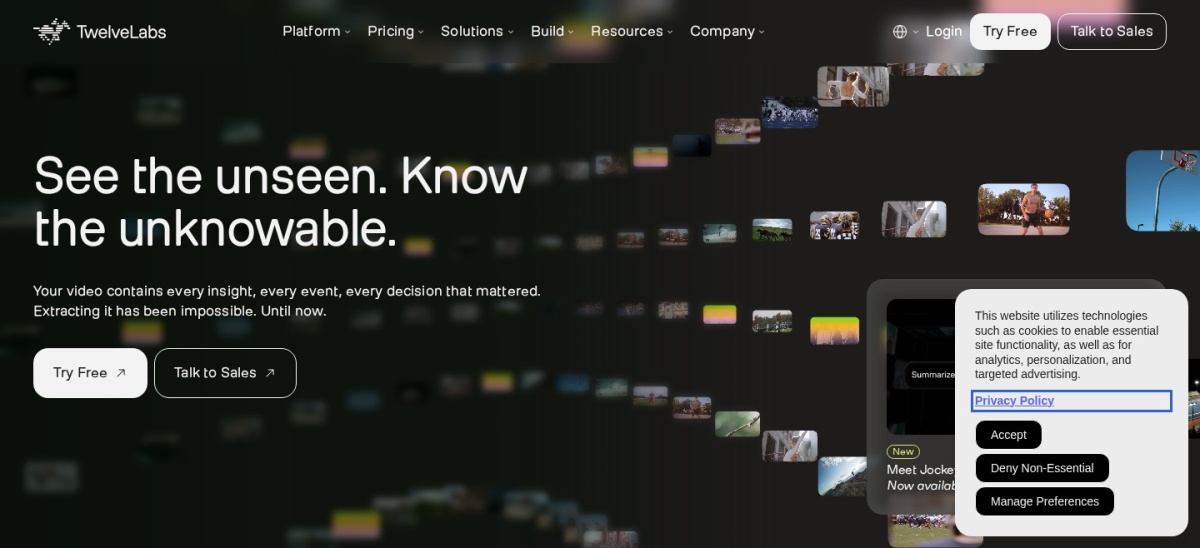
Twelve Labs is a video understanding platform that indexes video so you can search it by meaning, topic or action. Its models tag scenes, speech and objects, and the free plan includes 3 GB of storage for trying the search tools and the API.
The trade off is the audience. It is built for developers and teams with a video library, not for casual editing, and Plus starts at $29 a month with Pro at $99. It suits teams that need search, moderation or clipping across many hours of footage.
Fireflies.ai is a meeting assistant that records and transcribes meetings, then turns them into searchable notes with action items and highlights. The free plan covers basic transcription, and Pro at $18 a month adds AI summaries, topic tracking and more integrations.
The trade off is focus. It is built for meetings, so it is not a general video editor or clip maker, and Pro costs $18 a month on monthly billing, or $10 a month billed annually. It suits teams that run many video calls and want every decision searchable.
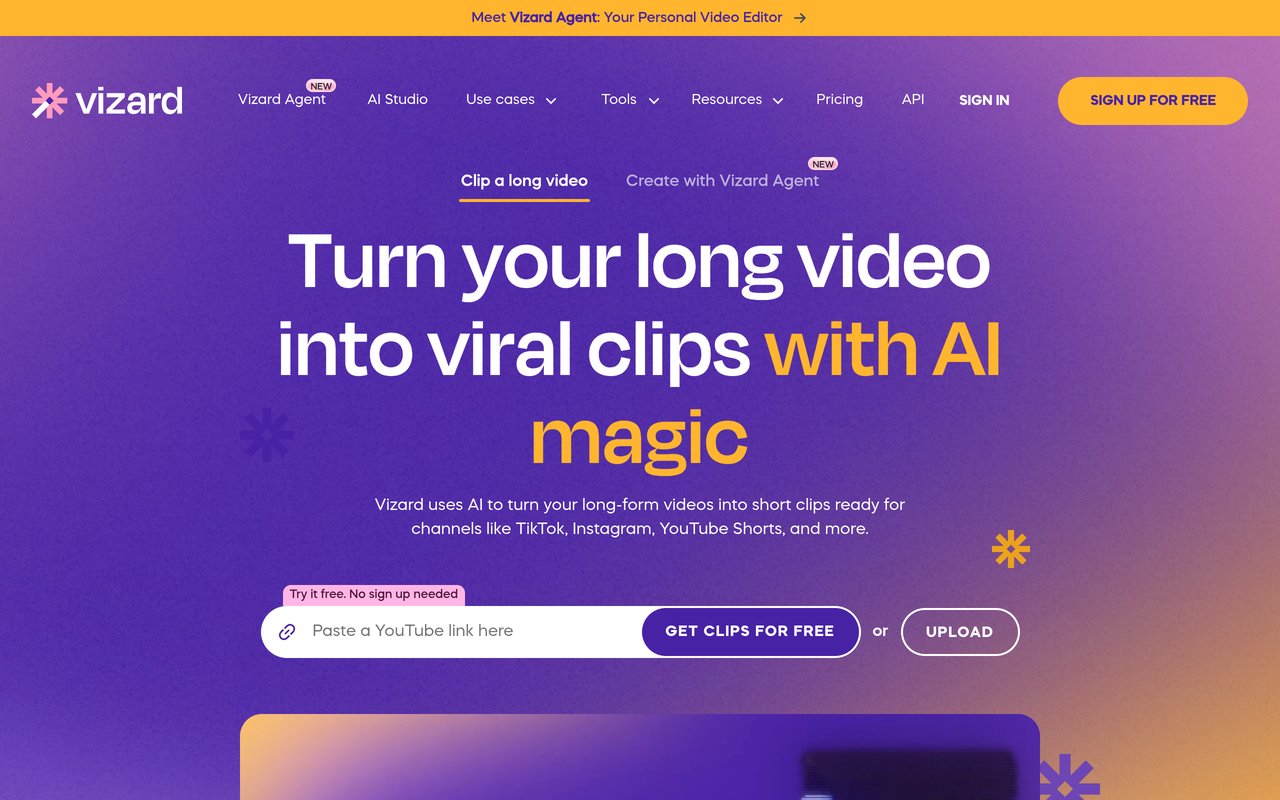
Vizard is an AI video tool that watches a long recording, finds the strongest moments and cuts them into short clips with captions. The free plan includes 60 credits a month, and Creator at $29 a month raises the limit and adds more export options.
The trade off is cost per clip. Monthly billing is $29, or $14.50 a month billed yearly, and heavy clip makers can burn through credits fast. It suits creators who repurpose webinars, podcasts and streams into short-form video.
OpusClip is an AI clip maker that turns long videos into short clips and scores each one for likely performance, so you can pick the strongest first. The free plan includes 60 credits a month, and Starter at $15 a month adds more credits and removes the watermark.
The trade off is the small review base. It holds 4.6 out of 5 on G2, but from only 123 reviews, and Pro costs $29 a month. It suits short-form creators who publish clips every day and want a score to guide the choice.
What we like
Virality score ranks clips before you publish
Free plan with 60 credits a month
Cheapest paid plan in this list at $15 a month
Watch out for
Only 123 G2 reviews so far
Watermark on the free plan
Pro at $29 a month doubles the price
Starter adds credits and removes the watermarkVisit opus.pro
06
Wistia
4.6/5on G2 (1,140 reviews, checked Nov 2026)
Paid from$99/mo
Best for video analytics for business
Video analyticsHeatmaps, per viewer
Free planYes
AI featuresChapters, transcripts
Paid planBusiness, $99/mo
wistia.com
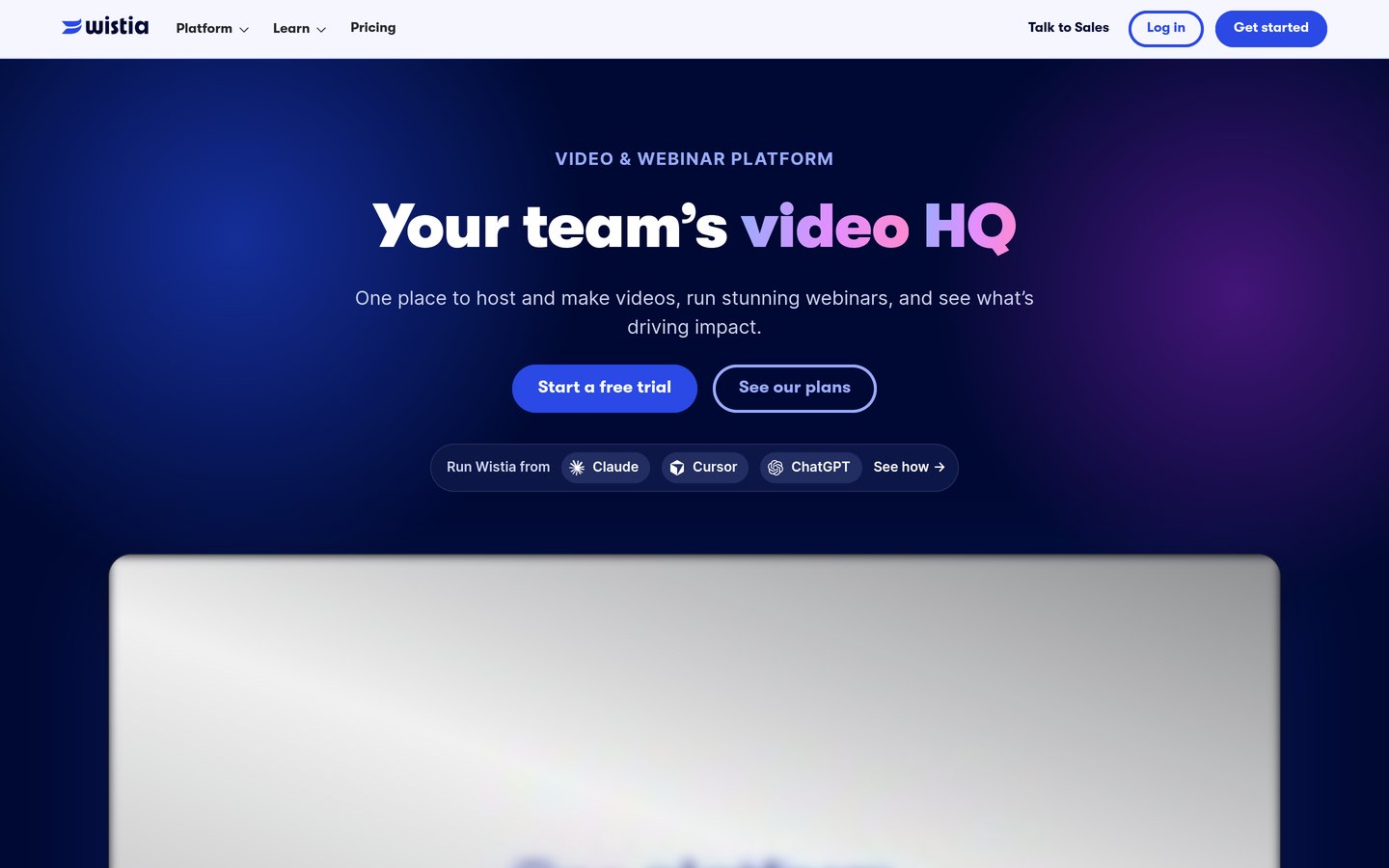
Wistia homepage, captured Nov 2026.
Wistia is a business video platform that hosts marketing video and reports who watched, for how long and where they dropped off. The free plan covers basic hosting, and Business at $99 a month adds AI chapters, transcripts and deeper analytics.
The trade off is price. Business is $99 a month on monthly billing, or $79 a month billed annually, which is steep for a single creator. It suits marketing teams that need video data inside their CRM and reporting tools.
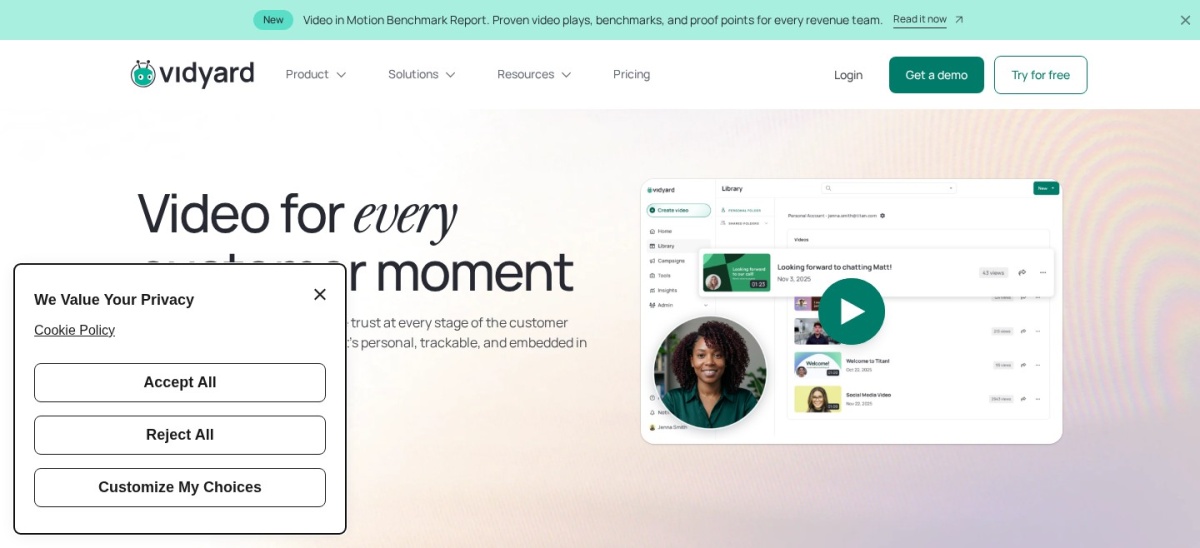
Vidyard is a video platform for sales teams that records, sends and tracks video messages, showing who watched and for how long. The free plan covers recording and basic sharing, and Starter at $89 a month adds AI scripts, summaries and CRM sync.
The trade off is cost. Starter is $89 a month on monthly billing, or $59 a month billed annually, and the free plan is limited to a few recordings a month. It suits sales teams that send video outreach every day.
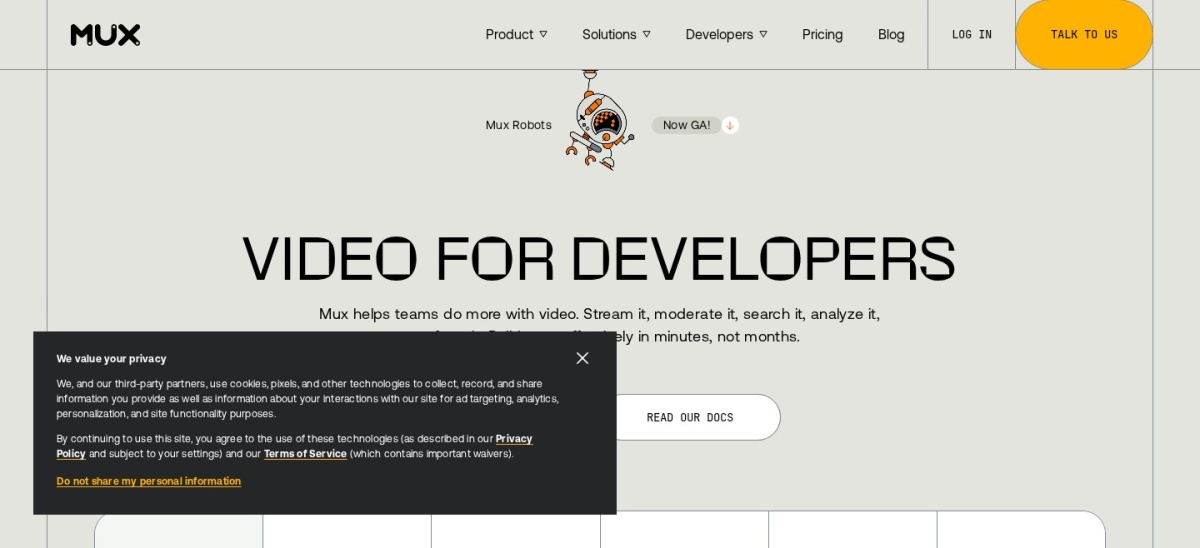
Mux is a video API for developers that handles upload, encoding, playback and streaming, with analytics on how each stream performs. The free tier covers testing, and Launch at $20 a month adds a usage credit and higher limits.
The trade off is the audience. Mux is built for developers, not editors, and its G2 rating of 4.4 comes from only 20 reviews. It suits teams building video into an app or site who want playback data without running their own pipeline.
What we like
Full video pipeline behind one API
Real-time playback analytics
Cheapest analytics pick here at $20 a month
Watch out for
Only 20 G2 reviews so far
No editor or clip tools
Needs a developer to set up
Launch adds a usage credit and higher limitsVisit mux.com
09
Kapwing
4.1/5on G2 (40 reviews, checked Nov 2026)
Paid from$24/mo
Best for quick browser-based editing
Browser editorYes
Free planYes, watermarked
AI toolsClip maker, captions
Paid planPro, $24/mo
kapwing.com
Kapwing homepage, captured Nov 2026.
Kapwing is a browser-based video editor with AI tools for captions, clip finding and background removal, plus templates for social formats. The free plan covers basic editing with a watermark, and Pro at $24 a month removes it and raises export limits.
The trade off is the rating. Kapwing holds 4.1 out of 5 on G2 from 40 reviews, the lowest in this list, and monthly billing is $24. It suits creators who want fast edits without installing software.
Clip tools save editing time. Vizard and OpusClip find moments and cut them for you, which suits creators who publish every day.
Analytics tools save guesswork. Wistia and Vidyard show who watched and where they left, which suits teams that sell or report on video.
Transcription tools do both, slowly. Descript and Fireflies.ai turn speech into text first, then let you search, edit or summarise from it.
If you only need one job done, pick the tool built for it. A clip tool will not tell you who watched, and an analytics tool will not cut your clips.
How we chose
We started from AI video tools with published pricing and a review-site listing, then kept nine that cover transcription, clipping and analytics.
Prices come from vendor pricing pages and review-site pricing data, checked on 22 November 2026. Ratings come from G2 on the same day. Where a vendor shows a sale, the list shows the regular price.
We left out enterprise-only tools such as VideoVerse, which has no self-serve plan, and usage-priced APIs such as AssemblyAI, which has no flat monthly price. No vendor paid for a place, and we do not claim hands-on testing for this list.
How to choose an AI video analysis tool
Start with the job the video has to do, then match the tool to it.
Name the job first. Transcription, clipping and viewer analytics are different jobs. Pick the tool built for the one you do most.
Try the free plan with real footage. Upload a typical recording and check the transcript quality, clip picks or analytics before paying.
Check the credit limits. Clip tools meter by credits, so a 60-credit free plan may last a week or a day depending on your volume.
Compare monthly and yearly prices. Most tools here cost less per month on yearly billing. Descript drops from $24 to $16 a month, and Vidyard from $89 to $59.
FAQ
What is the best AI video analysis tool?
Descript is the best all-round pick. It turns video into an editable transcript, includes AI transcription and filler-word removal, and is rated 4.6 out of 5 on G2 from 928 reviews. Paid plans start at $24 a month.
Can I analyse video for free?
Yes. All nine tools in this list have a free plan or tier. The limits differ: Vizard and OpusClip give 60 credits a month, while Descript and Fireflies.ai cap transcription hours or storage.
What is the cheapest AI video analysis tool?
OpusClip has the cheapest paid plan at $15 a month for Starter, followed by Fireflies.ai Pro at $18 a month. Both include a free plan, so you can try them before paying.
Which tool is best for turning long videos into clips?
Vizard and OpusClip are built for that job. Both watch a long recording, find the strongest moments and cut short clips with captions. Vizard costs $29 a month and OpusClip $15 a month.
Do these tools transcribe video?
Descript, Fireflies.ai, Wistia and Vidyard all transcribe video. Descript and Fireflies.ai are the strongest here, with searchable transcripts and AI summaries on their paid plans.
What is the difference between Wistia and Vidyard?
Wistia is built for marketing teams that host video and study viewer behaviour. Vidyard is built for sales teams that record and track video messages. Wistia starts at $99 a month and Vidyard at $89 a month.