Best AI Upscaling Software in 2026: 9 Tools Compared
WLWPLegible EditorsLast verified 22 Nov 2026How we rank7 min read
★ Short answer
Topaz Gigapixel is the best AI upscaling software, with benchmark photo quality at $149 a year. AVCLabs is the best value pick at $79.95 a year, while Nero is the cheapest paid pick at $49.95 a year.
How we make this list: we compare pricing pages, product documentation and public user reviews, then re-check every price before each update. No product paid for a place. Disclosure.
Topaz Gigapixel leads for photo quality at $149 a year, with unlimited local renders and Face Recovery.
AVCLabs is the best value pick at $79.95 a year, with restoration tools and a $99.90 perpetual licence.
Nero is the cheapest paid pick at $49.95 a year, with 7 models and up to 8x upscaling.
Upscayl is free and unlimited for local use, with up to 16x upscaling and batch processing.
Fotor is the cheapest browser pick at $3.99 a month billed yearly, but it caps at 4x upscaling.
What upscaling needs from an AI tool
Upscaling means making a small image larger with AI filling in the missing detail. The best tools add detail that looks real, while weaker tools blur or invent faces.
Desktop tools such as Topaz Gigapixel, AVCLabs and Nero run on your computer and render locally. Cloud tools such as Fotor and Let’s Enhance run in the browser with no install.
Maximum output matters. Topaz reaches 6x, Nero and HitPaw reach 8x, and Magnific and Upscayl reach 16x, but higher multiples do not always mean better quality.
Watch the licence. Topaz Personal limits commercial use to organisations under $1M revenue, and several tools charge per credit in the cloud.
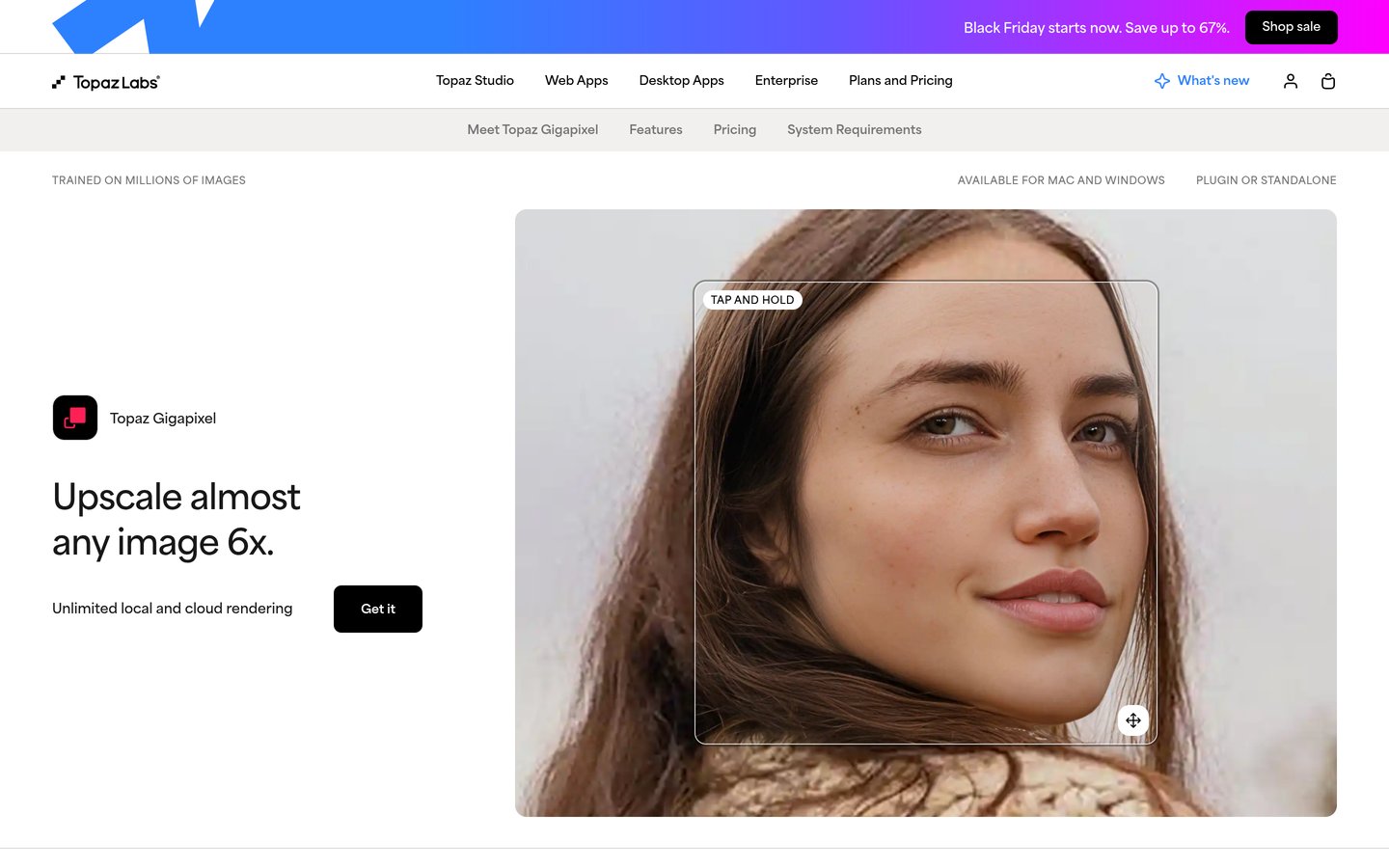
Topaz Gigapixel is a desktop AI image upscaler for photos, scans and print work. Personal at $149 a year adds upscaling up to 6x as a standalone app, Recover, Redefine and Face Recovery models, and unlimited local rendering.
The trade off is it is subscription-only with no buy-once option, and the Personal licence limits commercial use to organisations under $1M revenue. It suits photographers and print shops that want benchmark quality for photos and print.
AVCLabs Photo Enhancer AI homepage, captured Nov 2026.
AVCLabs Photo Enhancer AI is a desktop AI photo enhancer and upscaler with restoration tools. It costs $79.95 a year, with up to 4x upscaling to 16K output, denoising, colour calibration, background removal and batch processing.
The trade off is it needs a strong GPU, with 16 GB RAM recommended, and there is no free plan beyond the trial. It suits anyone who wants restoration tools beside upscaling at a lower price.
Nero AI Image Upscaler homepage, captured Nov 2026.
Nero AI Image Upscaler is a desktop and cloud AI image upscaler. Yearly at $49.95, the regular list price, adds 7 specialised models, up to 8x upscaling to 32K output, batch processing and local or cloud processing.
The trade off is the desktop app is Windows and Mac only, and the web plan is credit-based and costs extra. It suits anyone who wants the lowest annual cost in this set.
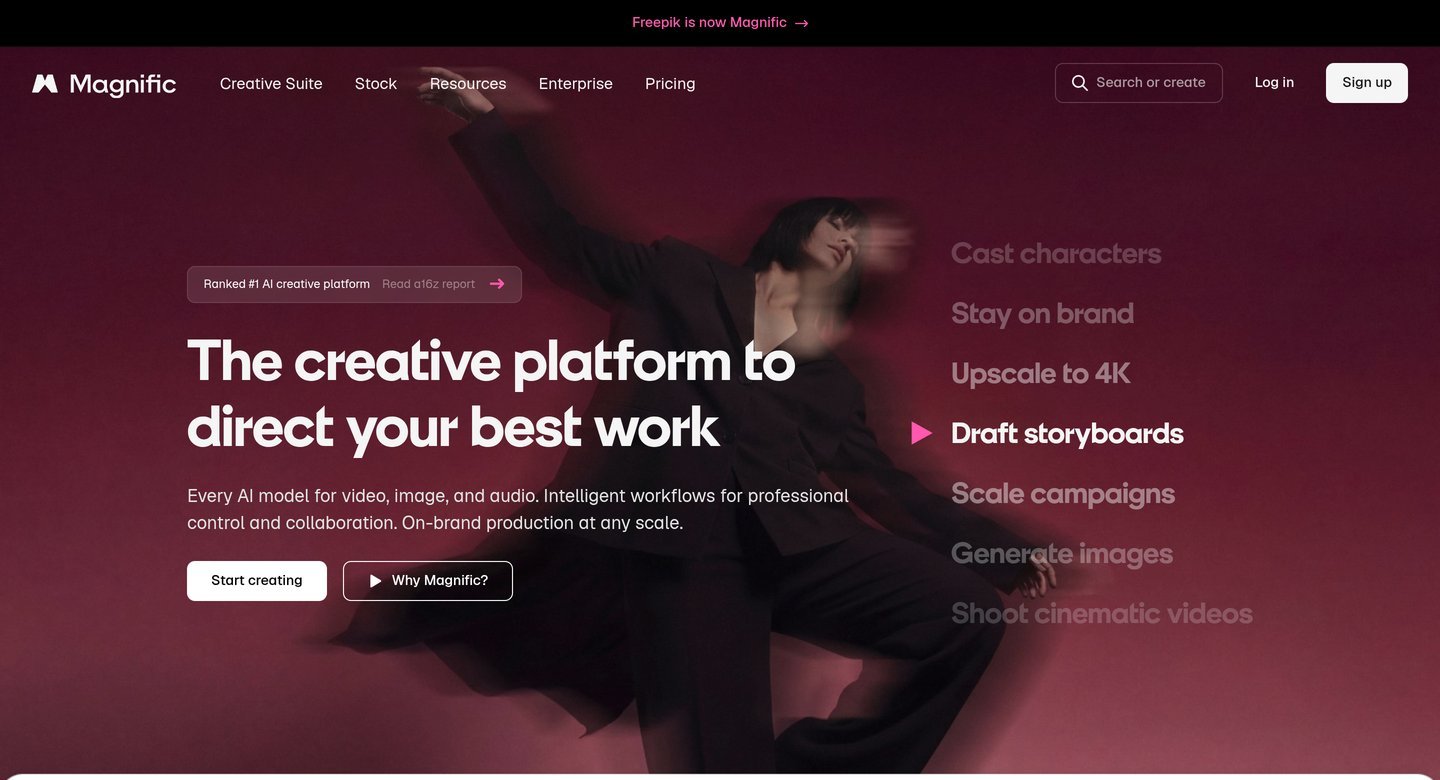
Magnific is a creative AI upscaler that adds detail to AI images. It adds up to 16x upscaling in Precision mode, Creative and Classic modes, and generates new detail in the image.
The trade off is pricing is in euros, from 12 euros a month billed yearly, so it is not converted to dollars here, and invented detail can change faces. It suits creators who upscale AI images that need added detail.
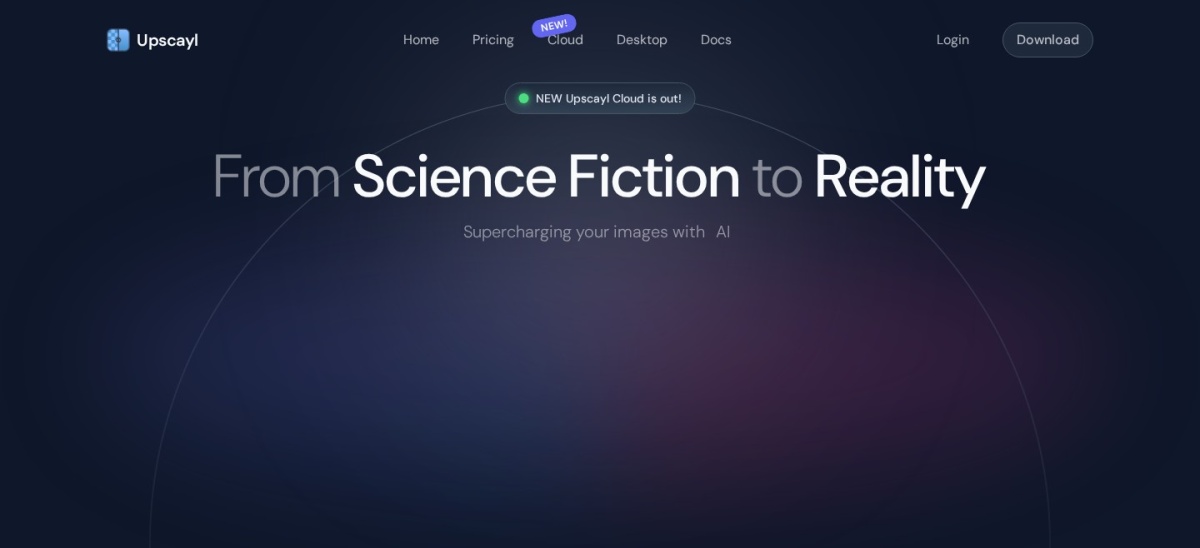
Upscayl is a free open-source desktop AI upscaler that runs locally. It is free and unlimited for local use, with up to 16x upscaling, batch processing of folders and Windows, Mac and Linux support.
The trade off is it needs a compatible graphics card, and it has fewer models than paid tools. It suits anyone who wants free, unlimited local upscaling.
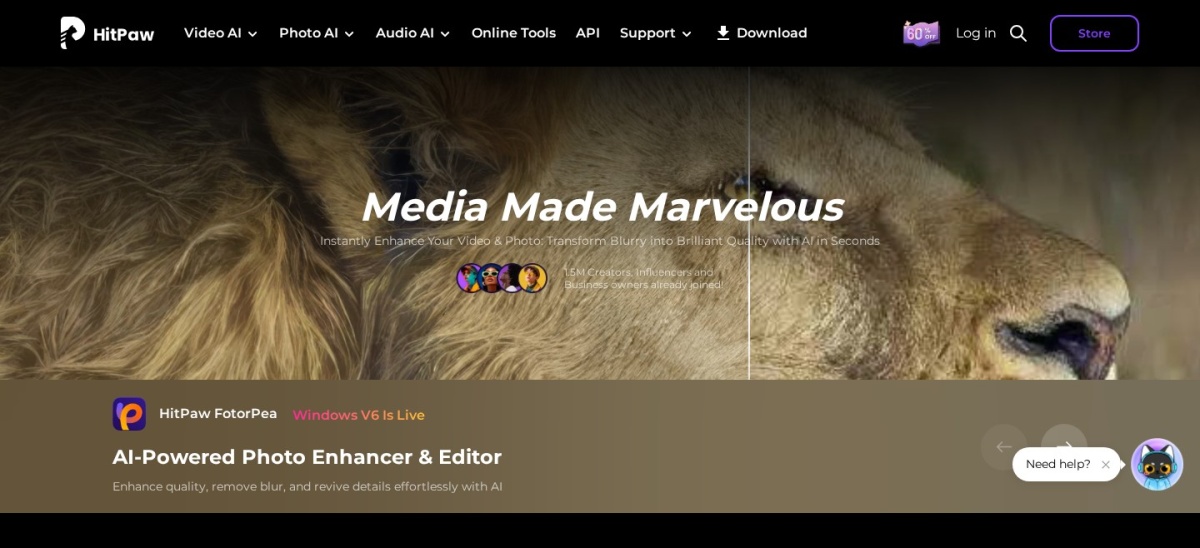
HitPaw FotorPea is an AI photo enhancer and upscaler for photos. It starts at $22.39 a month, with up to 8x upscaling to 32K output, 9 models, a face model and batch processing.
The trade off is the subscription cost adds up, and trial exports are watermarked. It suits anyone who needs a face enhancement model beside upscaling.
Fotor is a browser-based photo editor with an AI upscaler. Pro at $3.99 a month billed yearly adds up to 4x upscaling, batch processing and no install needed.
The trade off is 4x maximum is lower than rivals, and there is no face-enhancement model listed. It suits anyone who wants simple upscaling with no install or GPU.
Adobe Photoshop is Photoshop with AI Generative Upscale, using Firefly, Topaz Gigapixel and Topaz Bloom models. It starts at $22.99 a month on an annual plan, with Generative Upscale inside Photoshop, up to 56 MP via Gigapixel and layered editing.
The trade off is upscales are credit-metered at 10 credits each, and the subscription cost is high for a single feature. It suits photographers who already work in Photoshop.
4.2/5on Trustpilot (189 reviews, checked Nov 2026)
Starts at$12/mo
Best cloud upscaler
Free planNo
Cheapest paid plan$12/mo
Cloud-basedYes
Batch processingYes
letsenhance.io
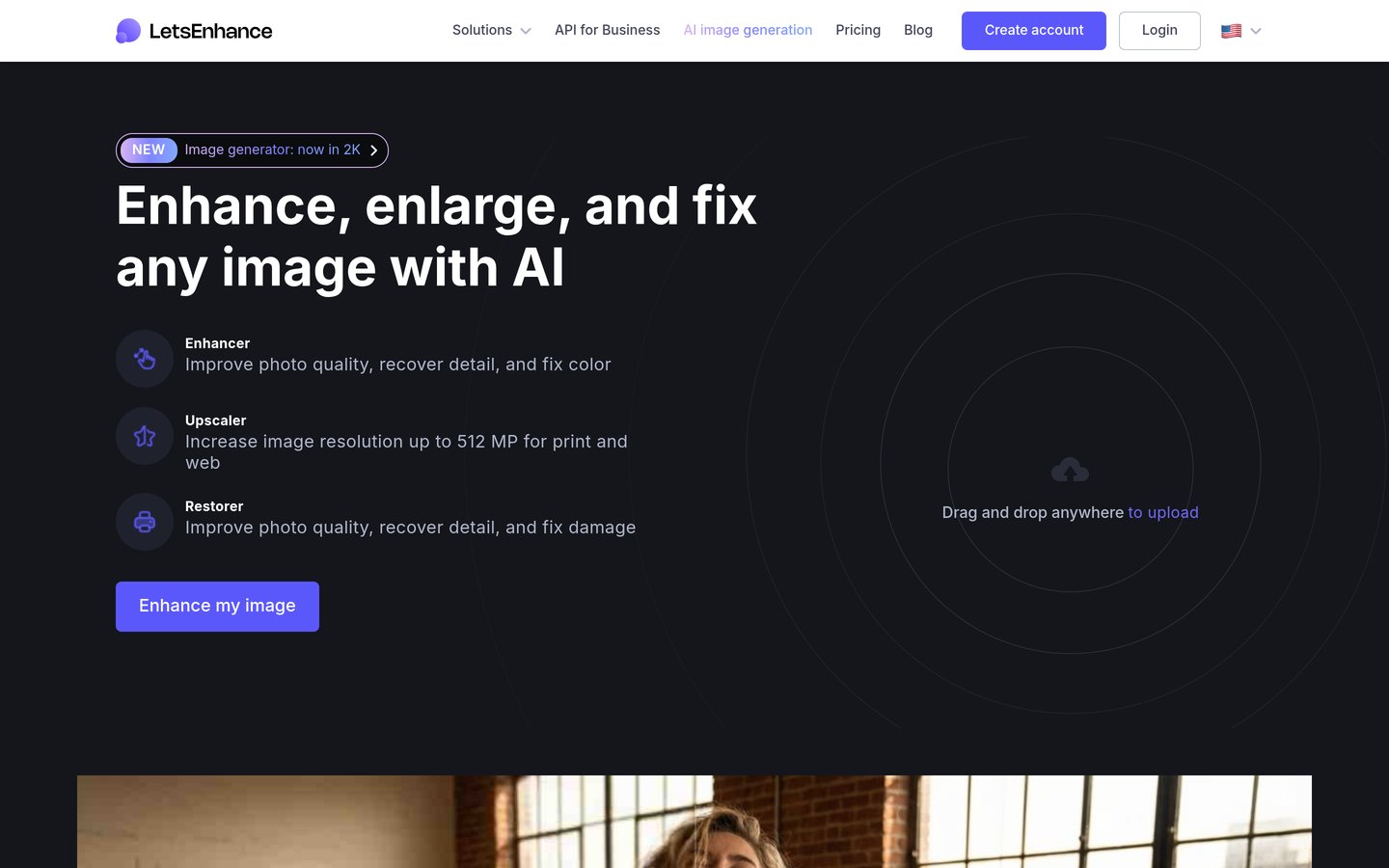
Let’s Enhance homepage, captured Nov 2026.
Let’s Enhance is a cloud-based AI image upscaler. Starter at $12 a month adds cloud upscaling, batch processing and no install needed.
The trade off is credit limits apply on low tiers, and the free tier was not verified in the sources read. It suits anyone who wants cloud upscaling with no install or GPU.
Local tools render on your computer, with unlimited renders on a subscription and no upload wait.
Cloud tools run in the browser, with no install or GPU needed, but they meter credits per image.
Local tools need a strong GPU. AVCLabs recommends 16 GB RAM, and Upscayl needs a compatible graphics card.
Choose local for volume and privacy, and cloud for occasional use on any computer.
How we chose
We started from upscaling roundups and vendor sites, then kept tools with a real upscaling use case: desktop photo upscaling, cloud upscaling, or creative detail generation.
Prices come from each vendor pricing page, checked on 22 November 2026. Ratings come from G2, Capterra or Trustpilot on the same day, where a rating was published. Where a vendor shows a sale, the list shows the regular price.
We left out tools with no published price or no public review record where a priced alternative existed. No vendor paid for a place, and this list is based on pricing, docs and reviews, not on using the tools ourselves.
How to choose an AI upscaling tool
Start with the kind of image you upscale most, then check the maximum output size.
Name the image type first. Photos, scans, AI images and prints need different models. Pick the image you upscale most.
Check the maximum output. Topaz reaches 6x and Nero reaches 8x, while Magnific and Upscayl reach 16x. Match the maximum to your print size.
Check local vs cloud. Local tools need a strong GPU but render unlimited. Cloud tools need no GPU but meter credits.
Upscale one image first. Try one photo end to end, check the face and the fine detail, then scale up.
FAQ
What is the best AI upscaling software?
Topaz Gigapixel is the best AI upscaling software, with benchmark photo quality at $149 a year. AVCLabs is the best value pick at $79.95 a year, and Nero is the cheapest paid pick at $49.95 a year.
Can AI upscale a photo without losing quality?
AI upscaling adds detail to fill in the larger image, so quality depends on the model and the source photo. Topaz Gigapixel and Nero give the cleanest results in this set, while free tools can blur fine detail.
What is the cheapest AI upscaler?
Upscayl is free and unlimited for local use, with up to 16x upscaling. Fotor Pro is $3.33 a month billed yearly for browser upscaling, and Nero is $49.95 a year for a desktop tool.
Is Topaz Gigapixel worth $149 a year?
It is worth it for photographers and print shops that need benchmark quality and unlimited local renders. For occasional use, Fotor at $3.33 a month or Upscayl for free covers the same basic job.
How much can AI upscale an image?
Topaz Gigapixel reaches 6x, Nero and HitPaw reach 8x, and Magnific and Upscayl reach 16x. Higher multiples do not always mean better quality, since detail is invented at high multiples.
Do I need a strong computer for upscaling?
Local tools need one. AVCLabs recommends 16 GB RAM, and Upscayl needs a compatible graphics card. Cloud tools such as Fotor and Let’s Enhance need no GPU, since they render on their own servers.