Best AI Tools to Generate Video From Image in 2026: 9 Tools Compared
WLWPLegible EditorsLast verified 24 Nov 2026How we rank12 min read
★ Short answer
Runway is the best AI tool to generate video from an image for most creators, with strong camera control and 2 to 10 second clips from $12 a month. Pick Kling for the longest clips and Google Flow for free daily credits.
How we make this list: we compare pricing pages, product documentation and public user reviews, then re-check every price before each update. No product paid for a place. Disclosure.
Runway leads on control: Gen-4 costs 12 credits a second, and Standard at $12 a month buys 625 credits.
Kling makes the longest clips in this list, up to 30 seconds, from $10 a month for 660 credits.
Google Flow is the cheapest way to start: 50 free credits a day, with paid plans from $4.99 a month.
Hailuo and Pika both add native sound, but their Trustpilot scores are low at 1.4 and 2.3 out of 5.
Kapwing is the only pick here that edits the clip after generating it, from $16 a month for Pro.
What to look for in an image-to-video tool
Image-to-video tools animate a still picture instead of starting from a blank prompt. The starting image sets the look, and the tool adds motion, camera movement and often sound.
Clip length matters most for social posts. Most tools make 5 to 10 second clips, while Kling stretches to 30 seconds and Hailuo to 15 seconds.
Sound is the next split. Some tools generate dialogue and effects with the picture, while others return a silent clip you must score yourself.
A good starting image makes the biggest difference. Our guide on generating images with AI in WordPress covers how to get a clean, detailed still to animate.
Watch the credit maths before you pay. A low monthly price can still mean only a few clips if each second costs many credits.
Runway is a video studio built around Gen-4, its image-to-video model. The free plan gives 125 one-time credits, and Standard at $12 a month billed yearly gives 625 credits a month, enough for about 52 seconds of Gen-4.5 video, with camera controls and 4K upscaling.
The trade off is the credit cost. Gen-4.5 uses 12 credits a second, so a few retakes can use up a month of Standard, and the faster Gen-4 Turbo still needs 5 credits a second. It suits creators who want directed, cinematic shots and can plan each generation.
What we like
Strongest camera and motion controls in this list
Gen-4 Turbo stretches credits further at 5 a second
No watermark on paid plans, with 4K upscaling
Watch out for
Credits run out fast at 12 a second on Gen-4.5
Free credits are one-time and do not refresh
Standard adds 625 credits a month and removes the watermarkVisit runwayml.com
02
Kling AI
4.7/5on G2 (5 reviews, checked Nov 2026)
Paid from$10/mo
Best for the longest clips
Free planYes, daily credits
Longest clip30 seconds
Native audioYes
Paid planStandard, $10/mo
kling.ai
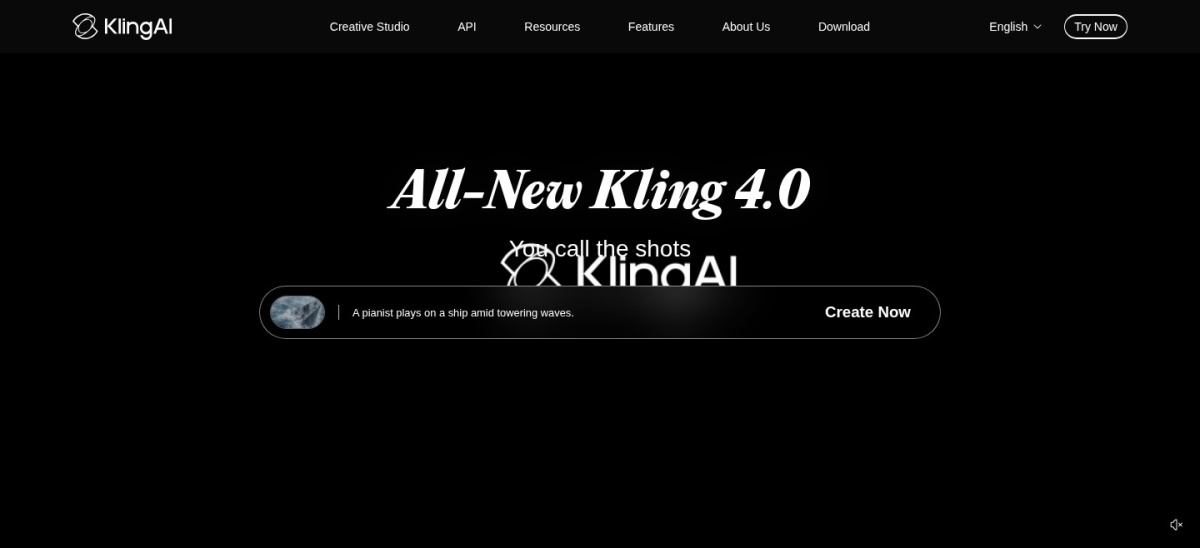
Kling AI homepage, captured Nov 2026.
Kling AI is a video generator from Kuaishou that turns a still image into a moving clip with sound. Kling 4.0 makes clips of 3 to 30 seconds in one pass, with up to 10 keyframes and native 4K output, and Standard gives 660 credits a month.
The trade off is the credit system. The free grant is small, and the list price is $10 a month, though the first month is shown at $6.99 and renewals at $8.80. It suits creators who want the longest clips and do not mind planning each generation.
What we like
Longest clips in this list, up to 30 seconds
Native audio and dialogue in the same pass
4K output on paid plans
First and last frame controls
Watch out for
Free credit grant is small
G2 rating rests on only 5 reviews
Credit rules take time to learn
Standard adds 660 credits a month and removes the watermarkVisit kling.ai
03
Google Flow
3.8/5on App Store (96 reviews, checked Nov 2026)
Paid from$4.99/mo
Best free daily image-to-video
Free plan50 credits a day
Video modelsVeo 3.1, Gemini Omni
Native audioYes
Paid planAI Plus, $4.99/mo
labs.google.com
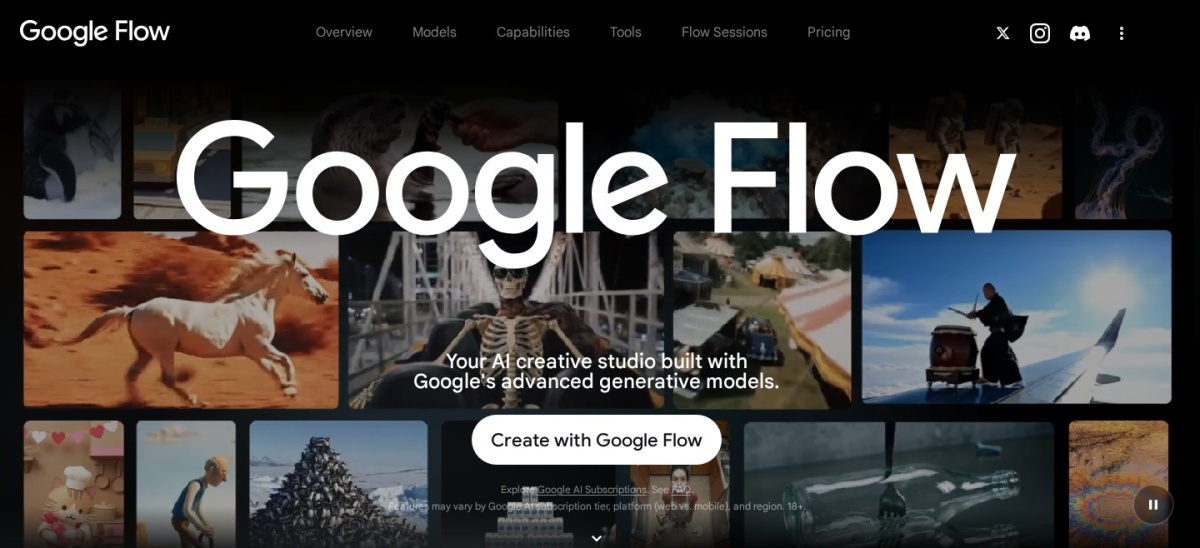
Google Flow homepage, captured Nov 2026.
Google Flow is Google's browser studio for video, built on Veo 3.1 and Gemini Omni. You upload an image as the first frame, describe the motion, and it generates a clip with sound. A free Google account gets 50 Flow credits a day, with no card needed.
The trade off is how far credits go. Google AI Pro at $19.99 a month adds 1,000 monthly credits, which buys about 10 top-quality clips, so heavy use needs the higher tier. It suits anyone with a Google account who wants realistic clips with sound for free.
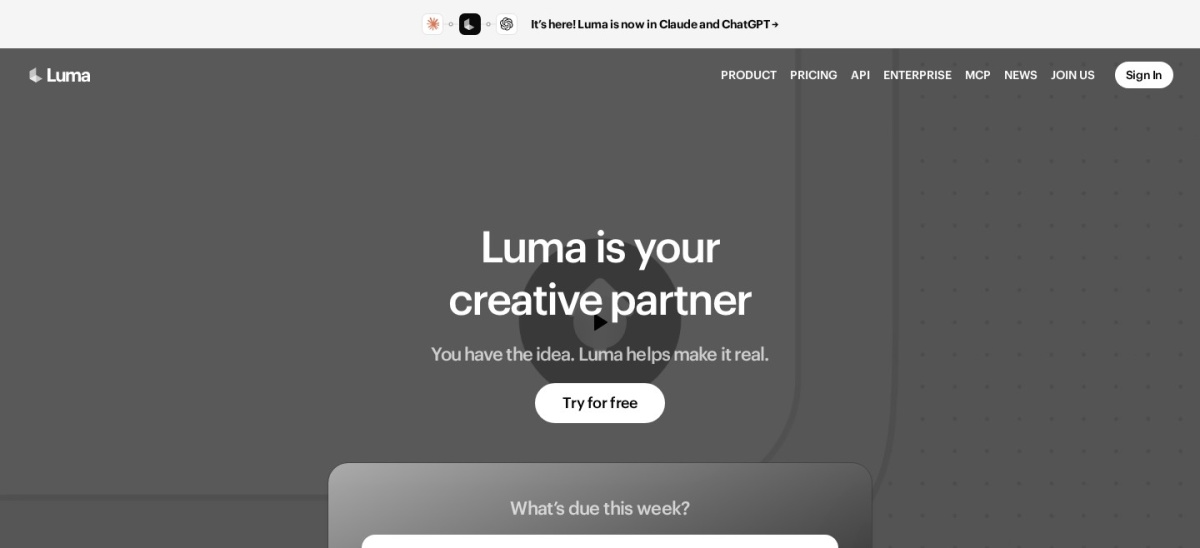
Luma Dream Machine is Luma's video tool, now built around its Ray models. Image-to-video with Ray 3.2 costs 100 credits for a 5 second clip at 720p, or 400 credits at 1080p, and start and end frames lock the look of a shot.
The trade off is price. The current Agents ladder starts at Plus for $30 a month with 10,000 credits, up from the old $9.99 Lite tier, and monthly credits expire at renewal. It suits creators who iterate fast and want natural camera movement.
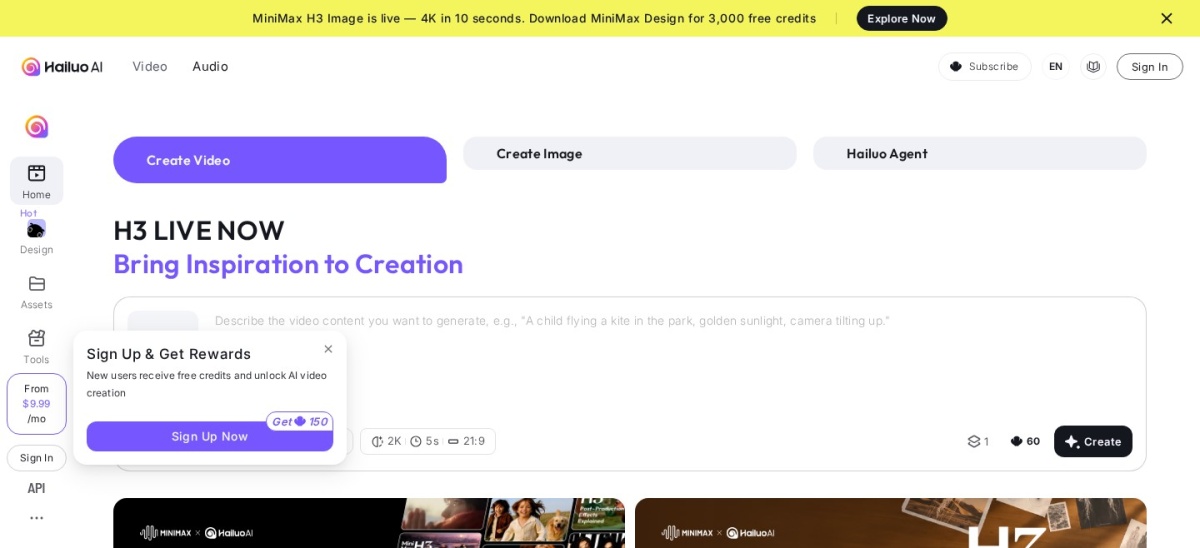
Hailuo AI is MiniMax's video tool, built around the MiniMax H3 model. It turns an image into a clip of 4 to 15 seconds at up to 2K, with native stereo sound and up to 12 reference files, and Standard gives 1,000 credits a month.
The trade off is pricing and trust. The list price is $14.99 a month, but the homepage showed from $9.99 and earlier checks showed a $10.50 promo, and its Trustpilot score is 1.4 out of 5. It suits creators who want sound in one pass and will pay monthly.
Pika is a creative studio that makes short video from an image across many models. Its own H3 Flex model costs 10 credits for a 5 second clip, and the same balance also buys Kling 4.0 and Seedance 2.5. Starter gives 600 credits a month for $10, or $8 billed yearly.
The trade off is that other models cost far more. A 5 second Seedance clip at 1080p costs close to 300 credits, so Starter buys only a couple, and sources disagree on whether Starter covers commercial use. It suits social creators who mainly use Pika's own models.
What we like
Many models from one credit balance
Cheap clips on its own H3 Flex model
No watermark on any plan, including free
Video Studio builds clips up to 30 seconds
Watch out for
Third-party models cost far more credits
Trustpilot score of 2.3 from 81 reviews
Commercial-use terms differ across sources
Starter adds 600 credits a month on a $10 planVisit pika.art
07
HeyGen
4.8/5on G2 (1,968 reviews, checked Nov 2026)
Paid from$29/mo
Best for talking photos
Free plan3 videos a month
Talking photoAvatar IV, 16 credits/min
Languages175+
Paid planCreator, $29/mo
heygen.com
HeyGen homepage, captured Nov 2026.
HeyGen is a video tool that turns a portrait into a talking presenter who speaks your script with head movement and expression. Its photo avatar covers a portrait, illustration or mascot, and its image-to-video flow animates scenes with sound. Creator gives 600 credits a month for $29, or $24 billed yearly.
The trade off is the per-minute credit cost. Avatar IV costs 16 credits a minute for a photo look and Avatar V costs 48, so 600 credits buy about 37 minutes of Avatar IV or 12 minutes of Avatar V. It suits marketers who need a photo to speak.
What we like
Best talking-photo quality in this list
175+ languages with voice cloning
1080p export with no watermark on Creator
Highest G2 rating here at 4.8 out of 5
Watch out for
Credit cost varies sharply by avatar model
Free plan covers only 3 watermarked videos a month
Adobe Firefly is Adobe's generative tool for images, video and audio. Its Generate Video feature turns a still into a clip, and Standard at $9.99 a month gives 2,000 generative credits, with partner models from Google, OpenAI and Kling AI in the same place.
The trade off is how fast credits go. G2 reviewers note that video generation uses up the 2,000 credits quickly, so regular video work needs the Pro tier. It suits people already in Adobe apps who want commercially safe output.
What we like
Works inside Adobe apps and Creative Cloud
Partner video models in one subscription
Free plan for trying before paying
Watch out for
2,000 credits run out fast on video
Video is a side feature, not the main focus
Best value only for existing Adobe users
Standard adds 2,000 credits a month and video generationVisit adobe.com
09
Kapwing
3.9/5on G2 (40 reviews, checked Nov 2026)
Paid from$16/mo
Best for finishing clips in an editor
Free planYes, watermarked
AI videoPrompt and attach media
EditorTimeline, captions, stock
Paid planPro, $16/mo
kapwing.com
Kapwing homepage, captured Nov 2026.
Kapwing is an online video editor with AI video tools. You type a prompt, attach a still image as media, and it generates a clip you can then cut in the timeline, add captions to and pair with stock footage.
The trade off is that generation is one feature inside a general editor, not a dedicated video model, so raw clip quality trails Runway and Kling. It suits teams who want to generate and finish a social clip in one place.
Free plans are good for learning what a tool does. Most give a small credit grant, a watermark, or both, and some cap exports at 720p.
Paid plans mostly buy credits and commercial use. The cheapest paid tier often removes the watermark first, then adds more credits as you move up.
Check the licence before using a clip in an ad or a client project. Free plans on several tools here are for personal use only.
If you only need a few clips a month, Google Flow's 50 free daily credits may be enough, and you may never need a paid plan.
How we chose
We started from the video tools most often named for image-to-video work, then kept nine with a live product, a published price and a public rating.
Prices come from each vendor's pricing page or a source quoting it, checked on 24 November 2026. Ratings come from G2, Trustpilot or the App Store on the same day. Where a vendor shows a sale, the list shows the regular price.
We left out tools whose homepage blocked every screenshot attempt and tools with no published price. No vendor paid for a place, and we do not claim to have used these tools ourselves.
How to choose an AI image-to-video tool
Start with the clip you need, then match the tool to it.
Decide if you need sound. If the clip needs dialogue or effects, pick a tool with native audio such as Kling, Hailuo or Google Flow.
Check the clip length. Most tools stop at 5 to 10 seconds. If you need longer, Kling reaches 30 seconds and Hailuo 15 seconds.
Work out the cost per clip. Divide the monthly credits by the credits a clip costs. A cheap plan can still be dear per clip.
Try the free credits first. Generate the same still in two tools and compare motion, faces and hands before you pay.
FAQ
What is the best AI tool to generate video from an image?
Runway is the best pick for most creators. Its Gen-4 model gives strong camera control and 2 to 10 second clips from $12 a month, and it is rated 4.1 out of 5 on G2.
Can I generate video from an image for free?
Yes. Google Flow gives 50 free credits a day, and Runway, Kling, Luma, Hailuo, Pika, HeyGen, Firefly and Kapwing all offer free credits or a free plan.
How long can an AI video from an image be?
Most tools make clips of 5 to 10 seconds. Kling makes the longest clips in this list at up to 30 seconds, while Hailuo reaches 15 seconds and Pika up to 15 seconds.
Do these tools add sound to the video?
Some do. Kling, Hailuo, Google Flow, Pika and HeyGen generate sound or speech with the picture, while Runway, Luma and Firefly clips need separate audio.
Can I use AI-generated video for commercial work?
It depends on the plan. Paid plans usually allow commercial use, while free plans are often for personal use only, so check the licence on the plan you buy.
Why do prices differ from the list price?
Vendors run first-month offers and yearly billing discounts, so the price at checkout can be lower than the list price. This list shows the regular monthly list price.