Runway is the best AI tool to animate images, with Gen-4.5 turning a still into a 2 to 10 second clip with camera control, rated 4.1 out of 5 on G2 and a free plan with 125 one-time credits. Pick Kling for clips up to 30 seconds, or Adobe Firefly if you already use Adobe apps.
How we make this list: we compare pricing pages, product documentation and public user reviews, then re-check every price before each update. No product paid for a place. Disclosure.
Runway leads on motion quality and camera control, with Gen-4.5 clips of 2 to 10 seconds and 125 free credits to start.
Kling gives the longest clips at up to 30 seconds, plus 66 free credits a day and native audio.
Luma is the priciest start at $30 a month, but its 10,000-credit Plus plan covers heavy use across many models.
Pika, Firefly, Immersity and Hailuo all start at $15 a month or less, and every tool in this list has a free plan.
HeyGen is the pick for talking photos: it turns a portrait and a script into a speaking clip in 175+ languages.
What to look for in an image animation tool
A still image becomes a short video when an AI model adds motion to it. Most tools in this list take one photo and a short prompt, then return a clip of 5 to 30 seconds.
Clip length, motion control and credits decide most choices. A 5-second clip suits a social post, while a 30-second clip can carry a whole scene, and credits decide how many tries each dollar buys.
Free plans are useful for a first look, but they cap credits and often add a watermark. Our guide on generating images with AI in WordPress covers the still-image side of the same workflow.
Watch the export rules before you pay. Some tools charge per second, some per clip, and a few keep commercial use behind a paid plan.
Runway is an AI video platform built around its Gen-4.5 image-to-video model. Upload a still, add a prompt and camera direction, and it returns a clip of 2 to 10 seconds. The free plan includes 125 one-time credits, and a 5-second Gen-4.5 clip uses about 60 credits at 12 credits a second.
The trade off is cost per clip. Standard costs $15 a month for 625 credits, so a handful of 10-second clips can use most of a month's allowance. It suits creators who want strong motion and camera control and will pay for it.
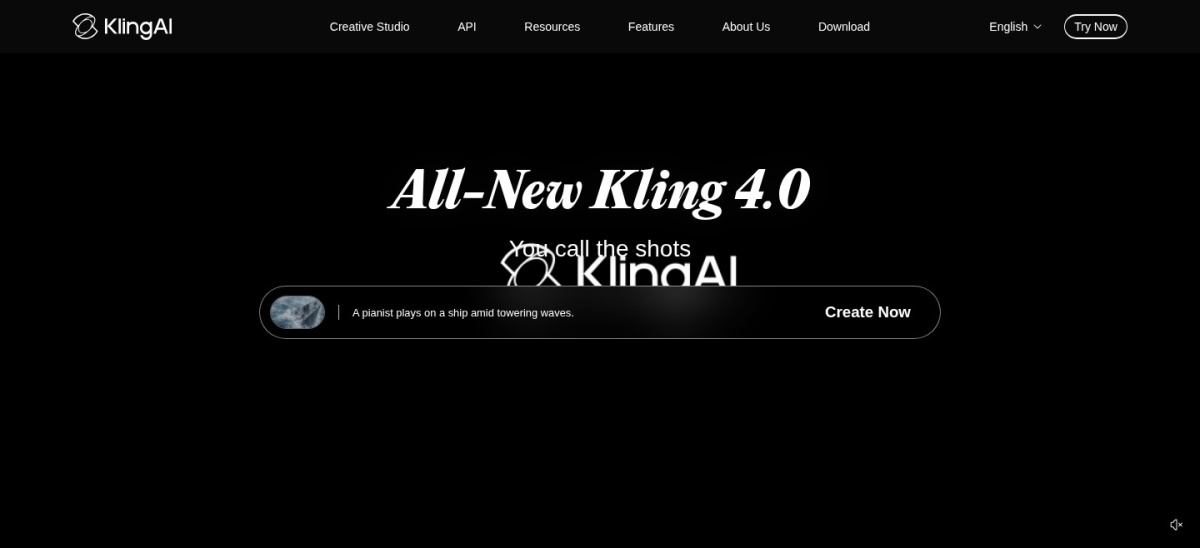
Kling AI is a video generator from Kuaishou, and its Kling 4.0 model turns a still image into a clip of up to 30 seconds. The free plan gives 66 credits a day, and clips can include native audio and 4K output. Standard costs $10 a month for 660 credits.
The trade off is the thin public record. Kling has only a handful of G2 reviews, and its pricing page is hard to read outside the app, so check the $10 Standard plan at checkout. It suits creators who want long, realistic clips for little money.
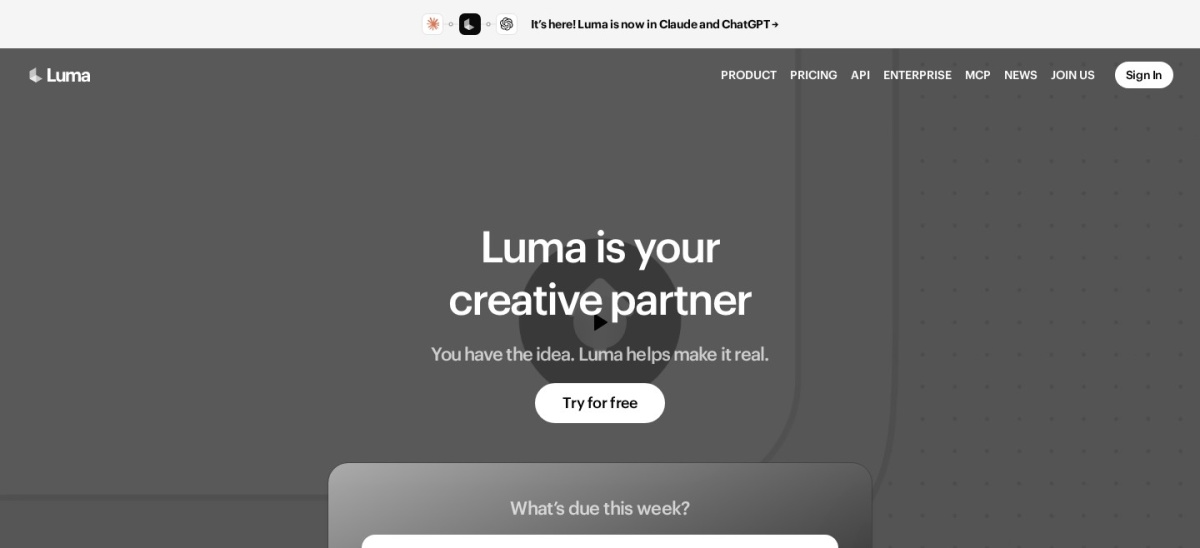
Luma Dream Machine is an AI creative workspace that animates stills with its Ray 3.14 model. Image-to-video costs 100 credits for a 5-second, 720p clip, and start and end keyframes let you set where the motion begins and finishes. Trial credits are included before you pay.
The trade off is price. Plus starts at $30 a month for 10,000 credits, the highest starting price in this list, and credits expire at the end of each billing cycle. It suits heavy users who also want image, audio and agent tools in one place.
Pika is an AI video, image and audio platform that runs its own models beside Kling, Seedance and Veo. Upload a still and pick a model to make a clip of up to 15 seconds with the H3 Flex model. The free plan has no monthly credits, so you buy credit packs to generate.
The trade off is value for light users. Starter costs $10 a month for 600 credits, and a 5-second Seedance 2.5 clip at 720p costs 122 credits, so the allowance covers about four such clips. It suits creators who want several models in one subscription.
What we like
Several video models under one subscription
Free plan exports have no watermark
Commercial license on paid plans
Watch out for
No free monthly credits on the free plan
Low Trustpilot score from 81 reviews
Starter adds 600 credits a month and a commercial licenseVisit pika.art
05
Adobe Firefly
4.4/5on G2 (500+ reviews, checked Nov 2026)
Paid from$9.99/mo
Best for Adobe subscribers
Free planDaily generations
Credits2,000 a month, Standard
Video modelsFirefly, plus partners
Paid planStandard, $9.99/mo
adobe.com
Adobe Firefly homepage, captured Nov 2026.
Adobe Firefly is Adobe's AI image and video tool, and it animates stills inside the Firefly app and other Adobe apps. The free plan includes daily generations, and Standard costs $9.99 a month for 2,000 credits. It runs Firefly models beside partner video models.
The trade off is that it is built for Adobe users first. The strongest value comes if you already work in Photoshop or Premiere, and standalone users get less from the wider Adobe setup. It suits Adobe subscribers who want image-to-video without a second subscription.
HeyGen is an AI video platform for talking portraits and avatars. Its Avatar IV model turns a photo and a script into a speaking clip, with 175+ languages and 3 free videos a month on the free plan. Creator costs $29 a month.
The trade off is scope. HeyGen is built for faces that speak, not for general scene animation, so a landscape or product shot is a poor fit. It suits marketers and educators who need a portrait to deliver a script.
CapCut is a free video editor with Dreamina image-to-video built in. Upload a still, animate it, then trim, caption and export the clip in the same app, with free exports at 1080p. Pro costs $19.99 a month for 1,200 AI credits a month.
The trade off is that animation is one feature among many. The editor is broad rather than deep on motion control, and heavy AI use runs through the credit allowance fast. It suits social creators who animate and edit in one place.
Immersity AI is a depth-motion tool, formerly LeiaPix, that turns a flat photo into a moving clip using a depth map. The free plan exports watermarked clips up to 720p, and the Image plan costs $4.99 a month for 500 credits, covering up to 16 Immersive Motions a month. Output is MP4 or GIF.
The trade off is range. It adds parallax motion rather than generating new scenes, so it cannot turn a photo into a story with characters that move. It suits photographers who want a gentle 3D effect on stills.
What we like
Cheapest paid plan in this list at $4.99 a month
Simple depth effect with no prompt needed
Exports as MP4 or GIF
Watch out for
Only 5 SourceForge reviews so far
No scene generation, only parallax motion
Image plan adds 500 credits a month and removes watermarksVisit immersity.ai
09
Hailuo AI
1.4/5on Trustpilot (94 reviews, checked Nov 2026)
Paid from$14.99/mo
Best budget pick for sharp, long clips
Free planOne-time welcome credits
Longest clip15 seconds at 2K
Native audioYes, stereo
Paid planStandard, $14.99/mo
hailuoai.video
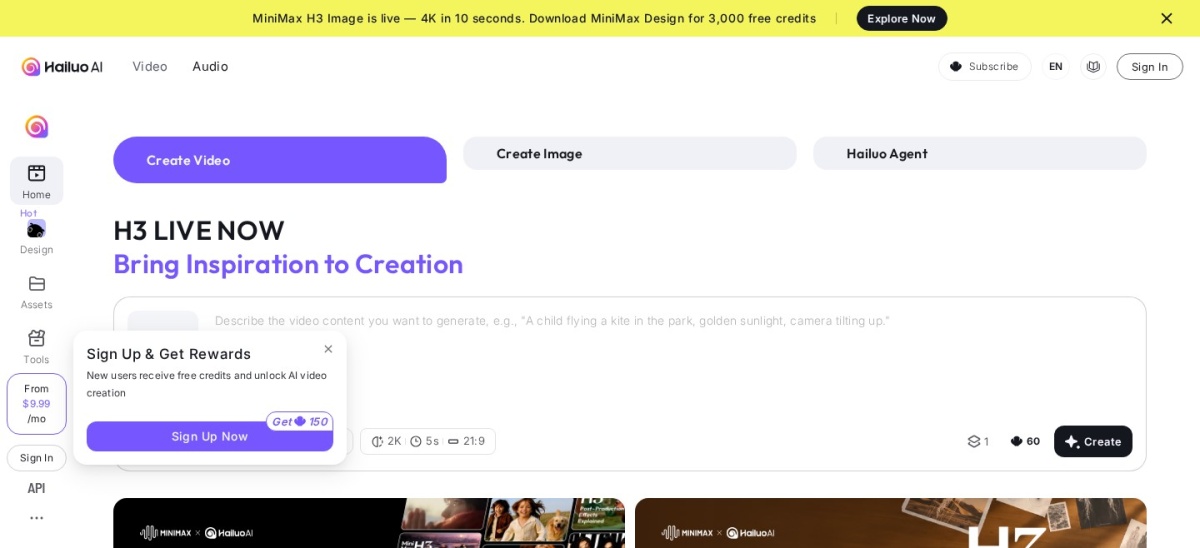
Hailuo AI homepage, captured Nov 2026.
Hailuo AI is the video tool behind MiniMax, and its MiniMax H3 model animates a still into a clip of up to 15 seconds at 2K. The free plan gives one-time welcome credits, and Standard costs $14.99 a month for 1,000 credits. Clips include native stereo sound.
The trade off is trust. Hailuo scores 1.4 out of 5 on Trustpilot from 94 reviews, with most complaints about billing and refunds rather than clip quality. It suits creators who want long, sharp clips and will pay month to month.
Free plans are enough to learn a tool. You get a small credit grant, a watermark on some tools, and a cap on clip length or resolution.
Paid plans mostly add credits and remove the watermark. The cheapest paid plan in this list is Immersity at $4.99 a month, and the dearest start is Luma at $30 a month.
Start free, then pay for the tool whose motion you like best. If the stills are large, our guide on serving images in next-gen formats helps keep file sizes down.
How we chose
We started from the image-to-video tools with the largest public footprint, then kept the nine with a clear still-to-video mode and a published price.
Prices come from each vendor's pricing page, checked on 24 November 2026. Ratings and review counts come from G2, Trustpilot or SourceForge on the same day. Where a vendor shows a sale, the list shows the regular price.
We left out tools with no published price and tools that only edit video. Kling's pricing page did not render its prices in a text read, so its $10 Standard plan is corroborated by two other drafts and a pricing guide. No vendor paid for a place, and we do not claim hands-on testing for this list.
How to choose an AI tool to animate images
Start with the clip you need, then check what each credit buys.
Decide the clip length first. A 5-second clip suits a social post, while a 30-second clip can carry a scene. Kling and Hailuo reach 15 to 30 seconds; Runway tops out at 10.
Check what a credit buys. Some tools charge per second and some per clip, so divide the monthly credits by the cost of your usual clip before you compare prices.
Match the tool to the subject. Use HeyGen for a face that speaks, Immersity for a gentle depth effect on a photo, and Runway or Kling for a full scene with motion.
Use the free plan before you pay. Generate a few clips with the same still on two or three tools, then pay for the one whose motion and framing you like best.
FAQ
What is the best AI tool to animate images?
Runway is the best pick for most creators. Its Gen-4.5 model turns a still into a 2 to 10 second clip with camera control, and the free plan includes 125 one-time credits to start.
Can I animate an image for free?
Yes. Every tool in this list has a free plan, though credits are limited and some exports carry a watermark. Kling gives 66 free credits a day, while Runway and Hailuo give one-time credit grants.
How long can an AI-animated clip be?
Kling makes the longest clips at up to 30 seconds. Pika and Hailuo reach 15 seconds, Runway tops out at 10 seconds, and Luma's image-to-video clips run 5 to 10 seconds.
Which tool is best for talking photos?
HeyGen is the best pick for talking photos. Its Avatar IV model turns a portrait and a script into a speaking clip in 175+ languages, with 3 free videos a month.
Do I need a paid plan for commercial use?
It depends on the tool. Luma includes commercial use on paid plans and Pika includes a commercial license from Starter, so check the plan terms before you use a clip in an ad.
Why do credits run out so fast?
Most tools charge per second or per clip, and longer or higher-resolution clips cost more. A 5-second Seedance clip on Pika costs 122 credits, so a 600-credit plan covers about four of them.
SaaS SEO and WordPress specialist with about 8 years of experience. Rakib compares WordPress plugins, themes, hosting and software using public pricing, documentation and user reviews. See how we rank.