Plugins Plugin hub Backup SEO Caching Security Forms WooCommerce Images Best backup plugins
Hosting Hosting directory Shared hosting Managed WordPress Cloud hosting VPS hosting By reader location Hosting finder
Themes & builders Compare Rank Math vs Yoast
Tools All tools Hosting finder Plugin stack builder Cost calculator Salt generator Theme detector Who is hosting this? Speed test Headline analyzer robots.txt generator Redirect generator Uptime calculator Blog name generator
Blog Best backup plugins Deals
Guides All guides Speed up WordPress Choose hosting Back up WordPress
How we rank
✓AI tools & agents · Buying guide

Best AI Tools for YouTube Automation in 2026: 9 Tools Compared

★ Short answer

Pictory is the best AI tool for YouTube automation, turning scripts and articles into videos at $25 a month billed yearly with a 4.6 out of 5 G2 rating. InVideo is the best value pick at $10 a seat a month billed yearly, while Descript is the best editor at $16 a month.

How we make this list: we compare pricing pages, product documentation and public user reviews, then re-check every price before each update. No product paid for a place. Disclosure.

#2 Runner-up

InVideo

Prompt-to-video with a full editor

FreeTo start
4.2★Rating
—Installs
See why it ranks
🏆 #1 Top pick

Pictory

Scripts and articles into videos

$25Starts at
4.6★Rating
—Installs
See why it ranks
#3 Best editor

Descript

Edit video by editing the transcript

FreeTo start
4.6★Rating
—Installs
See why it ranks
Best AI Tools for YouTube Automation in 2026: 9 Tools Compared

Key takeaways

  • Pictory leads for script-to-video at $25 a month billed yearly, rated 4.6 out of 5 on G2, with a 5M+ stock video library.
  • InVideo is the best value pick at $10 a seat a month billed yearly, bundling several frontier video models.
  • Descript is the best editor at $16 a month billed yearly, with text-based editing and Studio Sound.
  • Opus Clip is the best Shorts tool at $15 a month, turning long videos into vertical clips with virality scores.
  • VidIQ and TubeBuddy target discoverability, but their prices were not verified, so check the vendor pages.

What YouTube automation needs from an AI tool

YouTube automation covers four jobs: generating video, editing it, cutting it into Shorts, and growing the channel.

Generation tools such as Pictory, InVideo and Synthesia turn scripts into finished videos. Descript edits the result by editing the transcript.

Opus Clip cuts long videos into Shorts automatically, while VidIQ and TubeBuddy work on the other side: keywords, titles, thumbnails and analytics.

Credits are the hidden cost. Most tools meter generation in credits, and unused credits usually do not roll over.

Quick comparison

ToolBest forStarting priceFree planRating
Pictory#1 AI tool for YouTube automation overall$25/moNo free plan4.6/5
InVideo#2 Value video generator$10/seat/moFree plan4.2/5
Descript#3 Editor for YouTube videos$16/moFree plan4.6/5
Opus Clip#4 For Shorts from long videos$15/moFree plan4.6/5
Lumen5#5 For blog-to-video$19/moFree plan4.5/5
Synthesia#6 Avatar videos for explainers$14/moFree plan4.6/5
HeyGen#7 Lifelike avatars$24/moFree plan4.8/5
VidIQ#8 For YouTube discoverabilityQuote/yrFree plan4.5/5
TubeBuddy#9 For title and thumbnail testingQuote/yrFree plan4.6/5

Price ladder: cheapest paid plan per year

List prices, USD, checked Nov 2026
VidIQ FREEQuote
TubeBuddy FREEQuote
InVideo FREE$120
Synthesia FREE$168
Opus Clip FREE$180
Descript FREE$192
Lumen5 FREE$228
HeyGen FREE$288
Pictory $300

The 9 best AI tools for YouTube automation

01

Pictory

4.6/5on G2 (81 reviews, checked Nov 2026)
Starts at$25/mo
Best AI tool for YouTube automation overall
Free planNo
Cheapest paid plan$25/mo
Stock videos5M+
AI voicesElevenLabs
pictory.ai
Pictory homepage
Pictory homepage, captured Nov 2026.

Pictory is a tool that turns scripts, articles or URLs into videos with stock footage, voiceover and captions. Starter at $25 a month billed yearly, adds script and URL-to-video, auto captions, a 5M+ royalty-free video library and ElevenLabs AI voices.

The trade off is editing flexibility is limited, and reviewers note inconsistent audio sync. It suits creators who want the fastest path from a blog post to a watchable video.

What we like

  • Fastest path from a blog post to video
  • Strong stock library
  • ElevenLabs voices included

Watch out for

  • Limited editing flexibility
  • Reviewers note audio sync issues
Professional adds more videos and voicesVisit pictory.ai
02

InVideo

4.2/5on G2 (183 reviews, checked Nov 2026)
Paid from$10/seat/mo
Best value video generator
Free planYes
Cheapest paid plan$10/seat/mo
Credits400 per month
Timeline editorYes
invideo.io
InVideo homepage
InVideo homepage, captured Nov 2026.

InVideo is a prompt-to-video generator with AI models, stock footage and a full timeline editor. Starter at $10 per seat a month billed yearly adds 400 credits a month, Seedance video models, Nano Banana Pro images and a multiplayer timeline editor.

The trade off is credit costs make the per-video cost hard to predict, and unused credits do not roll over. It suits creators who want several frontier video and image models in one subscription.

What we like

  • Bundles several frontier models
  • Full editor included on every plan
  • Free tier with 10 credits a week

Watch out for

  • Credit costs hard to predict
  • Unused credits do not roll over
Plus adds more credits and stockVisit invideo.io
03

Descript

4.6/5on G2 (928 reviews, checked Nov 2026)
Paid from$16/mo
Best editor for YouTube videos
Free planYes
Cheapest paid plan$16/mo
Text editingYes
Studio SoundYes
descript.com
Descript homepage
Descript homepage, captured Nov 2026.

Descript is a tool that edits video and audio by editing the transcript, with an AI co-editor called Underlord. Hobbyist at $16 a month billed yearly adds text-based editing, Studio Sound, filler-word removal and AI Speech with voice clones.

The trade off is plans are metered in media hours for uploaded footage, not final runtime, and performance can be slow on long projects. It suits talking-head YouTube creators who edit by deleting transcript text.

What we like

  • Transcript editing is fast for talking-head video
  • Strong transcription and filler removal
  • Free tier with 1 media hour a month

Watch out for

  • Metered in media hours
  • Can be slow on long projects
Creator adds 4K exportVisit descript.com
04

Opus Clip

4.6/5on G2 (7 reviews, checked Nov 2026)
Paid from$15/mo
Best for Shorts from long videos
Free planYes
Cheapest paid plan$15/mo
Virality scoreYes
Auto-reframeYes
opus.pro
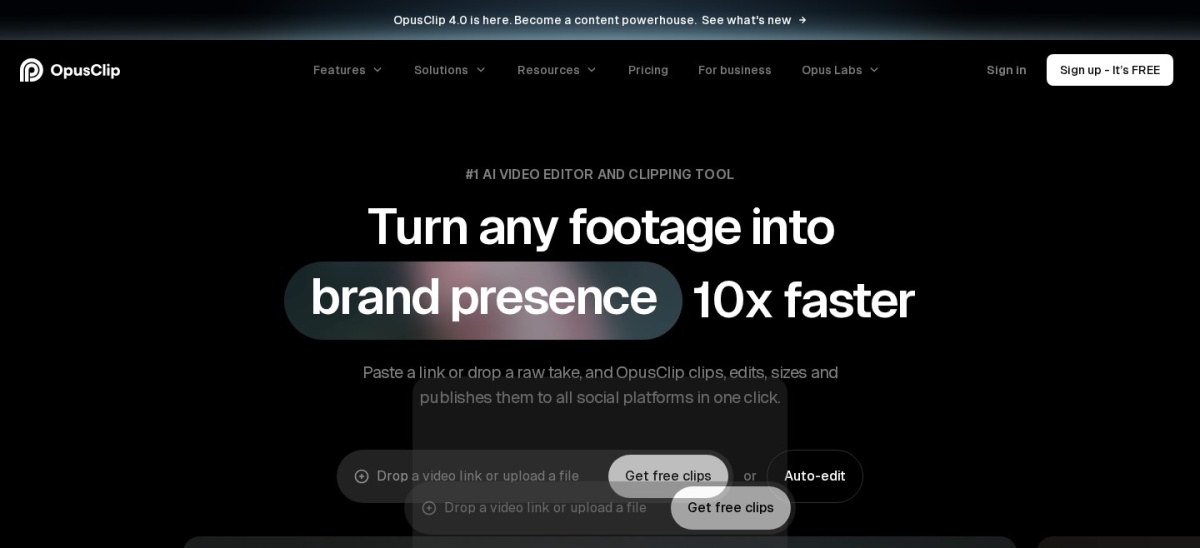
Opus Clip homepage
Opus Clip homepage, captured Nov 2026.

Opus Clip is a tool that turns long videos into short vertical clips for Shorts, Reels and TikTok automatically. It adds ClipAnything, virality scoring, auto-reframe, captions and a workflow API.

The trade off is its G2 review base is very small at 7 reviews, and clip quality varies by source footage. It suits creators who repurpose long videos into Shorts.

What we like

  • Purpose-built for Shorts repurposing
  • Virality score helps prioritise clips
  • Auto-reframe and captions

Watch out for

  • Very small G2 review base
  • Clip quality varies by footage
Paid plans add more clipsVisit opus.pro
05

Lumen5

4.5/5on G2 (69 reviews, checked Nov 2026)
Paid from$19/mo
Best for blog-to-video
Free planYes
Cheapest paid plan$19/mo
Blog-to-videoYes
Brand kitsYes
lumen5.com
Lumen5 homepage
Lumen5 homepage, captured Nov 2026.

Lumen5 is a tool that turns articles and scripts into social videos with stock media. It adds blog-to-video, a media library, brand kits and auto-captions.

The trade off is template-driven output can look generic, and it has no presenter avatars. It suits creators who want a simple blog-to-video workflow for faceless social clips.

What we like

  • Simple blog-to-video workflow
  • Good for faceless social clips
  • Brand kits included

Watch out for

  • Template output can look generic
  • No presenter avatars
Paid plans add more videosVisit lumen5.com
06

Synthesia

4.6/5on G2 (2,863 reviews, checked Nov 2026)
Paid from$14/mo
Best avatar videos for explainers
Free planYes
Cheapest paid plan$14/mo
AI avatars125+
Languages140+
synthesia.io
Synthesia homepage
Synthesia homepage, captured Nov 2026.

Synthesia is a tool that creates videos with AI avatars presenting a script in 140+ languages. It starts at $14 a month billed yearly, with 125+ AI avatars, text-to-video, screen recording, translation and dubbing, and brand kits.

The trade off is avatar videos suit explainer and training content more than entertainment YouTube, and credit limits apply. It suits creators who need presenter videos without filming.

What we like

  • Strongest avatar quality for explainers
  • Wide language coverage
  • Translation and dubbing included

Watch out for

  • Less suited to entertainment YouTube
  • Credit limits apply
Higher plans add more minutesVisit synthesia.io
07

HeyGen

4.8/5on G2 (2,287 reviews, checked Nov 2026)
Paid from$24/mo
Best lifelike avatars
Free planYes
Cheapest paid plan$24/mo
Languages175+
Voice cloningYes
heygen.com
HeyGen homepage
HeyGen homepage, captured Nov 2026.

HeyGen is an AI avatar and video platform for presenter-style, multilingual videos. Creator at $24 a month billed yearly adds full-body avatars, voice cloning, video translation in 175+ languages and text-to-video.

The trade off is it costs more than script-to-stock tools, and avatar output still reads as synthetic in close-up. It suits creators who need lifelike avatars and multilingual versions of a video.

What we like

  • Most lifelike avatars in this set
  • Strong translation for multilingual channels
  • Voice cloning included

Watch out for

  • Higher price than stock tools
  • Avatars read as synthetic in close-up
Team adds more credits and seatsVisit heygen.com
08

VidIQ

4.5/5on G2 (34 reviews, checked Nov 2026)
PricingQuote/yr
Best for YouTube discoverability
Free planYes
Cheapest paid planQuote/yr
Keyword researchYes
A/B testingNo, TubeBuddy
vidiq.com
VidIQ homepage
VidIQ homepage, captured Nov 2026.

VidIQ is a YouTube growth tool for keyword research, title and thumbnail ideas and channel analytics. It adds keyword research, daily video ideas, competitor tracking, a thumbnail generator and AI title and description tools.

The trade off is pricing was not verified on the vendor page today, so check the current plans before comparing cost. It suits creators who want to grow discoverability rather than automate production.

What we like

  • Directly targets YouTube discoverability
  • Daily video ideas
  • Competitor tracking

Watch out for

  • Pricing not verified
  • Value depends on publishing volume
Pricing on request, check the vendor pageVisit vidiq.com
09

TubeBuddy

4.6/5on G2 (44 reviews, checked Nov 2026)
PricingQuote/yr
Best for title and thumbnail testing
Free planYes
Cheapest paid planQuote/yr
A/B testingYes
Keyword ExplorerYes
tubebuddy.com
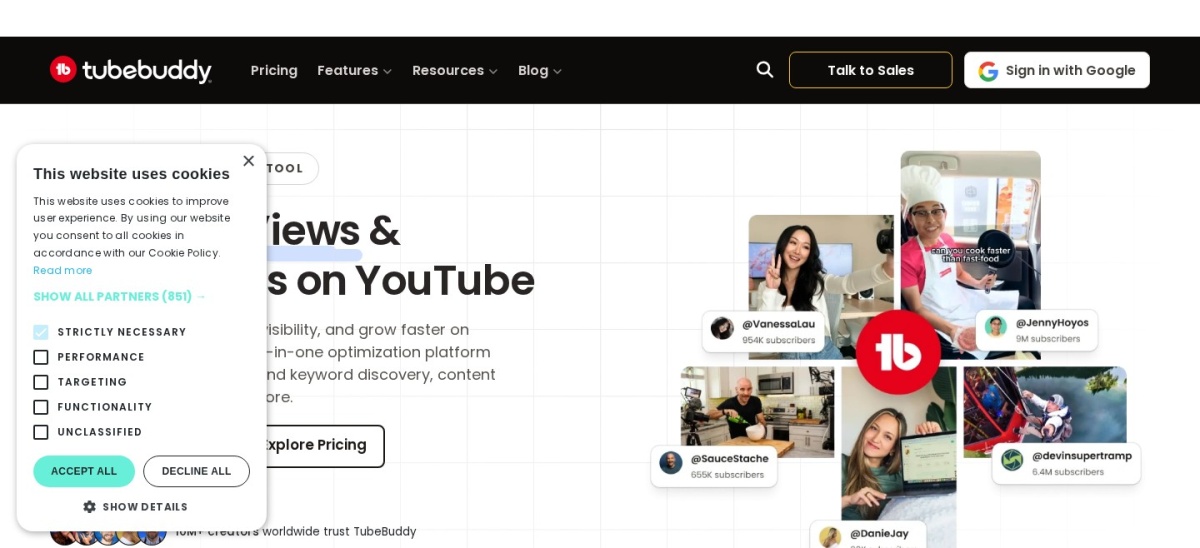
TubeBuddy homepage
TubeBuddy homepage, captured Nov 2026.

TubeBuddy is a browser extension for YouTube SEO, A/B testing and channel management. It adds a Keyword Explorer, A/B thumbnail and title testing, bulk processing and real-time SEO scoring inside YouTube.

The trade off is pricing was not verified on the vendor page today, and some features need higher tiers. It suits creators who want to test titles and thumbnails inside YouTube.

What we like

  • A/B testing for titles and thumbnails
  • Works inside YouTube
  • Bulk processing tools

Watch out for

  • Pricing not verified
  • Some features need higher tiers
Pricing on request, check the vendor pageVisit tubebuddy.com

Credits: the cost that hides behind the price

Most video tools meter generation in credits, not minutes or videos.

A 30-second clip can cost very different credit amounts depending on the model and quality.

Check the monthly credit allowance and the per-clip cost before you compare two tools.

Unused credits usually do not roll over, so a plan you do not use fully is wasted money.

How we chose

We started from YouTube-automation roundups and vendor sites, then kept tools with a real automation use case: script-to-video, editing, Shorts repurposing, avatars, or discoverability.

Prices come from each vendor pricing page, checked on 22 November 2026. Ratings come from G2, Capterra or Trustpilot on the same day, where a rating was published. Where a vendor shows a sale, the list shows the regular price.

We left out tools with no published price or no public review record where a priced alternative existed. No vendor paid for a place, and this list is based on pricing, docs and reviews, not on using the tools ourselves.

How to choose a YouTube automation tool

Start with the part of the workflow you want to automate, then check the credit limits.

  1. Name the job to automate. Generation, editing, Shorts and discoverability need different tools. Pick the job that costs the most hours.
  2. Check the credit math. Most tools meter generation in credits. Divide the monthly allowance by your video count before you buy.
  3. Check the free tier. InVideo, Descript, Opus Clip, HeyGen and TubeBuddy all have free tiers. Use them to test output quality.
  4. Publish one video first. Make one full video end to end, check the result, then scale up the workflow.

FAQ

What is the best AI tool for YouTube automation?

Pictory is the best pick for YouTube automation, turning scripts and articles into videos at $29 a month with a 4.6 out of 5 G2 rating. InVideo is the best value pick at $10 a seat a month billed yearly, and Descript is the best editor at $16 a month.

Can AI make a full YouTube video?

Yes. Pictory and InVideo turn a script or article into a finished video with stock footage, voiceover and captions. Synthesia and HeyGen add AI avatars that present the script. You still need to check the result before publishing.

What is the cheapest YouTube automation tool?

InVideo Starter is the cheapest paid plan at $10 a seat a month billed yearly. Opus Clip is $15 a month for Shorts, and Descript Hobbyist is $16 a month billed yearly. All three have free tiers.

How do I automate YouTube Shorts?

Opus Clip turns long videos into short vertical clips automatically, with virality scoring and auto-reframe. It is $15 a month, with a free tier. Descript also cuts clips from transcripts.

Do I need VidIQ or TubeBuddy as well?

They cover a different job: discoverability. VidIQ adds keyword research and video ideas, while TubeBuddy adds A/B testing for titles and thumbnails. Use one of them beside a video generation tool.

Are AI avatar videos good for YouTube?

They work best for explainers and training, where a presenter reads a script. Synthesia and HeyGen lead here, at $19 and $24 a month billed yearly. Avatar videos suit entertainment less well than real footage.


Sources we checked (12)

  1. Pictory pricing
  2. InVideo pricing
  3. Descript pricing
  4. Opus Clip
  5. Lumen5
  6. Synthesia pricing
  7. HeyGen pricing
  8. VidIQ
  9. TubeBuddy
  10. Pictory on G2
  11. Descript on G2
  12. HeyGen on G2
WL
WPLegible Editors

We compare WordPress plugins, themes and hosting using public pricing, documentation and user reviews. See how we rank.

Related guides

All AI tools & agents guides →