Best AI Tools for Video Production in 2026: 8 Tools Compared
WLWPLegible EditorsLast verified 24 Nov 2026How we rank14 min read
★ Short answer
Descript is the best AI video tool for most creators, with text-based editing, Studio Sound and 4K export from $24 a month. Pick Runway for AI-generated clips and Synthesia or HeyGen when a presenter avatar should carry the video.
How we make this list: we compare pricing pages, product documentation and public user reviews, then re-check every price before each update. No product paid for a place. Disclosure.
Descript leads for editing spoken video: transcript editing, 400 AI credits a month on Hobbyist, and 4K export on Creator.
Runway is the strongest pure generator, with Gen-4.5 and third-party models such as Veo 3.1 in one plan from $15 a month.
Synthesia and HeyGen turn scripts into avatar-led training and marketing video, rated 4.6 and 4.8 out of 5 on G2.
Pictory and Lumen5 are the fastest route from a script or blog post to a captioned social video.
Cheapest paid plans run from $5.90 a month for D-ID to $29 for HeyGen, Pictory and Lumen5, and 5 of the 8 tools have a free plan.
What to look for in an AI video tool
AI video tools now cover three different jobs: editing footage you already shot, generating new clips from a prompt, and presenting a script with an AI avatar. A tool that is strong at one of these is often weak at the others, so the first choice is which job you do most.
Editing tools save time on spoken video. Descript cuts by transcript, removes filler words and cleans audio, which matters most for podcasts, courses and talking-head video.
Generators and avatar tools save the shoot itself. Runway creates clips from text or images, while Synthesia, HeyGen, Colossyan and D-ID put a presenter on screen with no camera, no studio and no reshoots when the script changes.
Watch the meter, not just the monthly price. Most of these tools limit credits, minutes or generations, and the cheapest plan can run out fast. Our guide on generating images with AI in WordPress covers the same credit trap for AI images.
Descript is an editor for spoken video and podcasts that lets you cut footage by deleting words in a transcript. The free plan gives 1 hour of media a month and 100 one-time AI credits, with 720p watermarked export. Hobbyist at $24 a month adds 10 hours, 400 AI credits a month, 1080p export with no watermark, Studio Sound and filler-word removal.
The trade off is the credit meter. Every AI action spends credits, and top-ups are only sold on Creator at $35 a month and above, so heavy AI use can push you up a tier. It suits podcasters, course makers and YouTubers who edit talking-head video every week.
What we like
Transcript editing is the fastest way to cut spoken video
Studio Sound and filler-word removal in the paid plans
Runway is a generative video platform built around its Gen-4.5 model, plus third-party models such as Veo 3.1, image generation, editing tools and performance capture. The free plan gives 125 one-time credits and 5GB of storage, with watermarked exports. Standard at $15 a month adds 625 credits a month, 1080p output and 100GB of storage.
The trade off is cost per retry. Every generation spends credits that do not roll over on Standard or Pro, so a long session of prompt tweaks can drain a month's allowance fast. It suits creators and agencies who need short AI-generated clips, mood films or ad concepts.
What we like
Several leading video models in one plan
Strong editing, capture and upscaling tools
Lowest entry price among the generators here
Watch out for
Credits do not roll over on Standard or Pro
Lowest G2 rating in this list at 4.0 out of 5
Trustpilot reviews are poor, mostly about wasted credits
Synthesia is an avatar video tool that turns a script into a presenter-led video in more than 140 languages, aimed at training, onboarding and internal messages. The free Basic plan gives 500 credits a month, about 10 minutes of video, 9 avatars and a watermark. Starter at $19 a month adds 1,250 credits, 125 or more avatars and downloads with no watermark.
The trade off is the credit maths. Credits do not map to a flat price per minute, so budgeting a full course takes care, and longer videos need Pro from $89 a month. It suits teams that produce training video at scale and need the same video in several languages.
What we like
Largest G2 review base in this list, 2,863 reviews
Strongest option for multilingual training video
Free plan lets you try real avatar video
Watch out for
Credit system makes per-minute costs hard to compare
HeyGen is an avatar video platform that turns scripts into presenter-led video, with digital twins of real people, photo avatars and translation into 175 or more languages. The free plan gives 3 watermarked videos a month of up to 1 minute each. Creator at $29 a month adds 600 credits, 1080p export, no watermark and voice cloning.
The trade off is trust on billing. HeyGen scores 4.8 out of 5 on G2, but its Trustpilot score is far lower, with reviewers raising billing and refund friction. It suits marketers and trainers who want realistic avatars and fast multilingual versions of one video.
What we like
Highest G2 rating in this list at 4.8 out of 5
G2 ranks its avatars the most realistic
SCORM export on the self-serve Business plan
Watch out for
Trustpilot score is far below its G2 score
No published per-minute credit rate
Free plan allows only 3 short videos a month
Pro from $49 a month adds 4K export and more creditsVisit heygen.com
05
Pictory
4.6/5on G2 (82 reviews, checked Nov 2026)
Starts at$29/mo
Best for turning text into social video
Turns into videoScripts, posts, webinars
Free planNo, 14-day trial only
Video on Starter200 minutes a month
AI voicesElevenLabs voices included
pictory.ai
Pictory homepage, captured Nov 2026.
Pictory is a browser tool that turns scripts, blog posts, webinars and long videos into short captioned clips with AI voices. There is no free plan, only a 14-day trial with 15 minutes of video. Starter at $29 a month gives 200 video minutes a month, 100 AI credits, stock media and 1 brand kit, with 1080p export.
The trade off is refunds. Pictory states that paid subscriptions are non-refundable, and projects are deleted when you cancel unless you download them first. It suits marketers and bloggers who repurpose written content into social video every week.
What we like
Fastest text-to-video workflow in this list
Generous 200 video minutes a month on Starter
Rated 4.6 out of 5 on G2 and 4.8 on Capterra
Watch out for
No free plan, only a 14-day trial
Paid subscriptions are non-refundable
Small G2 review base at 82 reviews
Professional adds 600 minutes, voice cloning and 5 brand kitsVisit pictory.ai
06
Lumen5
4.5/5on G2 (69 reviews, checked Nov 2026)
Paid from$29/mo
Best for blog posts to video
Turns into videoLinks, scripts, documents
Free plan5 videos a month
Stock media50M+ photos and videos
1080p exportStarter plan and up
lumen5.com
Lumen5 homepage, captured Nov 2026.
Lumen5 is a browser video maker that builds a first cut from a link, script or document, with stock photos and video, AI voices and brand kits. The free plan gives 5 videos a month of up to 2 minutes each, with a Lumen5 outro. Basic at $29 a month adds unlimited videos, 720p export, no branding and custom colours.
The trade off is resolution. 1080p export only starts with Starter at $79 a month, so the entry plan caps output at 720p. It suits small marketing teams that turn blog posts into short social videos and do not need full HD.
What we like
Free plan with 5 videos a month
Easiest link-to-video workflow here
Large stock library on paid plans
Watch out for
1080p needs the $79 a month Starter plan
Smallest G2 review base in this list at 69 reviews
Yearly voice and animation minutes are capped
Starter adds 1080p, a brand kit and 50M+ stock assetsVisit lumen5.com
07
Colossyan
4.6/5on G2 (490 reviews, checked Nov 2026)
Starts at$27/mo
Best for interactive training video
AI avatarsStock and custom
Free planNo, trial only
Branching scenariosBusiness plan
SCORM exportBusiness plan
colossyan.com
Colossyan homepage, captured Nov 2026.
Colossyan is an avatar video tool for training and internal messages, with branching scenarios, quizzes and SCORM export on its Business plan. It has no free plan, only a trial. Starter at $27 a month gives avatar video in several languages, while Business at $88 a month adds SCORM, branching and team features.
The trade off is that the features trainers want most sit on the higher plan. SCORM and branching need Business, so Starter works best for simple presenter videos. It suits learning teams that need interactive training video with quizzes and branching paths.
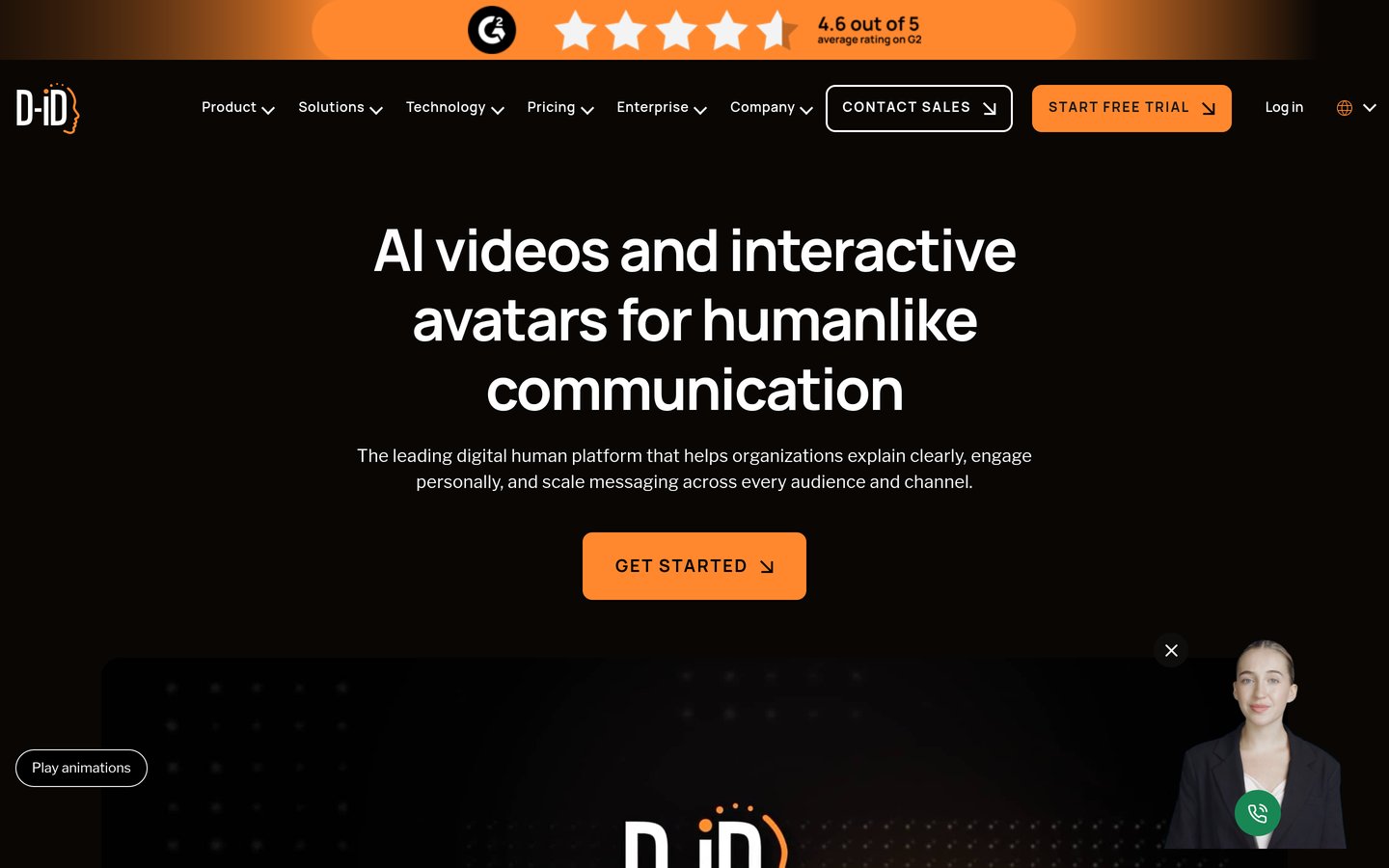
D-ID is an avatar and agent platform that animates a photo or avatar from text or audio, with live conversational agents on higher plans. It has no free plan, only a 14-day trial. Lite at $5.90 a month is for personal use, while Pro at $29 a month gives 15 minutes of video and commercial use.
The trade off is scale. Lite is personal use only and the minute allowances are small, so regular production needs Pro or Advanced at $196 a month. It suits creators who need a quick talking photo or avatar clip rather than a full training platform.
What we like
Cheapest entry price in this list at $5.90 a month
Fastest way to animate a single photo
Live conversational agents on higher plans
Watch out for
No free plan, only a 14-day trial
Lite is personal use only
Smallest minute allowances in this list
Pro adds commercial use and 15 minutes a monthVisit d-id.com
Free vs paid: what you give up
Free plans are good for trying one workflow. Descript, Runway, Synthesia, HeyGen and Lumen5 all let you make real video without paying, though exports carry a watermark or a resolution cap.
Paid plans mostly add minutes, credits and resolution. The jump from free to the cheapest paid plan removes the watermark and lifts the export cap, which is what most creators need first.
The costliest traps are the meters. A plan that looks cheap can run out of credits or minutes halfway through a project, so count your monthly output before you pick a tier.
How we chose
We started from the best-known AI video tools across editing, generation and avatar video, then kept 8 with a published price, a real free plan or trial, and a public rating on G2.
Prices are the regular monthly-billed rates from each vendor's pricing page, as reported in November 2026, with annual-billed rates noted in the text where they differ. Ratings and review counts come from G2 on 24 November 2026. Where a vendor shows a sale, the list shows the regular price.
We left out tools with no published price and tools aimed only at Hollywood studios. No vendor paid for a place, and we do not claim to have used these tools ourselves.
How to choose an AI video tool
Start with the kind of video you make most, then match the tool to that job.
Name the job first. Editing footage you shot points to Descript. Generating new clips points to Runway. A presenter with no shoot points to an avatar tool.
Count your monthly output. Add up the minutes or clips you make each month, then check the plan's credit or minute limit. A cheap plan that runs out costs more than the next tier.
Check the export you need. Watermarked 720p is fine for a draft, but client work needs clean 1080p or 4K. Lumen5, for example, keeps 1080p behind its $79 plan.
Try the free plan before paying. Make one real video end to end on the free plan or trial. Check the voice, the avatar and the export quality before you commit to a year.
FAQ
What is the best AI tool for video production?
Descript is the best pick for most creators, because it edits spoken video by transcript and adds Studio Sound, filler-word removal and 4K export. It is rated 4.6 out of 5 on G2 from 905 reviews, and its cheapest paid plan is $24 a month.
What is the best free AI video tool?
Descript, Runway, Synthesia, HeyGen and Lumen5 all have free plans. Descript's free plan gives 1 hour of media a month, Runway gives 125 one-time credits, and Lumen5 gives 5 videos a month. All free exports carry a watermark or a resolution cap.
Can AI video tools replace a human presenter?
For training and internal video, yes in many cases. Synthesia, HeyGen and Colossyan produce clear presenter-led video from a script, and updates need only a script edit. For sales or brand video, a real presenter still reads as more natural.
How much does an AI video tool cost?
Cheapest paid plans in this list run from $5.90 a month for D-ID Lite to $29 for HeyGen, Pictory and Lumen5. Most creators land on a plan between $15 and $35 a month, and heavy use of credits or minutes pushes the cost higher.
Do AI video tools own the videos I make?
No, you own the output on paid plans, but check the licence for the free plan and for stock media. Some free plans limit commercial use, and avatar tools need consent before you clone a real person's face or voice.
Which AI video tool is best for social media clips?
Pictory is the best pick for turning scripts and blog posts into captioned social clips, with 200 video minutes a month on Starter. Lumen5 is the closest alternative, building a first cut straight from a link or document.