Best AI Tools for Social Media Content Creation in 2026: 9 Tools Compared
WLWPLegible EditorsLast verified 22 Nov 2026How we rank7 min read
★ Short answer
ChatGPT is the best AI tool for social media content creation, drafting captions, ideas and scripts at $20 a month. Canva is the best design pick at $10 a month billed yearly, while Buffer is the best scheduling pick at $5 a channel a month.
How we make this list: we compare pricing pages, product documentation and public user reviews, then re-check every price before each update. No product paid for a place. Disclosure.
ChatGPT leads for social drafting at $20 a month, rated 4.5 out of 5 on Capterra from 1,379 reviews.
Canva is the best design pick at $10 a month billed yearly, rated 4.7 out of 5 on Capterra from 13,400+ reviews.
Buffer is the best scheduling pick at $5 a channel a month billed yearly, with unlimited AI Assistant credits.
Predis.ai is the best prompt-to-post pick at $19 a month billed yearly, turning one prompt into caption plus visual.
Hootsuite is the most expensive at $99 a user a month, but it has the broadest listening coverage in this list.
What social media content needs from an AI tool
Social media content splits into three jobs: writing, design and scheduling. No single tool covers all three well.
ChatGPT and Jasper lead for writing captions and scripts. Canva leads for design, with templates and Magic Studio AI tools.
Buffer, Later, Hootsuite and Metricool lead for scheduling and analytics. Buffer is the cheapest, while Hootsuite covers listening across 150M+ sources.
Opus Clip covers a fourth job: turning long videos into Shorts. It needs source footage, so pair it with a generation tool if you start from scratch.
The 9 best AI tools for social media content creation
01
ChatGPT
4.5/5on Capterra (1,379 reviews, checked Nov 2026)
Paid from$20/mo
Best AI tool for social media content creation overall
Free planYes
Cheapest paid plan$20/mo
Custom GPTsYes
Image generationYes
chatgpt.com
ChatGPT homepage, captured Nov 2026.
ChatGPT is a general AI assistant that drafts captions, post ideas, scripts and replies. Plus at $20 a month adds Custom GPTs, image generation and voice input, Deep Research and scheduled tasks.
The trade off is output needs fact-checking and editing for brand voice, and usage caps apply on Plus in heavy sessions. It suits creators who want writing, brainstorming, research and coding in one tool.
4.7/5on Capterra (13,400 reviews, checked Nov 2026)
Paid from$10/mo
Best for social design
Free planYes
Cheapest paid plan$10/mo
Magic StudioYes, on Pro
Storage1 TB on Pro
canva.com
Canva homepage, captured Nov 2026.
Canva is a design tool with AI, called Magic Studio, for social graphics, carousels, reels and templates. Pro at $10 a month billed yearly adds Magic Studio AI design tools, a Brand Kit, a Background Remover and 1 TB storage.
The trade off is AI image text can need correction, and Pro is per person, so team costs add up. It suits creators who want a large template library and consistent brand kits.
Buffer is a social scheduling tool with an AI Assistant that writes and rewrites posts per network. Essentials at $5 per channel a month billed yearly adds scheduling across networks, analytics and engagement tools, with unlimited AI Assistant credits.
The trade off is billing is per channel, so the bill grows with each account, and approval workflows need the Team plan at $12 per channel a month. It suits small teams and solo creators who want simple scheduling with AI writing.
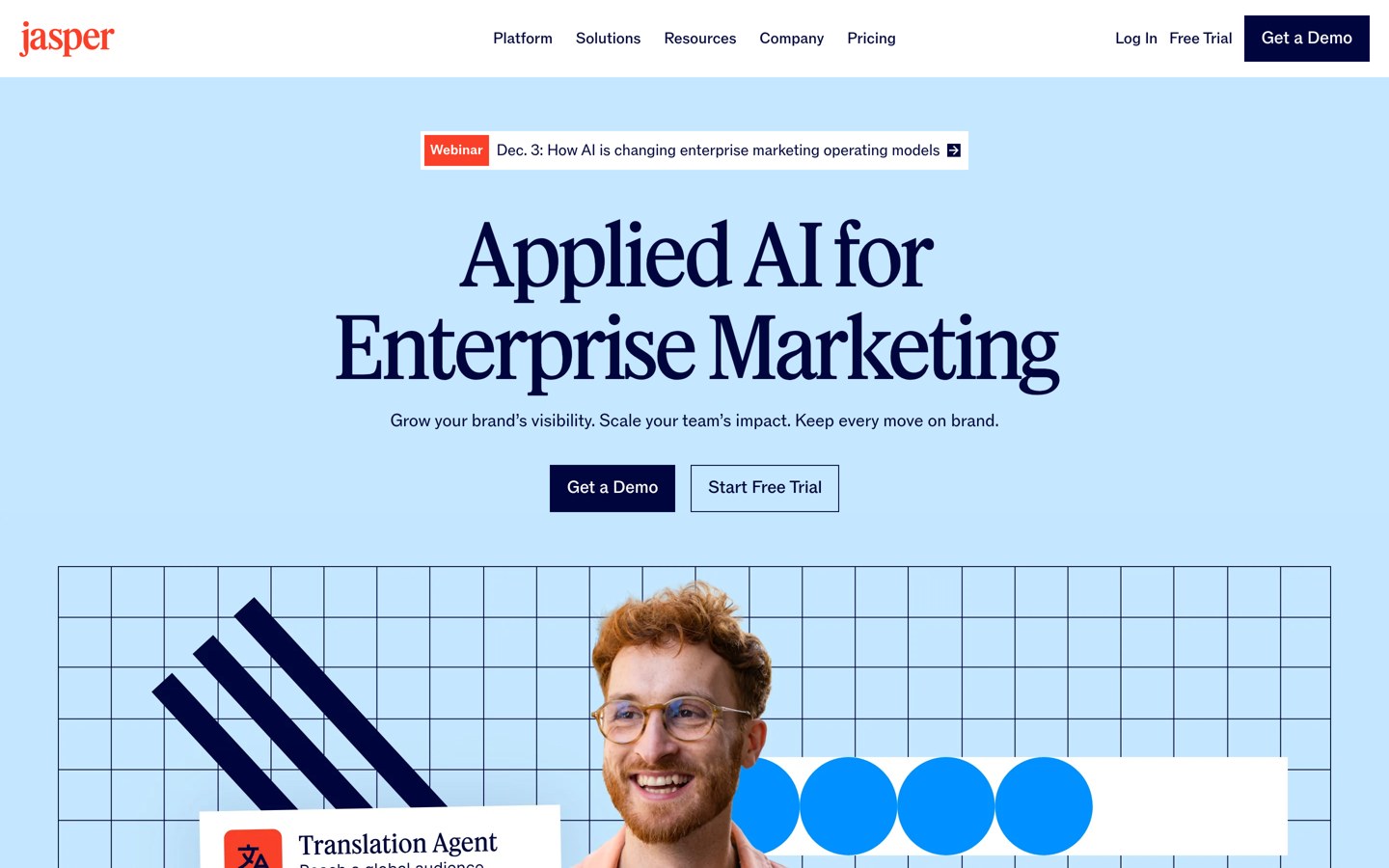
Jasper is an AI writing platform for marketing copy with brand voice controls. Pro at $59 per seat a month billed yearly adds brand voice and style guide storage, 100+ marketing agents and a Canvas shared workspace.
The trade off is per-seat pricing is high for solo creators, and the entry plan is trial-only with no free tier. It suits teams that need copy consistent across writers and brands.
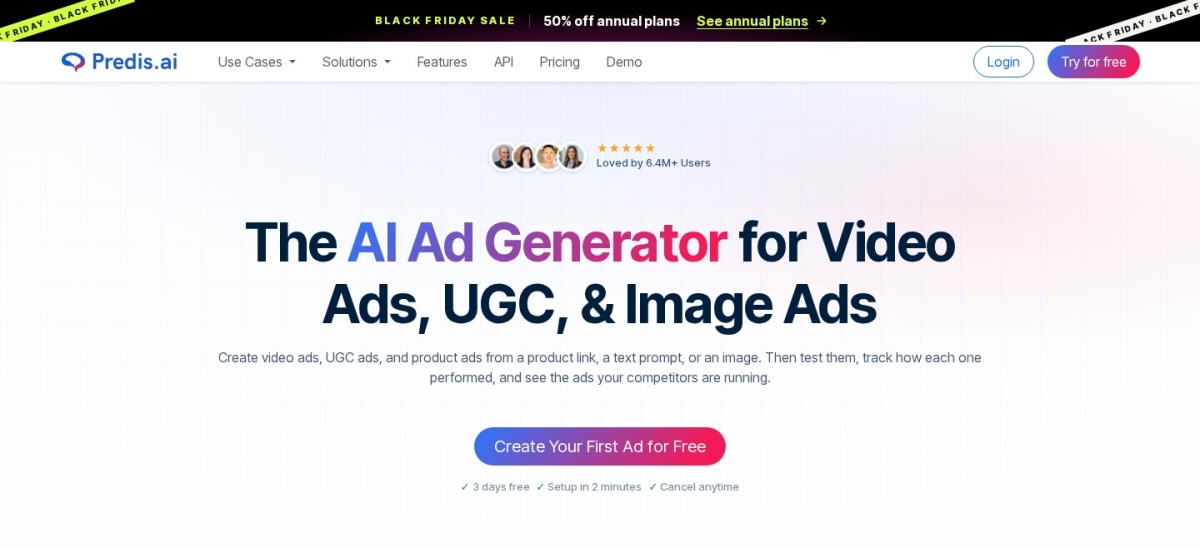
Predis.ai is a tool that turns a prompt, product description or URL into finished social posts with image, carousel or short video. Core at $19 a month billed yearly adds post and ad generation in 18+ languages and competitor tracking on Facebook and Instagram.
The trade off is Core has no auto-posting, which starts on Rise at $79 a month, and generated scripts can read generic. It suits creators who want one prompt to produce caption plus visual.
Later is a visual social planner for Instagram and TikTok with AI caption writing. Starter at $18.75 a month billed yearly adds a Caption Writer that learns brand tone from past posts, a visual content calendar and best-time-to-post suggestions.
The trade off is there is no free plan, and the cheapest paid plan includes only 5 AI credits a month. It suits creators who plan visually on Instagram and TikTok.
Hootsuite is a social media management platform for scheduling, publishing, listening and analytics. Standard at $99 per user a month adds social listening across 150M+ sources, a unified inbox and AI writing tools for on-brand copy.
The trade off is the entry price is high for small teams, and some AI features need higher tiers. It suits larger teams that need the broadest channel and listening coverage.
Metricool is a social scheduling and analytics tool with an AI assistant. It starts at $20 a month, with analytics and competitor profiles on the free plan, AI content generation and scheduling across networks.
The trade off is AI credits are limited to 20 per brand on the cheapest paid plan, and pricing is per brand. It suits creators who want analytics free and scheduling in one tool.
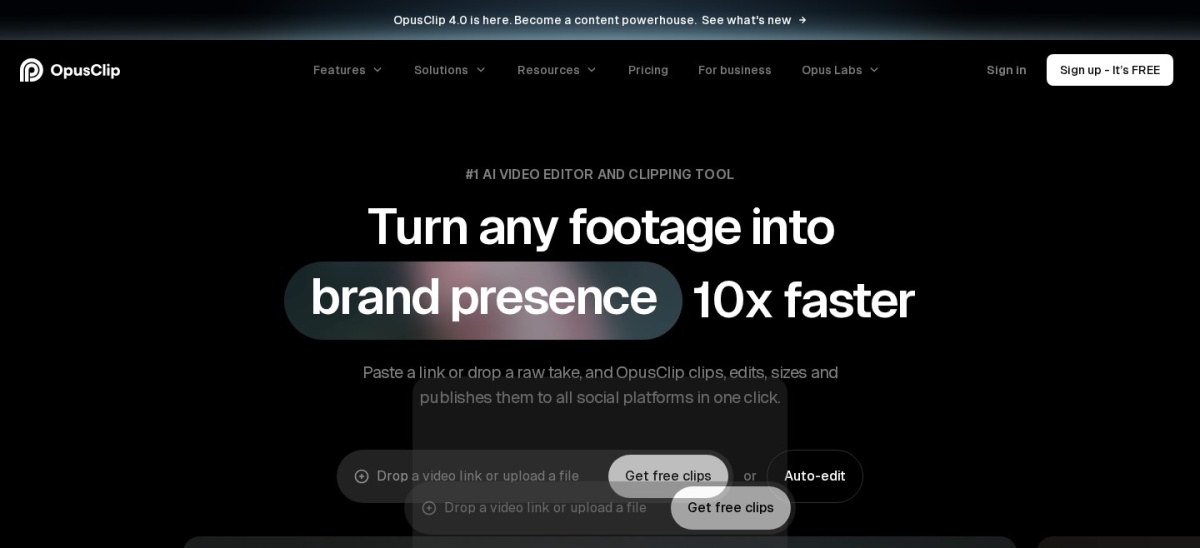
Opus Clip is a tool that turns long videos such as podcasts, webinars and YouTube videos into short vertical clips. Starter at $15 a month adds AI clip finding with a virality score per clip, animated captions in 20+ languages and auto-reframe to 9:16.
The trade off is it is credit-based, so heavy use outgrows Starter, and it needs source footage rather than generating video from a prompt. It suits creators who want Shorts fast from existing long video.
Writing tools draft captions, scripts and replies in your brand voice.
Design tools turn a brief into graphics, carousels and reels with templates.
Scheduling tools publish on time, track analytics and listen for mentions.
Most creators need one tool for each job, or one tool that covers two of them well.
How we chose
We started from social-media roundups and vendor sites, then kept tools with a real social use case: writing, design, scheduling, analytics, or Shorts repurposing.
Prices come from each vendor pricing page, checked on 22 November 2026. Ratings come from G2, Capterra or Trustpilot on the same day, where a rating was published. Where a vendor shows a sale, the list shows the regular price.
We left out tools with no published price or no public review record where a priced alternative existed. No vendor paid for a place, and this list is based on pricing, docs and reviews, not on using the tools ourselves.
How to choose a social media content tool
Start with the job you do most, then check whether the tool covers design, writing or scheduling.
Name the job first. Writing, design and scheduling need different tools. Pick the job that costs the most hours.
Check the per-unit price. Buffer bills per channel, Canva bills per person and Hootsuite bills per user. Multiply by your team and accounts.
Check the free tier. ChatGPT, Canva, Buffer, Metricool and Opus Clip all have free tiers. Use them to test output quality.
Trial it on one week of posts. Plan, design and schedule one full week, then check the results before committing.
FAQ
What is the best AI tool for social media content creation?
ChatGPT is the best pick for social media content creation, drafting captions, ideas and scripts at $20 a month. Canva is the best design pick at $10 a month billed yearly, and Buffer is the best scheduling pick at $5 a channel a month.
Can AI create a full social media post?
Yes. Predis.ai turns one prompt into a finished post with caption plus image, carousel or short video, at $19 a month billed yearly. ChatGPT drafts the caption, while Canva designs the visual.
What is the cheapest social media AI tool?
Buffer Essentials is the cheapest paid plan at $5 a channel a month billed yearly, with unlimited AI Assistant credits. Canva Pro is $10 a month billed yearly, and Opus Clip Starter is $15 a month.
Is Canva better than ChatGPT for social media?
They do different jobs. Canva designs graphics, carousels and reels with templates and Magic Studio. ChatGPT drafts captions, ideas and scripts. Most creators use both, ChatGPT for words and Canva for visuals.
Do I need a scheduling tool as well?
Yes, if you post on several networks. Buffer, Later and Metricool schedule posts, track analytics and suggest best times. Buffer is the cheapest at $5 a channel a month billed yearly.
How do I turn long videos into Shorts?
Opus Clip turns long videos into short vertical clips automatically, with virality scoring and captions in 20+ languages. It is $15 a month, with a free tier of 60 credits a month.