Best AI Tools for Restoring Old Photos in 2026: 8 Tools Compared
WLWPLegible EditorsLast verified 24 Nov 2026How we rank13 min read
★ Short answer
MyHeritage is the best AI tool for restoring old photos for most people, with Photo Repair, face enhancement, colorization and Deep Nostalgia animation in one place, rated 4.4/5 on Trustpilot. Pick VanceAI for restoring batches by the photo, and Topaz Photo AI for large scans you want to keep off the cloud.
How we make this list: we compare pricing pages, product documentation and public user reviews, then re-check every price before each update. No product paid for a place. Disclosure.
MyHeritage covers every step: repair, face enhancement, colorization and animation, with originals kept untouched.
VanceAI restores about 65 photos a month on its $15 Starter plan, at 4 credits a photo.
Topaz Photo AI is the only desktop tool here, so scans never leave your computer, at $199 a year.
Photoshop is the only pick for missing corners and torn halves, from $19.99 a month on the Photography plan.
Hotpot needs no subscription, but its 2.1/5 Trustpilot score from 11 reviews is the weakest rating here.
Free tiers cover a few photos each; unlimited use starts at $39.99 a year with Fotor.
What to look for in an old-photo restorer
Old prints fail in a few predictable ways: scratches, dust, fading, creases and soft faces. A good restorer fixes the damage first, then sharpens faces and, only if you want it, adds colour.
Match the tool to the damage. Light scratches and fading suit one-click tools such as MyHeritage or VanceAI. A missing corner or a fold through a face needs Photoshop, because no one-click tool reliably rebuilds what is gone.
Check the free limit before you start. Most free tiers cover a handful of photos and watermark the export, so count your box of prints first. If you publish restored photos on a site, our guide to generating images with AI in WordPress covers AI image workflows.
Treat colorization as a guess, not a record. Black-and-white photos store no colour, so the AI picks plausible tones. Keep the restored black-and-white version as the true copy and label any colorized one.
Scan before you fix. Save the master scan, work on a copy, and compare every restored face against the original before you print it for relatives.
4.4/5on Trustpilot (111,816 reviews, checked Nov 2026)
Paid from$299/yr
Best for family photos overall
Photo RepairScratches, tears, stains
ColorizationIn Color, same resolution
AnimationDeep Nostalgia
Paid planComplete, $299/yr
myheritage.com
MyHeritage Photo Enhancer homepage, captured Nov 2026.
MyHeritage Photo Enhancer is a set of AI photo tools on the MyHeritage family history site: Photo Repair, face enhancement, In Color and Deep Nostalgia. Repair fixes scratches, tears, holes and stains, the enhancer sharpens blurry faces, In Color adds colour, and Deep Nostalgia animates a still portrait. Your original is never changed.
The trade off is the subscription. The photo tools are unlimited only on the Complete plan at $299 a year, or $199 for the first year, which also bundles family tree and records features you may not need. It suits anyone digitizing a box of family photos who also wants the tree and archive around them.
What we like
Repair, enhancement, colorization and animation in one account
Originals are never changed; results save as copies
Most consistent colorizer in a 2023 magazine comparison
Reimagine app scans prints with a phone
Watch out for
Free use stops after several photos
Free colorized exports carry a MyHeritage watermark
Complete bundles genealogy features you may not need
VanceAI Photo Restorer homepage, captured Nov 2026.
VanceAI Photo Restorer is a browser tool built for old photos: it repairs scratches and fading, restores colour and sharpens detail in one pass. It sits in a toolbox of single-purpose AI tools that share one credit balance, so the same credits also run the colorizer, upscaler and sharpener. New accounts get 10 free credits.
The trade off is the credit maths. Restoration costs 4 credits a photo at 1K or 2K and 10 credits at 4K, so the 260-credit Starter plan restores about 65 photos a month at standard size. It suits anyone working through a box of mixed prints who wants to pay per photo.
4.1/5on Trustpilot (174 reviews, checked Nov 2026)
Starts at$199/yr
Best desktop quality and privacy
Dust and scratchDedicated model
Face recoveryRecover Faces
ProcessingOn your computer
Paid plan$199/yr
topazlabs.com
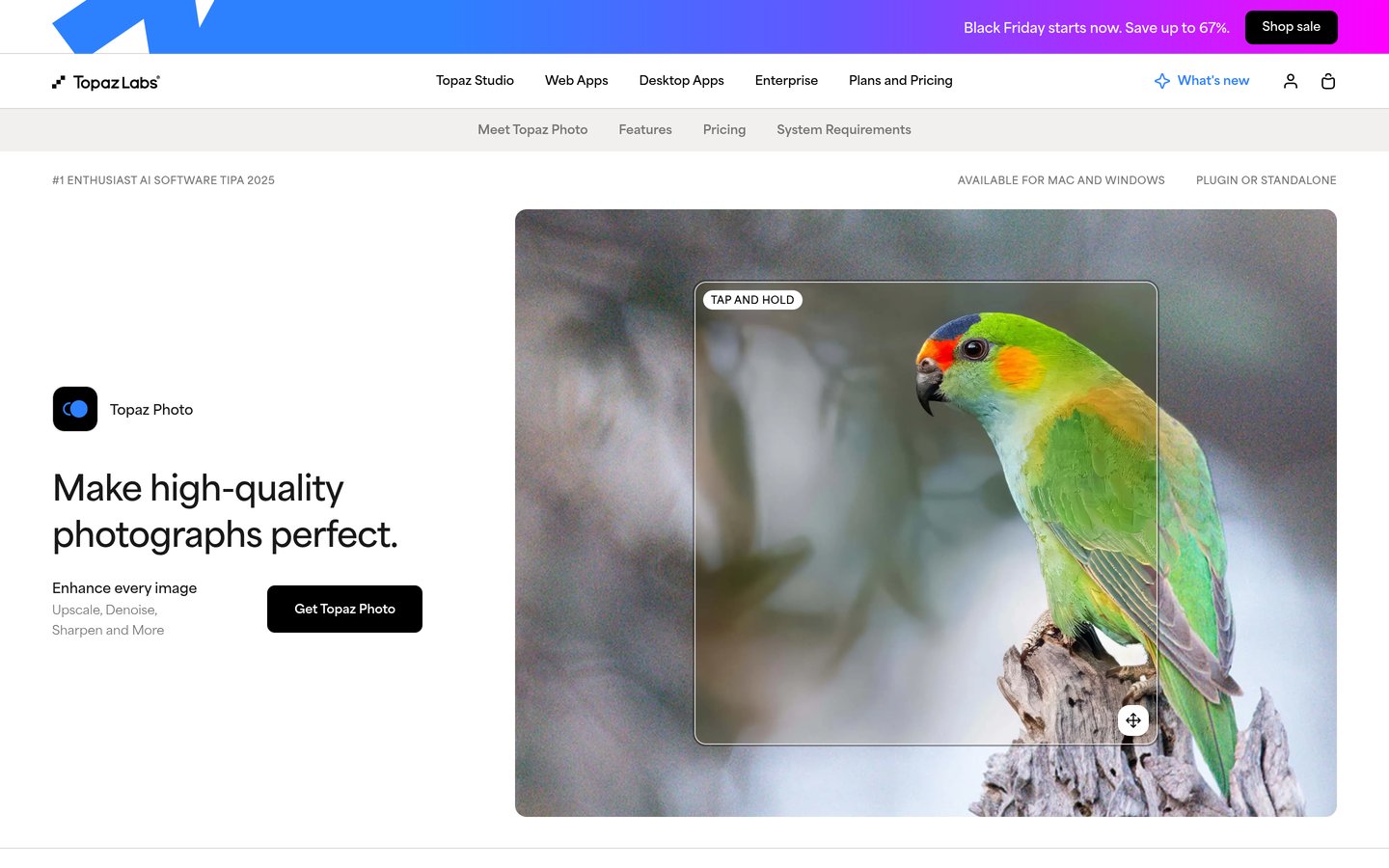
Topaz Photo AI homepage, captured Nov 2026.
Topaz Photo AI is a desktop app for Windows and macOS that combines denoise, sharpening and upscaling in one workflow. Its Dust and Scratch model cleans scanned prints, Recover Faces sharpens soft faces, and the Wonder model upscales, sharpens and denoises in one pass. Processing runs on your own computer.
The trade off is price and the lack of colorizing. It costs $199 a year, or $39 for a single month, and the old $199 one-time licence is no longer sold. It suits archivists and photographers restoring large scans for print who want their photos to stay off the cloud.
What we like
Best denoise, sharpen and upscale quality here
Local processing keeps photos private
Batch processing for whole folders
Works standalone or as a Lightroom or Photoshop plugin
Adobe Photoshop is the tool for the photo that one-click restorers give up on: a missing corner, a fold through a face or a stain across the background. The Photo Restoration neural filter reduces scratches and noise, the Colorize filter adds colour with sliders, and Generative Fill rebuilds missing areas from a selection.
The trade off is skill and cost. The Photography plan costs $19.99 a month billed annually and the learning curve is steep, with an early-termination fee on the annual contract. It suits retouchers and anyone restoring a damaged heirloom where every pixel matters.
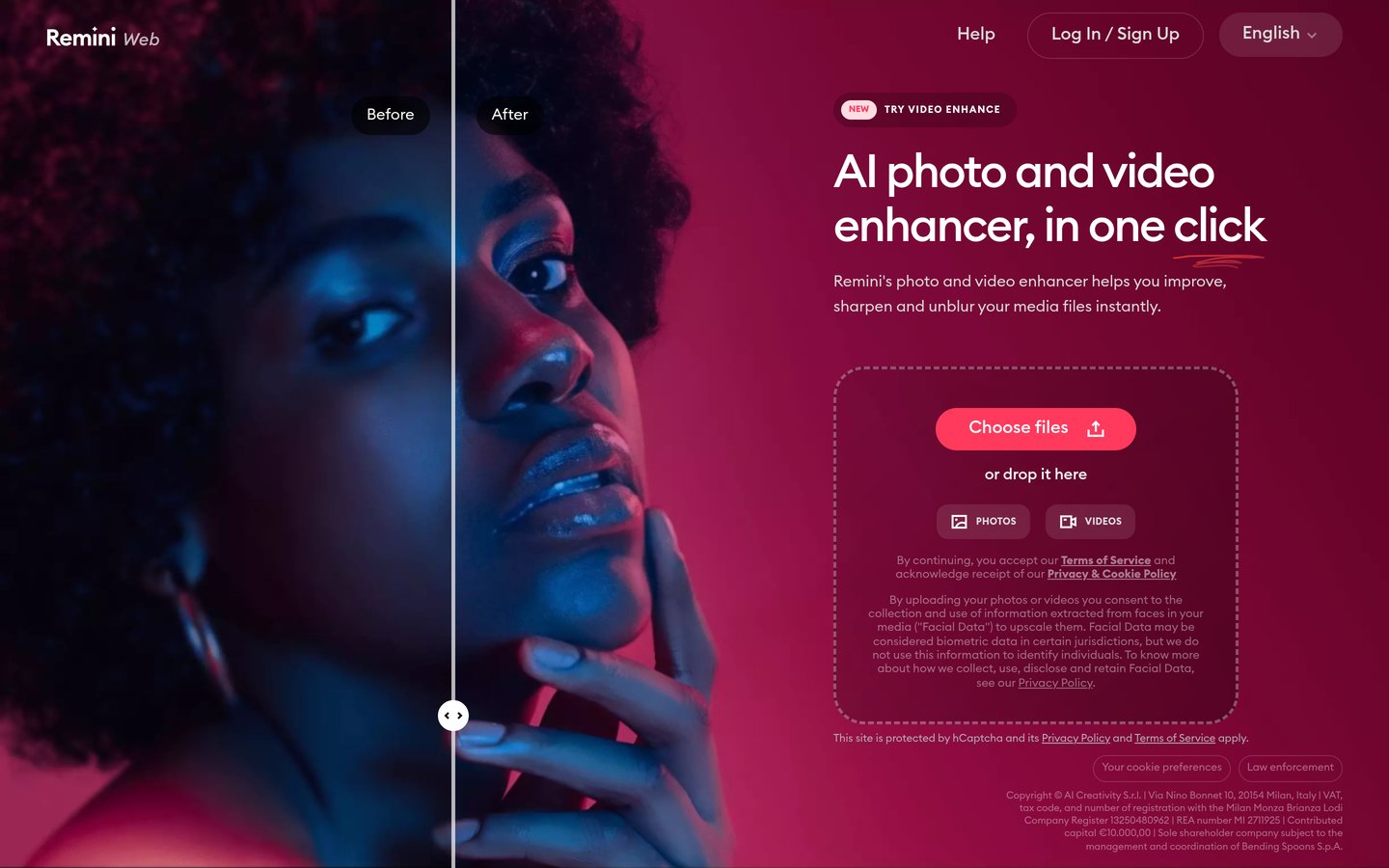
Remini is a phone app that sharpens blurry photos, especially faces, in one tap. Point it at a soft, low-resolution scan and it returns a much crisper face in seconds, and it also has a colorize option. It holds 4.6 stars from 359,000 App Store ratings.
The trade off is price and control. Weekly billing at $9.99 a week adds up fast, and results can over-smooth skin or reshape faces, with no batch processing. It suits rescuing one precious portrait to share, not working through an archive.
What we like
Fastest phone-based face restoration
Simple one-photo workflow
Strong face reconstruction for blurry portraits
Free tier for a quick try
Watch out for
Weekly pricing is the dearest ongoing cost here
No batch processing
Can beautify faces until relatives look different
Pro adds unlimited enhancements with no watermarkVisit remini.ai
06
Picsart
4.5/5on G2 (800 reviews, checked Nov 2026)
Paid from$126/yr
Best phone all-rounder
AI restorationOne-tap, in-app
EnhancerNoise, blur, contrast
Bulk editing50 images at once
Paid planPro, $126/yr
picsart.com
Picsart homepage, captured Nov 2026.
Picsart is a phone-first editor that puts AI Photo Restoration beside its AI enhancer, so a photo scanned with your phone can be fixed, cropped, retouched and shared in the same app. The free plan covers basic edits, while Pro adds the one-tap enhancer, bulk editing of 50 images and 100 GB of storage.
The trade off is depth. It is a convenience pick rather than the deepest restorer, and the free tier locks several features behind the paywall and shows ads. It suits phone users who want restoration inside an editor they already use every day.
What we like
Restoration plus full editing in one app
Bulk editing handles 50 images at once
Free plan to start
500 AI credits a month on Pro
Watch out for
Restoration is less specialized than VanceAI or Topaz
Fotor is a budget all-in-one photo editor with a usable one-click restoration feature. At $39.99 a year for Pro billed annually it costs less than most dedicated tools, and the free tier handles small batches. Editing tools beyond restoration, from cropping to filters, cover the whole workflow after repair.
The trade off is specialization. Restoration is less specialized than VanceAI or Topaz, free exports carry watermarks, and advanced features need Pro. It suits anyone who wants restoration plus general editing at the lowest yearly price here.
Hotpot is a browser AI studio whose editing tools include a Photo Restorer, a Photo Colorizer and a Photo Upscaler, so one account covers fixing damage, adding colour and enlarging the result. Credits are sold as one-time packs from $12 for 1,000 credits, with no subscription needed.
The trade off is trust and transparency. Its Trustpilot score is 2.1 out of 5 from 11 reviews, with complaints about support and refunds, and the pricing page does not say how many credits each restoration uses. It suits a handful of photos for a family event, bought on the smallest pack first.
Free tiers cover a few photos each. MyHeritage repairs several photos free, VanceAI gives 10 free credits on signup, and Remini and Picsart offer limited daily use.
Paid plans mostly add volume and clean exports. You get more photos, no watermark and faster processing, plus extras such as batch work or animation.
For a single box of prints, a month of VanceAI at $15 or one $12 Hotpot pack can cover the whole job. A yearly plan only pays off if you restore photos all year.
Desktop tools charge differently. Topaz Photo AI costs $199 a year with no free plan, and Photoshop starts at $19.99 a month, so both suit ongoing work rather than one box.
How we chose
We started from the tools that appear most often in 2026 restoration roundups and review sites, then kept the eight with a real restoration feature and a verifiable price and rating.
Prices come from each vendor's pricing page as reported in November 2026, checked on 24 November 2026. Ratings come from G2 or Trustpilot on the same day. Where a vendor shows a sale, the list shows the regular price.
We left out tools with no verifiable rating or price, and tools that only upscale without repairing damage. No vendor paid for a place, and we do not claim to have used these tools ourselves.
How to choose an AI tool for restoring old photos
Start with the damage in your photos, then match the tool to the job.
Sort your photos by damage. Light scratches and fading need only a one-click tool. Torn corners and missing areas need Photoshop.
Count the box before you pay. VanceAI restores about 65 photos a month on Starter, so a small box may need only one month or a $12 Hotpot pack.
Decide whether you want colour. MyHeritage, VanceAI, Picsart and Hotpot colorize in one click. Topaz Photo AI does not colorize at all.
Check faces against the original. Face recovery can invent detail, so compare the restored face with the scan before you print or share it.
FAQ
What is the best AI tool for restoring old photos?
MyHeritage is the best pick for most people. Its Photo Repair, face enhancer, In Color colorizer and Deep Nostalgia animation cover every step of restoring a family photo, it keeps your original untouched, and it is rated 4.4 out of 5 on Trustpilot from more than 111,000 reviews.
Can I restore old photos for free?
Yes, within limits. MyHeritage repairs several photos free, VanceAI gives 10 free credits on signup, and Remini and Picsart offer limited daily use. Free exports usually carry a watermark, and unlimited use needs a paid plan.
Can AI fix a photo torn in half?
Not reliably. One-click tools handle light creases and small tears, but a large tear or a missing corner needs manual repair in Photoshop, where Generative Fill rebuilds the missing area from a selection you control.
Does AI colorization show the real colours?
No. A black-and-white photo stores no colour, so the AI guesses plausible tones for skin, clothing and sky. Keep the restored black-and-white version as the true copy and treat the colorized one as an interpretation.
Is it safe to upload family photos to these tools?
Check each tool's terms before you upload. Topaz Photo AI and Photoshop process photos on your computer, while web tools such as MyHeritage, VanceAI and Remini process them on their servers. Prefer local processing for photos you would not post publicly.
How much does restoring old photos cost?
From free for a few photos to $199 a year for Topaz Photo AI. Most family archives cost under $50 in total using free tiers and one month of a paid tool, such as VanceAI Starter at $15 or a $12 Hotpot credit pack.
Why do restored faces sometimes look wrong?
Face enhancement invents detail when the original is blurry, which can change features or over-smooth skin. Compare the restored face against the original scan, and dial the strength back when features shift.