Best AI Tools for Lesson Planning in 2026: 7 Tools Compared
WLWPLegible EditorsLast verified 24 Nov 2026How we rank12 min read
★ Short answer
MagicSchool is the best AI tool for lesson planning for most teachers, with 80+ tools and a free plan, rated 4.7 out of 5 on G2. Pick Eduaide for the cheapest unlimited plan at $49.99 a year, and Brisk if you plan inside Google Docs.
How we make this list: we compare pricing pages, product documentation and public user reviews, then re-check every price before each update. No product paid for a place. Disclosure.
MagicSchool packs 80+ teacher tools into one free plan, with Plus at $99.96 a year for unlimited use.
Eduaide Pro is the cheapest unlimited plan here at $49.99 a year, with 110+ resource templates.
Brisk works inside Google Docs and Slides, so plans and feedback never leave the document.
Diffit levels any text for mixed reading levels, and its free plan has no generation cap.
LessonPlans.ai is the simplest pick: 100 lessons a year for $49, with no free plan.
QuestionWell Premium costs $70 a year and exports questions to 15+ platforms.
What an AI lesson planning tool should do
A lesson plan generator takes a topic, grade and standard and returns a timed plan with objectives, activities and checks for understanding. The best tools keep the structure editable, so a teacher can fix errors and match the plan to their class.
Look for standards alignment first. A tool that tags objectives to Common Core, NGSS or your state standards saves more time than one that writes a generic plan.
Free plans differ more than prices do. Some cap generations per month, some cap exports, and some keep only 90 days of work. Our guide on WordPress AI features shows how built-in AI differs from a dedicated planning tool.
Treat every draft as a starting point. AI plans can include wrong facts, weak activities or a level that misses your students, so read each plan before it reaches the classroom.
MagicSchool is an AI platform built for teachers, with more than 80 tools that draft lesson plans, quizzes, rubrics, worksheets and IEPs from a short form. The free plan includes the 80+ teacher tools, the Raina chatbot, quizzes and class writing feedback, with one-click exports to Google Docs and Slides.
The trade off is that the free plan caps how much you can generate, and the cap is not published. Unlimited generations, output history and editing need Plus at $12.99 a month, or $99.96 a year billed annually. It suits teachers who plan every week and want one workspace for plans, assessments and parent messages.
What we like
80+ purpose-built teacher tools in one place
Free plan covers the core tools
Exports to Google and Microsoft formats
Student tools and rooms for class use
Watch out for
Free plan caps generations, with no number published
4.8/5on G2 (Not published reviews, checked Nov 2026)
Paid from$49.99/yr
Best value for unlimited planning
Resource templates110+
Free plan24 credits/mo
Standards50+ sets
Paid planPro, $49.99/yr
eduaide.ai
Eduaide homepage, captured Nov 2026.
Eduaide is an AI workspace for teachers with more than 110 resource templates, from lesson plans and 5E sequences to rubrics, graphic organizers and games. The free plan gives 24 credits a month, enough for up to 8 resources, and it works from your own documents, websites or a standard.
The trade off is the free plan's small allowance, which runs out fast in a busy week. Pro removes the limit for $5.99 a month, or $49.99 a year, and adds document chat, YouTube transcripts and custom images. It suits teachers who want guided templates and the lowest unlimited price in this list.
4.5/5on Chrome Web Store (731 reviews, checked Nov 2026)
Paid from$99.99/yr
Best for planning inside Google Docs
Works inGoogle Docs, Slides
Free tools20+
Paid tools35+
Paid planPro, $99.99/yr
briskteaching.com
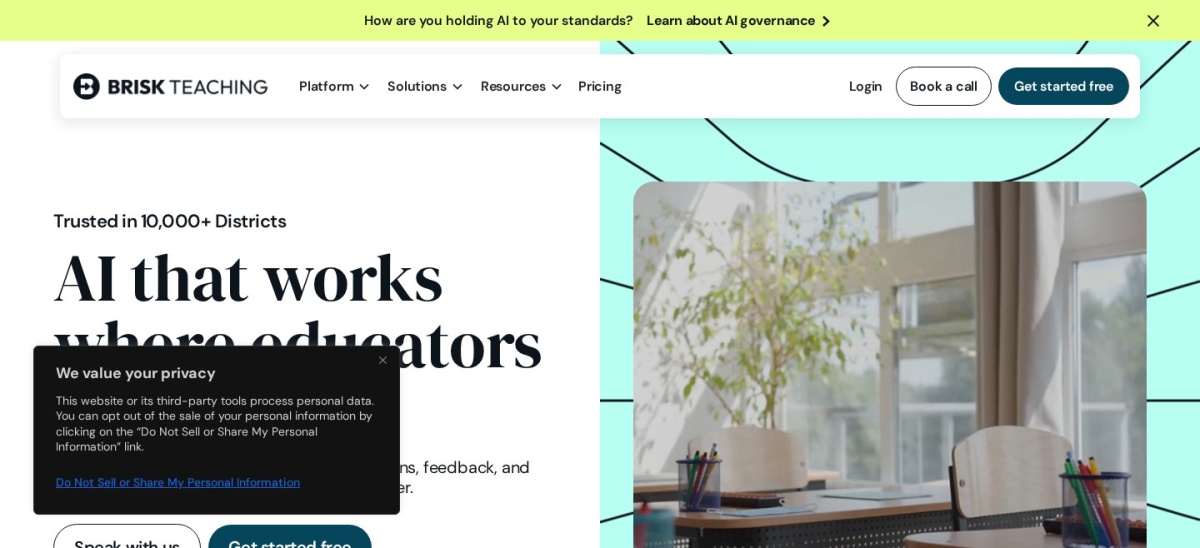
Brisk Teaching homepage, captured Nov 2026.
Brisk Teaching is a Chrome and Edge extension that adds AI tools to Google Docs, Slides, Forms, Classroom and YouTube. The free plan includes 20+ tools for lesson planning, leveling text, building quizzes and giving feedback, without leaving the document you are working in.
The trade off is that it only works as a browser extension on a desktop, so there is no standalone web app or mobile version. The paid Pro plan, reported at $99.99 a year, adds unlimited use, a faster model and standards alignment. It suits teachers who already live in Google Workspace.
4.4/5on MytheAi aggregate (485 reviews, checked Nov 2026)
Paid from$149.99/yr
Best for differentiating readings
Free planYes, no cap
Reading levelsMultiple
ExportsGoogle, Microsoft
Paid planPremium, $149.99/yr
diffit.me
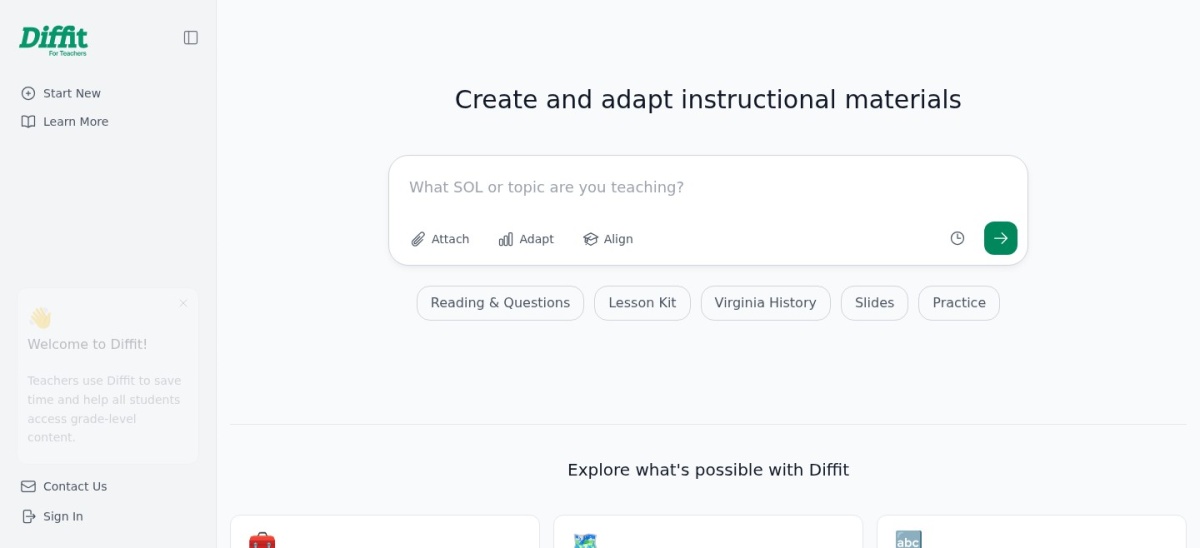
Diffit homepage, captured Nov 2026.
Diffit is a focused tool that turns a topic, text, link, PDF or video into a leveled reading passage with questions, vocabulary and a summary. The free Basic plan covers that core workflow with no generation cap, and it can translate passages for multilingual students.
The trade off is scope: Diffit adapts readings, it does not plan full lessons or build rubrics. Exports to Google Docs, Slides and Microsoft formats need Premium at $14.99 a month, or $149.99 a year. It suits teachers differentiating one text for a mixed-level class.
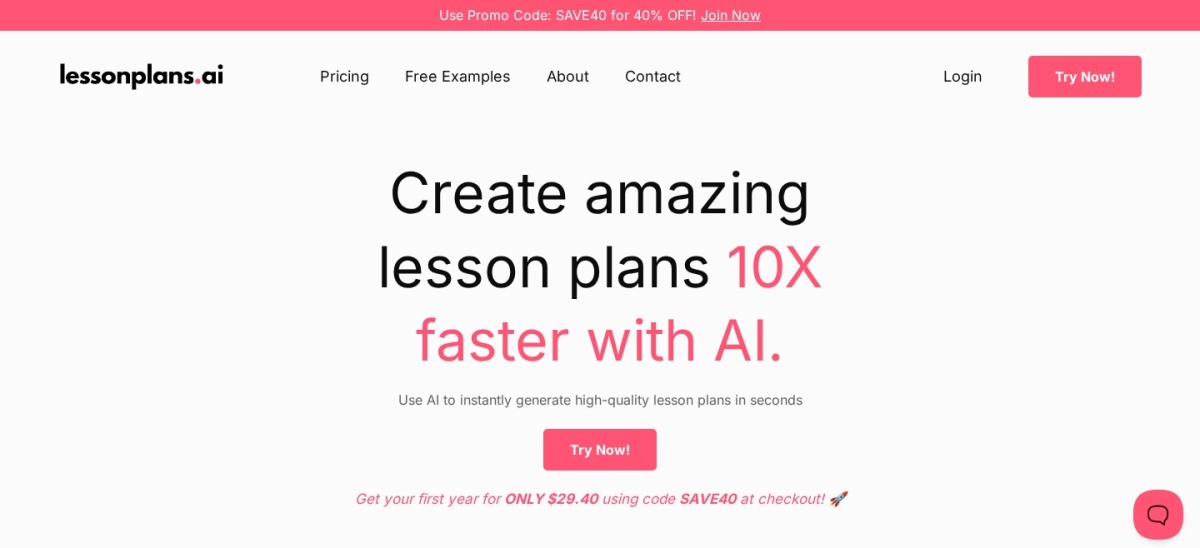
LessonPlans.ai is a single-purpose generator that turns a short description into a complete K-12 lesson plan with activities and resources. Pro costs $49 a year and allows 100 lesson generations a year, with live chat support and step-by-step implementation guides.
The trade off is that there is no free plan on its pricing page, and 100 lessons a year is a hard cap. A first-year discount code cuts the price to $29.40, but the regular price is $49. It suits teachers and substitutes who want a quick, structured plan without learning a bigger platform.
4.9/5on AI Educator Tools (13 reviews, checked Nov 2026)
Paid from$9.99/mo
Best for supervised student AI work
Free Spaces5
Space library200,000+
Languages60+
Paid planPro, $9.99/mo
schoolai.com
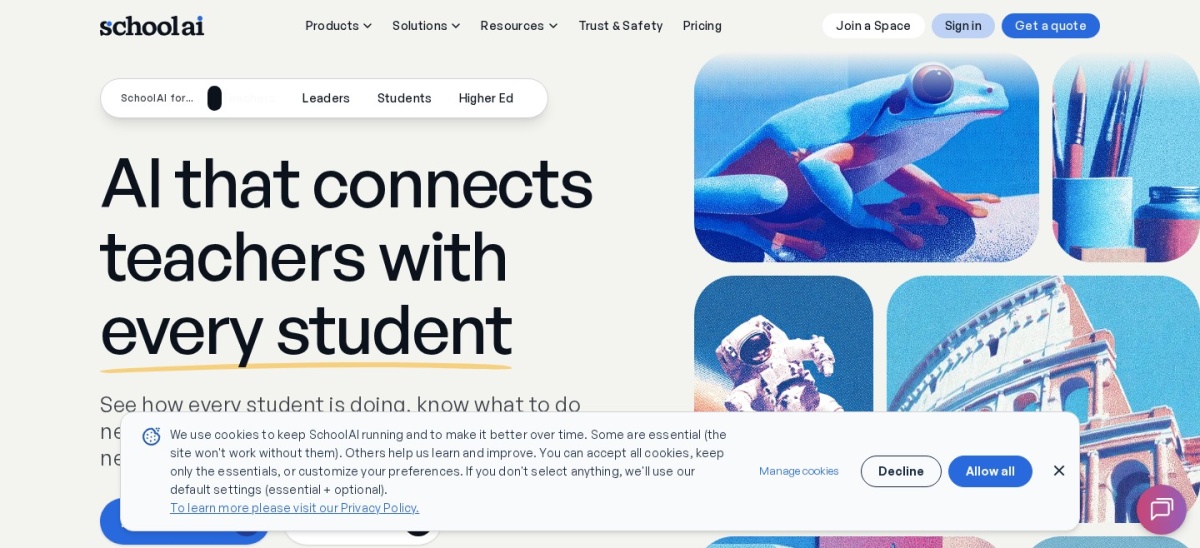
SchoolAI homepage, captured Nov 2026.
SchoolAI is a K-12 platform where teachers build supervised AI learning experiences called Spaces, alongside a planning assistant named Dot. The free plan includes up to 5 Spaces, a library of more than 200,000 teacher-created Spaces, and live monitoring of student chats.
The trade off is that lesson planning is only part of the product, and its paid pricing is unclear. Some sources list a Teacher Pro plan at $9.99 a month, while others say paid plans are custom quotes for schools only. It suits teachers who also want safe, monitored AI use by students.
4.8/5on G2 (Not published reviews, checked Nov 2026)
Paid from$70/yr
Best for standards-aligned questions
Free exports5/mo
Export targets15+
Standards sets100s on Premium
Paid planPremium, $70/yr
questionwell.com
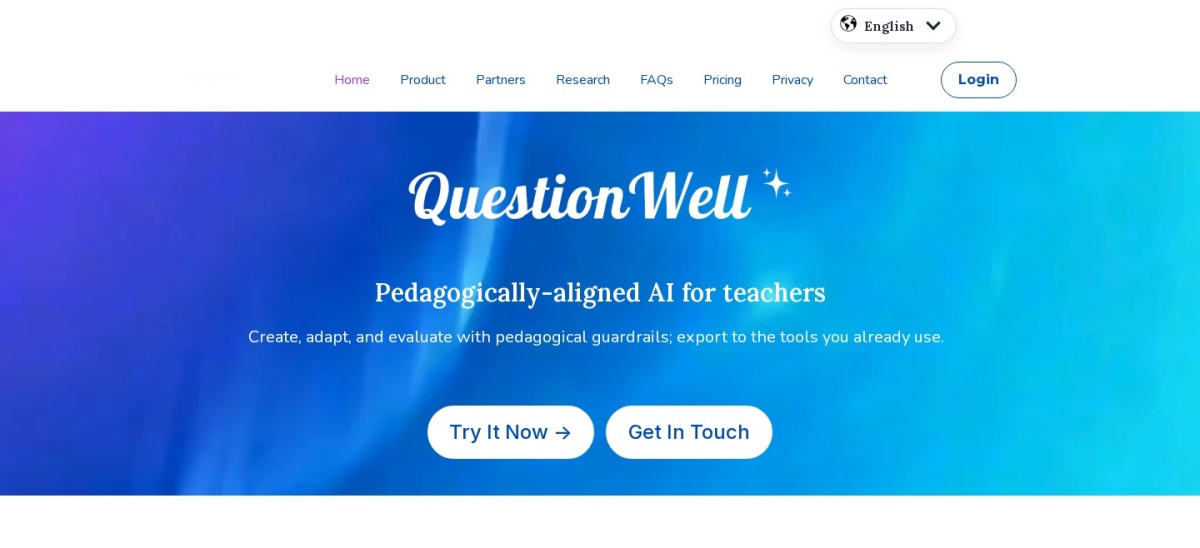
QuestionWell homepage, captured Nov 2026.
QuestionWell is a teacher tool that writes standards-aligned questions, readings and vocabulary from a topic, text or standard. The free plan generates unlimited multiple-choice and discussion questions, and it tags items by Bloom's level and depth of knowledge.
The trade off is that it builds questions and readings, not full lesson plans. Free exports are capped at 5 a month, and Premium at $70 a year lifts the caps and adds more question types. It suits teachers who write assessments from set readings and export them into Kahoot, Canvas or Google Forms.
Free plans in this list are real, but each one stops somewhere. MagicSchool caps generations, Eduaide allows 8 resources a month, and Diffit keeps only 90 days of work.
Paid plans mostly remove a cap rather than add a new tool. The cheapest unlimited plan is Eduaide Pro at $49.99 a year, while Diffit Premium at $149.99 a year mainly buys exports.
If you plan one or two lessons a week, a free plan may be enough. If you plan daily, budget for the cheapest paid plan that removes your main limit.
How we chose
We started from the AI tools teachers name most for lesson planning, then kept the seven with a working free plan or a clear individual price and a public rating.
Prices come from each vendor's pricing page, checked on 24 November 2026, or from published reviews where the vendor page no longer lists an individual price. Ratings come from G2, the Chrome Web Store and educator review sites, and are named per tool.
We left out tools with no published individual price and no public rating. No vendor paid for a place, and we do not claim to have used these tools ourselves.
How to choose an AI lesson planning tool
Start with how you already plan, then pick the tool that fits that routine.
Check the free plan's real limit. Some cap generations, some cap exports and some delete old work after 90 days. Pick the limit you can live with.
Match the tool to your standards. If your school checks standards, choose a tool that tags objectives to them, such as MagicSchool, Eduaide or QuestionWell.
Test one full week of plans. Draft a real week, check the facts and timing, and see whether editing takes longer than writing from scratch.
Price the second year, not the first. First-year discounts end. LessonPlans.ai drops to $29.40 in year one, then returns to $49, so compare regular prices.
FAQ
What is the best AI tool for lesson planning?
MagicSchool is the best pick for most teachers. Its free plan includes 80+ tools for lesson plans, quizzes, rubrics and IEPs, and it is rated 4.7 out of 5 on G2. Teachers who plan every week will want Plus for unlimited generations.
Is there a free AI lesson plan generator?
Yes. MagicSchool, Eduaide, Brisk, Diffit, SchoolAI and QuestionWell all have free plans. Eduaide's free plan allows up to 8 resources a month, while Diffit's free plan has no generation cap but only keeps 90 days of work.
Can AI write a full lesson plan?
It can draft one, with objectives, activities, timing and checks for understanding. Every draft still needs a teacher to check the facts, fix the level and adapt activities to the class. Treat the output as a starting point, not a finished plan.
Which AI lesson planning tool is cheapest?
Eduaide Pro is the cheapest unlimited plan in this list at $49.99 a year, nearly the same price as LessonPlans.ai Pro at $49 a year. LessonPlans.ai caps use at 100 lessons a year, while Eduaide Pro has no generation limit.
Do these tools align lessons to standards?
Most do. MagicSchool, Eduaide, Diffit and QuestionWell all align output to standards, and Brisk adds standards alignment on its paid plan. Check that your state or district standard set is covered before you pay.
Can I use AI lesson plans with Google Classroom?
Yes, in most cases. Brisk works directly inside Google Docs, Slides and Classroom, and MagicSchool, Diffit and Eduaide export to Google Docs and Slides. QuestionWell exports questions to Google Forms and several learning platforms.
Is student data safe in these tools?
These tools are built for schools and state privacy compliance, but policies differ. MagicSchool, Brisk and SchoolAI publish FERPA and COPPA statements, while Diffit says it collects no student data. Read the privacy page of any tool before student names go in.