Best AI Tools for Academic Research in 2026: 9 Tools Compared
WLWPLegible EditorsLast verified 24 Nov 2026How we rank12 min read
★ Short answer
Elicit is the best AI tool for academic research for most researchers. Its free Basic plan searches more than 138 million papers, and Plus adds exports and extraction tables at $11 a month. Pick Consensus for quick evidence checks and Scite to see how a paper was cited.
How we make this list: we compare pricing pages, product documentation and public user reviews, then re-check every price before each update. No product paid for a place. Disclosure.
Elicit searches more than 138 million papers and turns findings into extraction tables, with a free Basic plan.
Consensus answers a research question from more than 200 million papers and shows how far studies agree with its Consensus Meter.
Scite is the only tool here that shows whether later papers support or contradict the work they cite.
Eight of the nine tools cost $12 a month or less on annual billing; only Perplexity Pro is higher at $20 a month.
SciSpace has the largest review sample here, 4.3 out of 5 from 412 Trustpilot reviews, while most rivals have only a handful.
What an AI research tool should do for you
Academic research tools fall into three jobs: finding papers, reading them and checking them. No single tool does all three well, so most researchers combine two or three.
Start with the job that costs you the most time. If screening hundreds of papers is the bottleneck, pick an extraction tool such as Elicit. If you need to know what the evidence says, start with Consensus.
Check every AI output against the source paper before you cite it. AI summaries can misread methods or invent references, so open the DOI and confirm authors, methods and findings yourself. Our guide on writing content that AI assistants cite explains how citation checks work in practice.
Eight of the nine tools have a free plan, and only Scite needs a paid subscription from the start. Free plans are genuinely useful for light work, and paid plans mostly add volume, exports and screening workflows.
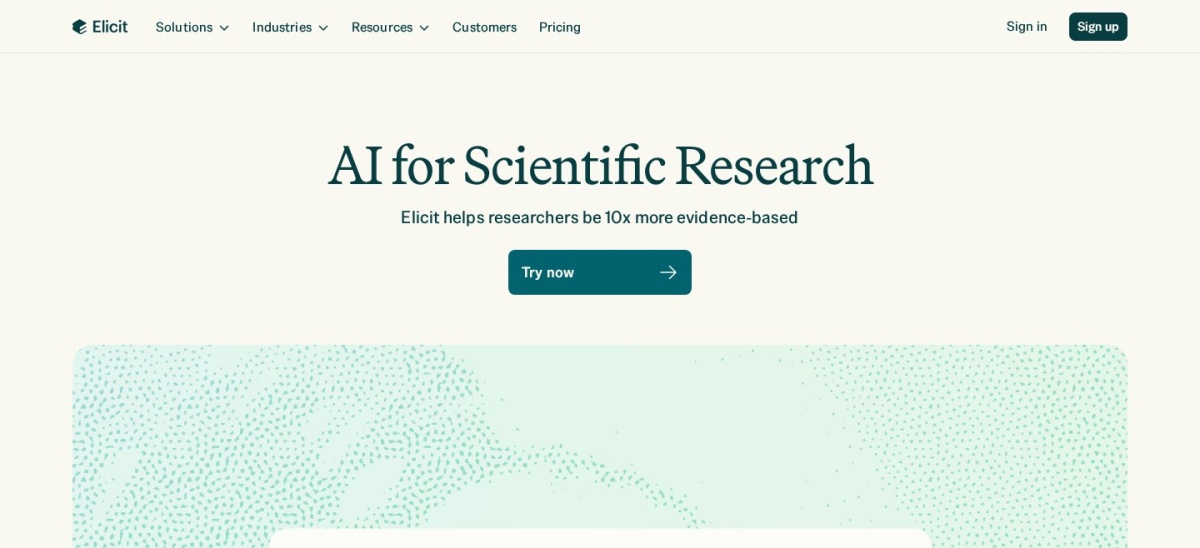
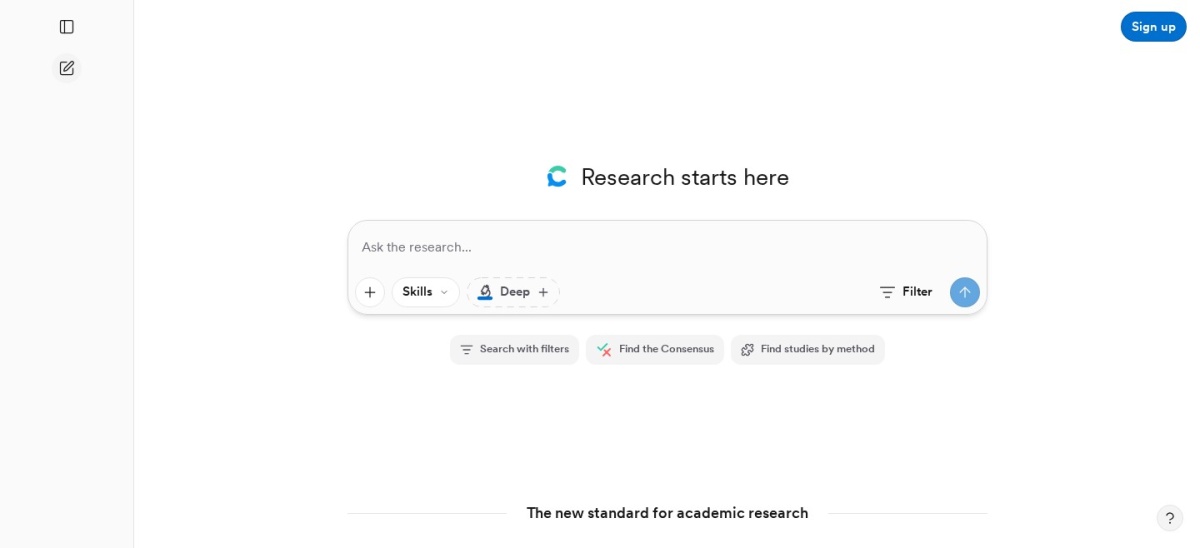
Elicit is an AI research assistant built for literature reviews. It searches more than 138 million papers from a research question, then pulls methods, outcomes and sample sizes into structured tables. The free Basic plan covers unlimited search, summaries and chat with papers, plus Zotero import.
The trade off is price and the academic discount. Plus costs $11 a month billed yearly on the academic view, but the default industry view starts at Pro for $49 a month, so check which price applies to you. It suits graduate students and review teams who need structured extraction across dozens of papers.
What we like
Searches 138M+ papers from a research question
Extraction tables with custom columns
Exports to RIS, CSV, BIB, PDF and DOCX
Free Basic plan with unlimited search
Watch out for
Plus is $11 a month only on the academic view; industry pricing starts at $49
Consensus is an AI search engine that answers research questions from peer-reviewed papers. It searches more than 200 million papers and shows a Consensus Meter that reflects how far the studies agree on a claim. The free plan covers unlimited basic search, plus 10 Pro messages and 3 Deep reviews a month.
The trade off is scope. Consensus only covers published research, so it cannot help with news, business data or unpublished work, and its Pro plan costs $12 a month billed yearly. It suits researchers and clinicians who want a fast, evidence-backed answer to a yes-or-no question.
What we like
Consensus Meter shows how far studies agree
200M+ peer-reviewed papers
Free plan with unlimited basic search
Watch out for
Only covers published research
Pro messages are capped at 10 a month on free
Trustpilot reviewers report surprise charges on annual billing
Scite is a citation tool that shows how later papers cite a work. Its Smart Citations label each citing paper as supporting, mentioning or contrasting the original, so you can spot disputed findings fast. Basic costs $12 a month billed yearly and adds the Assistant, citation alerts and collections of up to 1,000 papers.
The trade off is that there is no free plan, only a 7-day trial, so every feature needs a subscription. Basic is the cheapest way in at $12 a month billed yearly, and API access needs Pro at $40 a month. It suits researchers checking whether a paper they plan to cite still holds up.
What we like
Shows supporting, mentioning and contrasting citations
4.3/5on Trustpilot (412 reviews, checked Nov 2026)
Paid from$12/mo
Best for reading and understanding papers
Papers indexed280 million+
Free planYes, 100 credits/mo
Chat with PDFYes
Paid planPremium, $12/mo
scispace.com
SciSpace homepage, captured Nov 2026.
SciSpace is an all-in-one research workspace that searches more than 280 million papers. It explains dense papers in plain language, chats with PDFs and pulls findings into comparison tables. The free Basic plan covers 100 Agent credits a month, and Premium adds 1,200 credits for $12 a month billed yearly.
The trade off is credits. Agent tasks burn through the monthly allowance, and heavy literature-review work can hit the 1,200-credit cap on Premium before the month ends. It suits students and researchers who want one workspace for searching, reading and drafting.
What we like
280M+ papers with chat and plain-language explanations
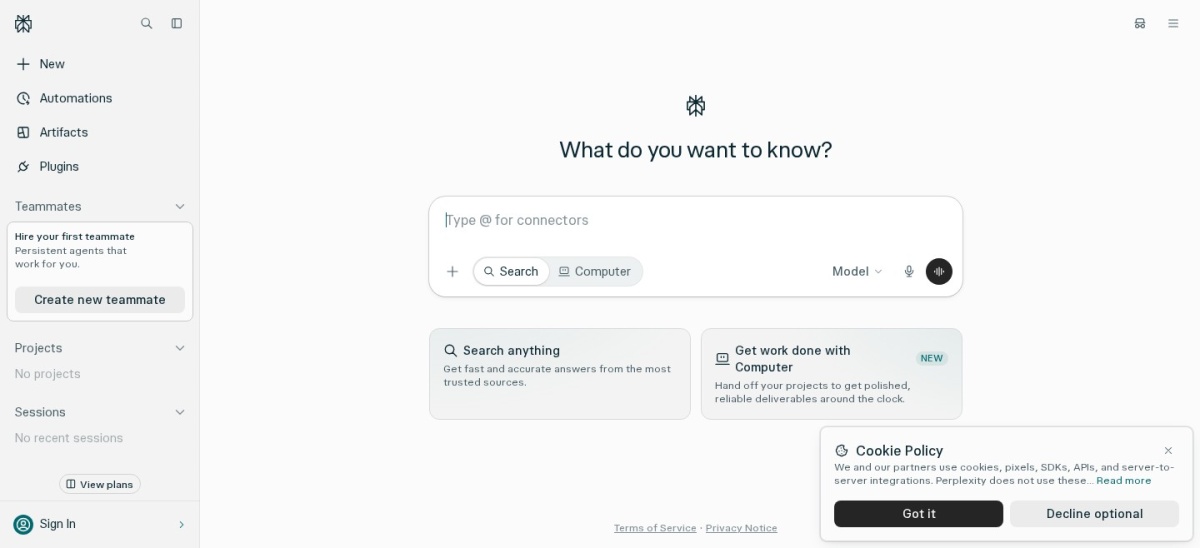
Perplexity is an AI answer engine that cites a source for every claim. It searches the live web and academic sources, then writes a sourced answer with links you can open. The free plan covers 3 Pro searches a day, and Pro adds Deep Research, model choice and 400-plus connectors for $20 a month.
The trade off is that Perplexity is a general search tool, not a literature-review system, so it has no extraction tables or screening workflow. Pro is also the priciest pick here at $20 a month. It suits researchers who start from a question and need a fast, checkable answer.
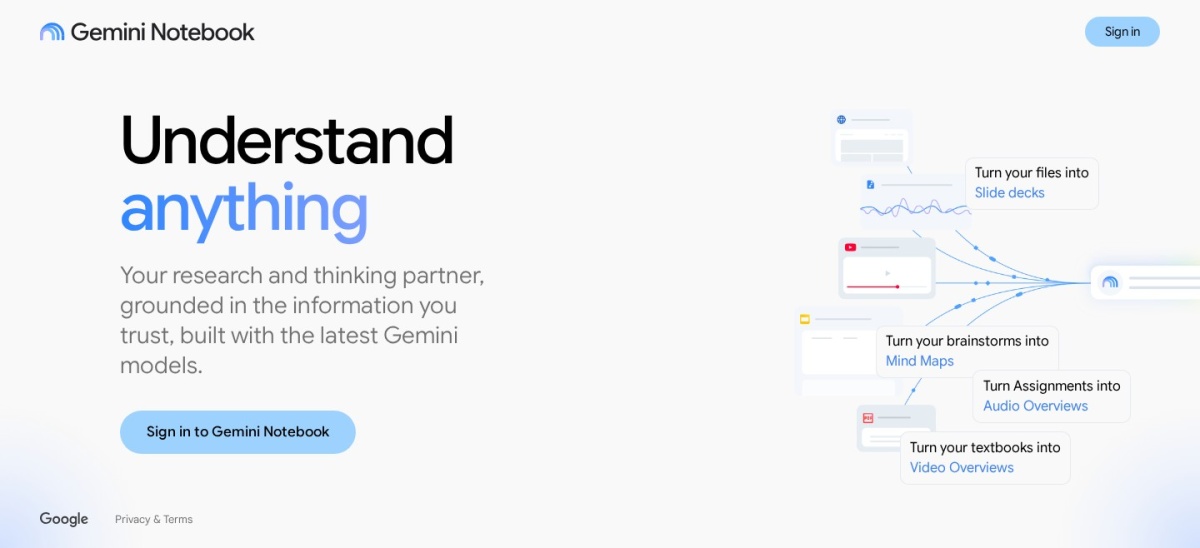
NotebookLM is Google's source-grounded research notebook, renamed Gemini Notebook in July 2026. You add your own papers, notes and links, and it answers only from those sources, with citations to the exact passage. The free plan covers 100 notebooks with 50 sources each, plus 3 Audio Overviews a day.
The trade off is that it knows nothing outside your sources, so it cannot search the literature for you. Paid limits come through Google AI plans: Plus at $4.99 a month doubles the caps, while NotebookLM Plus sits in Google AI Pro at $19.99 a month. It suits deep reading of a fixed set of papers.
What we like
Answers only from your own sources, with citations
Audio Overviews turn papers into listenable summaries
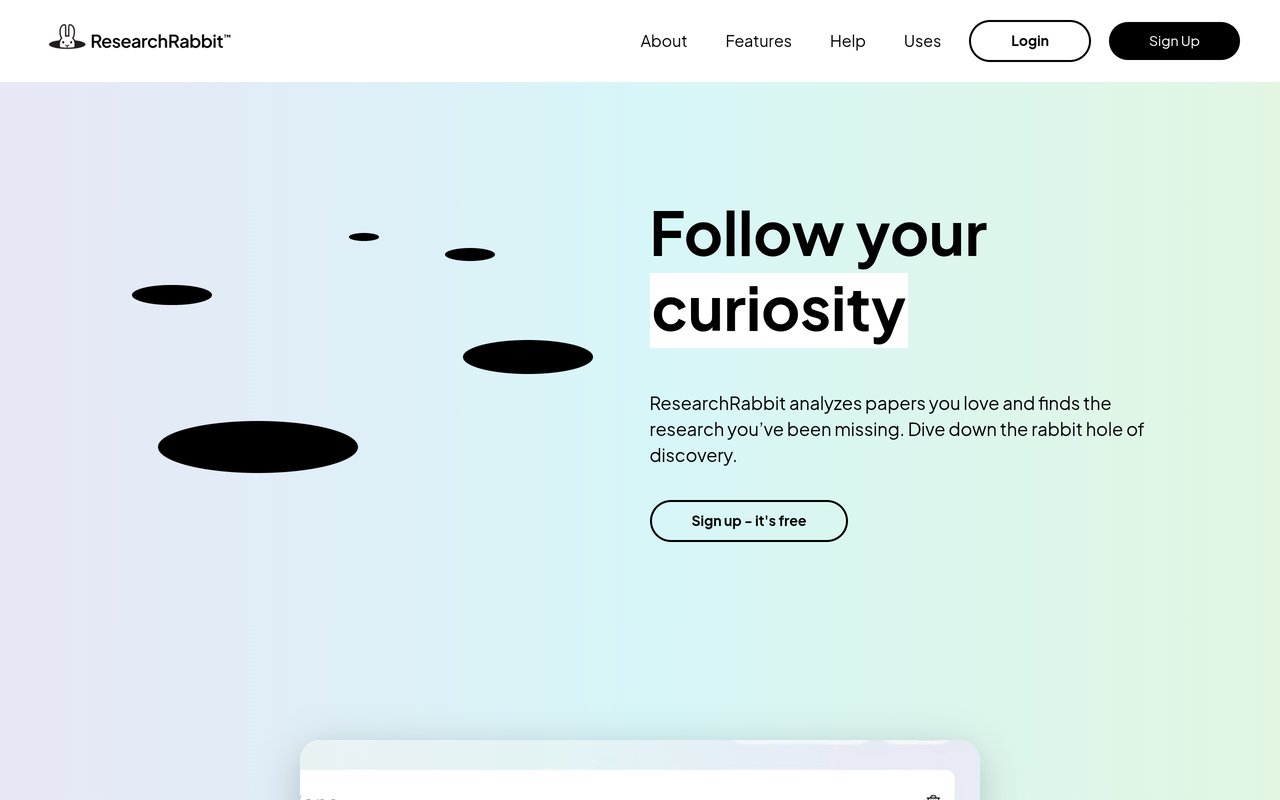
ResearchRabbit is a visual discovery tool that maps papers from seeds you already trust. Add a few papers to a collection and it suggests related work, authors and earlier and later papers across more than 310 million articles. The free plan is free forever, with up to 50 seed articles.
The trade off is that discovery is all it does: there is no extraction, synthesis or writing. RR+ costs $10 a month billed yearly and raises the cap to 300 seeds, with advanced search and Signals alerts. It suits researchers mapping a new field from a handful of known papers.
What we like
Free forever with unlimited searches and collections
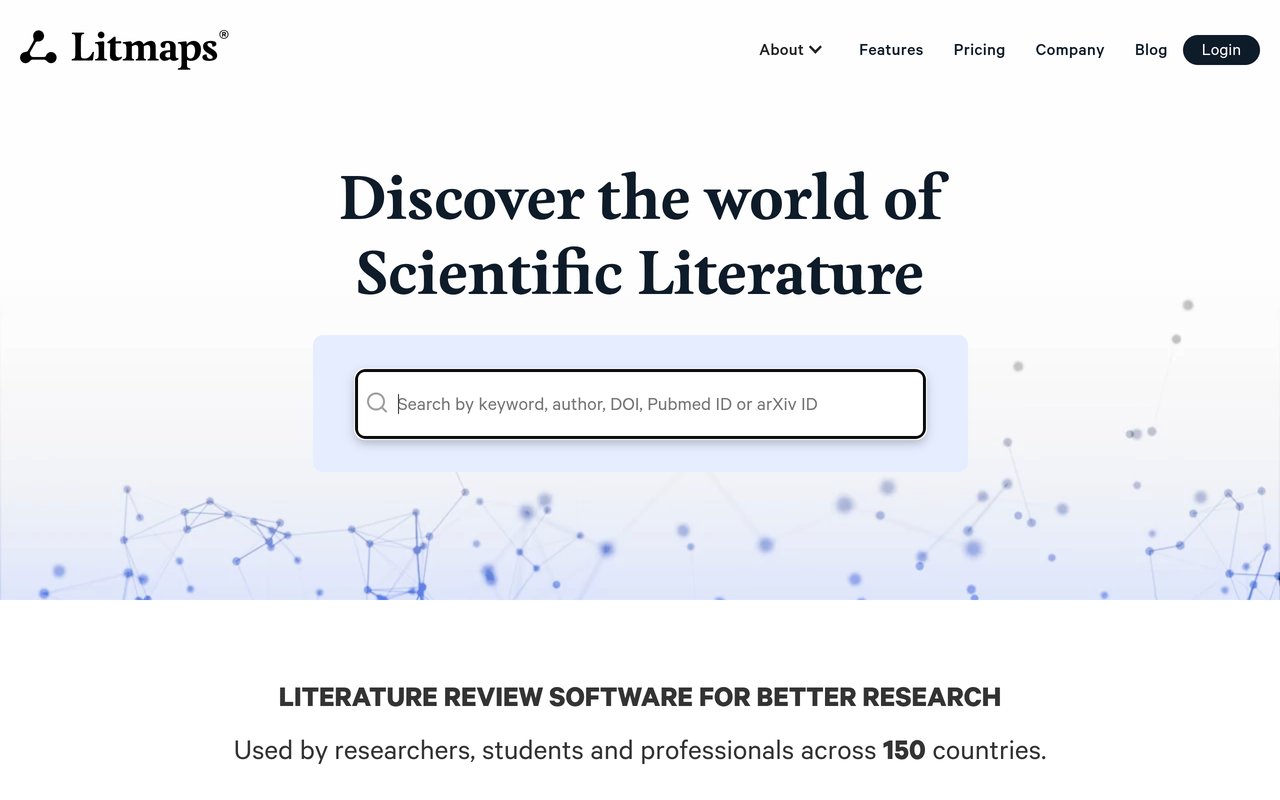
Litmaps is a citation-mapping tool that plots papers on a timeline. It shows how a field developed and alerts you when new papers match your map, which helps for reviews that stay open for months. The free plan covers 2 maps with up to 20 inputs and 100 articles each.
The trade off is price by licence. Pro Education costs $10 a month billed yearly with an academic email, but the commercial licence is $40 a month billed yearly. It suits researchers tracking a fast-moving field who want alerts when relevant papers appear.
What we like
Timeline maps show how a field developed
Alerts when new papers match your map
Free plan with 2 maps
Watch out for
Commercial licence is $40 a month, four times the education price
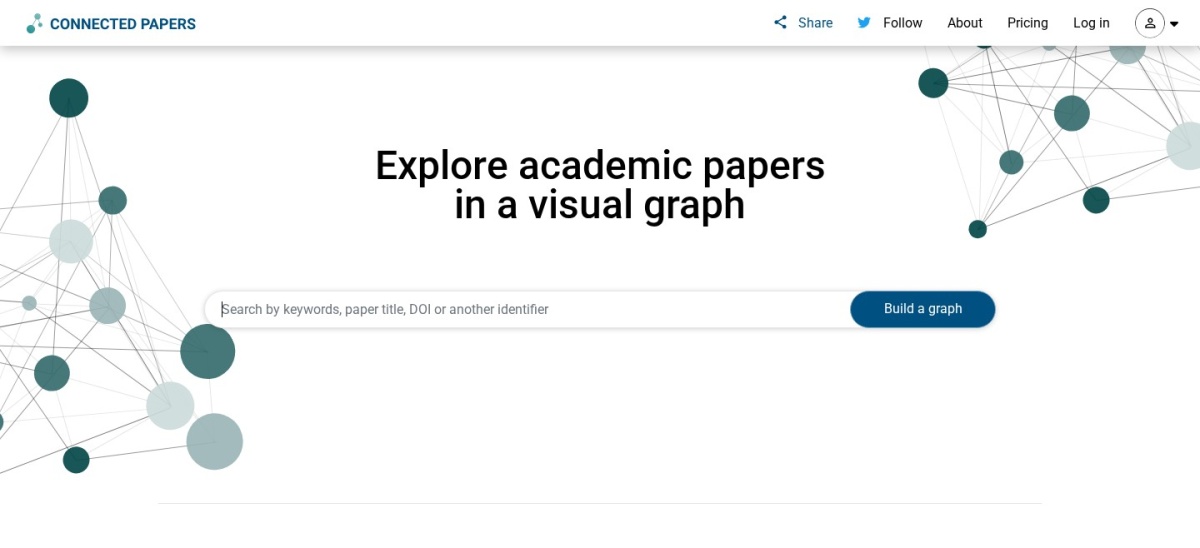
Connected Papers is a visual tool that builds a similarity graph from one seed paper. It places the most related papers close together using co-citation and bibliographic coupling, so a new field takes shape in minutes. The free plan covers 5 graphs a month with every feature included.
The trade off is depth. One graph type is all you get, with no summaries, extraction or alerts, and new papers can take time to appear. Academic costs $6 a month billed yearly for unlimited graphs. It suits researchers entering a new topic who want a fast visual map.
Free plans cover discovery well. Search, basic summaries and citation maps are free in most tools here.
Paid plans mostly add volume and extraction. You get more credits, larger collections, exports and screening workflows.
If you run one literature review a year, the free tiers plus a single month of a paid plan may cover it. For ongoing reviews, annual billing cuts the monthly price by up to 40 percent on most tools here.
How we chose
We started from the AI research tools that appear most often in literature-review guides and researcher recommendations, then kept the nine with a real product, a public pricing page and a clear job in academic research.
Prices come from each vendor's pricing page, checked on 24 November 2026. Ratings come from G2 or Trustpilot on the same day. Consensus carries only a thin Trustpilot sample of 7 reviews, so read its 2.3 score as a billing warning rather than a verdict on search quality. Where a vendor shows a sale, the list shows the regular price.
We left out tools with no public pricing and tools that only write essays. No vendor paid for a place, and we do not claim to have used these tools ourselves.
How to choose an AI tool for academic research
Start with the stage of your research that eats the most time, then pick the tool built for that stage.
Name the job first. Finding papers, reading them, extracting data and checking citations are different jobs. A mapping tool will not extract a table for you.
Try the free plan on a real review. Run one small literature search end to end before paying. Check whether the results match what you already know is in the field.
Check the price on the right view. Some tools show different prices for academic and commercial users, so confirm which price applies to you before budgeting.
Verify every citation at the source. Open the DOI, confirm the authors, methods and findings, and keep a log of which tool produced each table or summary.
FAQ
What is the best AI tool for academic research?
Elicit is the best pick for most researchers, because it searches more than 138 million papers and turns findings into structured extraction tables. Its free Basic plan covers unlimited search, and Plus costs $11 a month billed yearly.
Are AI research tools free?
Most are. Eight of the nine tools here have a free plan, and only Scite needs a paid subscription from the start. Free plans usually cap credits, seeds or graphs, so heavy literature reviews still need a paid plan.
Can AI tools write my thesis or paper?
No. These tools help you discover papers, extract data, summarise reading and check citations, but submitting AI-generated text as your own work is academic dishonesty. Write your own arguments and follow your institution's rules on AI use.
How reliable are AI-generated citations?
Not always reliable. AI tools can misattribute findings, invent references or misread methods, so open every DOI and verify authors, methods and findings against the source before citing. Treat AI output as a draft, not a source.
What is the cheapest AI tool for academic research?
Connected Papers is cheapest at $6 a month billed yearly for unlimited graphs, and its free plan covers 5 graphs a month. NotebookLM is free with a Google account, and its first paid step is Google AI Plus at $4.99 a month.
Do I need more than one research tool?
Most researchers do. A practical stack is Elicit for extraction, Consensus for evidence checks and ResearchRabbit or Connected Papers for mapping, with NotebookLM for deep reading of papers you already have.