Best AI Tool for Summarizing PDFs in 2026: 9 Tools Compared
WLWPLegible EditorsLast verified 24 Nov 2026How we rank15 min read
★ Short answer
NotebookLM is the best AI tool for summarizing PDFs for most readers, with a free plan holding 100 notebooks of 50 sources each and citations to your files. Pick ChatPDF for quick one-off PDFs and Humata for cited answers across many files.
How we make this list: we compare pricing pages, product documentation and public user reviews, then re-check every price before each update. No product paid for a place. Disclosure.
NotebookLM is free and holds 100 notebooks with 50 sources each, and every answer links back to the source passage.
ChatPDF needs no account to start and its free plan covers 2 PDFs a day, up to 120 pages each.
Humata Expert costs $9.99 a month for up to 3 users and 500 pages, with citations on every answer.
ChatDOC Pro is $8.99 per 30 days and removes the per-file page limit, with 300 questions a day.
Foxit gives every account 300 free AI credits a month, and its paid AI plan is $49.99 a year.
ChatGPT Go starts at $8 a month, while Claude Pro is $20 a month, so the general chatbots cost more than most PDF-first tools here.
What to look for in a PDF summarizer
A good PDF summarizer does more than shorten text. It should pull out the key points, answer follow-up questions and show where each answer came from, so you can check it against the original page.
Citations matter most. Tools that link answers to a page or passage let you trust the summary without re-reading the whole file. Tools without citations are fine for a quick overview, but not for work you have to defend.
Free limits decide most choices. Some tools meter by pages, some by files and some by questions, so count what you actually read in a month before paying. Our guide on using ChatGPT with WordPress shows how one of these tools fits a writing workflow.
Scanned PDFs are a separate problem. If your files are scans, you need OCR, which only some plans include. Check the plan page before you pay, because OCR often sits on a higher tier.
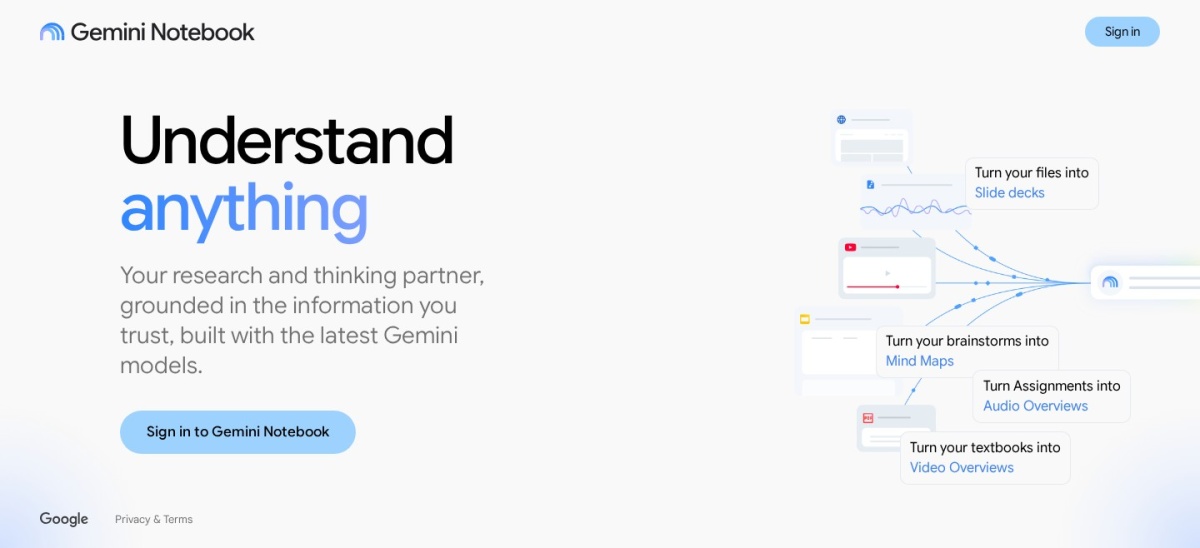
NotebookLM is Google's free research assistant, now shown as Gemini Notebook on its homepage. You add PDFs and other sources to a notebook, and it writes summaries and answers questions using only those files, with citations that point back to the source passage.
The trade off is scope. It cannot search the web, so anything outside your uploaded files is out of reach, and the free plan caps each notebook at 50 sources. It suits students and researchers who want grounded summaries of a fixed set of papers.
What we like
Free plan is generous: 100 notebooks, 50 sources each
Answers stay grounded in your files, with citations
Audio Overviews turn sources into spoken summaries
Watch out for
No web search; it only knows your uploaded sources
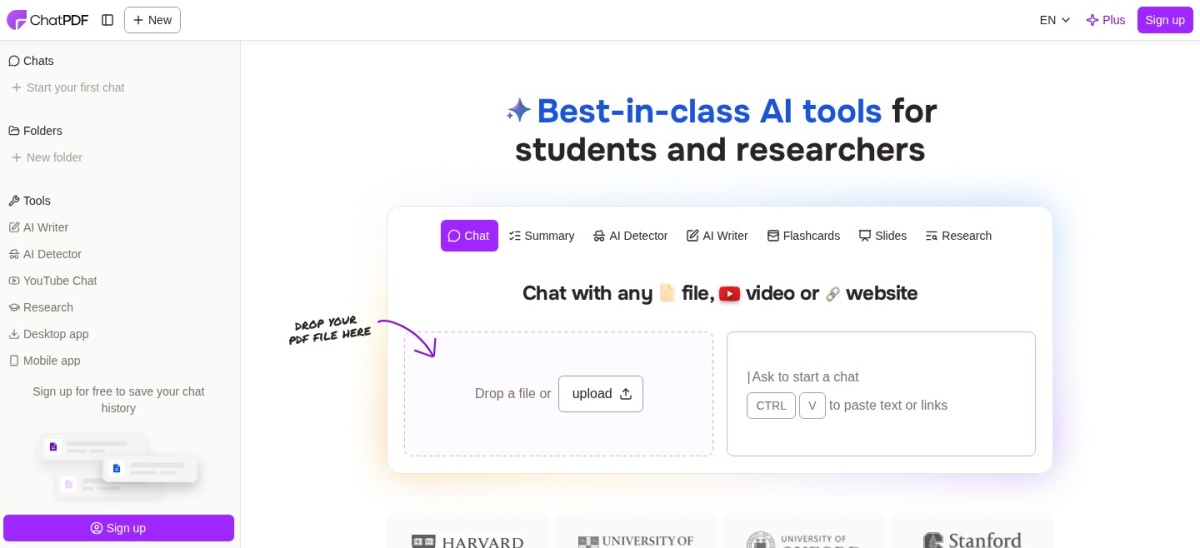
ChatPDF is a focused chat-with-PDF tool. You drop in a file with no account and start asking questions, and answers appear beside the source page with clickable citations. The free plan covers 2 PDFs a day, up to 120 pages and 10 MB each, with about 50 questions a day.
The trade off is price and clarity. Plus is widely listed at $19.99 a month or $139.99 a year, but in-app prices of $14.99 a month and $89.99 a year are also reported, so confirm at checkout. It suits readers who want fast answers from one file at a time.
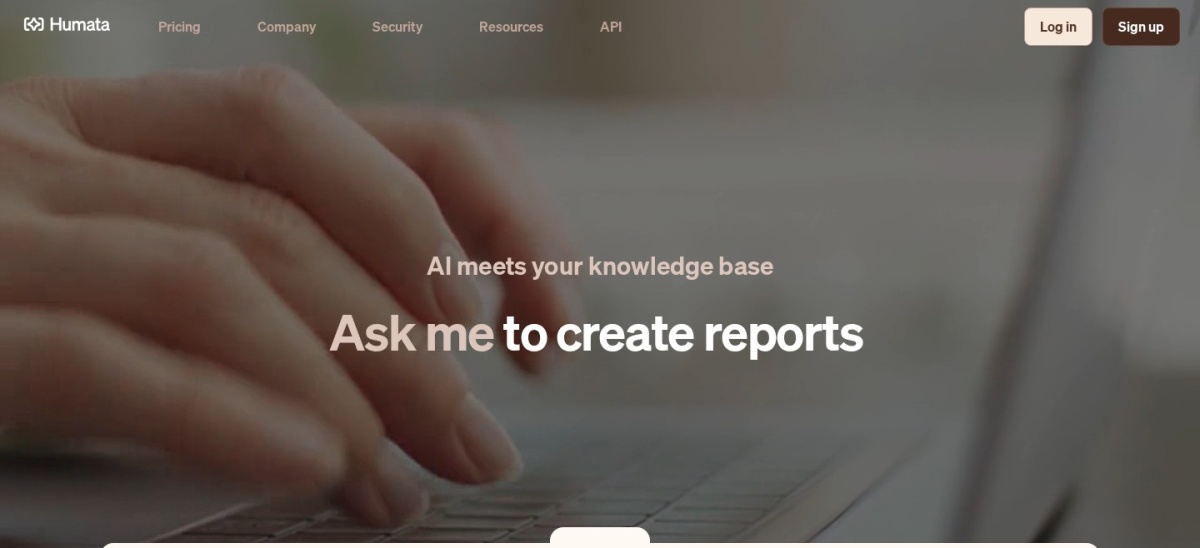
Humata is a document workspace that answers questions across the PDFs you upload and cites the source passage for each answer. The free plan covers 60 pages a month for one user, and Expert at $9.99 a month covers up to 3 users with 500 pages and $0.02 for each extra page.
The trade off is metering and scans. Pages are the meter, so a heavy month costs more, and OCR for scanned files starts on Team at $49 per user a month. It suits small teams who read long PDFs together and need every answer traced.
What we like
Cited answers across many files at once
Expert covers 3 users for one flat $9.99 a month
Spending cap stops page overage from running away
Watch out for
Free plan covers only 60 pages a month
OCR needs the $49 per user Team plan
Thin review base: 2.8 out of 5 on Trustpilot from 7 reviews
Team adds OCR, permissions and 5,000 pages a monthVisit humata.ai
04
Smallpdf
4.5/5on G2 (305 reviews, checked Nov 2026)
Paid from$12/mo
Best all-round PDF toolkit with AI
Free tasksLimited daily tasks
Pro file size5 GB
AI toolsSummarize and chat
Paid planPro, $12/mo
smallpdf.com
Smallpdf homepage, captured Nov 2026.
Smallpdf is a full PDF toolkit with AI summarization and chat layered on top. The same subscription covers compressing, converting, merging, signing and editing, so one plan handles the whole document workflow. Pro lists at $12 a month billed monthly, or $9 a month billed yearly.
The trade off is that AI is a side feature, not the core. The free plan limits daily tasks, and some US-localized reads list Pro at $15 a month instead of $12, so confirm the price at checkout. It suits people who already use Smallpdf for everyday PDF jobs.
What we like
One subscription covers 30+ PDF tools plus AI
Large, well-reviewed user base: 4.5 on G2 from 305 reviews
ChatDOC is built for long files with cited answers. The free plan allows 2 files a day and 10 in total, each capped at 20 pages, with 10 questions a day. Pro costs $8.99 per 30 days, or $89.90 per 360 days, and removes the per-file page limit with 300 files and 300 questions a day.
The trade off is the free plan, which is too small for real work at 20 pages per file. Pro also adds table analysis, formula recognition and OCR for up to 500 pages per 30 days. It suits readers of long reports who need tables and formulas explained.
What we like
Pro removes the per-file page limit entirely
Table and formula extraction on Pro
Low monthly price at $8.99 per 30 days
Watch out for
Free plan caps files at 20 pages each
Smaller review base: 4.4 on G2 from 28 reviews
Extra file and page packs cost more on heavy months
UPDF is a PDF editor with an AI assistant built in, so you can summarize, translate, explain and chat with a PDF without leaving the app. The free AI trial covers 5 PDFs of up to 100 pages and 10 MB each, with 100 questions. The AI Assistant renews at $69 a year after a 7-day trial.
The trade off is split pricing. The AI Assistant is a separate subscription from UPDF Pro, so the editor and unlimited AI cost more together than either alone. It suits readers who also edit, annotate and sign PDFs in the same app.
What we like
Full editor plus AI in one app on 4 devices
Unlimited AI chat and summaries on the paid plan
Turns summaries into mind maps
Watch out for
AI is a separate $69 a year on top of Pro
Free AI trial is small: 5 PDFs and 100 questions
Trial converts to a paid year unless cancelled
Pro plus AI bundles the editor and unlimited AIVisit updf.com
07
Foxit
4.6/5on G2 (3,706 reviews, checked Nov 2026)
Paid from$49.99/yr
Best free AI credits for PDF summaries
Free AI credits300 per month
Paid AI credits2,000 per month
Local AIOn-device, no credits
Paid planAI Assistant, $49.99/yr
foxit.com
Foxit homepage, captured Nov 2026.
Foxit is a full PDF editor whose AI Assistant summarizes, translates and answers questions about documents. Every Foxit account gets 300 AI credits a month at no cost, and the AI Assistant subscription adds 2,000 credits a month for $4.99 a month or $49.99 a year.
The trade off is the credit meter. Foxit does not say how many credits a summary uses, so 300 free credits may not stretch far, and the editor itself costs from $10.99 a month. It suits desktop PDF users who want AI inside the editor they already use.
What we like
300 free AI credits a month with no card
Local AI runs on-device and uses no credits
Highest review count here: 4.6 on G2 from 3,706 reviews
Watch out for
No published cost per summary in credits
AI is a credit meter, not unlimited use
Full editor costs extra on top of the AI plan
Paid AI adds 2,000 credits a month for $49.99 a yearVisit foxit.com
08
Claude
4.6/5on G2 (413 reviews, checked Nov 2026)
Paid from$20/mo
Best general AI for long, careful summaries
Free planYes, with usage limits
Pro price$20/mo, $17/mo annual
ProjectsKeep files and notes together
Paid planPro, $20/mo
claude.com
Claude homepage, captured Nov 2026.
Claude is a general AI assistant that handles long documents well. You upload PDFs to a chat or a Project, ask for a summary at the length you want, and follow up with questions. The free plan has usage limits that reset on five-hour and weekly windows, and Pro costs $20 a month or $17 a month billed annually.
The trade off is that it is not PDF-first. There is no page-level citation view like the dedicated tools, and heavy use hits usage limits even on Pro. It suits writers and researchers who want careful, well-written summaries of long documents.
What we like
Strong on long, nuanced documents
Projects keep files, notes and style guides together
Free plan is enough to try on real documents
Watch out for
No page-level citations like PDF-first tools
Usage limits can interrupt a long session
Pro at $20 a month costs more than most tools here
ChatGPT is the most widely used general AI assistant, and it summarizes PDFs you upload. You can ask for a short overview, a bullet list of key points or a summary of one section, then keep asking follow-up questions in the same chat. The free plan has limited uploads, Go costs $8 a month and Plus costs $20 a month.
The trade off is accuracy. ChatGPT can state things confidently that are not in the document, so check any number or quote against the PDF. It suits everyday summaries where you already know the topic and just need the gist fast.
What we like
Easiest starting point: most people already have it
Flexible summaries at any length or format
Plus adds Deep Research and higher limits
Watch out for
Can invent details not in the document
No built-in page citations for PDF answers
Free plan limits uploads and model access
Plus at $20 a month adds advanced models and Deep ResearchVisit chatgpt.com
Free vs paid: what you give up
Free plans cover short documents well. NotebookLM, ChatPDF and Foxit all let you summarize real PDFs without paying, and the free limits only bite when you read a lot.
Paid plans mostly buy volume and format. You get more pages, more files, bigger uploads and extras such as OCR, mind maps or multi-file chat.
If you read one or two PDFs a week, a free plan is usually enough. If you read papers every day, Humata at $9.99 a month or ChatDOC at $8.99 per 30 days are the cheapest paid routes here.
Check the meter before you pay. A plan that counts pages, like Humata, fits short files, while a plan that counts files, like ChatDOC, fits long ones.
How we chose
We started from the PDF summarizers people actually search for and use, then kept 9 tools with a free plan or free trial, a public pricing page and a real user rating.
Prices come from each vendor's pricing page or, where the vendor hides prices behind an upgrade screen, from pricing reads of that page in November 2026, checked on 24 November 2026. Ratings come from G2 or Trustpilot on the same day. Where a vendor shows a sale, the list shows the regular price.
We left out tools with no public price and tools whose review base was too thin to cite. No vendor paid for a place, and we do not claim to have used these tools ourselves.
How to choose an AI tool for summarizing PDFs
Start with how much you read, then pick the tool whose meter fits that volume.
Count your monthly reading. Add up the PDFs and pages you read in a typical month. That number decides whether a free plan works or a paid plan pays for itself.
Decide whether you need citations. If you quote the summary in your own work, pick a tool that links answers to the source page, such as NotebookLM, ChatPDF or Humata.
Check scanned files and OCR. Scanned PDFs need OCR, which is often a paid extra. Confirm it is on your plan before you upload a scanned file.
Try the free plan on a real document first. Summarize a PDF you already know well. If the summary misses key points or invents details, try the next tool before paying.
FAQ
What is the best AI tool for summarizing PDFs?
NotebookLM is the best pick for most readers. It is free, holds 100 notebooks with 50 sources each, and answers with citations to your files, so you can check every summary against the original PDF.
Is there a free AI tool that summarizes PDFs?
Yes. NotebookLM is free with generous limits, ChatPDF summarizes 2 PDFs a day for free, and Foxit gives every account 300 free AI credits a month. All three work without a paid plan.
Can AI summarize a scanned PDF?
Only with OCR, which turns the scanned image into text first. Humata adds OCR on its Team plan, ChatDOC Pro includes OCR for up to 500 pages per 30 days, and UPDF includes OCR in its editor plans.
Are AI PDF summaries accurate?
They are usually good for the main points, but they can miss details or state things that are not in the file. Always check numbers, quotes and dates against the original PDF before you rely on them.
What is the cheapest paid PDF summarizer?
ChatGPT Go at $8 a month is the cheapest paid plan here, followed by ChatDOC Pro at $8.99 per 30 days and Humata Expert at $9.99 a month. Foxit AI at $49.99 a year is the cheapest yearly plan.
Can ChatGPT summarize a PDF?
Yes. Upload the PDF to ChatGPT and ask for a summary at the length you want, then ask follow-up questions. The free plan limits uploads, while Go at $8 a month and Plus at $20 a month raise those limits.