Best AI-Powered Database Software in 2026: 9 Tools Compared
WLWPLegible EditorsLast verified 24 Nov 2026How we rank14 min read
★ Short answer
Supabase is the best AI-powered database software for most teams: full Postgres with pgvector, an AI assistant and a free plan, with Pro at $25 a month. Pick MongoDB Atlas for document data with vector search, or Neon for serverless Postgres that scales to zero.
How we make this list: we compare pricing pages, product documentation and public user reviews, then re-check every price before each update. No product paid for a place. Disclosure.
Supabase is the best all-round pick: Postgres with pgvector, auth and storage, rated 4.6/5 on G2, with Pro at $25 a month.
MongoDB Atlas has the cheapest paid entry at $8 a month for Flex, and the most G2 reviews in this list at 904.
Neon bills by use, with a typical Launch spend of $15 a month and a free plan covering 100 projects.
Pinecone, Qdrant and Weaviate are purpose-built vector databases; Pinecone is the easiest managed option at a flat $20 a month for Builder.
Milvus is the only fully free option here: open source with no licence cost, built for tens of billions of vectors.
Elasticsearch costs the most to start at $99 a month, but it is the only pick that pairs vector search with full-text search in one engine.
What an AI-powered database should cover
AI-powered databases add vector search to a database, so an app can find documents, images or products by meaning instead of exact keywords. That is what powers chatbots that answer from your docs, recommendation lists and AI search.
There are two shapes here. Postgres-based tools such as Supabase and Neon add pgvector to a database you already know, while purpose-built vector databases such as Pinecone, Qdrant, Weaviate and Milvus are built only for embeddings at scale.
Price is the main trap. Most of these tools bill by usage once you leave the free tier, so check the paid plan behind the free one. Our guide on adding AI search to a WordPress site shows the same retrieval idea on a smaller scale.
Free plans are generous for prototypes. Every tool in this list has a free tier or a free self-hosted version, so start there and pay only when your vector count or traffic grows.
Supabase is an open-source Postgres platform with pgvector built in, so the same database that holds app data can also store embeddings for AI search. The free plan includes two projects with a 500 MB database, authentication, storage and Edge Functions, plus an AI assistant in the dashboard.
The trade off is that Pro costs $25 a month per project, and compute beyond the included $10 of credits is billed on top, so a busy AI workload can cost more than the headline price. It suits teams that want one Postgres database for both their app and their AI features.
What we like
Full Postgres with pgvector, no extra vector store needed
Free plan covers two projects with auth and storage
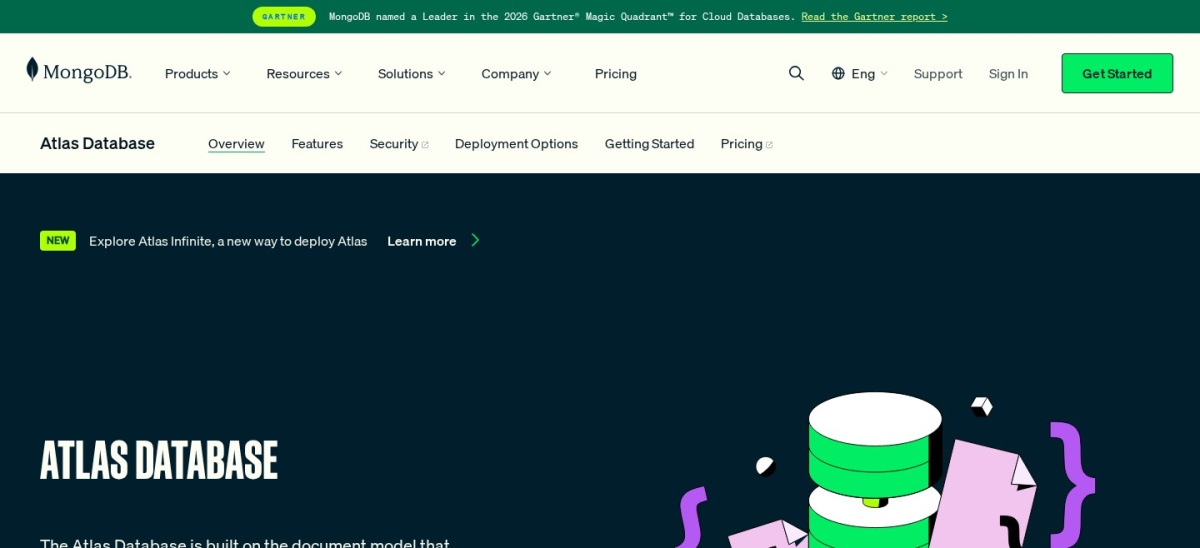
MongoDB Atlas is a managed document database with Atlas Vector Search built in, so apps can store JSON documents and embeddings side by side. The free M0 cluster holds 512 MB, and Flex clusters start at $8 a month, with dedicated clusters from $0.08 an hour.
The trade off is that Atlas bills by cluster size and usage, so a production vector workload on a dedicated cluster costs far more than the $8 Flex entry point. It suits teams already building on documents that want search and vectors without a second database.
What we like
Document store, search and vector search in one service
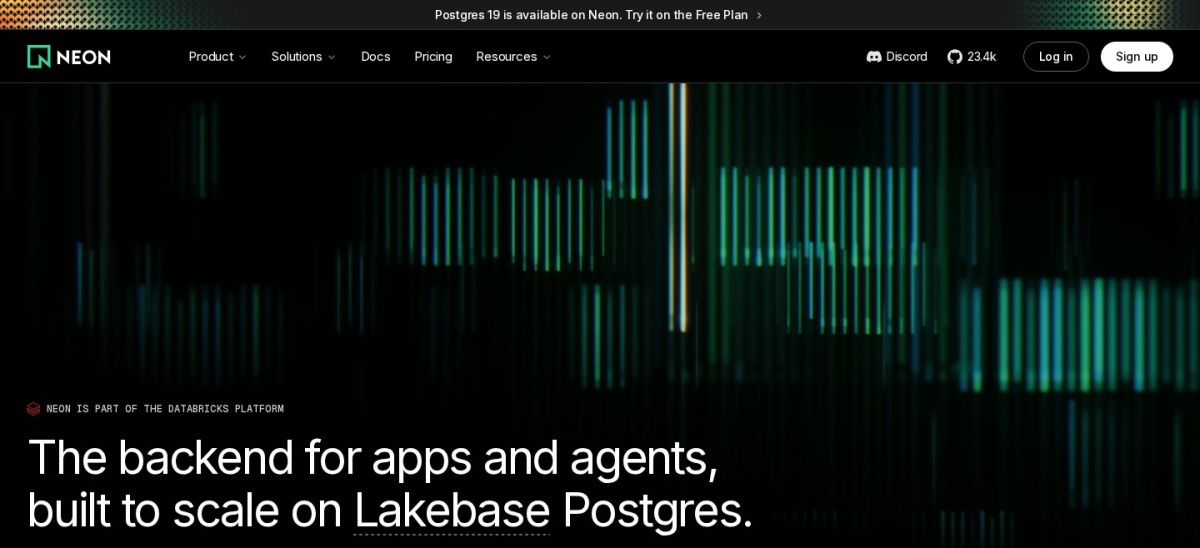
Neon is serverless Postgres with pgvector, so AI apps get vector search in a database that scales to zero when idle. The free plan covers 100 projects with 100 compute hours each, and Launch is usage-based at $0.106 per compute hour, with a typical spend of $15 a month.
The trade off is that Launch has no flat monthly price, so the bill moves with traffic, and a cold database takes a few hundred milliseconds to wake. It suits AI apps and agents that need cheap preview databases and instant branching.
What we like
Scales to zero, so idle databases cost nothing for compute
Instant branches for previews and AI agents
Full Postgres with pgvector and an AI gateway
Watch out for
Usage-based billing, no flat monthly price
Cold starts add a short delay after idle time
Launch adds bigger computes and 7-day point-in-time recoveryVisit neon.tech
04
Pinecone
4.5/5on G2 (66 reviews, checked Nov 2026)
Paid from$20/mo
Best managed vector database
Vector searchServerless, managed
Free planStarter, 2 GB storage
Paid planBuilder, $20/mo
AI extrasInference and Assistant
pinecone.io
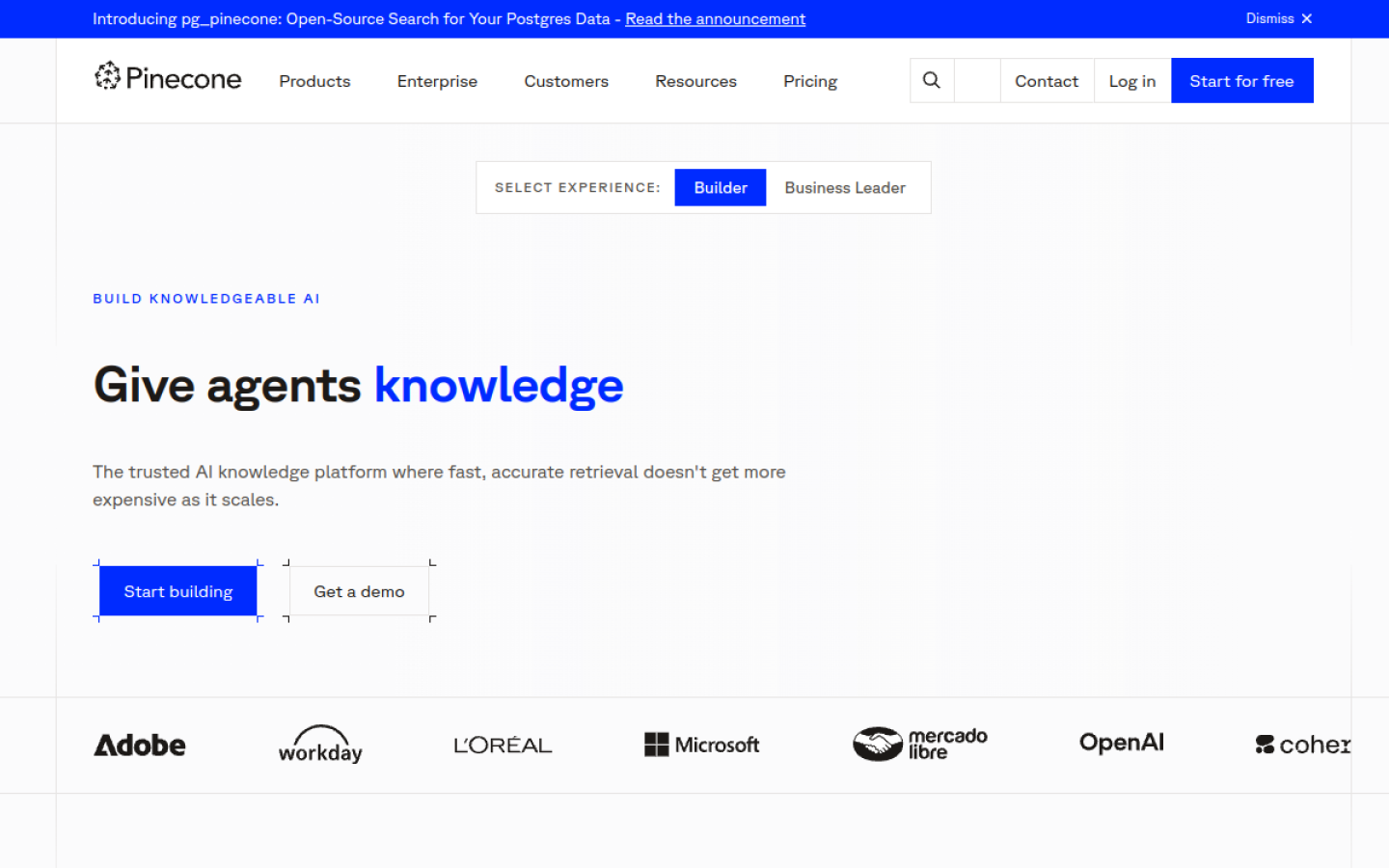
Pinecone homepage, captured Nov 2026.
Pinecone is a fully managed vector database built for retrieval in AI apps, with serverless indexes that scale without capacity planning. The free Starter tier includes 2 GB of storage, and Builder costs a flat $20 a month, with inference and an AI assistant available as add-ons.
The trade off is that production use runs on Standard, which has a $50 monthly minimum and charges per read and write unit, so costs climb with query volume. It suits teams that want the fastest path from a RAG prototype to production.
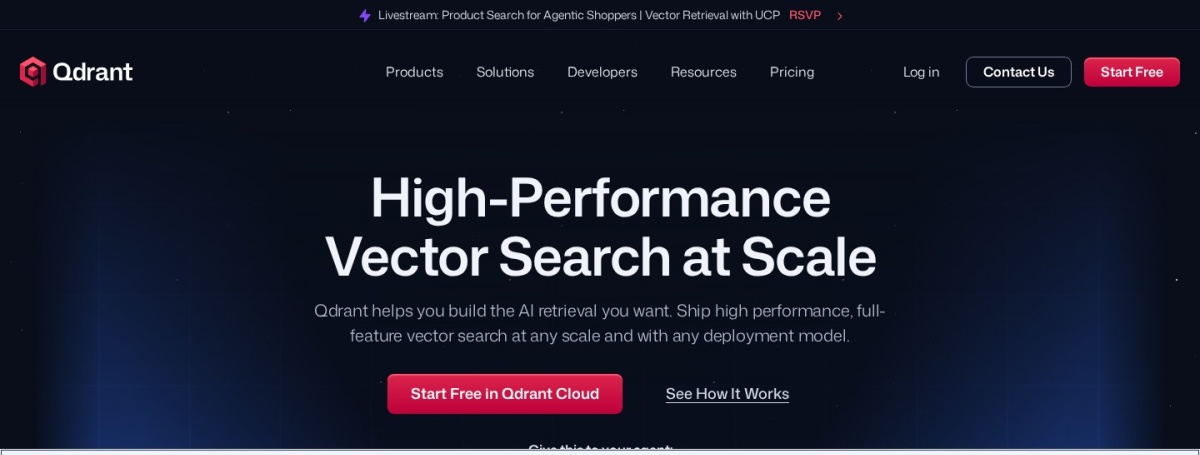
Qdrant is an open-source vector database written in Rust, with strong filtering and hybrid search built in. The free cloud tier covers a 1 GB cluster with 1 million vectors, and Cloud Starter costs $25 a month with 8 GB of storage. You can also self-host it for free.
The trade off is that self-hosting means running backups, scaling and updates yourself, and the paid cloud tiers step up quickly, from $25 to $99 a month. It suits teams that want open-source control with a managed path to production.
Weaviate is an open-source vector database that combines vector search with keyword search in one query, plus modules that call embedding models for you. The free cloud tier holds 100,000 objects, and Flex starts at $45 a month with no long-term commitment.
The trade off is price. Flex is usage-based, so the bill grows with vector dimensions and storage, and the $400 Premium tier is the step up for SLAs. It suits teams building RAG apps that need keyword and vector results ranked together.
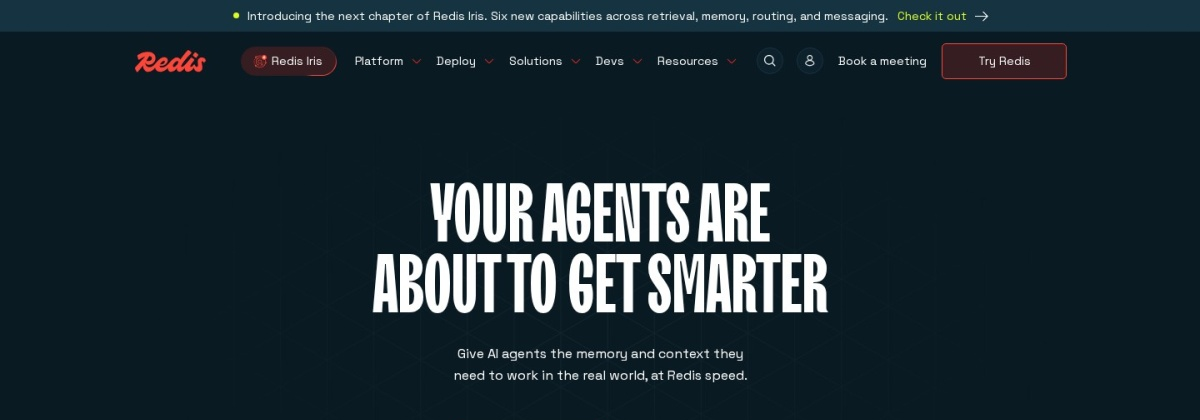
Redis Cloud is a managed in-memory database with vector search, so AI agents can keep working memory and retrieve context at in-memory speed. The free tier covers 30 MB, and Essentials starts at about $5 a month on shared infrastructure.
The trade off is that the free and Essentials tiers are small, and the dedicated Pro tier starts with a $200 monthly minimum, so real production use costs far more than $5. It suits teams that need fast retrieval for agents, caching and sessions.
What we like
Sub-millisecond retrieval for agent memory
Cheapest paid entry in this list
Runs on AWS, Azure and Google Cloud
Watch out for
Free tier is only 30 MB
Pro tier starts at a $200 monthly minimum
Pro adds dedicated hosting and Active-Active regionsVisit redis.io
08
Milvus
4.8/5on Capterra (298 reviews, checked Nov 2026)
PriceFree
Best free vector database at scale
Vector searchHNSW, GPU indexes
Free planOpen source, free
ScaleTens of billions of vectors
Managed optionZilliz Cloud
milvus.io
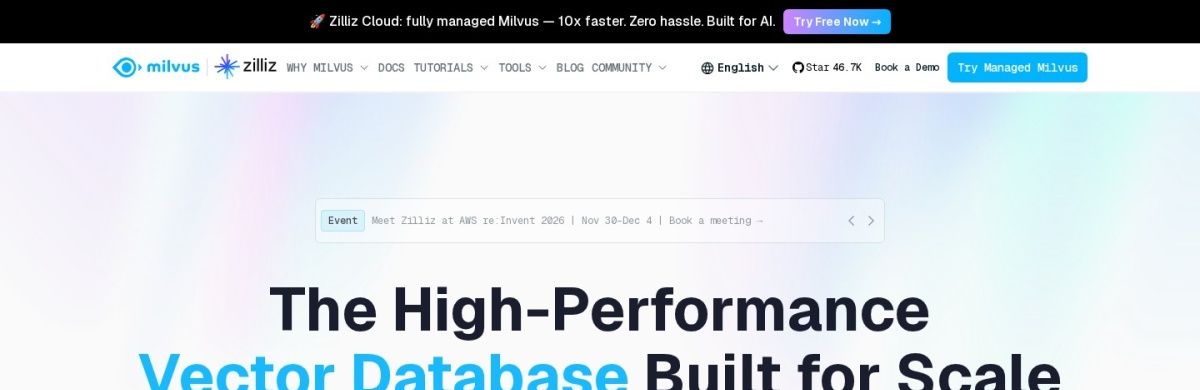
Milvus homepage, captured Nov 2026.
Milvus is a free open-source vector database built for large AI workloads, with GPU indexes and a design that scales to tens of billions of vectors. There is no paid plan for the software itself; the managed option is Zilliz Cloud, which offers a free tier of its own.
The trade off is operations. Running Milvus yourself means managing a distributed system, and the managed cloud bills by usage, so costs depend on your workload. It suits teams with large vector collections and engineers to run them.
What we like
Free and open source with no licence cost
Built for tens of billions of vectors
CNCF-graduated project with wide SDK support
Watch out for
Self-hosting a distributed system is real work
Steeper learning curve than managed options
Zilliz Cloud adds managed hosting with a free tierVisit milvus.io
09
Elasticsearch
4.5/5on G2 (363 reviews, checked Nov 2026)
Paid from$99/mo
Best for vector plus full-text search
Vector searchkNN, up to 4,096 dims
Free planSelf-managed Basic
Hybrid searchRRF ranking built in
Paid planCloud Standard, $99/mo
elastic.co
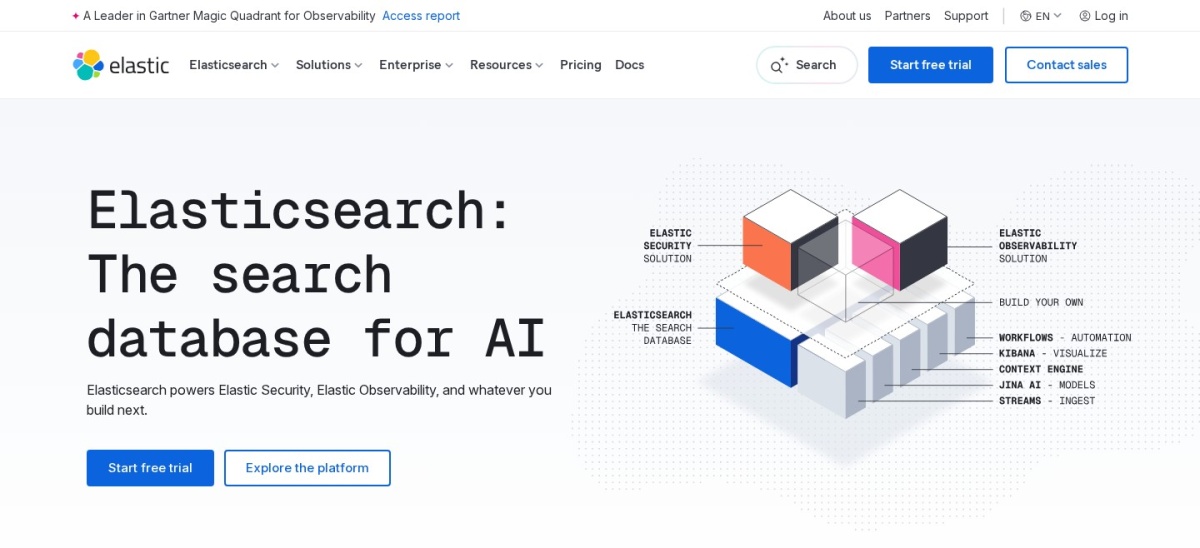
Elasticsearch homepage, captured Nov 2026.
Elasticsearch is a mature search engine with native vector search, so one index can answer keyword, vector and hybrid queries together. The self-managed Basic tier is free, and Elastic Cloud Hosted starts at $99 a month on Standard, with a 14-day free trial.
The trade off is price and weight. The $99 starting price is the highest here, and Elasticsearch needs more resources than a purpose-built vector store. It suits teams already running Elastic that want to add AI search to existing data.
Not always. If your data already lives in Postgres and you have under a few million vectors, pgvector in Supabase or Neon is usually enough, and you keep one database to run.
A dedicated vector database earns its place past that point, or when you need heavy filtering, hybrid ranking or billions of vectors. Qdrant, Weaviate and Milvus are built for that scale.
Start with the database you already run. Moving embeddings to a second store adds a sync job, a second bill and a second failure mode, so only split when the workload proves it.
How we chose
We started from the databases most often named for AI work in 2026: Postgres platforms with pgvector, managed vector databases and search engines with vector search, then kept the nine with a real free tier and published pricing.
Prices come from each vendor's pricing page, checked on 24 November 2026. Ratings come from G2, except Milvus, which uses Capterra. Where a vendor shows a sale, the list shows the regular price.
We left out tools with no published price and tools without a free tier or open-source version. No vendor paid for a place, and we do not claim hands-on testing for this list.
How to choose an AI-powered database
Start with where your data already lives, then match the tool to your vector count and budget.
Check what you already run. If your app is on Postgres, pgvector in Supabase or Neon may cover your AI search with no new database. See how to connect an AI model to WordPress for a small-scale example.
Count your vectors. Under a few million, Postgres with pgvector is enough. Past that, or with heavy filtering, look at Qdrant, Weaviate or Milvus.
Price the paid tier, not the free one. Free tiers end fast. Compare the cheapest paid plan per year and check whether billing is flat or usage-based.
Check the exit path. Open formats and self-hosted options such as Qdrant, Weaviate and Milvus make it easier to move later than a closed managed service.
FAQ
What is the best AI-powered database software?
Supabase is the best pick for most teams. It pairs full Postgres with pgvector, authentication and storage, is rated 4.6 out of 5 on G2, and Pro costs $25 a month. MongoDB Atlas is the better choice for document data, and Neon for serverless Postgres.
Do I need a vector database for AI apps?
Not always. If you have under a few million embeddings and already use Postgres, pgvector in Supabase or Neon covers AI search without a second database. A dedicated vector database is worth it at larger scale or when you need heavy filtering and hybrid ranking.
What is the cheapest AI-powered database?
Milvus is free and open source, with no licence cost at all. Of the managed options, Redis Cloud Essentials starts at about $5 a month and MongoDB Atlas Flex starts at $8 a month, though both are small tiers and production use costs more.
Is pgvector enough for RAG?
Yes, for most small and mid-size RAG apps. pgvector in Postgres handles a few million vectors with HNSW indexes and keeps your data and embeddings in one place. Purpose-built vector databases pull ahead past tens of millions of vectors or with heavy metadata filtering.
Can I self-host an AI database?
Yes. Supabase, Qdrant, Weaviate and Milvus are all open source and free to self-host, and Elasticsearch has a free self-managed tier. Self-hosting removes the licence cost but leaves backups, scaling and updates to you.
How much does an AI database cost per month?
Entry paid plans in this list run from about $5 a month for Redis Cloud Essentials to $99 a month for Elastic Cloud Standard. Most tools also bill by usage, so a busy AI workload can cost far more than the entry price.