Best AI Podcast Tools Software in 2026: 8 Tools Compared
WLWPLegible EditorsLast verified 24 Nov 2026How we rank12 min read
★ Short answer
Descript is the best AI podcast tool for most shows: its Hobbyist plan costs $16 a month billed yearly and pairs text-based editing with Studio Sound cleanup, rated 4.6 out of 5 on G2. Pick Riverside for remote video recording and Podcastle if you want the lowest priced all-in-one.
How we make this list: we compare pricing pages, product documentation and public user reviews, then re-check every price before each update. No product paid for a place. Disclosure.
Descript leads with text-based editing, Studio Sound cleanup and 10 media hours a month for $16 a month billed yearly.
Riverside records each guest locally in up to 4K, so a bad connection does not ruin the audio.
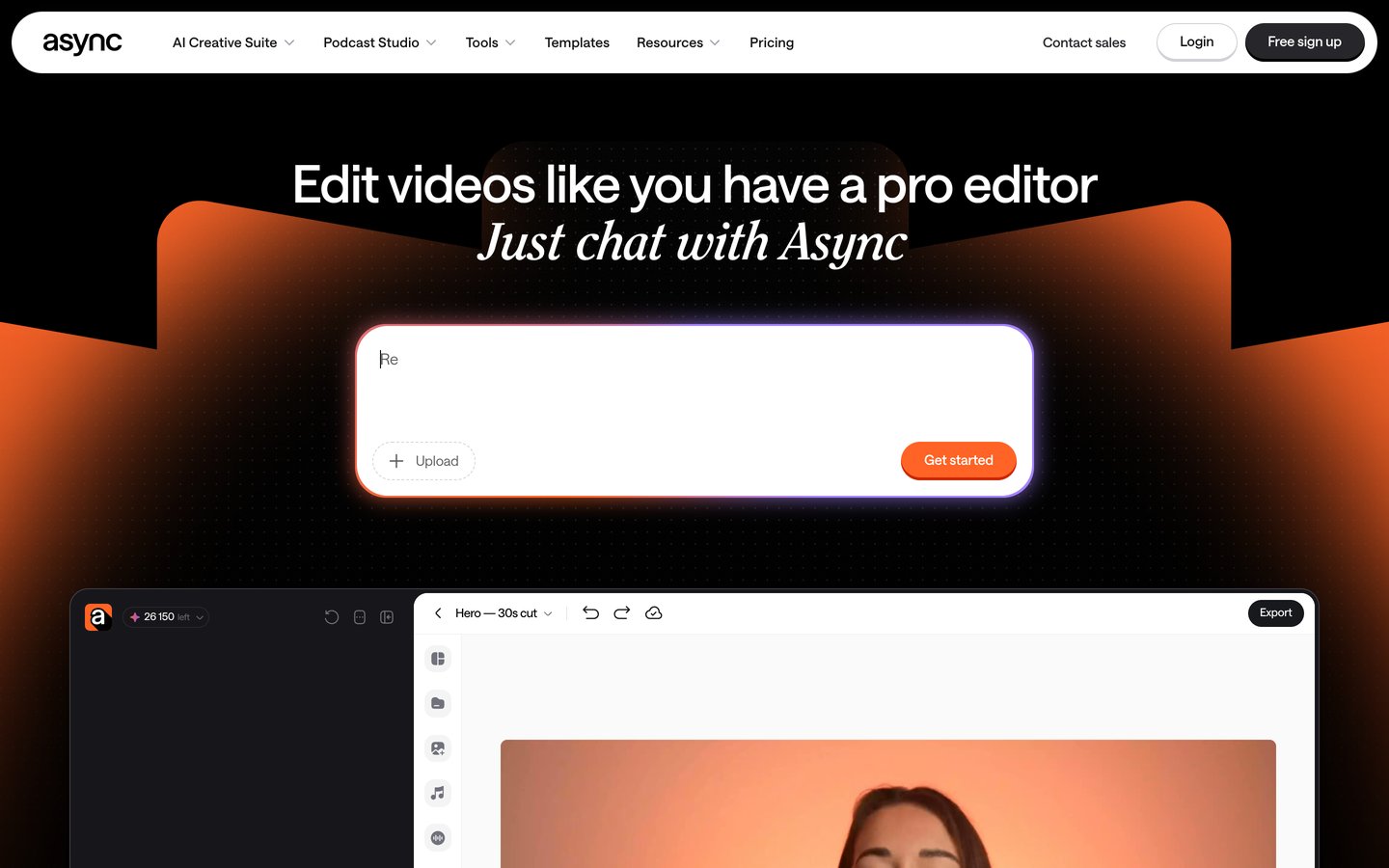
Podcastle, now branded Async, is the cheapest all-in-one here at $11.99 a month billed yearly.
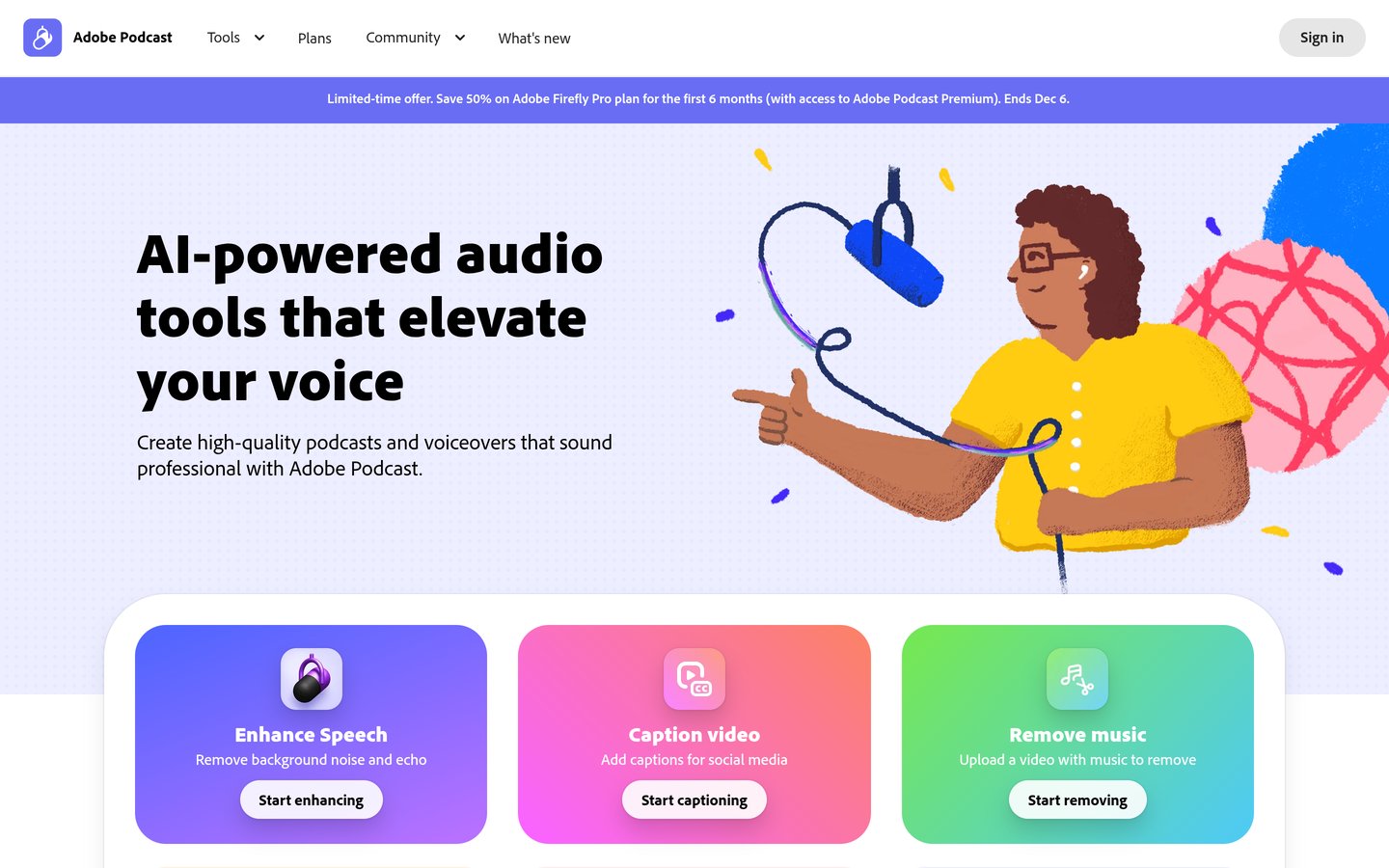
Adobe Podcast cleans noisy audio free for 1 hour a day, with no software to install.
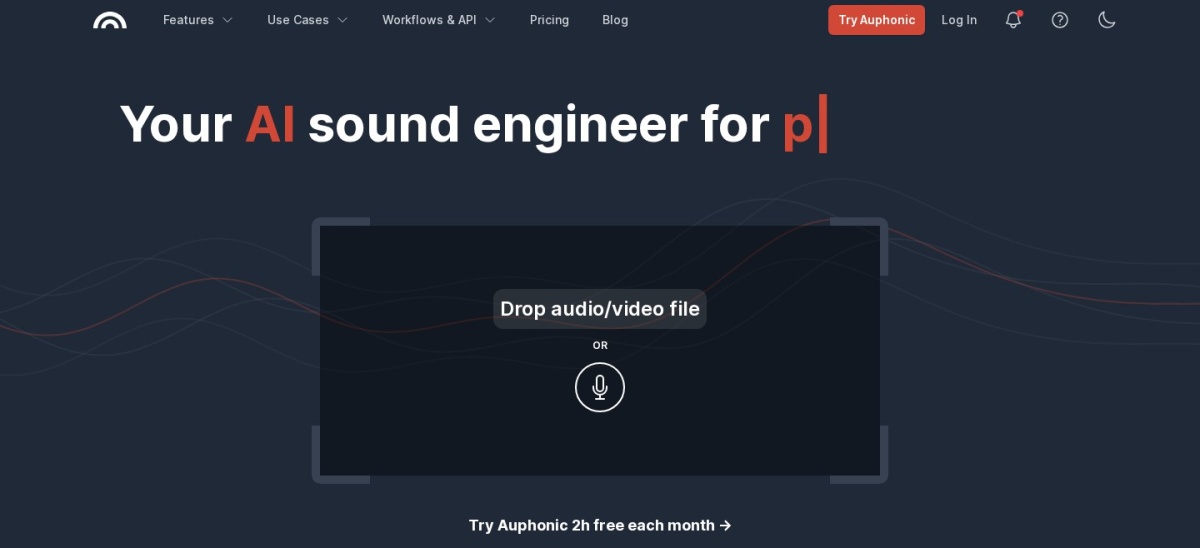
Auphonic finishes audio for $11 a month billed yearly, and its free plan covers 2 hours a month.
Castmagic has no free plan: its cheapest plan is $19 a month billed yearly, and it sells show notes, not recording.
What an AI podcast tool should do
AI podcast tools cover four jobs: recording, editing, cleanup and repurposing. No single tool does all four equally well, so pick the one that matches the job you do most.
Recording quality decides everything downstream. Tools that record each guest on a separate local track survive bad connections far better than tools that record one mixed stream.
Editing by transcript is the biggest time saver in this list. Delete a sentence from the text and it leaves the audio, which beats cutting waveforms by hand.
Cleanup matters most for shows recorded on laptop microphones. Our guide on adding a podcast to WordPress covers the publishing side once the audio is ready.
Watch the meter. Most of these tools charge by media hours, credits or transcribed hours, so a weekly hour-long show costs far more than a monthly 30-minute one.
Descript is an audio and video editor that lets you cut a podcast by editing its transcript. The free plan includes 1 media hour a month, 100 one-time AI credits and 720p export with a watermark, while Hobbyist adds 10 media hours, 400 AI credits a month and watermark-free 1080p export.
The trade off is the meter. Media hours and AI credits both reset each month and do not roll over, so a heavy month can push you to Creator at $24 a month billed yearly. It suits podcasters who edit weekly and want one tool for audio, video and clips.
What we like
Text-based editing is the fastest way to cut speech
Studio Sound, filler removal and Underlord AI included
Free plan needs no card to try
Publishes to YouTube and podcast hosts such as Buzzsprout
Riverside is a browser-based studio that records each guest locally, so the audio and video stay clean even if the connection drops. Pro costs $24 a month billed yearly and includes up to 4K recording, 15 hours of separate-track downloads a month, Magic Clips, AI show notes and podcast hosting for one show.
The trade off is price and the missing free plan. Since September 2026 new accounts get a 14-day trial instead of a permanent free plan, and Pro is the most expensive entry plan in this list. It suits interview shows and video podcasts where recording quality matters most.
What we like
Local recording protects against bad connections
Separate tracks for every guest
Magic Clips and AI show notes included on Pro
Highest G2 rating in this list at 4.8 out of 5
Watch out for
No permanent free plan, only a 14-day trial
Separate-track downloads are capped at 15 hours a month on Pro
Monthly billing costs $35 a month, far above the yearly rate
Podcastle is a browser-based podcast studio for recording, editing, cleanup and hosting in one place. It rebranded as Async in 2026, and the Essentials plan costs $11.99 a month billed yearly with 2 recording hours, 10 transcription hours, 450 AI credits a month and watermark-free Full HD export.
The trade off is recording quality. It records in the browser rather than locally on each guest device, so a weak connection can hurt the audio more than on Riverside. It suits solo podcasters and beginners who want one cheap subscription instead of three tools.
What we like
Cheapest paid all-in-one in this list
Large AI voice library for intros and ads
Magic Dust cleanup and text-based editing included
Adobe Podcast is a free browser tool whose Enhance Speech filter removes noise and echo from voice recordings in one click. The free plan covers 1 hour of enhancement a day on files up to 30 minutes, plus remote recording and text-based editing in Studio, with 2 project downloads a day.
The trade off is that Premium is no longer sold on its own. Since August 2026 it comes bundled with the Firefly Pro plan at $19.99 a month, which raises Enhance Speech to 4 hours a day and files up to 2 hours. It suits podcasters who mainly need to rescue noisy recordings.
Auphonic is an automatic post-production service that levels volume, removes noise and hum, and sets loudness to podcast specs. The free plan processes 2 hours of audio a month with all features, and the S plan costs $11 a month billed yearly for 9 hours a month, with speech recognition, show notes and batch production included.
The trade off is that it is a finisher, not an editor. You cannot cut words or rearrange segments in Auphonic, so you still need an editor for the cut itself. It suits shows that already edit elsewhere and want a fast, consistent finish before publishing.
What we like
Cheapest paid plan in this list at $11 a month billed yearly
Free plan includes all features for 2 hours a month
One-time credit packs never expire
Batch production and watch folders on paid plans
Watch out for
No editing timeline, so bad takes must be fixed elsewhere
Free productions carry an Auphonic jingle
Capterra rating rests on only 5 reviews
Per-hour pricing adds up fast for daily long shows
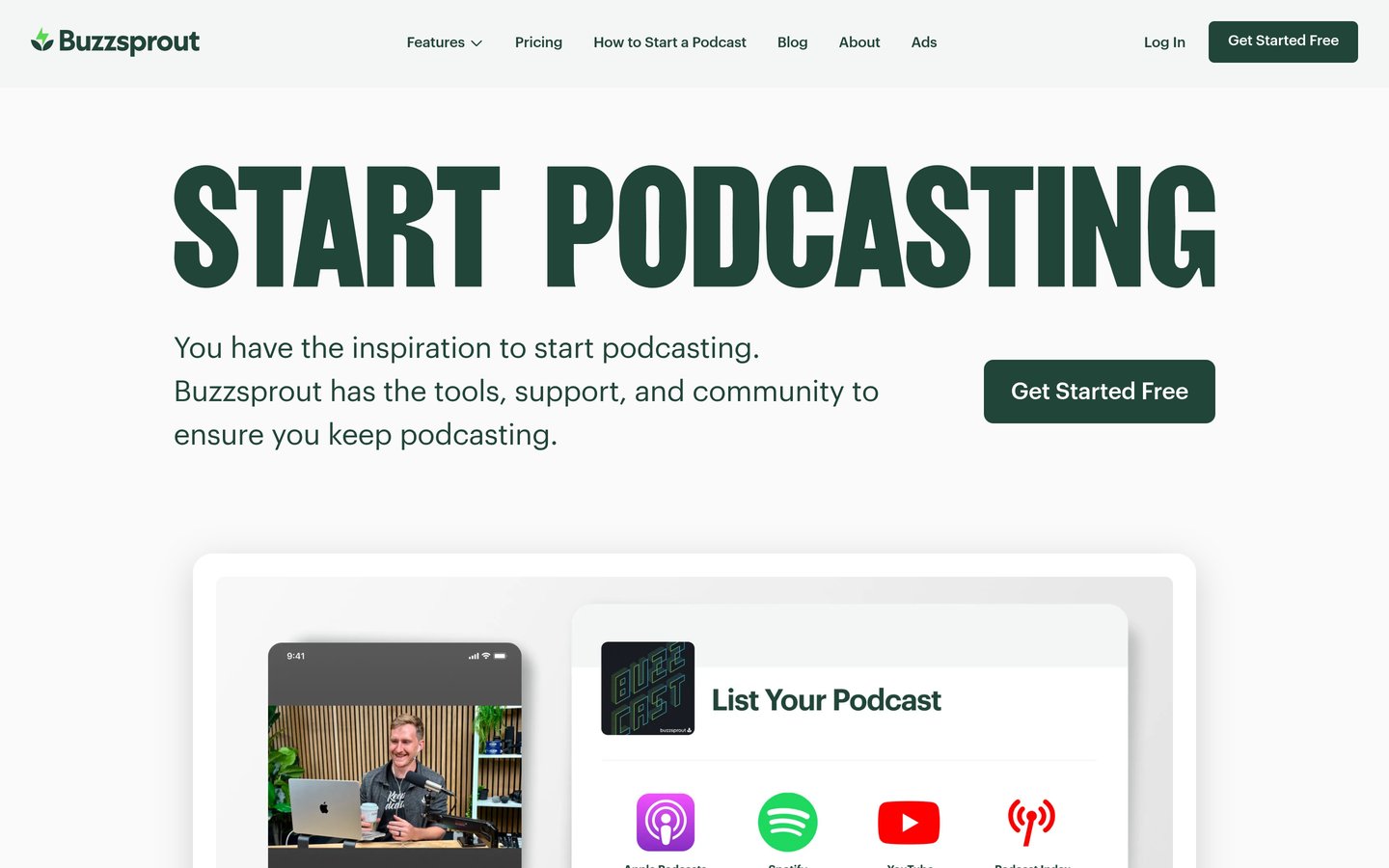
Buzzsprout is a podcast host with AI mastering, transcripts, chapter markers and one-click distribution to Apple Podcasts and Spotify. The free plan gives 2 upload hours a month with episodes hosted for 90 days, and the Audio plan costs $15 a month billed yearly for 6 upload hours a month and unlimited episodes that stay up.
The trade off is the upload-hour meter. Unused hours do not roll over on monthly billing, and the free plan deletes episodes after 90 days, so it is a trial rather than a home. It suits new shows that want the easiest path from finished audio to every directory.
4.6/5on G2 and Capterra (341 reviews, checked Nov 2026)
Starts at$19/mo
Best for show notes and repurposing
Transcribed hours30-hour library on Hobby
AI outputsUnlimited show notes, posts and clips
Free planNo free plan
Paid planHobby, $19/mo billed yearly
castmagic.io
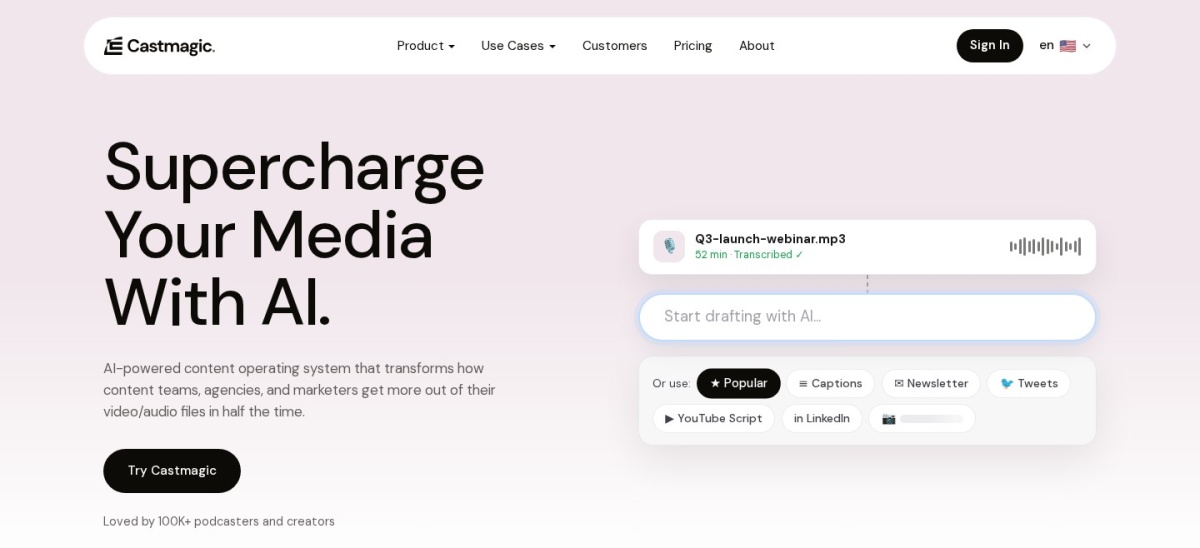
Castmagic homepage, captured Nov 2026.
Castmagic is an AI content tool that turns a recorded episode into show notes, timestamps, social posts, newsletters and clips. The Hobby plan costs $19 a month billed yearly, or $29 month to month, and includes a 30-hour transcribed library, 3 seats, 50 GB of storage and unlimited AI outputs and regenerations.
The trade off is that it does not record or edit audio. You bring a finished recording, and the transcribed hours are a library ceiling rather than a monthly allowance, so the limit never resets. It suits shows that publish every episode with notes, posts and clips.
What we like
Fastest route from episode to show notes
Unlimited AI outputs on every plan
Works in 60+ languages with timestamps
API access from the Starter plan
Watch out for
No free plan and no recording or editing
Transcribed hours are a lifetime library cap, not monthly
Hobby has no API access
Costs more than most editors for a single job
Starter raises the library to 100 hours for $48 a month billed yearlyVisit castmagic.io
08
OpusClip
4.6/5on G2 (124 reviews, checked Nov 2026)
Paid from$15/mo
Best for turning episodes into clips
Free plan60 credits a month, watermarked
Credits on Starter150 a month
Virality ScoreYes, on paid plans
Paid planStarter, $15/mo
opus.pro
OpusClip homepage, captured Nov 2026.
OpusClip is an AI clipping tool that finds the strongest moments in a long video or podcast and cuts them into captioned vertical clips. The free plan gives 60 credits a month with a watermark, and Starter costs $15 a month for 150 credits, no watermark, animated captions, filler removal and direct posting to TikTok, Shorts and Instagram.
The trade off is the credit meter. One credit buys one minute of uploaded source video, so an hour-long episode costs 60 credits before a single clip is cut. It suits video podcasters who publish short clips every week.
What we like
Virality Score ranks clips before you post
Captions and reframing are automatic
Direct posting to TikTok, Shorts and Instagram
Pro adds a scheduler and Premiere Pro export
Watch out for
Credits are spent on source minutes, not finished clips
Free clips carry a watermark and expire after 3 days
Starter is monthly billing only, with no yearly discount
Pro costs $29 a month, or $174 a year, for 300 credits a monthVisit opus.pro
Free vs paid: what the free plans actually cover
Free plans in this list are useful but narrow. Descript gives 1 media hour a month, Adobe Podcast gives 1 hour of cleanup a day, and Auphonic gives 2 hours of finished audio a month.
Riverside and Castmagic have no free plan at all. Riverside offers a 14-day trial, and Castmagic is paid from the first month.
Paid plans mostly buy hours and credits, not new tools. The jump from free to paid usually removes a watermark, raises a cap and adds 4K or bulk export.
If you publish one short episode a month, a free plan may be enough. A weekly hour-long show needs a paid plan on every tool here.
How we chose
We started from the podcast tools podcasters name most often for recording, editing, cleanup, hosting and repurposing, then kept the eight with a live product, published pricing and a public review rating.
Prices come from each vendor's pricing page, checked on 24 November 2026, using the regular price with yearly billing where the vendor offers it. Ratings come from G2 or Capterra on the same day. Where a vendor shows a sale, the list shows the regular price.
We left out tools with no published price and tools whose homepage would not load for a screenshot. No vendor paid for a place, and we do not claim hands-on testing for this list.
How to choose an AI podcast tool
Start with the job you do most, then check the meter that job runs on.
Name your main job first. Recording, editing, cleanup, hosting and repurposing are different jobs. A recorder will not write your show notes, and a show-notes tool will not record your guests.
Check the meter before the price. Media hours, credits and transcribed hours all cap how much you can do. Work out your monthly minutes first, then see which plan covers them.
Try the free plan on a real episode. Run one full episode through the free plan or trial, from recording to export. That shows the real limits faster than any feature list.
Keep one tool for the cut and one for the finish. A transcript editor plus a finisher such as Auphonic covers most shows. See how to add a podcast to WordPress for the publishing step.
FAQ
What is the best AI podcast tool?
Descript is the best pick for most podcasters. Its Hobbyist plan costs $16 a month billed yearly and combines text-based editing, Studio Sound cleanup and clip creation, rated 4.6 out of 5 on G2 from 915 reviews.
Which AI podcast tool is best for remote recording?
Riverside is the best choice for remote recording. It records each guest locally in up to 4K video and 48 kHz audio, so a dropped connection does not ruin the take. Pro costs $24 a month billed yearly.
Is there a free AI podcast tool?
Yes. Adobe Podcast cleans audio free for 1 hour a day, Auphonic finishes 2 hours a month free, and Descript, Podcastle, Buzzsprout and OpusClip all have free plans. Riverside and Castmagic have no free plan.
Can AI edit a podcast by itself?
AI can cut filler words, remove silences, level volume and draft show notes, but it cannot judge which parts of a conversation matter. Every tool here still needs a person to check the cut before publishing.
How much does an AI podcast tool cost?
Cheapest paid plans in this list run from $11 a month billed yearly for Auphonic to $24 a month billed yearly for Riverside Pro. Most podcasters land between $12 and $20 a month on yearly billing.
Do I still need a podcast host?
Yes, unless you use Riverside or Buzzsprout, which include hosting. Editors such as Descript, Adobe Podcast and Auphonic produce audio files but do not publish them, so you still need a host and an RSS feed.