Best AI Photo Colorization Tools in 2026: 9 Tools Compared
WLWPLegible EditorsLast verified 24 Nov 2026How we rank11 min read
★ Short answer
Palette is the best AI photo colorization tool for most people, with 21+ color filters and full-resolution downloads up to 5,000 pixels. Pick MyHeritage In Color for family photos, or VanceAI when a scan also needs scratch repair and sharpening.
How we make this list: we compare pricing pages, product documentation and public user reviews, then re-check every price before each update. No product paid for a place. Disclosure.
Palette.fm gives the most control, with 21+ filters, text guidance and downloads up to 5,000 pixels.
MyHeritage In Color is the family-history pick, but unlimited use needs the $299 a year Complete plan.
VanceAI pairs colorization with scratch repair at 4 credits a photo on a $15 a month Starter plan.
Hotpot.ai is the cheapest way in, with 1,000 credits for $12 once, though every result costs credits.
Fotor Pro at $39.99 a year and PicWish Pro at $59.99 a year are the cheapest annual subscriptions here.
DeepAI is the only pick with a colorizer API, at $89.99 a year for Pro.
What to look for in an AI photo colorizer
Old black-and-white photos hold no hidden color data. Every tool here guesses plausible colors from training data, so skin, clothing and skies can vary between tools.
The tools differ in control. Palette.fm lets you pick from 21+ filters and steer colors with words, while most others give one automatic result per photo.
Price is mostly about credits. A subscription buys a monthly allowance, and each colorization spends 1 to 4 credits, so check the per-photo cost before you pay for a large archive. Scans also need the right size before upload, as our guide on sizing images properly in WordPress explains.
Free tiers are useful for a first look. Most give a small number of credits or watermarked previews, which is enough to compare two or three tools on the same photo before paying.
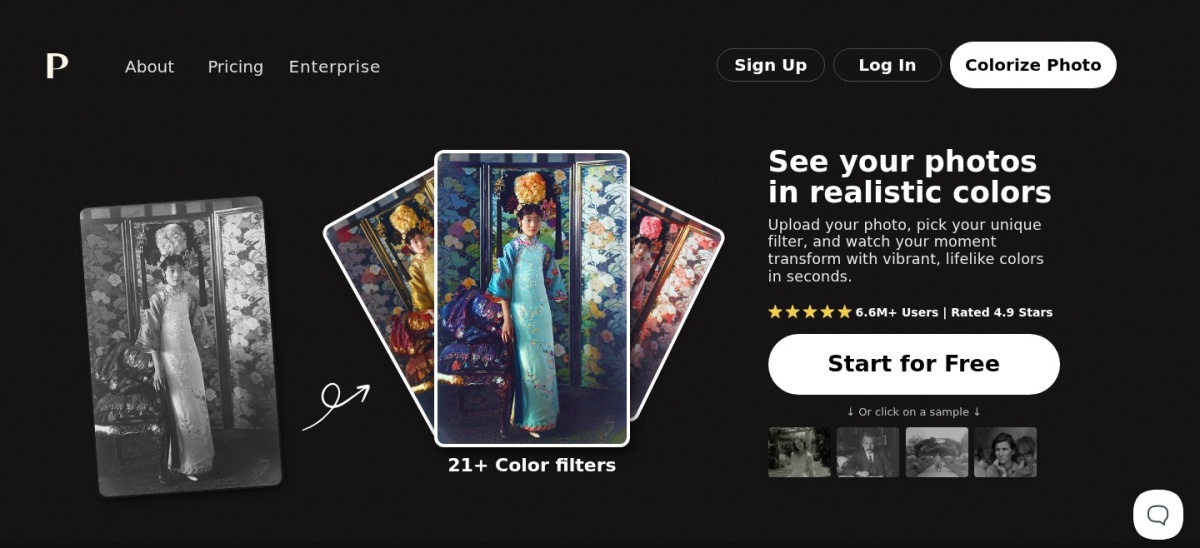
Palette.fm is a dedicated AI colorizer for black-and-white photos, built around choice rather than one fixed look. The free tier gives unlimited 500×500 previews with a watermark plus one full-resolution trial credit. Paid credits download logo-free results up to 5,000×5,000 pixels, with 21+ filters and text guidance to steer colors.
The trade off is the credit meter. Every full-resolution photo costs one credit, so a large archive means buying the $72 annual plan with 480 credits or the $49 one-time pack of 75. It suits family historians and archivists who want control over each result.
What we like
21+ filters plus text guidance for each photo
Full-resolution downloads up to 5,000 pixels
One-time credit pack with no subscription
Watch out for
Only 3 user reviews on SourceForge, at 2.3 out of 5
Every full-resolution photo costs a credit
Subscribe adds 480 credits a year and faster processingVisit palette.fm
02
MyHeritage In Color
4.4/5on Trustpilot (111,624 reviews, checked Nov 2026)
Paid from$299/yr
Best for family history photos
Faded-color restoreYes
TechnologyDeOldify, licensed
Free photosUp to 10
Paid planComplete, $299/yr
myheritage.com
MyHeritage In Color homepage, captured Nov 2026.
MyHeritage In Color is the colorization tool inside the MyHeritage family history platform, built on DeOldify technology licensed from its creators. Anyone can colorize a limited number of photos free with a MyHeritage logo watermark. It also restores faded color in prints from the 1950s through the 1990s.
The trade off is the subscription. Unlimited colorization needs the Complete plan at $299 a year, or $199 for the first year, which is a lot if you only want the photo tools. It suits family historians who already keep a tree on MyHeritage.
VanceAI Photo Colorizer homepage, captured Nov 2026.
VanceAI Photo Colorizer is one tool inside a browser suite that also restores, sharpens, denoises and upscales photos from one shared credit balance. New accounts get 10 free credits, and the colorizer costs 4 credits per photo up to 4K. Its restorer fixes scratches and faded color before you add color.
The trade off is the credit math. Starter costs $15 a month billed annually for 260 credits, which covers about 65 colorizations a month, so heavy months push you toward higher tiers. It suits people restoring whole albums who also need repair and upscaling.
What we like
Restoration, colorize and upscale share one balance
Credits roll over while subscribed
Windows app for local batch work
Watch out for
Credit cost per photo is easy to misjudge
Starter covers only about 65 colorizations a month
Hotpot.ai is a browser AI studio whose Photo Colorizer turns black-and-white photos into color with a choice of styles. Pick natural, cinematic, vintage or Polaroid-inspired color, or describe your own, then batch a set of photos and download them as a ZIP. It accepts JPG, JPEG, PNG and WebP files.
The trade off is that every result costs credits, including the first photo. A one-time pack of 1,000 credits costs $12, or $10 a month on subscription, and the tool warns it may not work well with more than two people. It suits occasional users who want styled color without a big subscription.
What we like
Style choices plus custom descriptions
Batch colorize with ZIP download
No subscription needed for credit packs
Watch out for
Every result costs credits, including the first
May not work well with more than two people
Monthly plans cut the per-credit price below one-time packsVisit hotpot.ai
05
Fotor
4.2/5on G2 (342 reviews, checked Nov 2026)
Paid from$39.99/yr
Best value all-in-one editor with colorize
AI credits100/month on Pro
Colorize toolYes, AI
PlatformsWeb, desktop, mobile
Paid planPro, $39.99/yr
fotor.com
Fotor homepage, captured Nov 2026.
Fotor is a general online photo editor with a Colorize Photo tool among its AI features, plus enhance, background removal and batch editing. The free plan covers basic edits and one-tap enhancement, with watermarks on AI exports. Pro costs $39.99 a year and adds 100 AI credits a month, HD exports and no watermarks.
The trade off is specialization. Fotor colorizes well but has no dedicated scratch repair or damage model, so badly torn prints need another tool first. It suits people who want one cheap subscription for colorizing, everyday edits, collages and social graphics.
What we like
Cheapest annual plan in this list
Usable free tier for basic edits
Batch editing and templates included
Watch out for
No dedicated scratch repair model
AI exports carry watermarks on the free plan
Pro adds HD exports, 100 AI credits a month and no watermarksVisit fotor.com
06
PicWish
4.8/5on G2 (6 reviews, checked Nov 2026)
Paid from$4.99/mo
Best for batch cleanup and colorization
Monthly credits450 on Pro
HD downloads100/day on Pro
Batch toolsYes
Paid planPro, $4.99/mo
picwish.com
PicWish homepage, captured Nov 2026.
PicWish is an AI photo toolkit built around background removal and enhancement, with a Restore Old Photo tool that colorizes and repairs aged prints. The free plan gives limited non-HD downloads and a few uses of credit tools. Pro costs $4.99 a month billed annually and adds 450 credits a month plus 100 HD downloads a day.
The trade off is that subscription credits expire each month with no rollover, and colorization works best on portraits rather than landscapes or vehicles. It suits sellers and creators who already use PicWish for batch cleanup and want colorization in the same account.
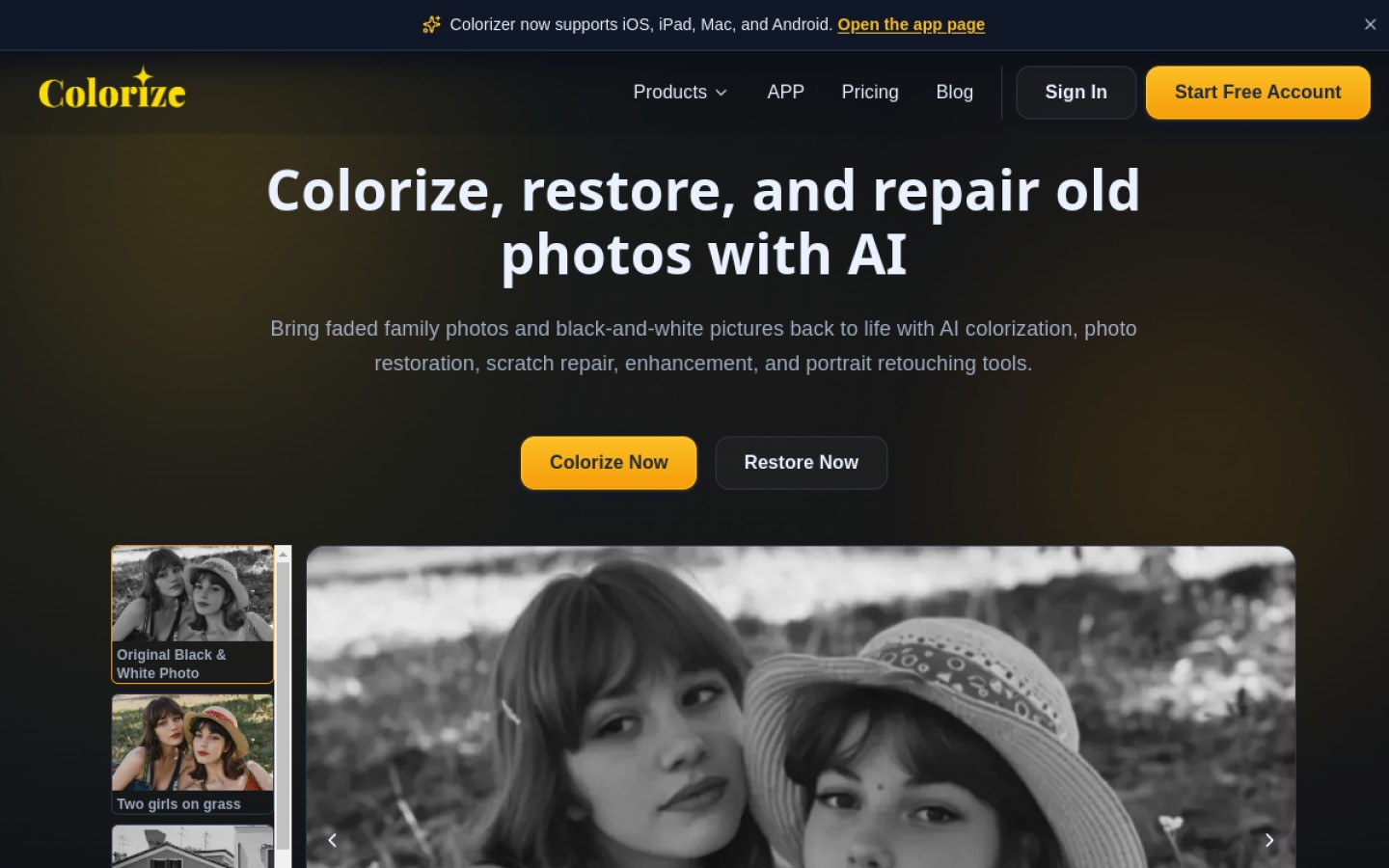
ImageColorizer is a focused web tool that colorizes black-and-white photos and repairs damaged ones, with enhancement and portrait retouching beside it. The free plan gives 50 credits a month with ads. Starter costs $6.90 a month for 500 credits, and paid uploads stay under 100 MB and 4,000 pixels on one side.
The trade off is the credit limit on small plans. Fifty free credits go fast on a big archive, and batch processing needs a paid plan. It suits people digitizing family photos who want the cheapest monthly route to colorization and basic repair.
3.8/5on Trustpilot (283 reviews, checked Nov 2026)
Paid from$7.50/mo
Best for developers and API use
Colorizer APIYes
Pro allowance500 HD images/mo
Pay-as-you-go$1 per 100 HD images
Paid planPro, $89.99/yr
deepai.org
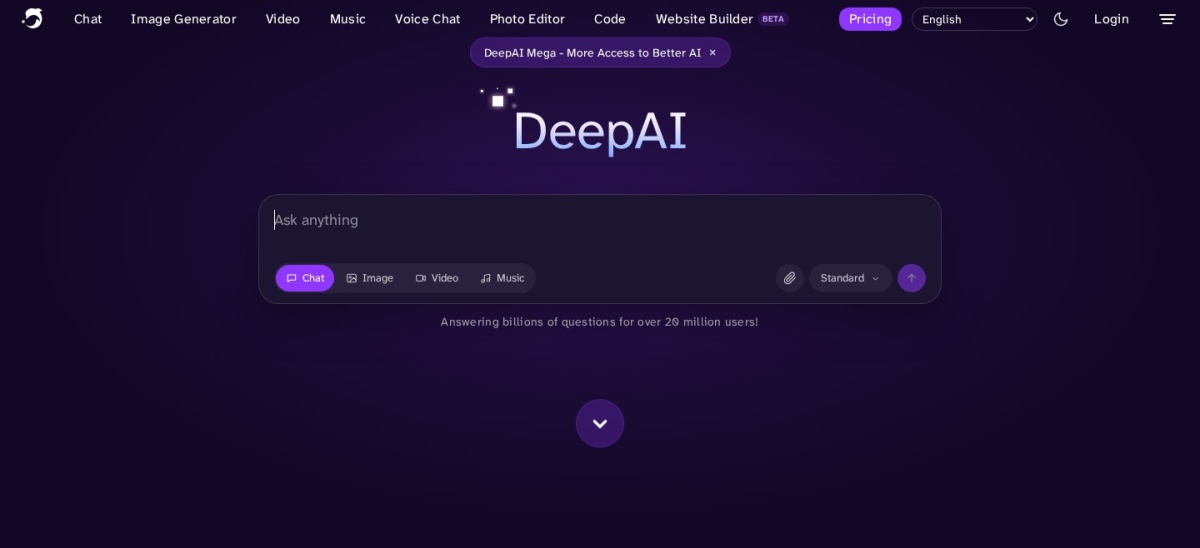
DeepAI Image Colorizer homepage, captured Nov 2026.
DeepAI Image Colorizer is one tool inside the DeepAI platform, which also covers image generation, chat, video and music. The free tier gives basic access, and Pro costs $9.99 a month or $89.99 a year for 500 HD images a month. A colorizer API and a pay-as-you-go wallet at $1 per 100 HD images suit developers.
The trade off is focus. DeepAI is a general AI toolbox, not a tool built for family photographs, and nothing here is tuned for period clothing or the look of old film. It suits developers and creators who want one subscription across many AI tools, with colorization as one feature.
Cutout.pro is a credit-based AI editing suite whose Photo Colorizer sits beside background removal, retouching and enhancement. New accounts get 5 free credits plus free low-resolution previews. The $5 monthly plan gives 200 credits, and the colorizer costs 2 credits per image, so it covers 100 colorizations a month.
The trade off is the interface. Cutout.pro packs many tools into one account, so finding the colorizer and tracking credits takes learning, and uploaded files are deleted within an hour. It suits sellers and editors who already pay for cutouts and want colorization from the same credit balance.
Colorization adds color that was never recorded. The AI predicts likely colors from similar photos, so two tools can color the same dress differently.
Restoration is different. MyHeritage In Color can restore authentic color in faded color prints, because the original color data is still in the scan.
Check faces and hands closely before printing or framing. Skin tones are where guesses go wrong first, and a second tool sometimes does better on the same photo.
How we chose
We started from the colorization tools that appear most often in restoration roundups and app listings, then kept nine established tools with a named colorization feature and published pricing.
Prices come from each vendor's pricing page, checked on 24 November 2026. Ratings come from G2, Trustpilot or SourceForge on the same dates. Palette.fm has 3 published reviews and ImageColorizer has 1, so treat those two scores as weak signals.
We left out tools with no published price and tools where colorization is only a minor extra. No vendor paid for a place, and we do not claim hands-on testing for this list.
How to choose an AI photo colorization tool
Start with one photo you know well, then compare two or three tools on it before paying.
Run the same photo through two free tiers. Color guesses differ by tool, so a side-by-side test on a familiar face tells you more than any feature list.
Count credits per photo, not per month. A plan with 500 credits sounds large until each photo costs 4 credits, as on VanceAI. Divide the monthly credits by the per-photo cost.
Check the output size you need. Free previews are often capped at 500 pixels, while paid downloads reach 5,000 pixels on Palette.fm. Match the export to print or screen.
Pick a specialist or a suite, not both. A dedicated colorizer fits a pure colorization job, while Fotor or PicWish fits when you also need edits, batch cleanup or background removal.
FAQ
What is the best AI photo colorization tool?
Palette.fm is the best pick for most people. It offers 21+ color filters, text guidance and full-resolution downloads up to 5,000 pixels, with a free tier for trying it first. MyHeritage In Color is better for family photos tied to a tree.
Are AI colorized photos accurate?
Not exactly. The AI guesses colors from similar photos, so results are plausible rather than true to the original scene. Skin and clothing can vary between tools. MyHeritage is the exception for faded color prints, where it restores color that was actually recorded.
Can I colorize photos for free?
Yes, in small numbers. Palette.fm gives free watermarked previews plus one trial credit, ImageColorizer gives 50 credits a month, and Cutout.pro gives 5 signup credits. Full-resolution, watermark-free downloads need a paid plan or credit pack on every tool here.
How much does AI photo colorization cost?
Paid plans in this list run from $39.99 a year for Fotor Pro to $299 a year for MyHeritage Complete. Credit packs start at $5 a month on Cutout.pro and $12 for 1,000 credits on Hotpot.ai. Most people spend under $100 a year.
Which tool is best for old family photos?
MyHeritage In Color, because it was built for family history and also restores faded color in prints from the 1950s to the 1990s. Its free tier covers a limited number of photos, and results save beside the originals in your family tree.
Do these tools keep my original photo?
Yes. Every tool here saves the colorized version as a separate file and leaves your scan untouched. MyHeritage states this directly, and the others work the same way. Keep your own backup of the original scan before uploading anywhere.