Best AI Logo Generator Tools in 2026: 7 Tools Compared
WLWPLegible EditorsLast verified 24 Nov 2026How we rank13 min read
★ Short answer
Looka is the best AI logo generator for most new businesses, with a $35 one-time Basic package and a $96-a-year Brand Kit that adds 300+ branded assets. Pick BrandCrowd for the cheapest subscription, or Canva if you already design in Canva.
How we make this list: we compare pricing pages, product documentation and public user reviews, then re-check every price before each update. No product paid for a place. Disclosure.
Looka is the top pick: a $35 one-time logo, or a $96-a-year Brand Kit with 300+ branded assets.
BrandCrowd is the cheapest subscription at $3 a month billed annually ($36 a year).
DesignEvo has the cheapest paid logo overall at $24.99 one-time, but vector files need the $49.99 Plus package.
LOGO.com gives away a free logo with a commercial licence; its Brand plan is $1 a month for three months, then $15 a month.
Canva Pro costs $120 a year and Adobe Express Premium $9.99 a month, but neither is a logo-first tool.
What to look for in an AI logo generator
An AI logo generator turns a business name and a few style picks into logo options in minutes. Most let you design and preview for free, and charge only when you download usable files.
The file formats matter more than the number of options. A low-resolution PNG works for a social profile, but print, signs and a website header need high-resolution PNG or vector SVG files.
Brand kits are the second thing to check. Our guide on generating images with AI in WordPress shows how AI images fit a site, and a logo brand kit does the same job for business cards, social posts and letterheads.
Prices in this list come from each vendor's pricing page, checked on 24 November 2026. Where a vendor shows a sale or an intro rate, the list shows the regular price.
4.4/5on Trustpilot (14,482 reviews, checked Nov 2026)
Paid from$35/once
Best AI logo generator overall
Cheapest download$35 one-time
Vector filesPremium, $72
Brand kit300+ assets, $96/yr
Free designPreview before paying
looka.com
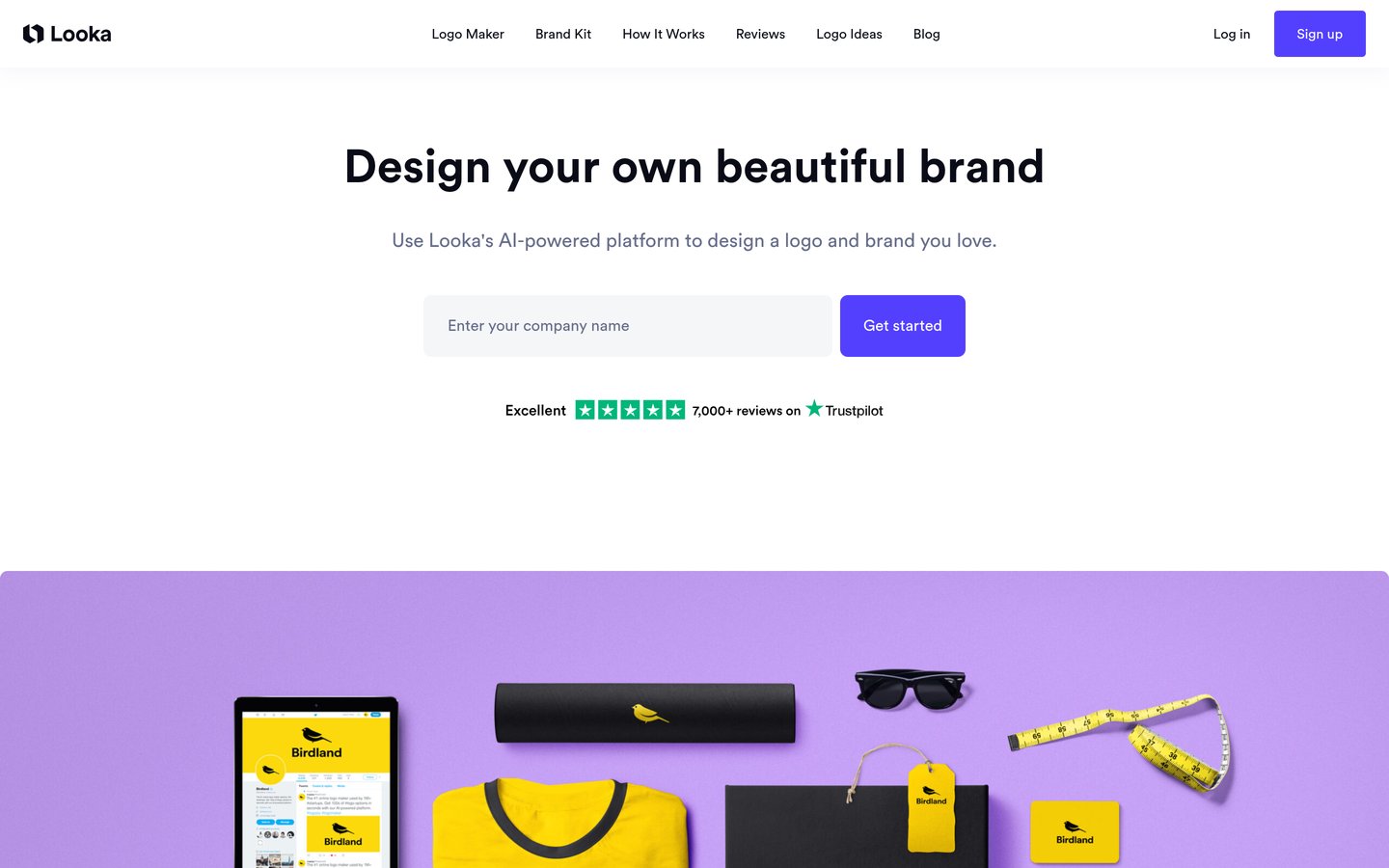
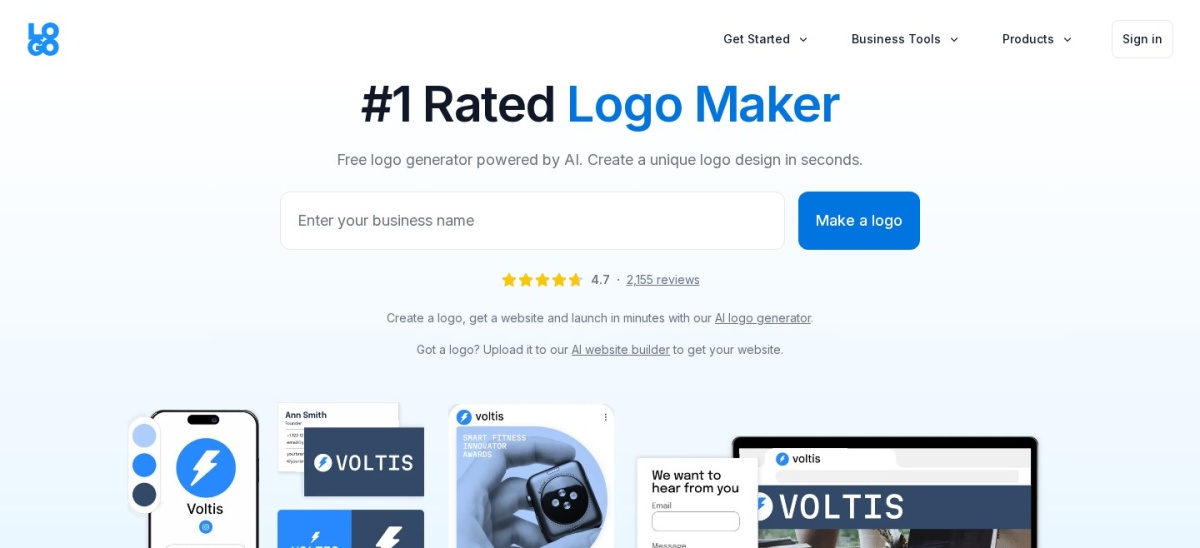
Looka homepage, captured Nov 2026.
Looka is an AI logo maker that turns a business name and style picks into hundreds of logo options, then builds a full brand kit around the winner. Designing and previewing logos is free, and more than 20 million small businesses have used it. The Basic package costs $35 as a one-time payment for one low-resolution PNG.
The trade off is that the $35 file is a single low-resolution PNG with a coloured background, so it is not enough for print or a website header. The Premium package at $72 one-time adds high-resolution PNG, SVG, EPS and PDF files with transparent versions. It suits new businesses that want a finished logo and brand kit without hiring a designer.
What we like
Free to design and preview before paying
One-time purchase with full ownership
Brand Kit adds 300+ ready-made assets
Rated 4.4 out of 5 from 14,482 Trustpilot reviews
Watch out for
Basic $35 file is low-resolution only
Vector files need the $72 Premium package
No free high-resolution download
Premium adds vector files; Brand Kit adds 300+ assets at $96 a yearVisit looka.com
02
BrandCrowd
4.8/5on Trustpilot (9,000+ reviews, checked Nov 2026)
Paid from$3/mo
Best for cheap subscriptions
Logo templates380,000+
Vector filesSVG and EPS
Design tools50+
Paid planStarter, $3/mo annual
brandcrowd.com
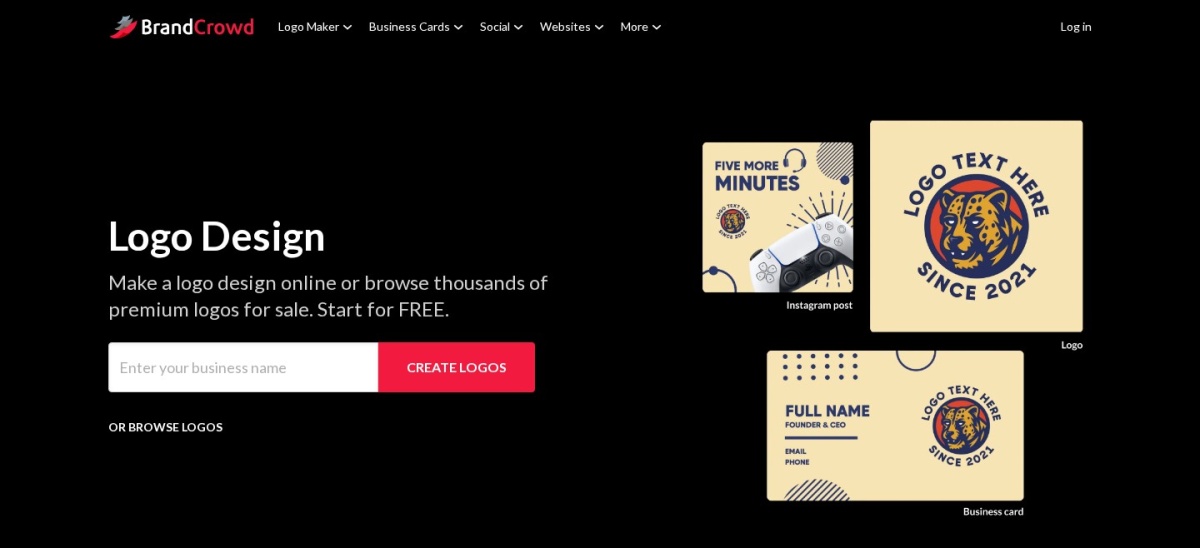
BrandCrowd homepage, captured Nov 2026.
BrandCrowd is an AI logo maker backed by a library of more than 380,000 designer-made templates. You type in a business name, pick a style, and edit colours, fonts and layout in the browser. The free plan covers browsing and low-resolution downloads, and the Starter plan costs $3 a month billed annually.
The trade off is the monthly billing price. Pay month to month and Starter costs $9 instead of $3, so the cheap rate needs a full year paid up front. The designs are also template-based, so two businesses can start from similar marks. It suits small businesses that want a low yearly cost and lots of templates to start from.
4.7/5on REVIEWS.io (2,134 reviews, checked Nov 2026)
Paid from$15/mo
Best for a logo plus website
Free logoCommercial licence
Templates1,200+
Brand plan$15/mo after intro
WebsiteIncluded in Brand plan
logo.com
LOGO.com homepage, captured Nov 2026.
LOGO.com is an AI logo maker that gives away a free logo with a commercial licence, then sells a Brand plan with a website, brand guidelines and 1,200+ templates. The free logo is a real file you can use, not just a preview. The Brand plan costs $1 a month for the first three months, then $15 a month.
The trade off is the intro price. The $1 a month rate lasts three months, and the regular $15 a month price applies after that, so the first-year cost is $138, not $12. The logo styles are also template-led. It suits small businesses that want a free logo now and a simple website in the same place.
What we like
Free logo with a commercial licence
Brand plan includes a website
1,200+ templates and brand guidelines
Rated 4.7 out of 5 on REVIEWS.io
Watch out for
$1 intro rate lasts only three months
Regular price is $15 a month
Template-led logo styles
Brand plan adds a website, guidelines and 1,200+ templatesVisit logo.com
04
Canva
4.7/5on G2 (7,660 reviews, checked Nov 2026)
Paid from$120/yr
Best if you already use Canva
Free planYes, with limits
Brand Kit5 kits on Pro
Logo makerMagic Studio AI
Paid planPro, $120/yr
canva.com
Canva homepage, captured Nov 2026.
Canva is a full design platform with an AI logo maker inside it, so a logo can be dropped straight into social posts, slides and flyers. The free plan covers basic logo design and templates, and Pro adds a Brand Kit, premium assets, background remover and resizing. Pro costs $15 a month or $120 a year.
The trade off is that Canva is not a logo-first tool. Its AI logos can look template-based next to a dedicated logo maker, and vector SVG export needs Pro. It suits teams that already design in Canva and want one place for logos, posts and presentations.
What we like
Free plan with no time limit
Logo flows into posts, slides and flyers
Brand Kit keeps colours and fonts consistent
Rated 4.7 out of 5 on G2 from 7,660 reviews
Watch out for
SVG export needs the Pro plan
AI logos can look template-based
Pro is $120 a year for one person
Pro adds Brand Kit, premium assets and background removerVisit canva.com
05
Adobe Express
4.4/5on G2 (1,110 reviews, checked Nov 2026)
Paid from$9.99/mo
Best for Adobe users
Free planYes
Generative credits250/mo on Premium
Stock assets200M+
Paid planPremium, $9.99/mo
adobe.com
Adobe Express homepage, captured Nov 2026.
Adobe Express is Adobe's template editor, and its Firefly AI can generate logo ideas and brand assets from a text prompt. The free plan covers basic templates and editing, and Premium adds brand kits, 250 generative credits a month, 200 million stock assets and 30,000 fonts. Premium costs $9.99 a month billed monthly.
The trade off is the credit cap. Premium allows 250 generative credits a month, so heavy AI generation runs out fast, and the logo tools are template-led rather than logo-first. It suits people already in the Adobe world who want quick social graphics and a brand kit.
What we like
Free plan with no card needed
Firefly AI generation with commercial safety
200M+ stock assets and 30,000+ fonts
Cheaper than Canva Pro at $9.99 a month
Watch out for
250 generative credits a month on Premium
Template-led, not logo-first
No annual discount on Premium
Premium adds brand kits, 250 credits a month and stock assetsVisit adobe.com
06
Wix Logo Maker
4.2/5on G2 (1,889 reviews, checked Nov 2026)
Paid from$7.50/mo
Best if you build on Wix
Free plan120 AI credits/mo
Vector filesBasic plan
WebsiteWix site handoff
Paid planBasic, $7.50/mo
wix.com
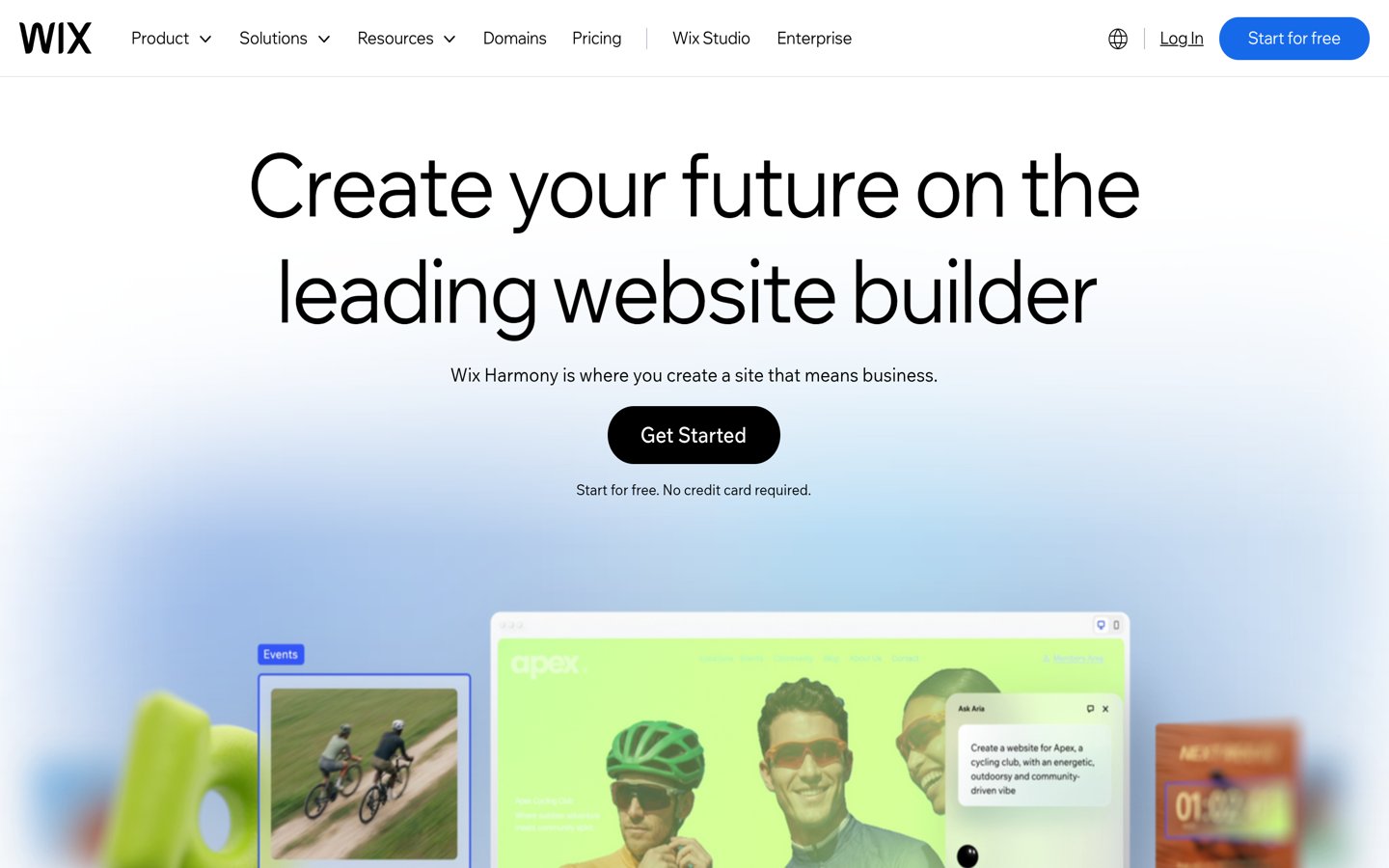
Wix Logo Maker homepage, captured Nov 2026.
Wix Logo Maker is the AI logo tool inside Wix, now called Wixel. A logo made here drops straight into a matching Wix website template, sized for headers, favicons and social profiles. The free plan includes 120 AI credits a month, and Basic costs $7.50 a month or $90 a year.
The trade off is that it is built for Wix. Outside the Wix ecosystem it is a middling logo maker with a narrower range of styles than Looka, and the free download is a low-resolution file. It suits anyone already building, or planning to build, a Wix website.
What we like
Logo flows into a Wix website
Free plan with 120 AI credits a month
Production files from $7.50 a month
Easy drag-and-drop editor
Watch out for
Weak choice outside the Wix ecosystem
Free download is low-resolution only
Narrower style range than dedicated logo makers
Basic adds production files; Pro adds a Wix site planVisit wix.com
07
DesignEvo
4.9/5on SpotSaaS (594 reviews, checked Nov 2026)
Paid from$24.99/once
Best cheap one-time logo
Free planLow-res, credit needed
Templates10,000+
Vector filesPlus, $49.99
Paid planBasic, $24.99 once
designevo.com
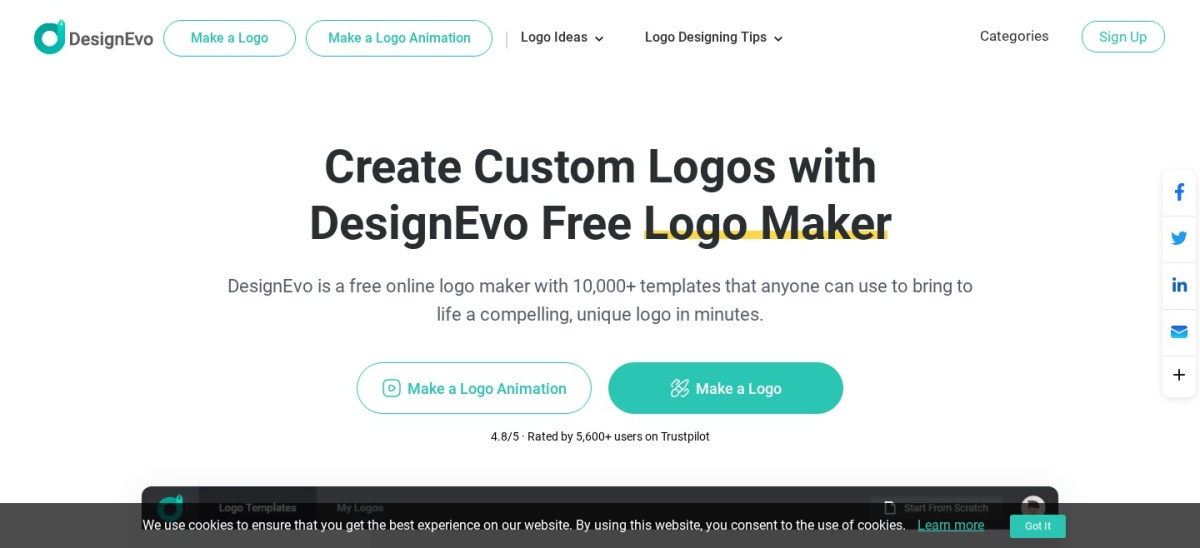
DesignEvo homepage, captured Nov 2026.
DesignEvo is a template logo maker from PearlMountain with more than 10,000 templates to edit in the browser. The free plan downloads a low-resolution file if you credit DesignEvo, and Basic costs $24.99 as a one-time payment for high-resolution files up to 5,000 pixels. There is no subscription on any plan.
The trade off is that Basic has no vector files. SVG and PDF files, font downloads and full copyright ownership need the Plus package at $49.99 one-time, and each package covers one logo only. It suits buyers who want a single logo file with no monthly bill.
What we like
Cheapest paid logo in this list at $24.99
No subscription or renewal
10,000+ templates
Rated 4.9 out of 5 on SpotSaaS from 594 reviews
Watch out for
Free files are low-resolution with credit required
Free plans in this list fall into two groups. LOGO.com hands over a usable file for free, while Looka, BrandCrowd and Wix only let you preview or download a low-resolution file.
Paid plans mostly add file formats and brand assets. Vector SVG files, transparent backgrounds and full copyright usually sit behind the first paid tier.
One-time purchases suit a single logo. Subscriptions suit a business that keeps making social posts, business cards and other branded items through the year.
How we chose
We started from the AI logo generators that appear most often in 2026 round-ups and review sites, then kept the seven with a real free tier, clear pricing and a public rating.
Prices come from each vendor's pricing page, checked on 24 November 2026. Ratings come from Trustpilot, G2, REVIEWS.io or SpotSaaS on the same day. Where a vendor shows a sale or an intro rate, the list shows the regular price.
We left out logo makers that hide prices until checkout or sell logos only inside a business-formation bundle. No vendor paid for a place, and we do not claim hands-on testing for this list.
How to choose an AI logo generator
Decide what the logo must do before you pay for it.
Check which file formats you need. A website header or a printed sign needs high-resolution PNG or vector SVG. A low-resolution PNG is only enough for a social profile picture.
Decide between one-time and subscription. Pay once with Looka or DesignEvo for a single logo. Pick a subscription if you will keep making branded posts and cards.
Try the free preview first. Generate options in two or three tools before paying. If the free previews all look alike, the tool's template range is too narrow for your business.
Read the licence before you download. Check that the paid plan includes commercial use and full ownership, and whether the free logo needs a credit line.
FAQ
What is the best AI logo generator?
Looka is the best AI logo generator for most new businesses. Its $35 Basic package buys a logo outright, and the $96-a-year Brand Kit adds 300+ branded assets. BrandCrowd is the cheapest subscription at $3 a month billed annually.
Can I get a logo for free?
Yes. LOGO.com offers a free logo download with a commercial licence. Most other tools let you design for free but charge to download high-resolution or vector files, so check what the free plan actually gives you.
Are AI-generated logos good enough for a business?
They work well for a new small business that needs a clean logo fast and cheaply. The weak point is originality: template-based tools can produce marks that look like other businesses, so check the licence and avoid using a logo that is close to a rival's.
What file formats should a logo download include?
For most uses you need a high-resolution PNG with a transparent background and a vector SVG file. SVG scales to any size without losing quality, which matters for print, signs and large displays. A low-resolution PNG is only enough for a screen.
Is it better to pay once or subscribe?
Pay once if you need a single logo and nothing else. Looka charges $35 once and DesignEvo $24.99 once. Subscribe if you also need business cards, social posts and other branded items through the year, since BrandCrowd costs $36 a year.
Do I own the logo an AI generator makes?
Ownership depends on the plan. Paid plans on Looka, DesignEvo and LOGO.com include commercial use and full ownership of the finished logo. Free plans may need a credit line or limit use, so read the licence terms before you download.