Best AI Image Generator for Ecommerce in 2026: 9 Tools Compared
WLWPLegible EditorsLast verified 22 Nov 2026How we rank13 min read
★ Short answer
Photoroom is the best AI image generator for ecommerce for most stores, with Pro at $12.99 a month covering batch background removal, AI backgrounds and 1,000 exports a month. Claid.ai suits studio-style scenes, and SellerPic suits on-model fashion shots.
How we make this list: we compare pricing pages, product documentation and public user reviews, then re-check every price before each update. No product paid for a place. Disclosure.
Photoroom is the best all-round pick for sellers: batch editing, AI backgrounds and 1,000 exports a month on Pro at $12.99.
Claid.ai is the strongest for studio-style product scenes, with 500 credits a month on Essentials at $9 billed yearly.
SellerPic is the best for fashion: virtual try-on and AI models, with a 4.7 out of 5 G2 rating from 3 reviews.
Flair.ai gives the most art direction per image, but its 80-image Pro+ quota and 2.3 Trustpilot score need a close look.
Paid plans run from $7.50 to $14.50 a month billed yearly, and 8 of the 9 tools have a free plan or trial.
What an AI image generator should do for a store
Product photos sell the item before a buyer reads a word. A clean cutout, a believable lifestyle scene and a consistent look across listings all raise the chance a shopper clicks buy.
AI image tools for ecommerce do three jobs: remove or replace backgrounds, stage the product in a scene, and put it on a model. The best tools in this list cover at least two of those, and the top picks cover all three.
Credits decide what a plan really costs. One tool counts exports, another counts images, a third counts credits that different features spend at different rates. Our guide on WooCommerce AI plugins covers the wider AI toolkit for a store, and the price ladder below shows the cheapest paid plan for each tool here.
Review scores in this category need care. Trustpilot pages for several tools here are dominated by billing and cancellation complaints, not image quality, so read the score next to the review count before you decide.
2.2/5on Trustpilot (279 reviews, checked Nov 2026)
Paid from$12.99/mo
Best AI image generator for ecommerce overall
AI credits8,000/mo on Pro
Exports1,000/mo on Pro
AI Fashion ModelsYes, from Pro
Shopify integrationYes
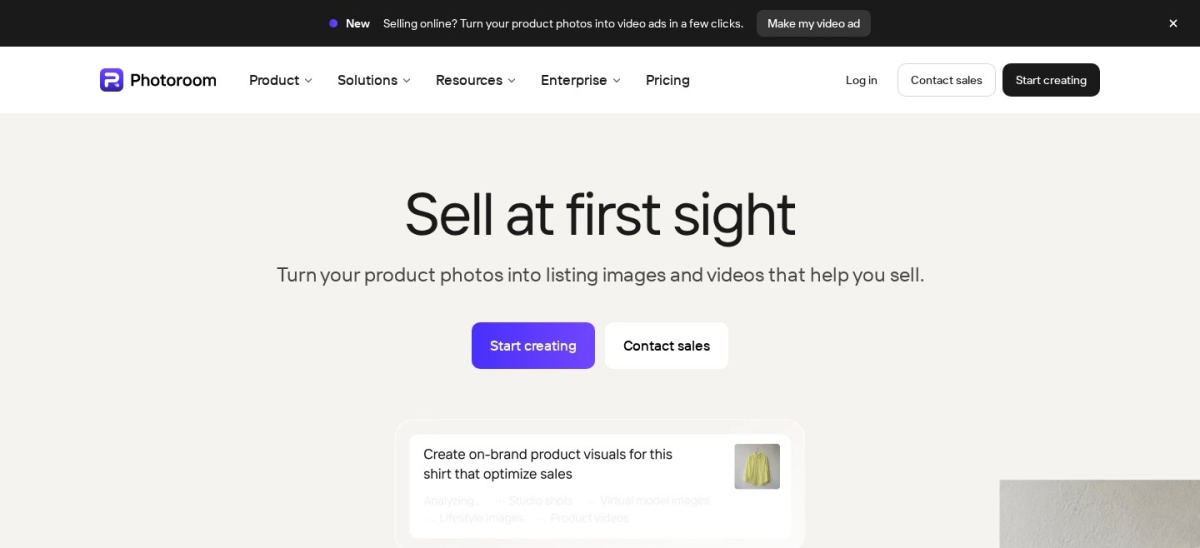
photoroom.com
Photoroom homepage, captured Nov 2026.
Photoroom is an AI visual platform built for sellers, with background removal, AI backgrounds, batch editing and AI fashion models in one place. Pro includes 8,000 AI credits and 1,000 exports a month, and core tools such as background removal, retouch and resizing are unlimited on every paid plan.
The trade off is billing. Photoroom holds 2.2 out of 5 on Trustpilot from 279 reviews, and most complaints are about charges after trials and hard cancellations, not image quality. It suits sellers who need hundreds of clean listing images a month and will set a calendar reminder before any trial ends.
What we like
Batch editing across hundreds of images at once
AI backgrounds and fashion models from Pro
Shopify integration for direct publishing
150M+ downloads, so help is easy to find
Watch out for
2.2 out of 5 on Trustpilot, mostly billing complaints
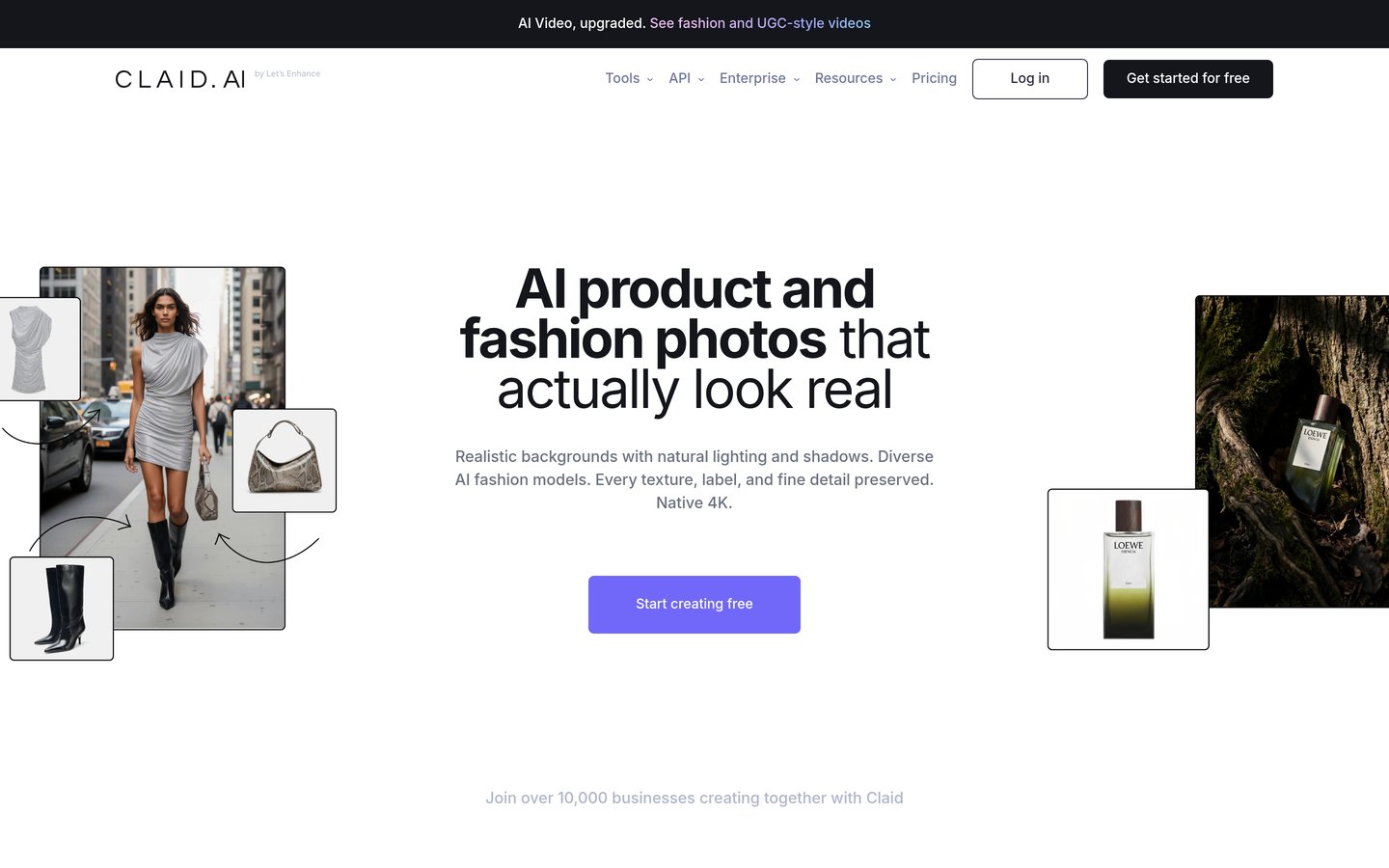
Claid.ai is an AI product photography suite from the team behind LetsEnhance. It removes backgrounds, enhances images, builds AI photoshoot scenes and places clothing on more than 100 AI fashion models, with an API for catalogues that need automation.
The trade off is the credit maths. Essentials gives 500 credits a month, and a standard AI photoshoot costs 4 credits, so a large catalogue burns through the allowance fast. It suits stores that want repeatable, on-brand scenes and are willing to check every output for product accuracy.
What we like
Strong background removal on hard edges and glass
100+ AI fashion models for apparel
API for automating large catalogues
Free trial with 50 credits
Watch out for
Only 18 Trustpilot reviews, so the score is thin
Pro is $35 a month for 4K and batch work
Credits run out fast on big catalogues
Pro adds 4K generation, batch processing and brand kitsVisit claid.ai
03
SellerPic
4.7/5on G2 (3 reviews, checked Nov 2026)
Paid from$14.50/mo
Best for fashion and on-model photos
Monthly credits200 on Starter
Virtual try-onYes, per product type
Product videoYes, 10 credits each
Paid planStarter, $14.50/mo
sellerpic.ai
SellerPic homepage, captured Nov 2026.
SellerPic is an AI image and video tool built for ecommerce sellers. One product photo becomes on-model shots, virtual try-on images, lifestyle scenes and short product videos, with a Shopify app and a publisher for scheduled social posts.
The trade off is the thin review record. Its 4.7 out of 5 G2 rating rests on only 3 reviews, and Trustpilot removed its rating after a display dispute, so the score says little. It suits fashion and jewellery sellers who want model shots without a studio shoot.
What we like
Virtual try-on for clothing, jewellery and watches
Images and short videos under one subscription
1 image costs 1 credit, so pricing is easy to follow
Pebblely is a background generator for product photos. Upload a product shot, pick from more than 40 themes or write a custom prompt, and it builds a scene with matching shadows and reflections. Lite costs $7.50 a month billed yearly for 30 images.
The trade off is the review record. Pebblely has only 2 Trustpilot reviews, both 1 star, and its pricing page states there is no free trial and unused images do not roll over. It suits solo sellers who need a small number of themed shots each month.
Flair.ai is a drag-and-drop canvas for product photography. Place the product, add props and 3D assets, set the lighting, then generate a photorealistic scene, and save finished scenes as reusable templates. The free plan includes 1 custom model and 5 generated images.
The trade off is quota and licence. Instant and ad generation cost four times the image quota, and the free and Pro plans carry no commercial licence, so listings need Pro+ at $26 a month. It suits marketers art-directing a few hero images rather than a whole catalogue.
Pixelcut is an AI photo editor for sellers that cuts backgrounds, erases objects, upscales images and runs batch edits from the web and mobile apps. Pro costs $8 a month billed yearly and adds 600 AI credits, unlimited background removal and upscaling, and 1,000 batch exports a month.
The trade off is trust. Pixelcut holds 1.7 out of 5 on Trustpilot from 70 reviews, with complaints about trial charges and refunds, though its Capterra comparisons show a far higher product score. It suits sellers who want cheap, fast cutouts and will pay on the web, not in the app.
Adobe Firefly is Adobe's generative AI tool for images, video and design. Standard costs $9.99 a month for 2,000 generative credits, and its models are trained on licensed Adobe Stock content, so outputs are cleared for commercial use with Content Credentials attached.
The trade off is that it is not built for catalogues. Firefly generates images from prompts rather than staging your product photos in bulk, and credits run out fast on video. It suits brands already in Adobe apps that need safe, on-brand campaign images.
What we like
Trained on licensed content, safe for commercial use
Strongest G2 rating in this list at 4.4 from 588 reviews
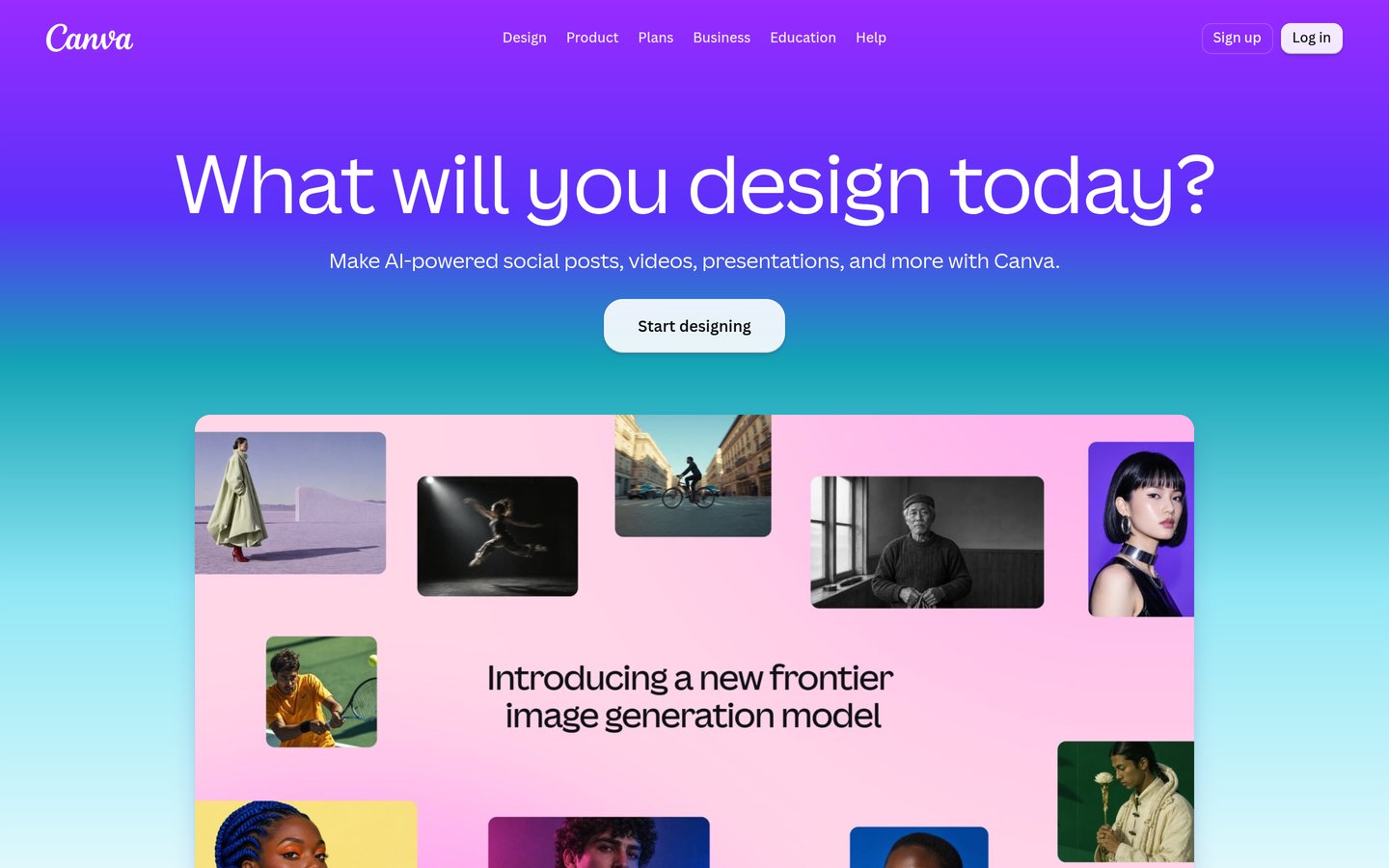
Canva is a design platform used by more than 265 million people a month, and its Magic Studio adds AI image generation, background removal and Magic Design to the template library. Pro costs $120 a year and includes the Brand Kit, 1TB of storage and 200 Premium AI uses a month.
The trade off is photorealism. Reviewers praise the ease of use but report that product shots can come back with warped shapes and wrong details, so every image needs a check. It suits sellers who also need social posts, ads and listings designed in one place.
4.1/5on Trustpilot (186 reviews, checked Nov 2026)
Paid from$9/mo
Best for upscaling product photos
Monthly credits100 on Starter
Upscale limitUp to 256 megapixels
Unused creditsRoll over
Paid planStarter, $9/mo
letsenhance.io
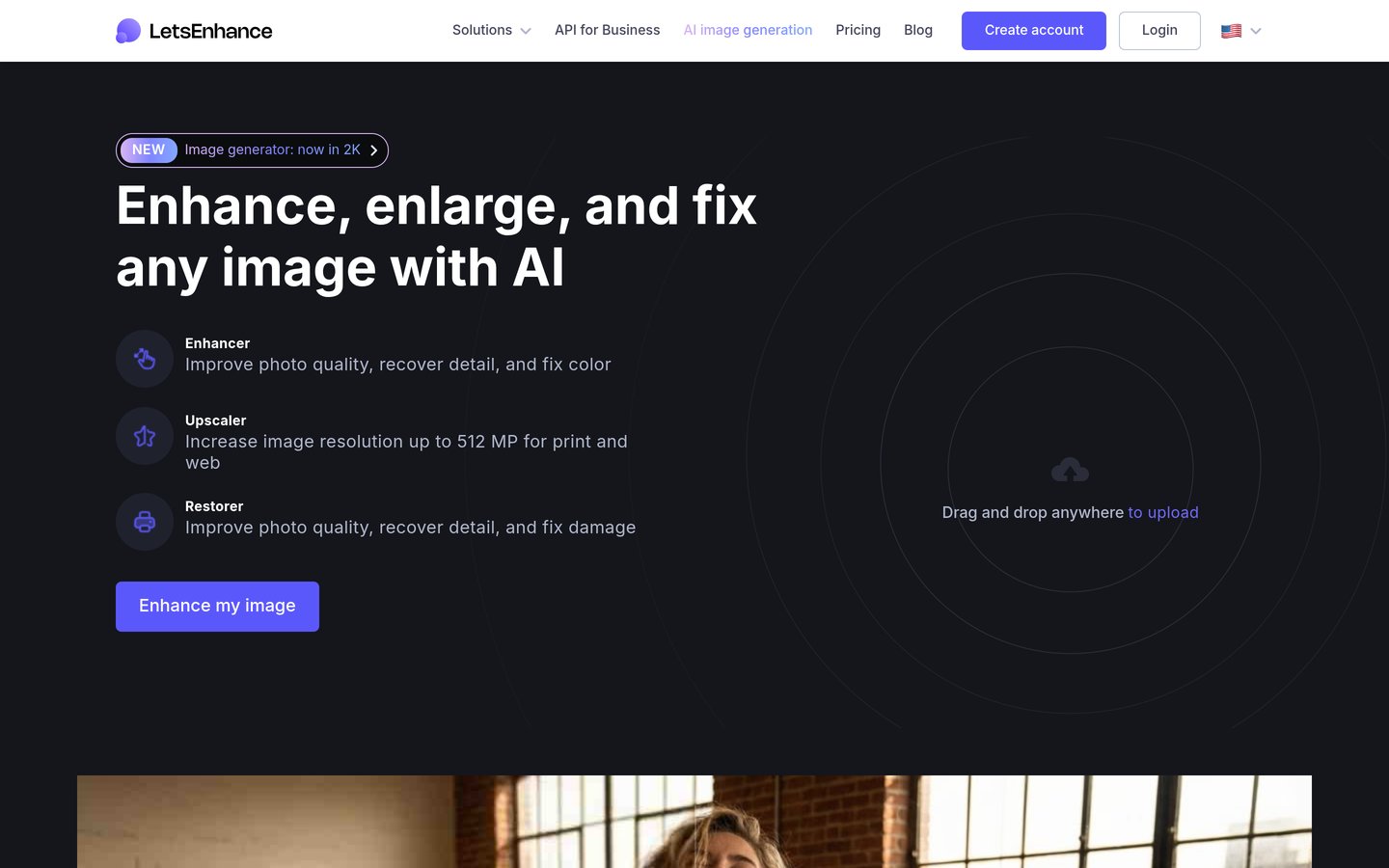
LetsEnhance homepage, captured Nov 2026.
LetsEnhance is an AI enhancer that sharpens, upscales and cleans up product photos, and it also generates AI art and removes backgrounds. Starter costs $9 a month billed yearly for 100 credits, with unused credits rolling over and upscaling up to 256 megapixels.
The trade off is scope. LetsEnhance improves photos you already have rather than staging new scenes, and the free outputs carry a watermark. It suits sellers fixing supplier photos and old shots before they go on a listing.
What we like
Best upscaling in this list for low-res supplier shots
Several tools in this list hold low Trustpilot scores, and the complaints are mostly about money, not images. Charges after a trial, hard-to-find cancellation pages and refund refusals come up again and again.
Pay on the web where you can, and set a reminder before any trial ends. App-store subscriptions bill through Apple or Google, which makes refunds harder to chase.
Check the renewal price too. Most tools here show the annual rate first, so the monthly price looks lower than the month-to-month cost. The price ladder above uses the yearly total.
How we chose
We started from the AI image tools most often named for ecommerce product photography, then kept the nine with a live pricing page and a public rating on G2, Capterra or Trustpilot.
Prices come from each vendor's pricing page, checked in November 2026. Ratings and review counts come from G2, Capterra or Trustpilot on the same day, using the source with the most reviews for each tool. Where a vendor shows a sale, the list shows the regular price.
We left out tools with no public rating, tools that shut down, and tools without a published price. No vendor paid for a place, and we do not claim hands-on testing for this list.
How to choose an AI image generator for ecommerce
Start with how many images you need each month, then check what each credit buys before you compare prices.
Count the images you need each month. A seller with 30 new listings needs a different plan from a store refreshing 500 SKUs. Match the monthly allowance to your real volume, not the headline price.
Check what each credit buys. One tool spends a credit per image, another spends four for a fast generation and ten for a video. Work out the cost per finished image before you compare prices.
Look at the licence, not just the price. Some cheap plans do not include a commercial licence, so images cannot legally go on a listing. Flair.ai, for example, adds its commercial licence on Pro+ and above.
Try the free plan on your hardest product. Glass, jewellery and printed labels are where AI staging fails most often. Generate a few of those first, and check every label and logo before you publish.
FAQ
What is the best AI image generator for ecommerce?
Photoroom is the best overall pick for most stores. Pro costs $12.99 a month and covers batch background removal, AI backgrounds, AI fashion models and 1,000 exports a month. Claid.ai suits studio-style scenes, and SellerPic suits fashion.
Can I use AI product images on Amazon and Shopify?
Yes, if the plan includes a commercial licence and the image shows the real product. Most paid plans here include commercial use, but Flair.ai only adds it on Pro+ and above. Amazon and Shopify both require listings to show the item accurately, so check labels, colours and logos before publishing.
How much does an AI product photo cost?
It depends on the plan and the quota. Pebblely Lite works out at about 25 cents an image on the annual rate, while Claid.ai Essentials costs about 2 cents a credit and a standard scene takes 4 credits. Always divide the monthly price by the images you will actually finish.
Do AI tools change the product in the photo?
They can. Reviewers report AI staging altering colours, labels and small details, and Pebblely reviewers raised the same problem. Check every generated image against the real product before it goes live, and keep the original photo for the main listing image if accuracy matters.
Which AI image generator is best for fashion?
SellerPic is the strongest fashion pick, with virtual try-on, AI models and short videos from one photo. Claid.ai is the alternative, with more than 100 AI fashion models and an API for catalogues. Both need a paid plan for commercial use without a watermark.
Are free plans enough for a small store?
For a few listings a month, yes. Flair.ai gives 5 images, Pixelcut covers limited background removal without a watermark, and LetsEnhance gives 10 credits. A store adding new products every week will outgrow the free allowances within a month and need a paid plan.