Planner 5D is the best AI app for home interior design for most people, with a free plan for unlimited projects, Premium at $59.99 a year, and a 4.7 out of 5 rating from 188 G2 reviews. Pick Homestyler for free 3D renders or Interior AI for the widest style range and virtual staging.
How we make this list: we compare pricing pages, product documentation and public user reviews, then re-check every price before each update. No product paid for a place. Disclosure.
Planner 5D is the cheapest paid plan here at $59.99 a year, with a free plan for unlimited projects.
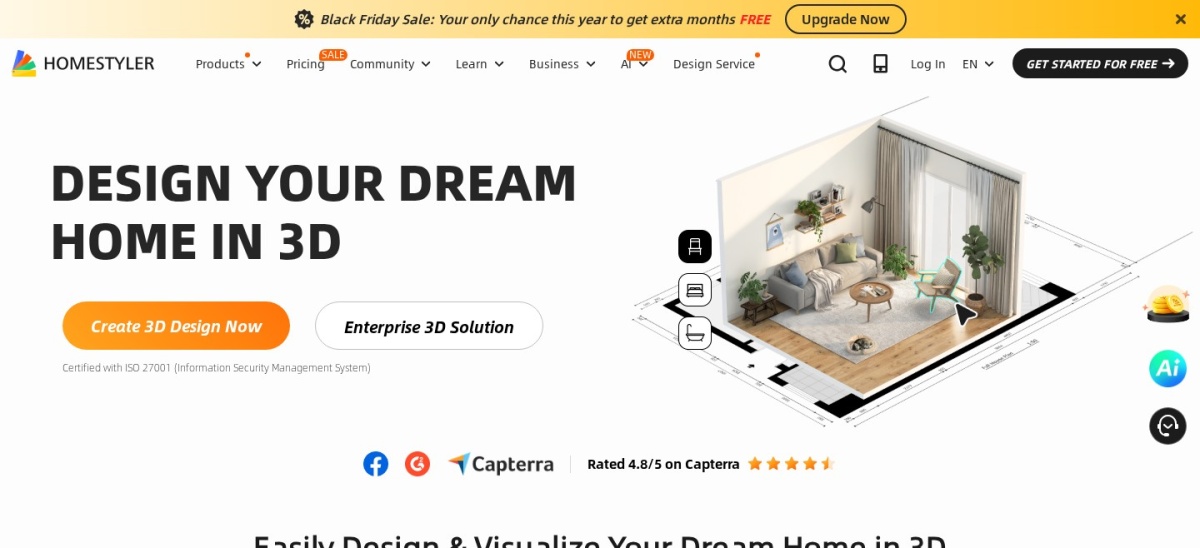
Homestyler gives unlimited free 1K renders on its Basic plan, the most generous free rendering in this list.
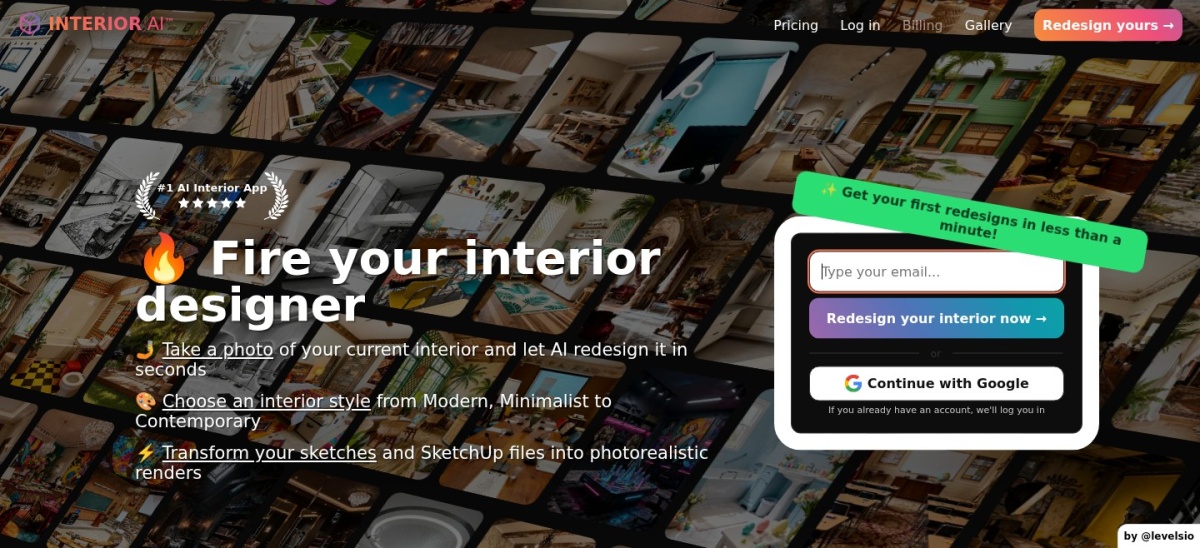
Interior AI has the widest style library, with 56 styles, but no free plan and Pro costs $349 a year.
Coohom renders fast 3D rooms for $300 a year, while Foyr Neo targets working designers at $468 a year.
Trustpilot scores are low for the photo restylers: HomeDesigns AI 3.3, Spacely AI 2.9 and Collov AI 2.5.
What an AI interior design app should do
AI interior design apps fall into two groups. Photo restylers repaint a picture of your room in a new style, while planners build a measured 3D room you can edit.
Restylers are fast: upload a photo, pick a style and get a new room in under a minute. Planners take longer to learn but show whether the furniture fits.
Most apps in this list sell monthly credits, so the price depends on how many rooms you redesign. A free plan with a few credits is enough to test the style quality before paying.
Planner 5D is a floor-plan and 3D design app with an AI layer on top. The free plan covers unlimited projects and about half the furniture catalogue, and Premium adds AI floor-plan recognition, the full 10,000-item catalogue and AI Studio credits for restyled room images.
The trade off is rendering. High-quality renders are limited on Premium, and watermark-free 4K renders need Professional at $399.99 a year. It suits homeowners planning a real renovation who want measurements as well as pictures.
Homestyler is a cloud 3D floor planner with an AI stager for restyling room photos. The free Basic plan includes unlimited projects and unlimited 1K renders, plus a library of more than 10 million 3D furniture and decor models from real brands.
The trade off is AI credits. Basic includes only 3 AI credits, and one staged image costs 10 credits, so photo restyling runs out fast without a paid plan. It suits homeowners who want to plan a room in 3D first and restyle photos second.
Interior AI is a web app that restyles a room photo in 56 interior styles, from Scandinavian to Art Deco, and fills empty rooms for listings. Pro costs $349 a year and includes 1,000 designs a month, a commercial use licence and sketch-to-render tools.
The trade off is price and the lack of a free plan. Pro renders are low quality, and virtual staging and editing need Premium at $599 a year. It suits real estate agents who stage listings often and want one stable workflow.
Coohom is a cloud 3D design platform for building rooms from floor plans and rendering them in photorealistic quality. Pro costs $300 a year and adds unlimited watermark-free 4K renders, the full AI toolset and an expanded model catalogue.
The trade off is customisation. Reviewers say kitchens and irregular furniture shapes are hard to adjust, and CAD imports can be awkward. It suits designers who need quick client-ready renders without a powerful computer.
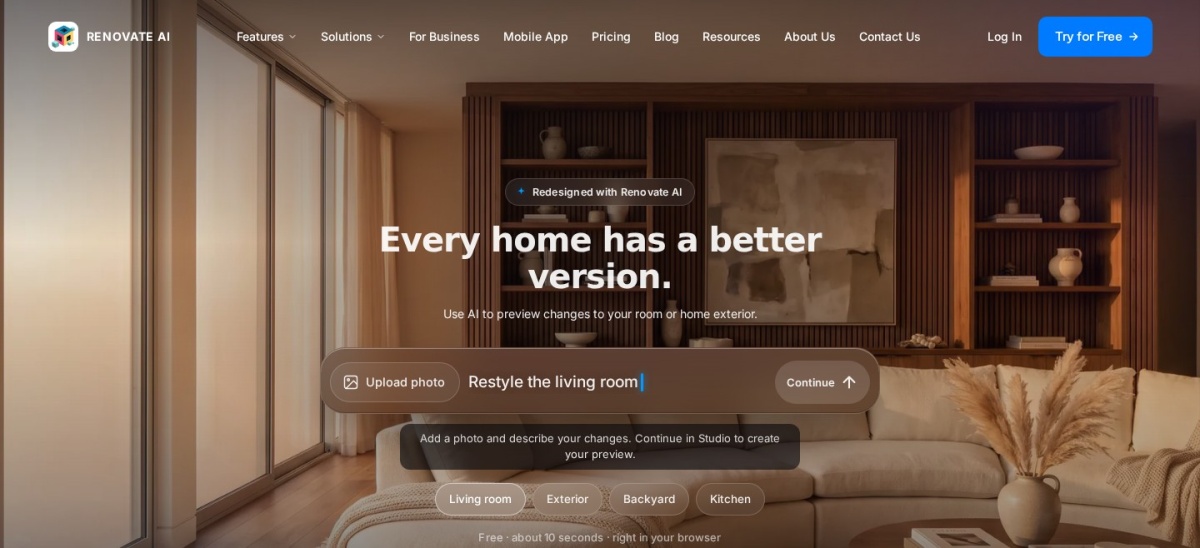
Renovate AI is a web and mobile app that previews renovations from a photo of a room, exterior or garden. The Hobbyist plan costs $15 a month and covers room, exterior and garden redesigns with colour and material swaps across its core interior and exterior styles.
The trade off is usage. Plans give a multiple of the Hobbyist allowance rather than a stated number of designs, and staging and cost estimates need Pro at $29 a month. It suits homeowners who want to see paint, flooring and staging changes before hiring anyone.
3.3/5on Trustpilot (1,386 reviews, checked Nov 2026)
Paid from$22/mo
Best for shopping the result
Free planYes, 3 credits a day
Styles80+ styles, 80+ spaces
Designs per month100 on Standard
Paid planStandard, $22/mo
homedesigns.ai
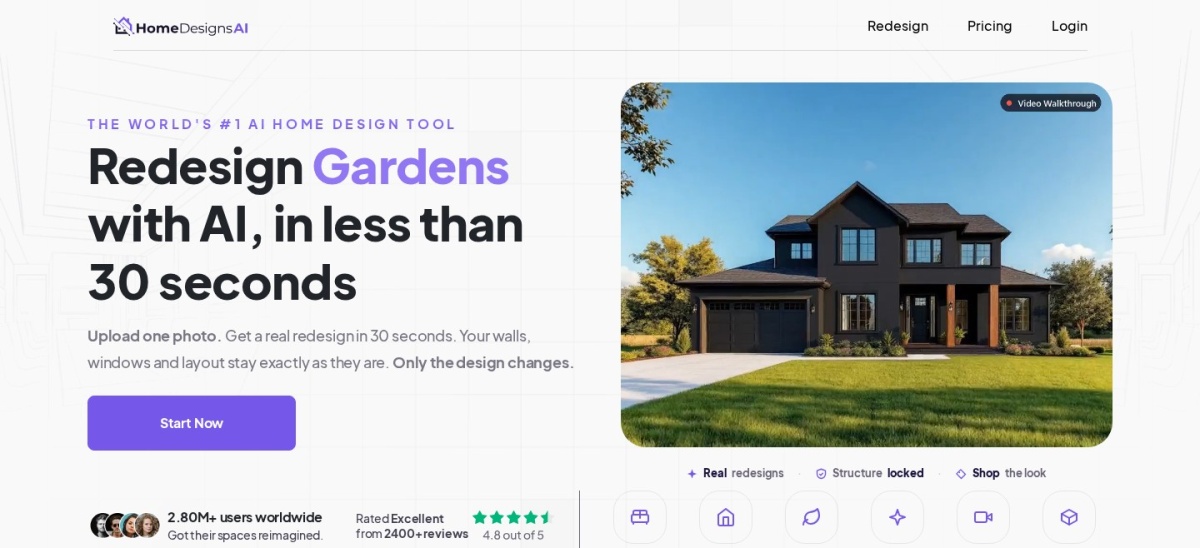
HomeDesigns AI homepage, captured Nov 2026.
HomeDesigns AI is a browser app that redesigns interiors, exteriors and gardens from one photo in about 30 seconds, while keeping walls and windows in place. The free plan gives 3 new credits every 24 hours, and Standard costs $22 a month for 100 designs.
The trade off is billing. Trustpilot reviewers report trouble cancelling, and the trial converts to Expert at $37 a month unless cancelled. It suits homeowners who want many styles fast and a shopping list for the furniture they see.
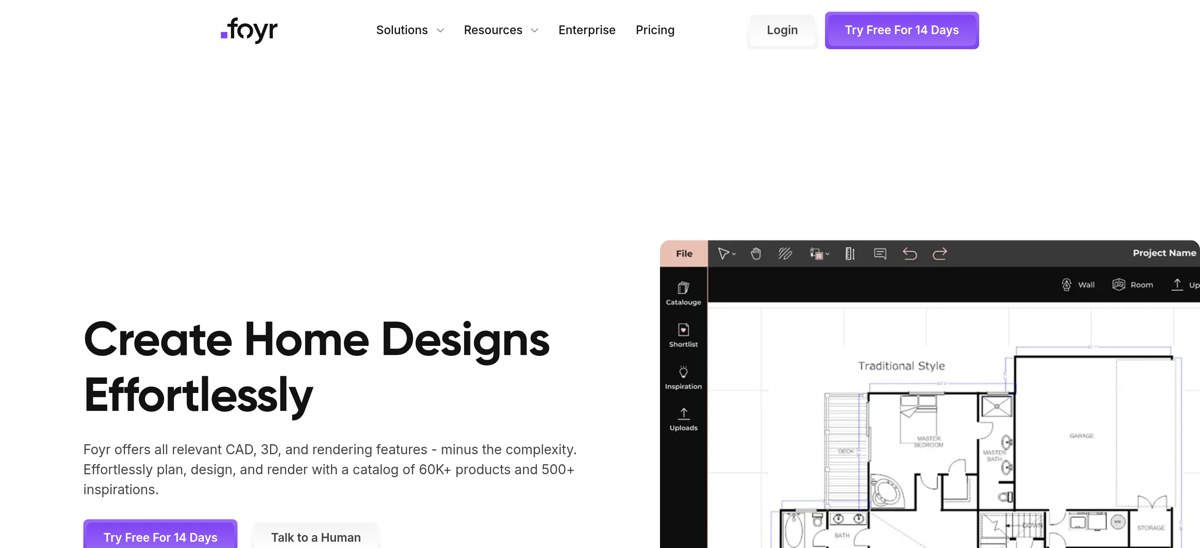
Foyr Neo is a cloud interior design platform for working designers, with 2D floor plans, 3D furnishing and fast 4K renders. Basic costs $39 a month and includes the 60,000-product catalogue, lighting tools and client presentations.
The trade off is price. It is the dearest tool in this list, and there is no free plan, only a 14-day trial. It suits designers who present to clients every week and need renders that are ready to show.
What we like
Fast 4K renders in the cloud
60,000-product catalogue
Rated 4.0 out of 5 on Capterra
No powerful computer needed
Watch out for
Dearest paid plan in this list
No free plan, trial only
Needs a strong internet connection
Standard and Premium cost $89 and $159 a monthVisit foyr.com
08
Spacely AI
2.9/5on Trustpilot (2 reviews, checked Nov 2026)
Paid from$240/yr
Best for CAD-based renders
Free planYes, 40 trial credits
Credits per month500 on Personal
CAD pluginsSketchUp, Revit, AutoCAD
Paid planPersonal, $240/yr
spacely.ai
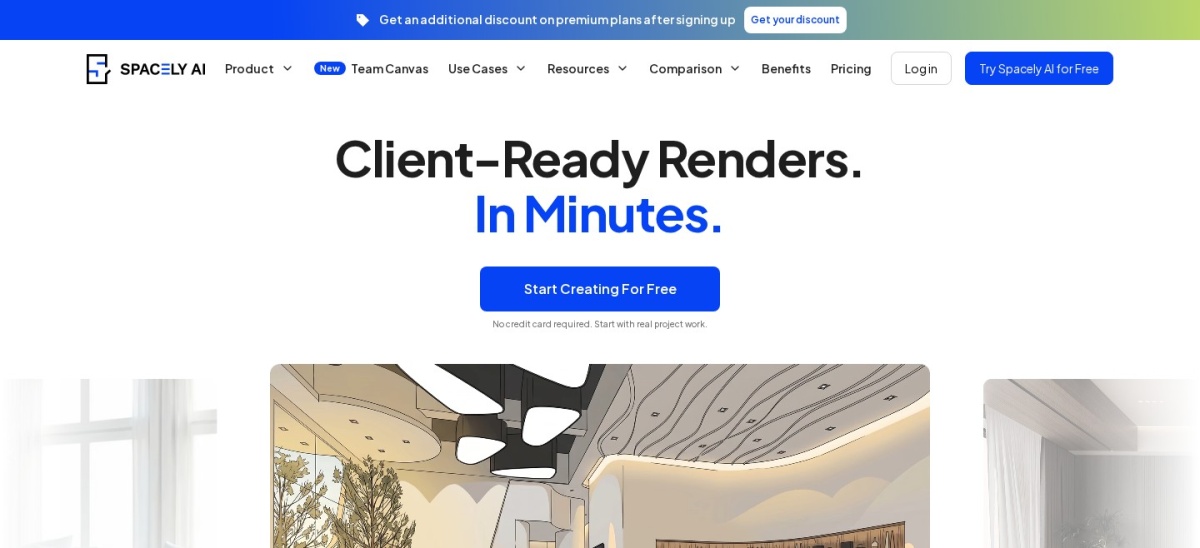
Spacely AI homepage, captured Nov 2026.
Spacely AI is a rendering tool for architects and designers that turns sketches, 3D models and room photos into photorealistic renders in under 60 seconds. Personal costs $240 a year and includes 500 credits a month, about 250 renders, plus plugins for SketchUp, Revit and AutoCAD.
The trade off is the credit system. Every tool spends credits, so heavy renders burn through the monthly allowance, and top-ups start at $9 for 200 credits. It suits designers who already work in CAD and want renders without leaving their model.
Collov AI is a virtual staging platform for real estate agents that furnishes empty listing photos in one click. Standard costs $228 a year and includes 60 photo credits a month, unlimited regeneration, a commercial photo licence and furniture removal.
The trade off is quality. Recent Trustpilot reviewers report distorted rooms and slow support, and the score is 2.5 out of 5. It suits agents who stage many listings and need a commercial licence on every image.
Free plans here are real but small. Planner 5D gives unlimited projects, Homestyler gives unlimited 1K renders, and Spacely AI gives 40 trial credits with a commercial licence.
Photo restylers ration by credits. HomeDesigns AI refreshes 3 credits a day, while Interior AI has no free plan at all, so the first test costs $349 a year.
Paid plans mostly buy volume and resolution. Higher tiers add more credits, watermark removal, 4K renders and commercial licences for client work.
Start on a free plan and count how many rooms you actually redesign in a week. That number picks the plan better than any feature list.
How we chose
We started from the AI interior design apps most often recommended in 2026 round-ups, then kept the nine with a public rating on G2, Capterra or Trustpilot and a published price.
Prices come from each vendor's pricing page, checked on 25 November 2026. Ratings and review counts come from G2, Capterra or Trustpilot on the same day. Where a vendor shows a sale or a first-month offer, the list shows the regular price.
We left out apps with no public rating, including REimagine Home and RoomGPT, and apps whose price is only shown after login. No vendor paid for a place, and we do not claim to have used these tools ourselves.
How to choose an AI app for home interior design
Start with the room, not the app, then match the tool to the job.
Decide restyle or plan. A photo restyle is enough to test a style. A floor plan is needed when furniture must fit measured walls.
Try the free credits first. Run the same room photo through two or three apps and compare how well each keeps your walls, windows and doors in place.
Count your rooms before paying. Credit plans suit a few rooms a month. A flat plan such as Planner 5D Premium or Interior AI Pro suits weekly use.
Check the licence for listings. Agents need a commercial licence and a staging disclaimer. Collov AI and Interior AI include a commercial licence on paid plans.
FAQ
What is the best AI app for home interior design?
Planner 5D is the best pick for most people. It combines measured floor plans with AI restyles, the free plan covers unlimited projects, Premium costs $59.99 a year, and it is rated 4.7 out of 5 from 188 G2 reviews.
Is there a free AI app for interior design?
Yes. Planner 5D, Homestyler, Coohom, Renovate AI, HomeDesigns AI, Spacely AI and Collov AI all have a free plan or free credits. Homestyler is the most generous, with unlimited free 1K renders, while Interior AI and Foyr Neo have no free plan.
Can AI interior design apps keep my room layout?
The good ones can. HomeDesigns AI and Renovate AI are built to keep walls, windows and doors in place while changing furniture and colours. Always compare the output with your photo, because every app in this list sometimes moves a window or adds furniture that was never there.
How much does an AI interior design app cost?
Paid plans in this list run from $59.99 a year for Planner 5D Premium to $468 a year for Foyr Neo Basic. Most photo restylers charge $15 to $29 a month for a monthly credit allowance, so the cost depends on how many rooms you redesign.
Do I need a subscription to stage a home for sale?
Not always. Collov AI and Interior AI include a commercial licence on paid plans, which matters for listing photos. Collov AI also adds a one-click staging disclaimer, while Interior AI covers virtual staging for empty rooms on its Premium plan.
Which AI interior design app is best for professionals?
Foyr Neo is built for working designers, with 2D plans, 3D furnishing and fast 4K renders from a 60,000-product catalogue. Spacely AI suits architects who render from SketchUp or Revit, and Coohom suits designers who need quick client-ready 3D renders.
SaaS SEO and WordPress specialist with about 8 years of experience. Rakib compares WordPress plugins, themes, hosting and software using public pricing, documentation and user reviews. See how we rank.