Glide is the best AI app development platform for most teams. Its AI agent turns a spreadsheet or a plain-language prompt into a working internal app, and it holds a 4.7/5 rating from 820 G2 reviews. Pick Softr for client portals on Airtable data and Retool when developers need real code and database access.
How we make this list: we compare pricing pages, product documentation and public user reviews, then re-check every price before each update. No product paid for a place. Disclosure.
Glide leads the list at 4.7/5 from 820 G2 reviews, and its Basic plan costs $25 a month with 100 AI credits.
Softr is the cheapest paid start here at $19 a month billed annually, and it builds portals on data you already keep.
Retool costs $10 per user a month and gives developers SQL, JavaScript and 74 listed integrations.
FlutterFlow is the only pick that exports full Flutter code, but its 4.5/5 G2 rating rests on just 30 reviews.
OutSystems and Appian are enterprise platforms: OutSystems lists paid plans from $36,300 a year and Appian from $75 a month per feature.
What an AI app development platform should do
An AI app development platform turns a description, a spreadsheet or a file into a working app. The AI agent proposes screens, data tables and workflows, and you refine them in a visual builder instead of writing the whole app by hand.
The platforms in this list split into two groups. No-code builders such as Glide, Softr and Bubble aim at founders and business teams, while low-code platforms such as Retool, OutSystems and Appian aim at developers and IT teams building for a whole company.
Check what the AI can actually change after the first build. Some agents rebuild the app from each new prompt, while others let you edit single screens and keep the rest. Our guide on connecting an AI model to WordPress shows the same prompt-and-refine pattern in a WordPress setting.
Pricing is where these tools differ most. Some charge a flat monthly fee, some charge per user, and GlideOS meters building in AI credits, so a busy build month costs more than a quiet one.
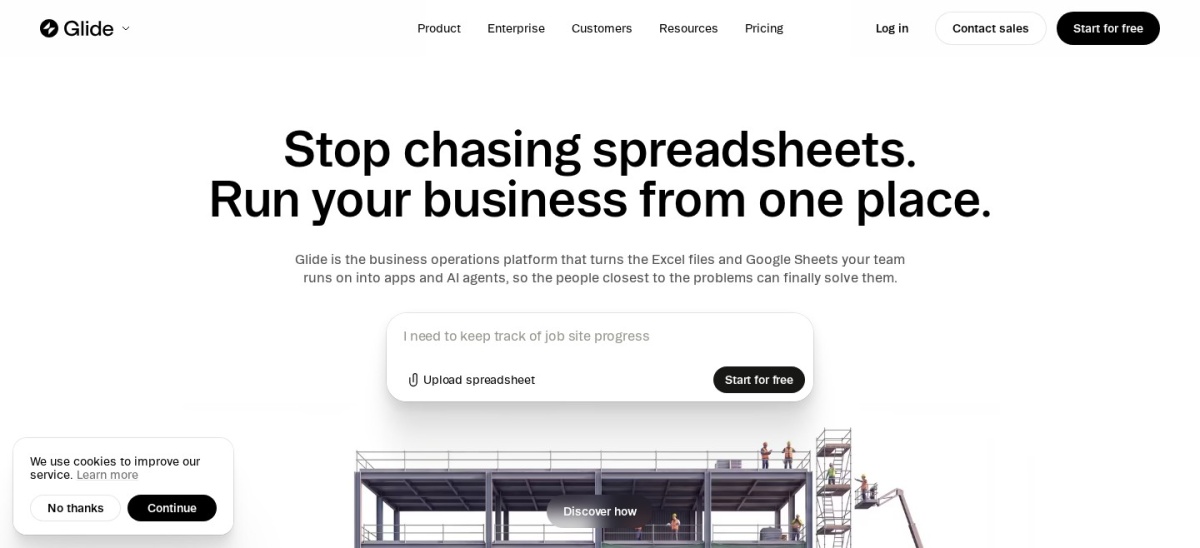
Glide is an AI app builder that turns a spreadsheet, a prompt or a file into a working internal app. Its GlideOS agent proposes the screens, data and workflows, and the Basic plan at $25 a month includes 100 AI credits, 2 published apps and 1 enabled workflow.
The trade off is scope. Glide builds web apps that run in a browser, not native apps for the Apple App Store or Google Play, and credits reset each month without carrying over. It suits teams whose data already lives in a spreadsheet and who need an internal tool fast.
What we like
Highest G2 rating in this list at 4.7/5 from 820 reviews
AI agent builds from a spreadsheet, prompt or file
App users are not billed, only builders
Watch out for
No native app store publishing
AI credits do not carry over month to month
G2 reviews cover Glide Classic, not the newer GlideOS
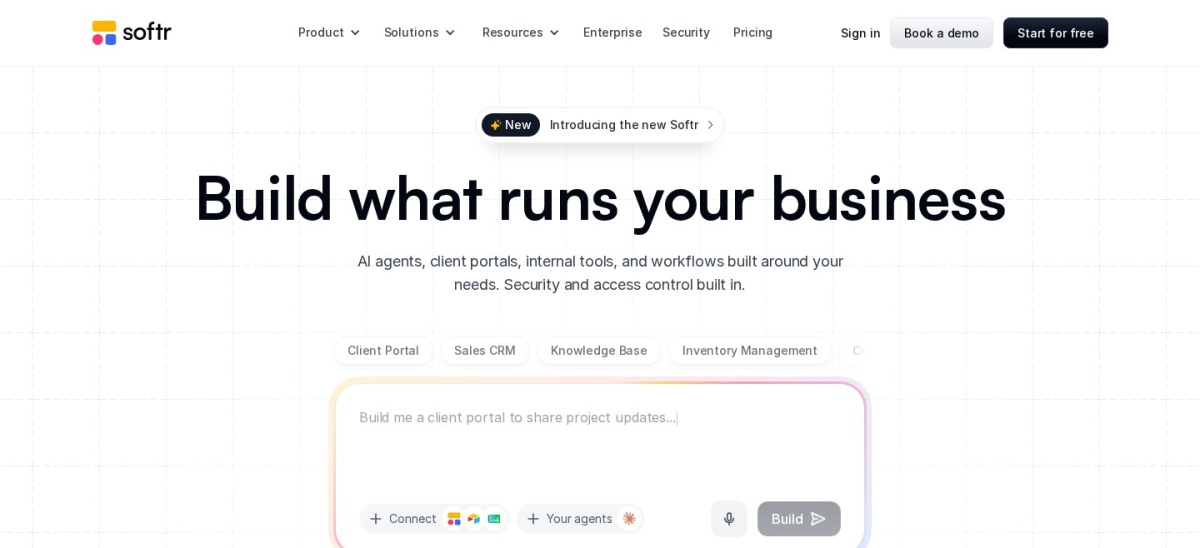
Softr is a no-code platform that builds client portals, dashboards and internal tools on data you already keep in Airtable, Google Sheets or its own database. Its AI app builder generates the app from a prompt, and the free plan covers 5,000 records and unlimited apps.
The trade off is pricing by audience. Basic costs $19 a month billed annually ($25 month to month) for 5 team users and 5 client users, and the bill climbs as more people log in. It suits small businesses that need a portal on existing data without hiring a developer.
What we like
Strong 4.7/5 G2 rating from 737 reviews
Cheapest paid plan in this list
Generous free plan with unlimited apps
Watch out for
Builds web apps and PWAs, not native store apps
Cost climbs with the number of end users
Extra builder seats cost more on top
Pro at $99/mo adds 50 client users and custom codeVisit softr.io
03
Retool
4.6/5on G2 (380 reviews, checked Nov 2026)
Paid from$10/user/mo
Best for developers building internal tools
Free planYes, up to 5 users
Paid planTeam, $10/user/mo
Integrations74 listed
CodeSQL, JavaScript, Python
retool.com
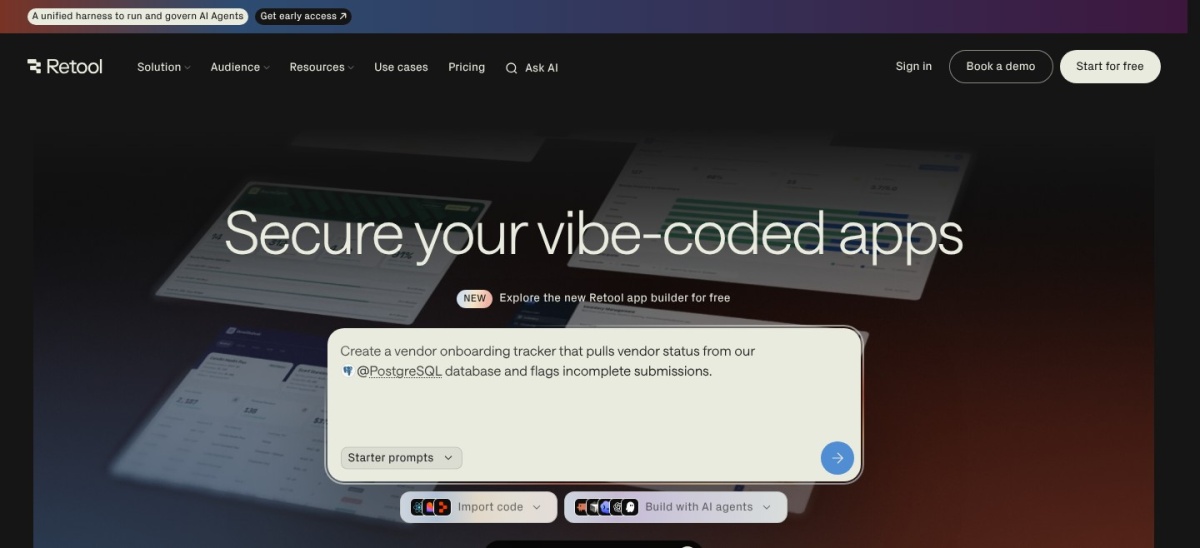
Retool homepage, captured Nov 2026.
Retool is a developer platform for building internal tools such as admin panels, support consoles and dashboards from components wired to real databases and APIs. The free plan covers up to 5 users with unlimited web and mobile apps, and Team starts at $10 per builder a month billed annually.
The trade off is that it is built for developers, not for non-technical founders. The visual builder is fast, but the logic is real queries and code, and governance features such as audit logs need the Business plan. It suits engineering teams that want internal tools without the boilerplate.
What we like
Real code and SQL behind a visual builder
Connects to your own databases, not a silo
Free plan is usable for a small team
Watch out for
Not aimed at non-technical builders
Per-user pricing climbs with bigger teams
Audit logs and SSO need higher plans
Business at $50/user/mo adds audit logs and permissionsVisit retool.com
04
Bubble
4.4/5on G2 (166 reviews, checked Nov 2026)
Paid from$29/mo
Best for full web apps without code
Free planYes, build and test
Paid planStarter, $29/mo
App typeWeb apps
AI builderYes, AI app generator
bubble.io
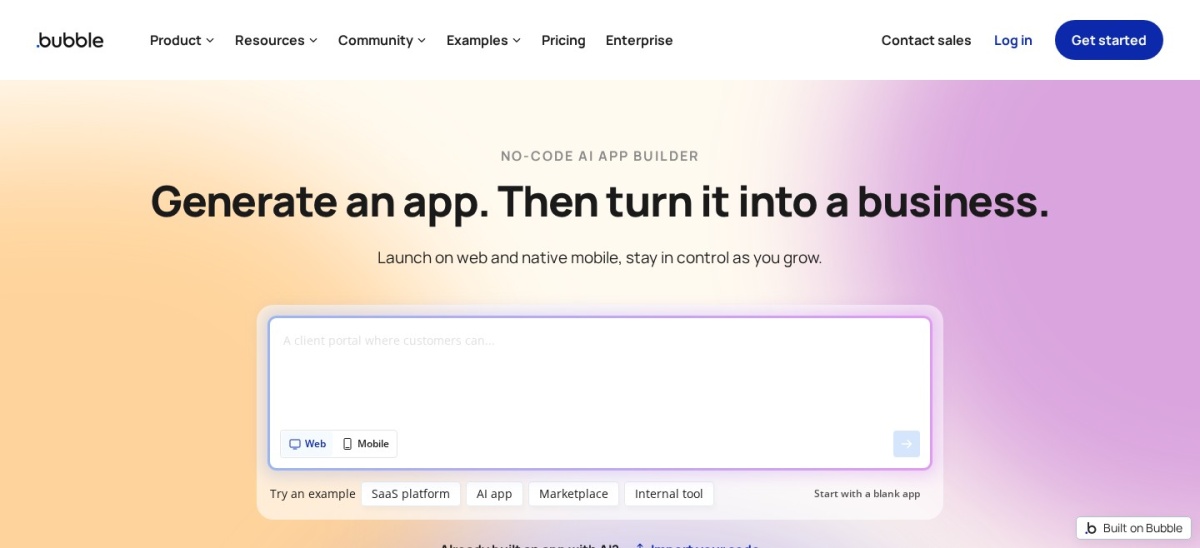
Bubble homepage, captured Nov 2026.
Bubble is a no-code platform for building full web apps with databases, user accounts, payments and workflows, now with an AI app generator that drafts the first version from a prompt. The free plan covers building and testing, and Starter starts at $29 a month for a live app with a custom domain.
The trade off is cost at scale. Bubble prices by workload units, and reviewers report that bills climb as an app grows, with no direct code export if you want to leave. It suits founders building a web-based product who want the most flexible no-code builder.
What we like
Most flexible no-code builder for web apps
Large template and plugin marketplace
AI generator speeds up the first draft
Watch out for
Workload-based pricing can climb as usage grows
No direct code export
Learning curve is steeper than Glide or Softr
Growth at $119/mo adds more workload and featuresVisit bubble.io
05
FlutterFlow
4.5/5on G2 (30 reviews, checked Nov 2026)
Paid from$29/mo
Best for native mobile apps with code export
Free planYes, 2 projects
Paid planBasic, $29/mo
Code exportYes, from Basic
PlatformsiOS, Android, web
flutterflow.io
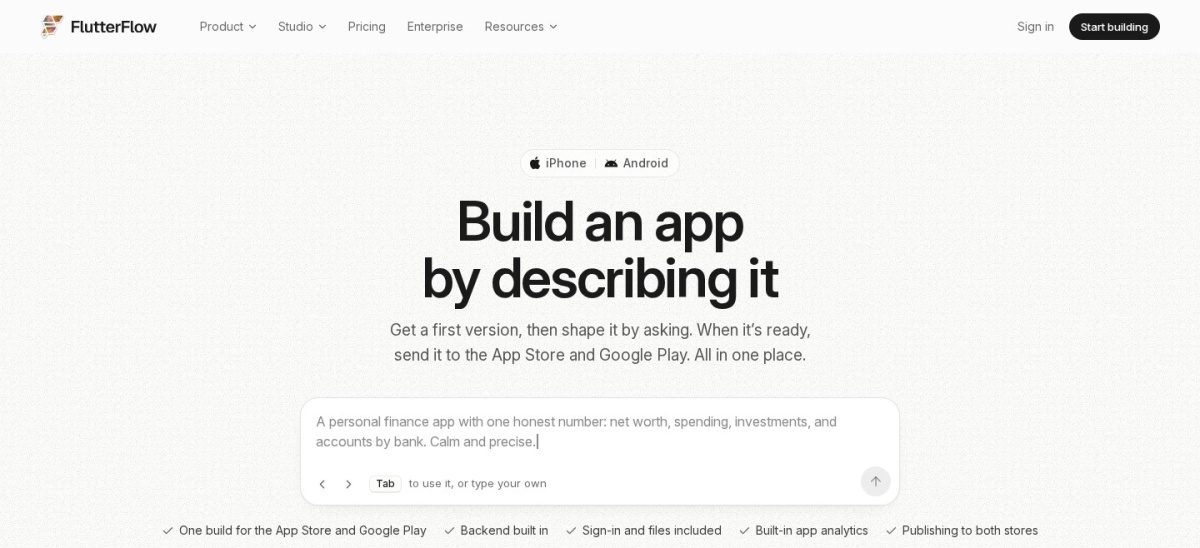
FlutterFlow homepage, captured Nov 2026.
FlutterFlow is a visual builder on Google Flutter that ships native iOS and Android apps plus a web version from one project. The Basic plan costs $29 a month billed annually ($39 month to month) and unlocks code download, APK download and app store deployment.
The trade off is that it is low-code rather than no-code. Real apps often need Dart for custom logic, and its 4.5/5 G2 rating rests on only 30 reviews, a small sample. It suits teams that want a real native app and the option to take the Flutter code elsewhere.
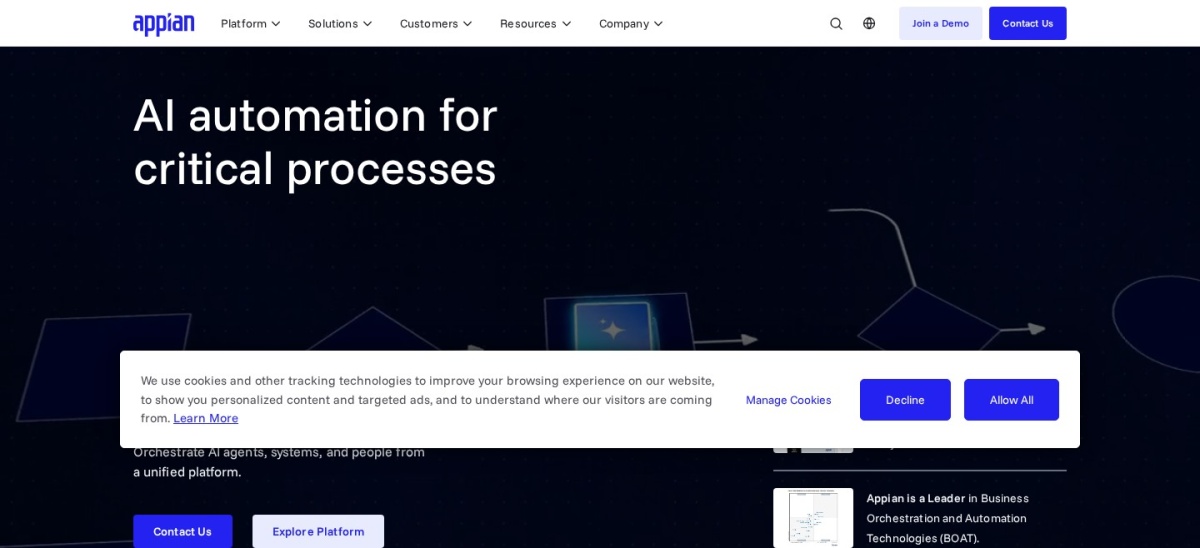
Appian is a low-code platform for large teams that need process automation beside app building, with AI agents, document processing and case management in one platform. The Basic plan lists at $75 per feature a month, and a free trial is available for evaluation.
The trade off is price and fit. Appian is built for enterprises and government teams, reviewers cite high licensing costs, and there is no permanent free plan. It suits large organisations automating complex, multi-system workflows rather than small teams shipping a first app.
OutSystems is a low-code platform for enterprise teams building many production apps, with AI-assisted development, full DevOps automation and cloud or self-hosted deployment. The Personal Edition is free for up to 100 users, and the paid Developer Cloud plan lists at $36,300 a year.
The trade off is price. Paid pricing is usage-based and far above every other tool in this list, and reviewers flag complex licensing and platform lock-in. It suits mid-market and enterprise teams with a large app backlog and the budget to match.
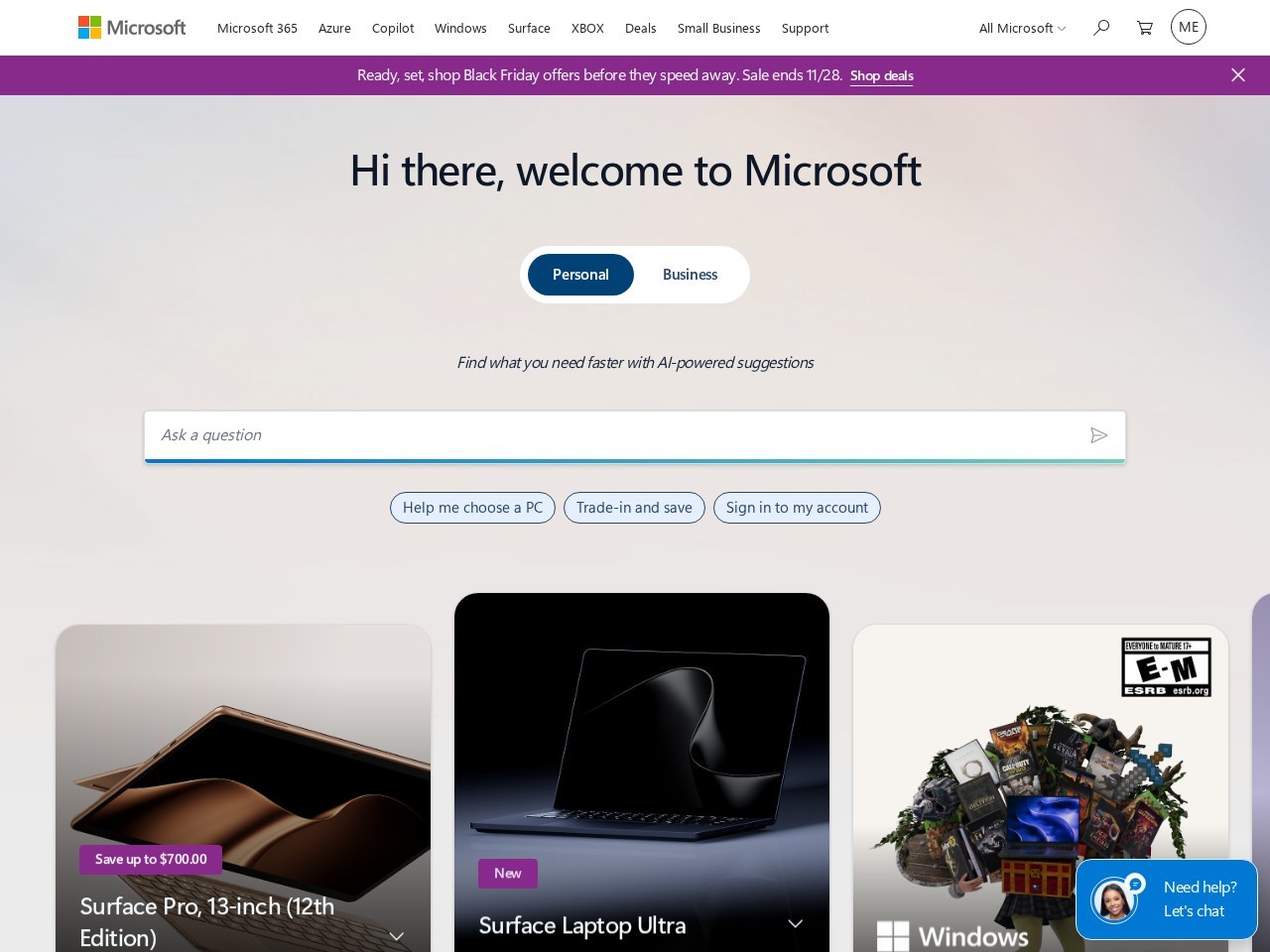
Microsoft Power Apps is the low-code app builder inside Microsoft Power Platform, with Copilot able to design an app from a written description. The Developer Plan is free for one user, and Premium costs $20 per user a month with unlimited apps, premium connectors and on-premises data access.
The trade off is licensing. Reviewers cite confusing licensing and costs that climb fast across a large team, and premium connectors sit behind the paid tier. It suits organisations already running Microsoft 365 that want apps tied to SharePoint, Teams and Dataverse.
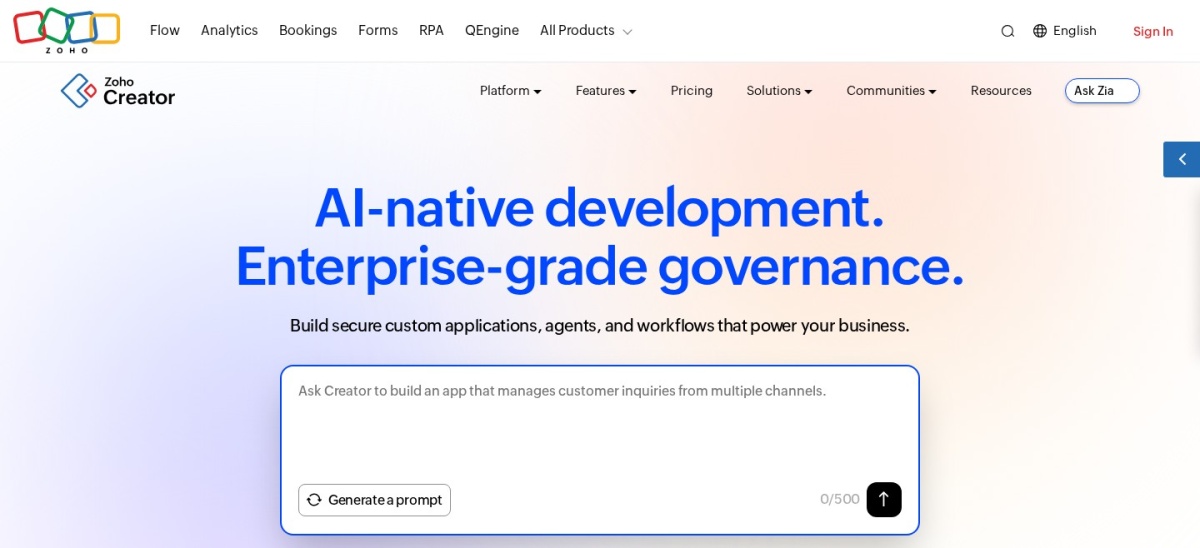
Zoho Creator is a low-code platform where teams prompt Zia Agents in plain language, assemble ready-made components or write Deluge code. The Standard plan costs $8 per user a month billed annually ($12 month to month), the lowest per-user price in this list.
The trade off is the ecosystem pull. It works best beside other Zoho products, and features such as SSO, custom domains and broad third-party integrations need the higher tiers. It suits small businesses that want cheap, custom business apps with an AI starting point.
What we like
Lowest per-user price in this list
AI agents, visual components and code in one tool
Strong value for small businesses
Watch out for
No permanent free plan
Best value inside the Zoho ecosystem
Advanced features need higher tiers
Professional at $20/user/mo adds more integrationsVisit zoho.com
Free vs paid: what you give up
Free plans are good for learning and for a first prototype. Glide, Softr, Retool, Bubble, FlutterFlow, OutSystems and Power Apps all let you build without paying.
Paid plans mostly unlock publishing and scale. A free plan often cannot publish to a custom domain or an app store, and AI credits, users or records run out fast.
Per-user pricing changes the maths. A $10 or $20 per-user plan looks cheap for one builder and expensive for a 50-person team, so count every user who will log in before you compare.
Enterprise platforms are a different purchase. OutSystems lists paid plans from $36,300 a year, so get a quote and a trial before judging it against a $25-a-month builder.
How we chose
We started from the best-known AI app development platforms with a public G2 rating and a published price, then kept nine that cover no-code builders, low-code platforms and enterprise tools.
Prices come from each vendor's pricing page or G2 pricing data, checked on 25 November 2026. Ratings and review counts come from G2 on the same day. Where a vendor shows a monthly and an annual rate, the list shows the annual-billing monthly rate and notes the monthly rate.
We left out platforms with no public price and no public rating. No vendor paid for a place, and we do not claim to have used these tools ourselves.
How to choose an AI app development platform
Start with who will build the app and where it needs to run, then match the platform to that.
Decide web app or native app first. Glide, Softr and Bubble build web apps, while FlutterFlow and Adalo-style builders ship native apps. Picking the wrong type wastes the whole build.
Check what the AI can edit after the first draft. Some agents rebuild the whole app from each prompt, while others let you edit one screen. Ask for a small change on a trial app and see what breaks.
Count the real monthly cost, not the headline price. Add per-user fees, AI credits and extra seats. A flat $25 plan can be cheaper than a $10 per-user plan once the team grows.
Check the exit route before you commit. FlutterFlow exports Flutter code, while Bubble and Glide keep the app on their platform. See how to connect an AI model to WordPress for the same kind of lock-in check.
FAQ
What is the best AI app development platform?
Glide is the best pick for most teams. Its AI agent builds working internal apps from a spreadsheet or a prompt, it holds a 4.7 out of 5 rating from 820 G2 reviews, and its Basic plan costs $25 a month.
Can AI build a whole app without coding?
Yes, for standard business apps such as portals, dashboards and booking tools. The AI drafts screens, data and workflows, and you refine them in a visual builder. Complex or unusual logic still needs a developer.
Which AI app builder is cheapest?
Zoho Creator is cheapest per user at $8 a month billed annually, and Softr is cheapest overall at $19 a month billed annually. Retool costs $10 per user a month, so the cheapest choice depends on how many people use the app.
Can I publish an AI-built app to the App Store?
It depends on the platform. FlutterFlow publishes native iOS and Android apps to both stores, while Glide and Softr build web apps that run in a browser. Check the store-publishing rules before you start building.
Do I own the code my AI app builder makes?
Usually not. FlutterFlow is the exception in this list, since paid plans export full Flutter code. Bubble, Glide and Softr keep the app on their platform, so leaving means rebuilding.
What is the best AI app builder for enterprises?
OutSystems is the strongest enterprise pick, rated 4.5 out of 5 from 1,802 G2 reviews, with full DevOps automation. Appian is the better choice when process automation matters as much as app building.
Is Microsoft Power Apps good for small teams?
It works best inside Microsoft 365, where it ties into SharePoint, Teams and Dataverse. Small teams outside Microsoft often find the licensing confusing and the per-user cost high once the team grows.
SaaS SEO and WordPress specialist with about 8 years of experience. Rakib compares WordPress plugins, themes, hosting and software using public pricing, documentation and user reviews. See how we rank.