Best Additive Manufacturing Software in 2026: 9 Tools Compared
WLWPLegible EditorsLast verified 24 Nov 2026How we rank13 min read
★ Short answer
Materialise Magics is the best additive manufacturing software for industrial teams, covering mesh repair, supports, nesting and build prep in one Windows app. Pick Autodesk Fusion for CAD-to-print work at $680 a year, or UltiMaker Cura for free slicing on most FDM printers.
How we make this list: we compare pricing pages, product documentation and public user reviews, then re-check every price before each update. No product paid for a place. Disclosure.
Materialise Magics is the industrial standard for build prep, but it is quote-only with no published price.
Autodesk Fusion costs $680 a year per seat, with a free personal-use plan for non-commercial work.
nTop leads on lattices and generative design, rated 4.8 out of 5 on G2 from 11 reviews.
Five of the nine tools are free, including Cura, PrusaSlicer and PreForm.
Simplify3D switched to a $129-a-year subscription with V6 in November 2026; the old $199 one-time licence is gone for new buyers.
ChiTuBox Advanced costs $79 in the first year, then $99 a year on renewal.
What additive manufacturing software should cover
Additive manufacturing software covers three stages: designing parts, preparing them for the printer, and slicing them into layers.
Design tools such as nTop and Fusion shape the part. Preparation tools such as Magics and Netfabb fix meshes, add supports, pack the build plate and simulate metal prints.
Slicers turn the finished model into printer instructions. Cura, PrusaSlicer, PreForm, Simplify3D and ChiTuBox each serve different printers, so the printer often decides the slicer. Moving design files between tools is a familiar problem: our guide on importing Figma designs into WordPress covers the same file-handoff issue in a different field.
Price ranges from free to quote-only. Industrial tools rarely publish prices, so expect a sales call, while slicers are mostly free or under $150 a year.
Check printer compatibility first. PreForm works only with Formlabs printers, and Netfabb lists more than 200 printer profiles, mainly for industrial machines.
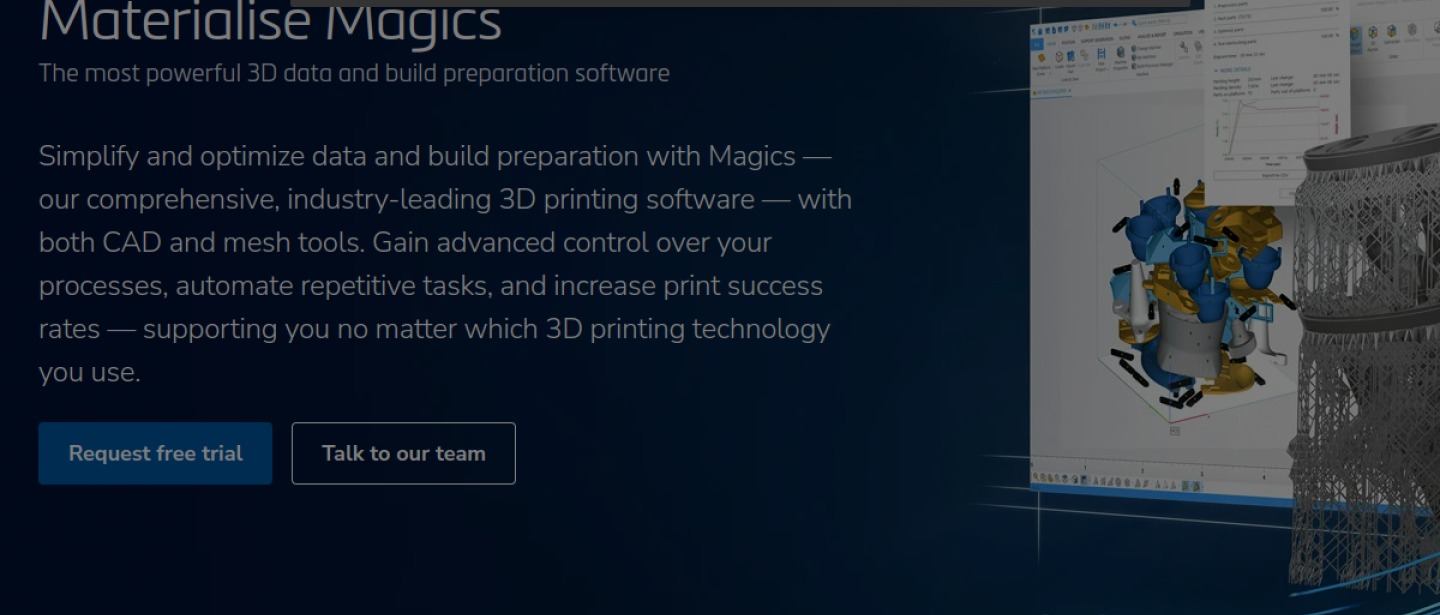
Materialise Magics is the industry standard for preparing models for industrial 3D printing. It combines CAD and mesh tools to import files, fix and edit parts, generate supports and lattices, nest parts on the build plate and simulate metal builds, across SLS, SLA, FDM and metal processes.
The trade off is price and complexity. Materialise publishes no prices, so every licence is quoted, and the tool has a steep learning curve with training recommended. It suits service bureaus and industrial teams that prepare builds every day.
What we like
Deepest build preparation toolset in this list
Automatic mesh fixing with the Fix Wizard
Covers all major print processes in one app
Modular add-ons for supports, nesting and simulation
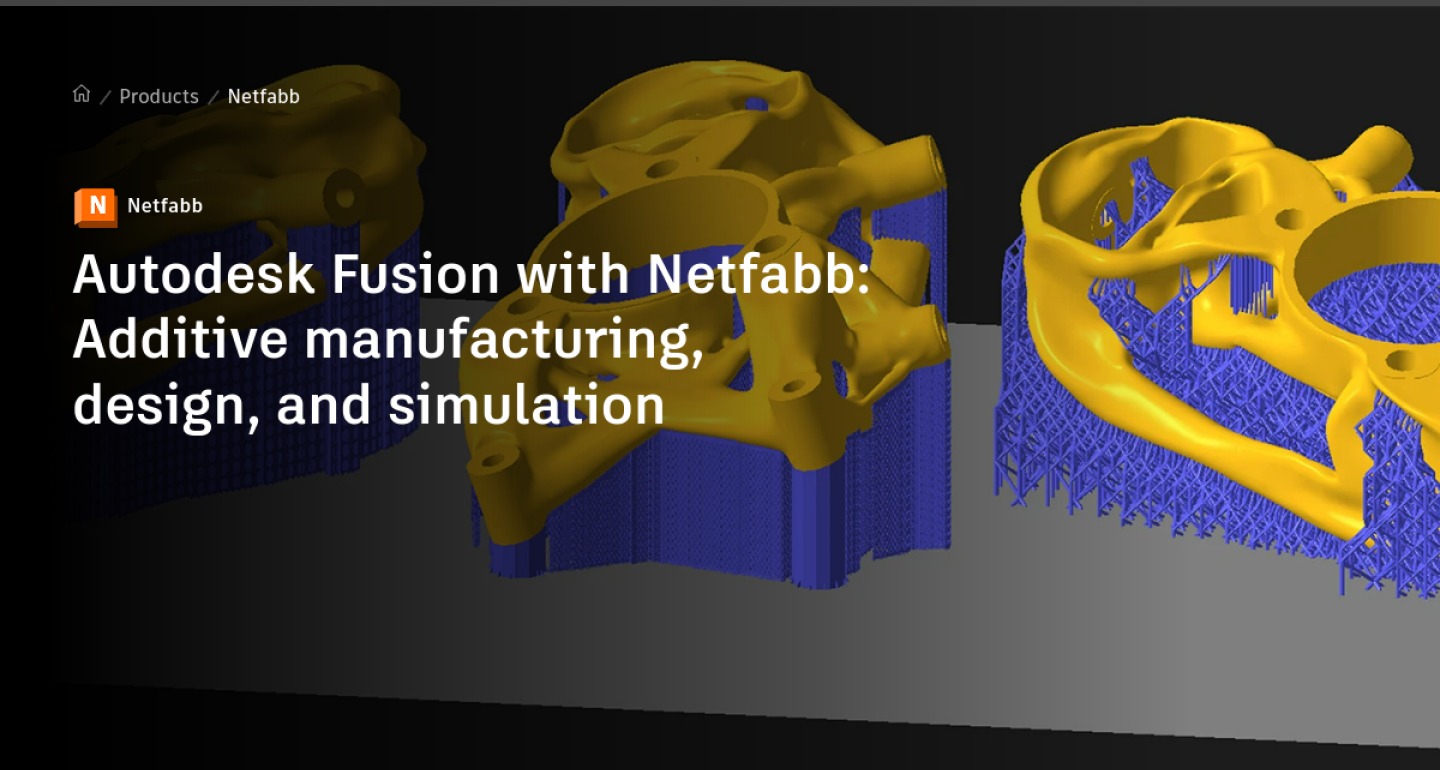
Autodesk Netfabb is Autodesk's additive manufacturing software for repairing, orienting, packing and slicing 3D print files. It is now sold as Fusion with Netfabb, which bundles Netfabb Premium with select top-tier features alongside Fusion, the Manufacturing Extension and Fusion Team, with more than 200 printer profiles.
The trade off is price clarity. Autodesk publishes no standalone Netfabb price, and the old top edition is out of sale, so buyers must talk to Autodesk for a quote. It suits engineering teams already working in Fusion or Inventor.
What we like
More than 200 pre-loaded printer profiles
Metal process simulation as a separate add-on
Packs, slices and toolpaths in one workflow
Free basic version when run without a licence
Watch out for
No published price; sold only as a bundle
Top edition is out of sale
Windows only, with a steep learning curve
Fusion with Netfabb adds Premium tools to a Fusion licenceVisit autodesk.com
03
Autodesk Fusion
4.5/5on G2 (519 reviews, checked Nov 2026)
Paid from$680/yr
Best CAD-to-print tool for small teams
Free planYes, personal use
CAD and CAMYes, in one app
Additive toolsBasic setup included
Paid planFusion, $680/yr
autodesk.com
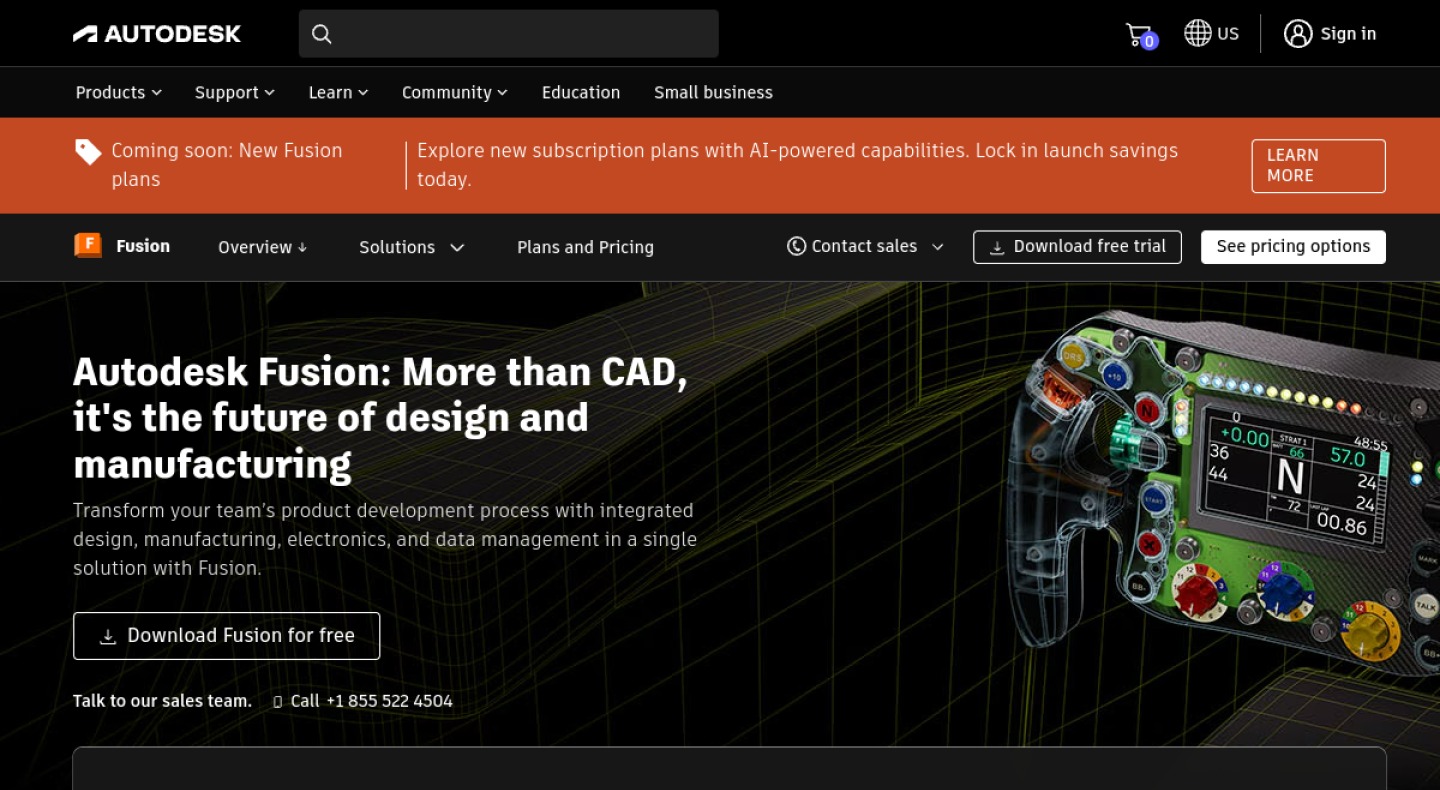
Autodesk Fusion homepage, captured Nov 2026.
Autodesk Fusion is a cloud-based CAD, CAM and simulation app that takes a part from sketch to printed object. A subscription costs $680 a year per seat, or $85 a month, and a free personal-use plan covers non-commercial projects under $1,000 a year in revenue, with a limit of 10 editable documents.
The trade off is that advanced manufacturing costs extra. The Manufacturing Extension, which adds advanced additive and machining workflows, costs $1,465 a year, and the Fusion for Manufacturing bundle is $2,040 a year. It suits small product teams that design and print in-house.
What we like
One app for design, CAM and basic additive work
Free personal-use plan for hobbyists
Rated 4.5 out of 5 on G2 from 519 reviews
Cloud collaboration and version history included
Watch out for
Paid plan is priced per seat, per year
Advanced additive features need a paid extension
Cloud features need an internet connection
Fusion for Manufacturing at $2,040/yr adds the full extension setVisit autodesk.com
04
nTop
4.8/5on G2 (11 reviews, checked Nov 2026)
PricingCustom/yr
Best for lattices and generative design
Free planNo, free for education
Design methodImplicit modelling
ExportsSTEP, STL, 3MF
Paid planQuote only
ntop.com
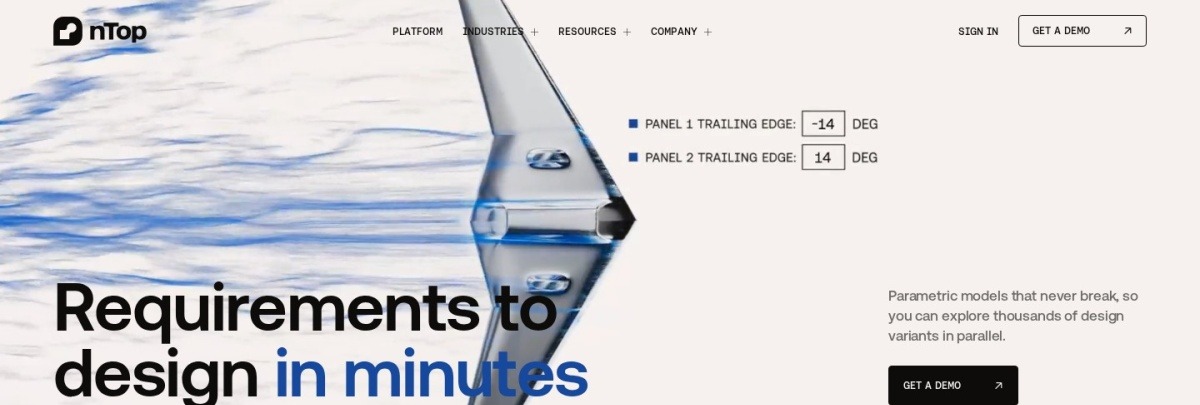
nTop homepage, captured Nov 2026.
nTop is computational design software for additive manufacturing, built on implicit modelling instead of fixed mesh or solid geometry. Engineers build reusable workflows for lattices, topology optimisation and field-driven design, then export to STEP, Parasolid, STL and 3MF for printing or further CAD work.
The trade off is access. Commercial licences are quote-only with no published price, and the workflow-based approach needs training before it pays off. It suits aerospace, automotive and medical teams designing lightweight, complex parts.
What we like
Implicit geometry that stays valid as parameters change
Strongest lattice and lightweighting tools here
Reusable workflows speed up repeat designs
Free access for students, educators and researchers
Watch out for
Quote-only pricing with no published figures
Learning curve for workflow-based design
Complex models need serious computing power
Paid licences are quoted; education access is freeVisit ntop.com
05
UltiMaker Cura
4.7/5on G2 (52 reviews, checked Nov 2026)
PriceFree
Best free slicer for most printers
Free planYes, open source
Printer profilesHundreds
Print settings400+
Paid planNone, fully free
ultimaker.com
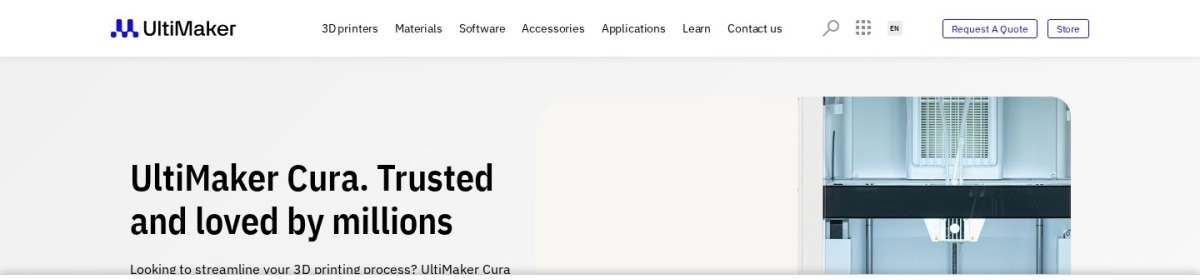
UltiMaker Cura homepage, captured Nov 2026.
UltiMaker Cura is a free, open-source slicer with profiles for hundreds of printers beyond UltiMaker's own machines. It offers more than 400 print settings, a plugin marketplace and regular updates, and it is rated 4.7 out of 5 on G2 from 52 reviews.
The trade off is support. There is no paid support line, and reviewers note the app can be slow and resource-heavy on large models. It suits anyone with an FDM printer who wants the most widely used free slicer.
4.8/5on HealthITCost (35 reviews, checked Nov 2026)
PriceFree
Best free slicer for print quality
Free planYes, open source
Latest version2.9.7, Nov 2026
SupportsOrganic and paint-on
Paid planNone, fully free
prusa3d.com
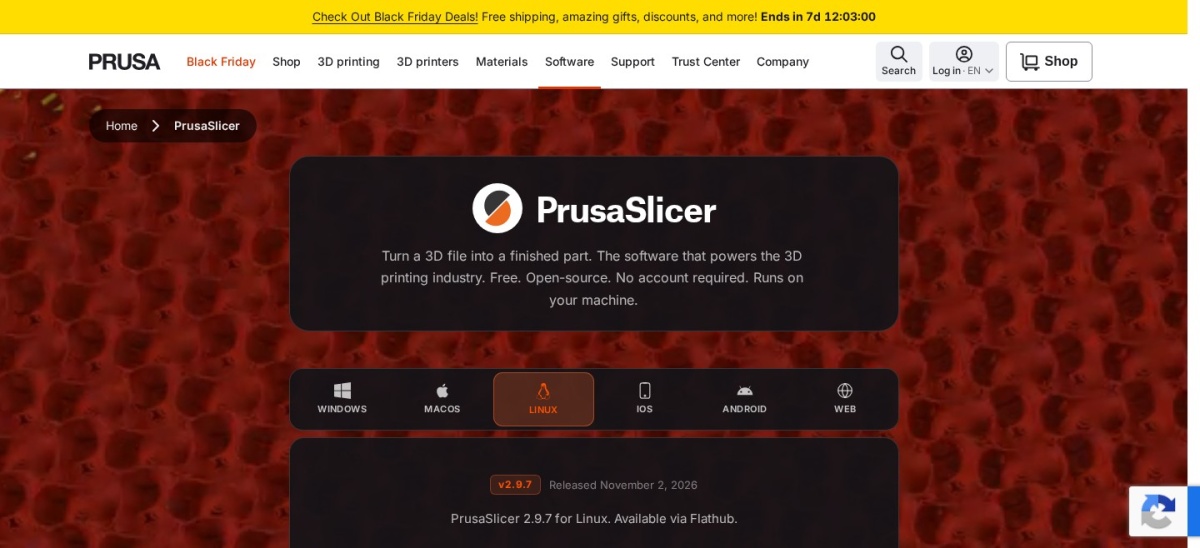
PrusaSlicer homepage, captured Nov 2026.
PrusaSlicer is a free, open-source slicer from Prusa Research for FDM and resin printers. It includes organic supports, paint-on supports and seams, variable layer height, multi-material support and native STEP import, and the current release is 2.9.7 from November 2026.
The trade off is polish. The interface looks dated next to newer slicers, and profiles for non-Prusa printers are community-maintained and vary in quality. It suits Prusa owners and anyone who wants a reliable free slicer.
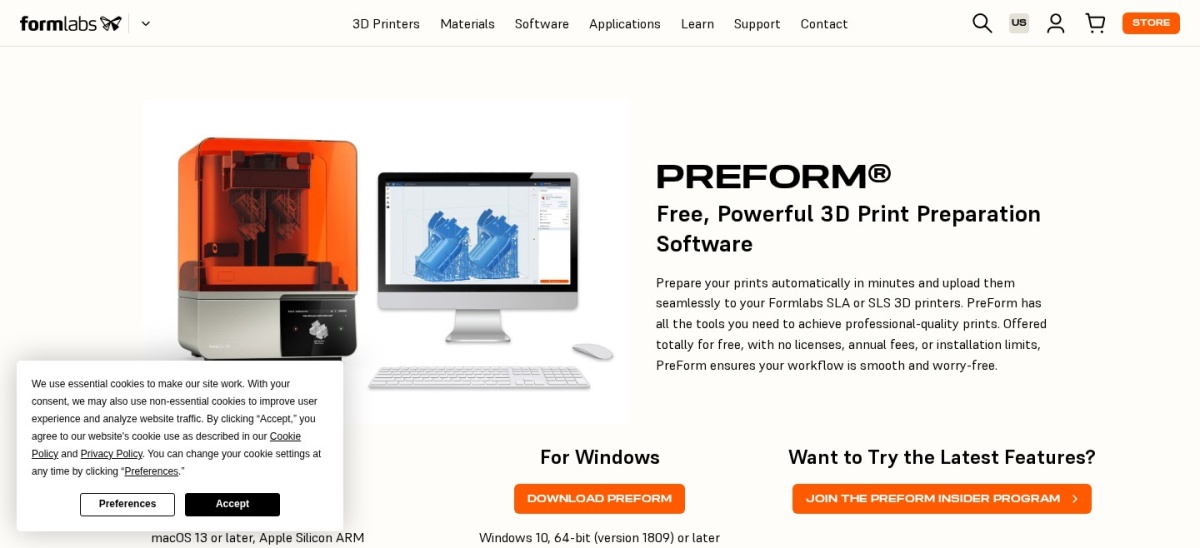
Formlabs PreForm is free print preparation software for Formlabs SLA and SLS printers. It arranges layouts, sets orientation, generates supports and uploads prints automatically, with no licences, annual fees or installation limits.
The trade off is lock-in. PreForm works only with Formlabs printers, so it is useless for FDM machines or other resin brands. It suits teams that already print on Formlabs hardware.
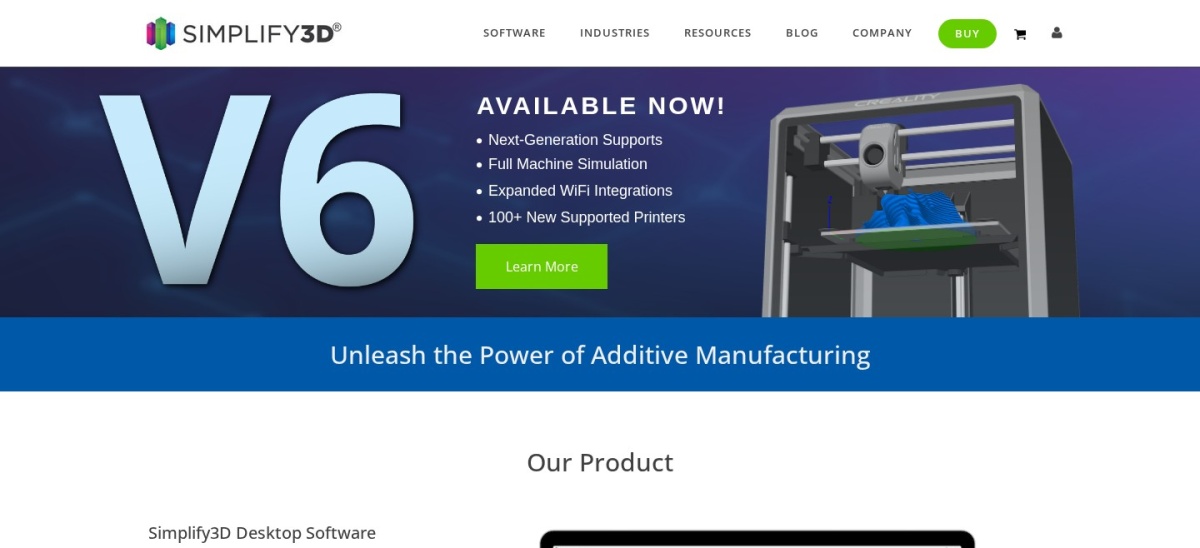
Simplify3D is the paid slicer in this list. Version 6.0 launched on 17 November 2026 with rebuilt support structures, full 3D machine simulation and more than 100 new printer profiles, priced at $12.99 a month or $129 a year.
The trade off is the new subscription. Version 6 replaces the old $199 one-time licence, and existing V5 owners pay the full subscription price to upgrade. It suits print shops that want precise manual support control and paid support.
ChiTuBox is the default resin slicer for most MSLA printers, since Chitu mainboards power a large share of them. The free Basic tier covers orientation, auto and manual supports, hollowing, drain holes and island detection, with no ads on export.
The trade off is the paid tiers. Advanced costs $79 in the first year and $99 a year after, while Pro is $139 first year and $169 after, and free auto-supports are conservative and often need hand edits. It suits resin printer owners who want the widest printer support.
Free tools cover slicing well. Cura, PrusaSlicer, PreForm and ChiTuBox Basic handle supports, orientation and slicing at no cost.
Paid tools add preparation and simulation. Magics, Netfabb and nTop fix meshes, pack builds and simulate metal prints before you commit material.
Simplify3D sits in the middle at $129 a year. It adds fine support control and machine simulation to a slicer, but free slicers cover most hobby and small-shop work.
For a production run, the software cost is small beside failed prints and wasted material. A quote-only tool can still be the cheaper choice if it stops one bad metal build.
How we chose
We started from the tools named most often in additive manufacturing round-ups and vendor documentation, then kept nine that cover design, build preparation, simulation and slicing.
Prices come from each vendor's pricing page, checked on 24 November 2026. Ratings come from G2, Capterra, SaaSworthy and HealthITCost on the same day. Where a vendor shows a sale, the list shows the regular price.
We left out tools with no public rating we could verify, such as Bambu Studio and GrabCAD Print. No vendor paid for a place, and we do not claim to have used these tools ourselves.
How to choose additive manufacturing software
Start with your printer and your stage, then match the tool to the job.
Match the tool to your printer. PreForm only runs Formlabs printers, and Cura profiles cover hundreds of FDM machines. Check the supported printer list before anything else.
Pick your stage first. Designing lattices points to nTop, preparing production builds points to Magics or Netfabb, and slicing points to Cura, PrusaSlicer or ChiTuBox.
Count the real yearly cost. Free slicers cost nothing, Fusion is $680 a seat a year, and quote-only tools need a sales call before you can budget them.
Try the free option before paying. Most FDM and resin work runs well on free slicers. Pay only when you need industrial prep, simulation or paid support.
FAQ
What is the best additive manufacturing software?
Materialise Magics is the best pick for industrial teams. It covers mesh repair, supports, nesting and build preparation in one app, and it is the standard tool at service bureaus, though pricing is quote-only.
Is there free additive manufacturing software?
Yes. UltiMaker Cura, PrusaSlicer, Formlabs PreForm and ChiTuBox Basic are all free, and Autodesk Fusion has a free personal-use plan for non-commercial projects. Most home printing needs no paid software at all.
How much does additive manufacturing software cost?
It ranges from free to quote-only. Fusion costs $680 a year per seat, Simplify3D is $129 a year, and ChiTuBox Advanced is $79 in the first year. Magics, Netfabb and nTop publish no prices.
What is the difference between Magics and Netfabb?
Magics is the deeper build preparation tool and the standard at service bureaus, with mesh repair, nesting and supports. Netfabb fits teams already in the Autodesk ecosystem and adds metal process simulation.
Which slicer should I use for resin printing?
ChiTuBox Basic is the best free starting point for most resin printers, with auto-supports, hollowing and island detection. Formlabs owners should use PreForm instead, since it is tuned to Formlabs printers.
Do I need paid software to 3D print at home?
No. Free slicers such as Cura and PrusaSlicer handle supports, orientation and slicing for home FDM printing, and ChiTuBox Basic does the same for resin. Pay only for industrial preparation or simulation.