Best Absence Management Software in 2026: 7 Tools Compared
WLWPLegible EditorsLast verified 22 Nov 2026How we rank12 min read
★ Short answer
Timetastic is the best absence management software for most small and growing teams, with leave tracking starting at $1.50 per user monthly and a 4.6/5 G2 rating from 34 reviews. Calamari offers more configurable absence policies, while Vacation Tracker suits teams managing time off through their existing collaboration tools.
How we make this list: we compare pricing pages, product documentation and public user reviews, then re-check every price before each update. No product paid for a place. Disclosure.
Timetastic starts at $1.50 per user monthly, offers a 30-day trial, and earns 4.6/5 from 34 G2 reviews.
Calamari Time Off starts at $2 per user monthly with annual billing and holds a 4.6/5 rating from 27 G2 reviews.
Vacation Tracker Core has a $550 annual minimum covering up to 25 users and earns 4.5/5 from 50 G2 reviews.
LeaveBoard is free for up to 9 employees, with Pro starting at $1.35 per employee monthly and a 4.4/5 G2 rating.
Connecteam HR & Skills Basic costs $29 monthly with annual billing for the first 30 users and earns 4.6/5 from 3,506 reviews.
Deputy Lite starts at $5 per user monthly, while Sling offers free time-off requests for teams of up to 30 users.
What to look for in absence management software
Absence management software helps employers track vacation, sick leave, personal days, and other employee absences without relying on spreadsheets or email chains. Employees submit requests, managers approve them, and HR teams maintain accurate leave balances.
Prioritize automated leave calculations, approval workflows, shared calendars, and configurable leave policies. These features reduce administrative work while helping managers identify overlapping absences before approving additional time off.
Consider how employees work. Office teams may prefer integrations with communication and calendar applications, while shift-based businesses need visibility into staffing coverage, employee availability, and last-minute schedule changes.
Look closely at reporting capabilities. Basic leave trackers display balances and upcoming absences, while advanced systems analyze absence patterns, carryover, accruals, and policy exceptions.
Compare pricing using your actual employee count. Some applications charge per user, while others apply monthly minimums or bundle employees into fixed-price subscriptions. A low advertised per-user rate does not always represent the smallest possible invoice.
Best overall for straightforward absence management
Business plan$1.50/user/month
Pro plan$2.50/user/month
Free trial30 days
G2 rating4.6/5 from 34 reviews
timetastic.co.uk
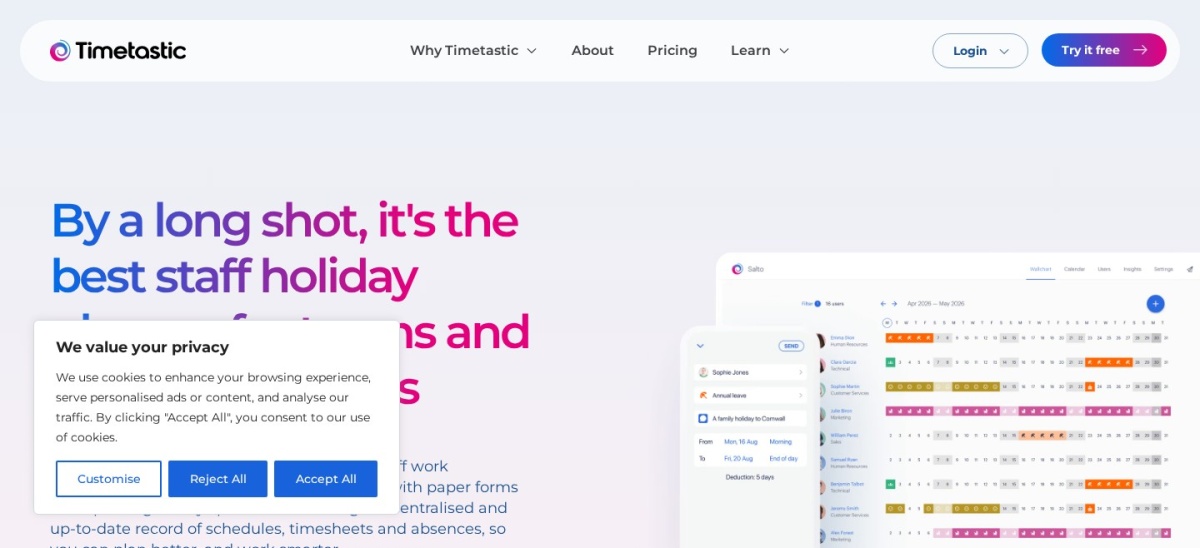
Timetastic homepage, captured Nov 2026.
Timetastic is an employee leave planner that centralizes vacation requests, sick leave records, holiday allowances, and team availability. Its $1.50-per-user monthly Business plan includes shared absence calendars, approval workflows, unlimited users and departments, and mobile access, with a 30-day free trial.
The trade off is that deeper absence insights, company-wide reporting, and booking restrictions require Pro at $2.50 per user monthly. It also lacks the broader payroll and employee management features of complete HR platforms. It suits small and growing teams replacing spreadsheets with a dedicated leave tracker.
What we like
Simple employee leave request and approval process
Affordable per-user pricing
Shared calendar shows upcoming absences
Mobile and desktop access
30-day free trial without a credit card
Watch out for
Advanced absence analytics require Pro
No permanent free plan
Not designed as a complete payroll or HR system
Pro adds absence trends, company-wide reports, booking limits, and enhanced employee profiles.Visit timetastic.co.uk
02
Calamari
4.6/5on G2 (27 reviews, checked Nov 2026)
Starts at$2/mo
Best for configurable leave policies and approvals
Time Off module$2/user/month, annual billing
Monthly billing$2.50/user/month
Free trial14 days
G2 rating4.6/5 from 27 reviews
calamari.io
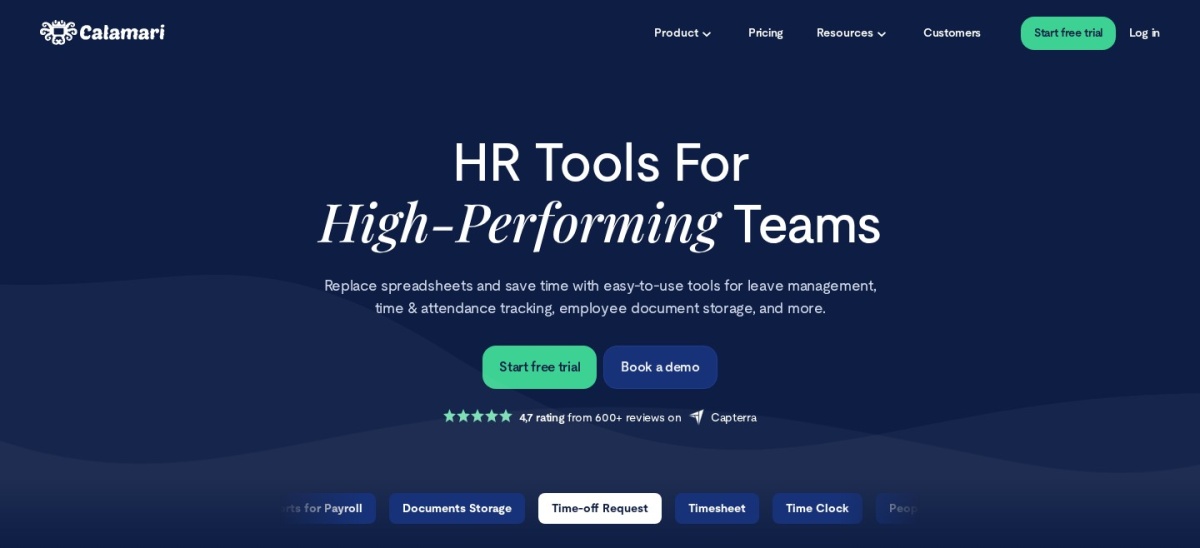
Calamari homepage, captured Nov 2026.
Calamari is modular HR software with a dedicated Time Off application for tracking absences, calculating allowances, and approving employee leave. Its Time Off module starts at $2 per user monthly with annual billing and includes unlimited absence types, automatic carryover, configurable policies, and shared absence calendars.
The trade off is that attendance tracking, scheduling, and core HR records are separate modules that increase total subscription costs. Monthly billing for Time Off costs $2.50 per user, and organizations must configure their leave policies carefully. It suits HR teams managing different employee contracts, accrual rules, and approval requirements.
What we like
Unlimited absence categories
Automatic balance and carryover calculations
Configurable approval flows
Integrations with collaboration tools
Separate modules for additional HR functions
Watch out for
Additional HR modules increase costs
Policy configuration takes preparation
No permanent free plan for the full Time Off module
Additional paid modules provide attendance tracking, scheduling, employee records, and performance management.Visit calamari.io
03
Vacation Tracker
4.5/5on G2 (50 reviews, checked Nov 2026)
Starts at$550/yr
Best for integrated leave requests and team workflows
Core annual minimum$550/year
Included usersUp to 25
Complete annual minimum$1,100/year
G2 rating4.5/5 from 50 reviews
vacationtracker.io
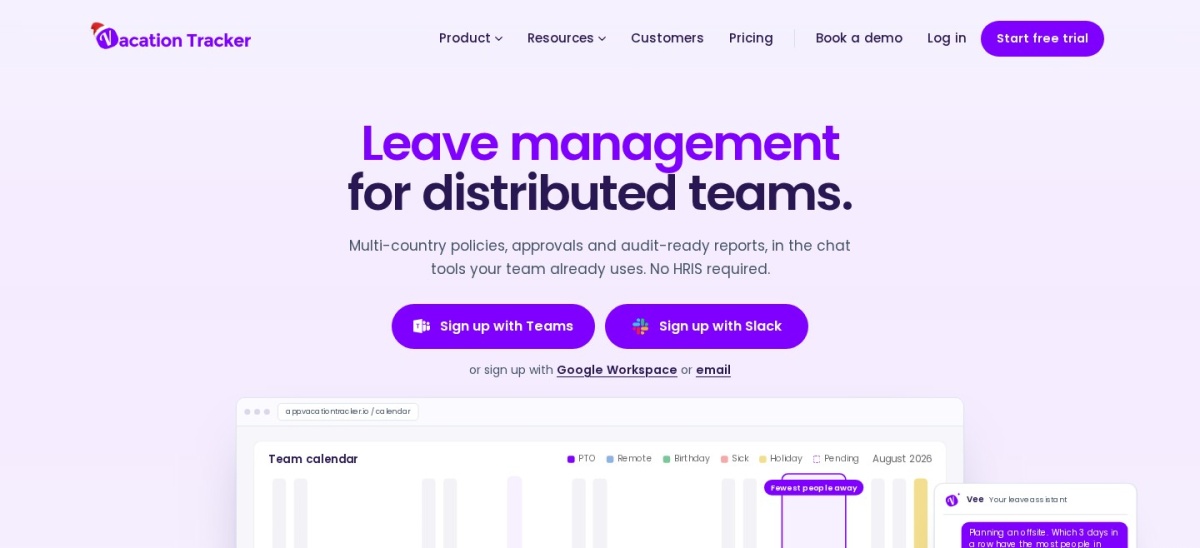
Vacation Tracker homepage, captured Nov 2026.
Vacation Tracker is a leave management platform that connects employee requests, approvals, holiday allowances, and team calendars. Its Core plan has a $550 annual minimum covering up to 25 users and includes custom leave types, automated approvals, reminders, reporting, integrations, and an AI assistant.
The trade off is its minimum annual commitment, which can make small teams pay more than they would with simpler per-user software. Advanced accruals, blackout periods, hourly leave, and multi-level approvals require Complete, starting at $1,100 annually. It suits growing teams that want structured leave management connected to everyday collaboration tools.
What we like
Automated leave requests and approvals
Calendar and communication integrations
Custom leave allowances and policies
Built-in reports and absence visibility
Advanced policies available on Complete
Watch out for
Core has a substantial annual minimum
Advanced accruals require Complete
May cost more than basic leave trackers for small teams
Complete adds advanced accruals, blackout periods, hourly leave, substitute approvers, and more policy controls.Visit vacationtracker.io
04
LeaveBoard
4.4/5on G2 (17 reviews, checked Nov 2026)
Paid from$1.35/mo
Best free absence management for small teams
Free planUp to 9 employees
Pro plan$1.35/employee/month
Free trial14 days
G2 rating4.4/5 from 17 reviews
leaveboard.com
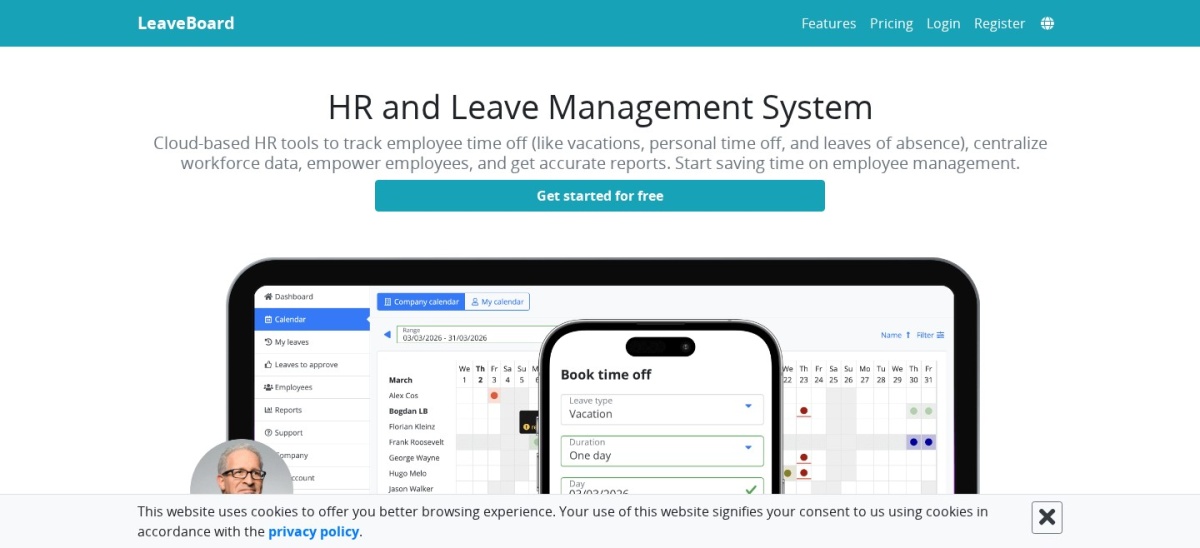
LeaveBoard homepage, captured Nov 2026.
LeaveBoard is a cloud HR and absence management application for recording time off, managing leave policies, and organizing employee information. Its free plan supports up to 9 employees and includes an absence calendar, employee directory, HR dashboard, reports, leave tracking, and employee self-service.
The trade off is that growing teams need Pro at $1.35 per employee monthly, while organizations with more complex requirements may need Enterprise. Some reviewers also identify interface and integration limitations. It suits small businesses wanting free leave tracking with an affordable path to additional employees and policy controls.
What we like
Free plan supports up to 9 employees
Affordable Pro subscription
Employee self-service leave requests
Shared absence calendar and reports
Includes basic employee directory features
Watch out for
Free plan has an employee limit
Some users report interface limitations
Only 17 public G2 reviews
Pro adds unlimited users, advanced leave policies, and priority support.Visit leaveboard.com
05
Connecteam
4.6/5on G2 (3,506 reviews, checked Nov 2026)
Paid from$29/mo
Best for mobile workforce leave management
Small Business planFree for up to 10 users
HR & Skills Basic$29/month, billed annually
Included paid usersFirst 30
G2 rating4.6/5 from 3,506 reviews
connecteam.com
Connecteam homepage, captured Nov 2026.
Connecteam is a mobile-first employee management platform with time-off requests, approvals, documents, onboarding, and workforce communication. Its Small Business plan is free for up to 10 users, while HR & Skills Basic starts at $29 monthly with annual billing for the first 30 users.
The trade off is that Connecteam divides workforce features across separate hubs, so scheduling and attendance requirements may increase total costs. Advanced leave policies and carryover controls require higher HR & Skills tiers. It suits businesses managing employees who work across different locations and rely on mobile access.
What we like
Free Small Business plan
Mobile-first employee experience
Time-off approval functionality
Employee documents and onboarding tools
Large public review sample
Watch out for
Scheduling and HR features may require separate hubs
Advanced policy controls require upgrades
More features than teams needing only leave tracking may require
HR & Skills Advanced adds more time-off policies and carryover controls; Expert adds deeper permissions.Visit connecteam.com
06
Deputy
4.6/5on G2 (666 reviews, checked Nov 2026)
Starts at$5/mo
Best for absence management alongside shift scheduling
Lite plan$5/user/month
Core plan$6.50/user/month
Pro plan$9/user/month
G2 rating4.6/5 from 666 reviews
deputy.com
Deputy homepage, captured Nov 2026.
Deputy is workforce management software combining employee scheduling, time tracking, availability, and leave administration. Its $5-per-user monthly Lite plan includes Leave & Availability Management, basic scheduling, timesheets, shift swapping, reporting, and payroll integrations.
The trade off is that Deputy emphasizes shift-based workforce operations rather than functioning solely as a vacation tracker. Core costs $6.50 per user monthly and adds advanced scheduling, forecasting, and labor management features. It suits businesses where employee absences directly affect shifts and staffing coverage.
What we like
Leave management linked to employee schedules
Availability and shift replacement tools
Time tracking and payroll integrations
Mobile employee access
Advanced labor planning on higher tiers
Watch out for
More expensive than dedicated leave trackers
Scheduling features may be unnecessary for office teams
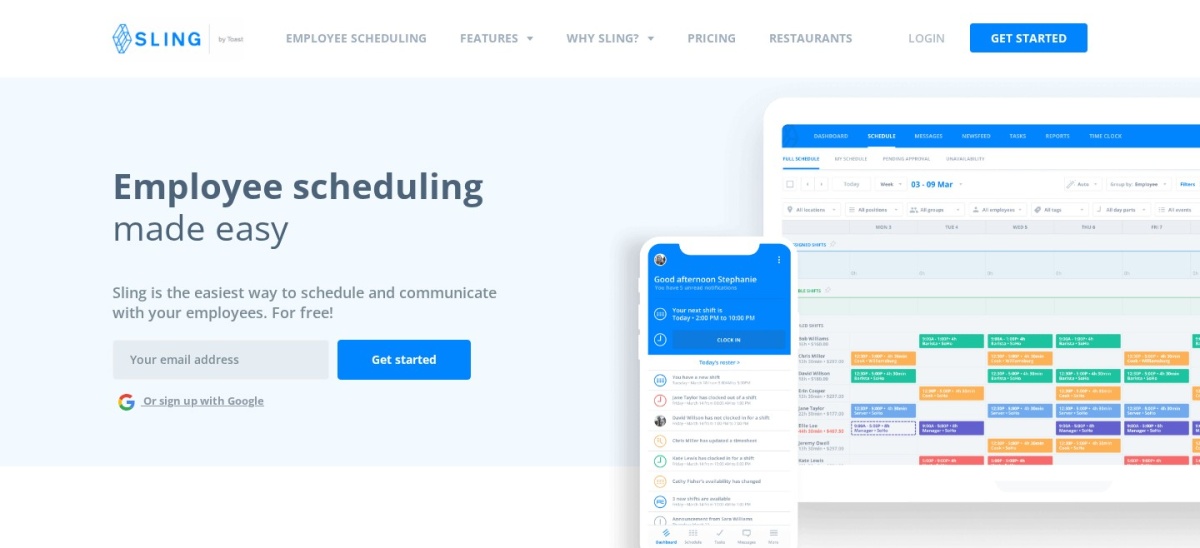
Sling is employee scheduling software with time-off requests, availability management, shift swaps, and team communication. Its free plan supports scheduling for up to 30 users and includes basic time-off approvals, shift templates, announcements, and employee messaging.
The trade off is that detailed PTO management, time tracking, and labor reporting are associated with higher subscription tiers. Premium costs $2 per user monthly at its regular monthly rate, with annual billing reducing the effective rate. It suits shift-based businesses that need basic absence visibility alongside employee scheduling.
What we like
Free scheduling for up to 30 users
Basic time-off approvals included
Employee availability and shift swaps
Mobile scheduling and messaging
Affordable Premium subscription
Watch out for
Advanced PTO tracking requires higher tiers
Not designed as a dedicated HR absence platform
Detailed accrual and policy management is limited
Premium adds time tracking and labor controls; Business adds more advanced PTO and workforce reporting.Visit getsling.com
Absence management vs. attendance management
Absence management focuses on when employees are unavailable for work. It covers vacation, sick leave, personal days, unpaid leave, balances, approval workflows, and scheduling conflicts.
Attendance management tracks when employees actually work. It may include clock-ins, clock-outs, late arrivals, timesheets, shift records, and overtime calculations.
Some businesses need both. Calamari offers separate Time Off and Time & Attendance modules, while Deputy combines leave availability with workforce scheduling and timesheets.
Choose a dedicated absence tracker when leave administration is the main problem. Consider a broader workforce management platform when absences affect staffing schedules, recorded work hours, and payroll preparation.
How to compare absence management software pricing
Per-user subscriptions are straightforward to compare, but annual minimums and bundled employee allowances can change the effective price considerably. Check whether the vendor charges for all employees or only active users.
Timetastic, Calamari, and LeaveBoard publish per-user pricing. Vacation Tracker applies an annual minimum, while Connecteam bundles an initial group of employees into its paid subscription.
Review which features appear in the entry tier. Automatic accruals, advanced approval rules, leave carryover, absence reports, and multiple leave policies may require a more expensive plan.
Budget for setup, employee imports, integrations, and the administrative effort needed to configure leave policies. The cheapest subscription is not necessarily the least expensive option to operate.
How we chose
We reviewed established absence management and workforce scheduling platforms using official vendor documentation, publicly available pricing pages, and G2 product reviews. We prioritized employee leave requests, balance calculations, manager approvals, team availability, and practical reporting features.
Prices and ratings were checked using sources opened on 24 Nov 2026 for the 22 Nov 2026 editorial reference date. Published vendor rates were converted into annual USD values without including taxes, and G2 supplied numeric ratings and review counts. Per-user figures and fixed annual minimums are distinguished in individual product descriptions.
We excluded products without accessible regular pricing or verifiable public ratings. Dedicated leave tracking tools were ranked ahead of broader scheduling platforms where absence management is a secondary capability. No vendor paid for a place, and we do not claim testing for this list.
How to choose the best absence management software
Identify your absence tracking requirements, then compare policy automation, employee access, reporting, and total subscription costs.
Define the leave types and policies you manage. List the absence categories your business uses, including vacation, sick leave, personal days, and unpaid time off. Check whether the software supports your approval rules, accrual calculations, and carryover requirements.
Match the software to employee workflows. Choose a simple calendar-based application for straightforward leave requests. If employees work rotating shifts or multiple locations, prioritize availability tracking, scheduling connections, and mobile access.
Check reporting and integration capabilities. Verify whether managers can review absences, identify overlapping requests, and export leave records. Consider connections with calendars, communication platforms, payroll tools, and existing HR systems.
Calculate costs using your real team size. Compare per-user rates, annual minimums, included employee allowances, and advanced feature restrictions. Use any available trial to confirm that administrators and employees can follow the required workflows.
FAQ
What is the best absence management software in 2026?
Timetastic is a strong overall choice for small and growing teams because it provides leave requests, approvals, allowance tracking, and shared calendars starting at $1.50 per user monthly. Calamari is better for configurable leave rules, while Vacation Tracker suits organizations wanting integrated approval and reporting workflows.
What is the best free absence management software?
LeaveBoard provides free leave management for up to 9 employees, including an absence calendar, reports, and employee self-service. Connecteam also offers a free Small Business plan for up to 10 users. Sling includes basic time-off requests and scheduling for up to 30 users.
How much does absence management software cost?
Dedicated leave trackers can start at $1.35 per employee monthly with LeaveBoard Pro or $1.50 with Timetastic Business. Broader workforce platforms may have higher prices or fixed subscriptions. Vacation Tracker Core requires a $550 annual minimum, so compare costs using your actual employee count.
Can absence management software track sick leave?
Yes. Many absence management applications allow administrators to create sick leave categories alongside vacation, personal leave, and other absence types. They can record dates, balances, and approval history. Sensitive employee information should be accessible only to authorized personnel, with privacy settings reviewed before implementation.
Does absence management software calculate PTO automatically?
Many products calculate leave balances based on allowances, approved requests, and configured accrual rules. Calamari supports automatic entitlement calculations and carryover. More advanced accrual rules in Vacation Tracker require Complete. Always confirm the selected subscription supports the exact policy calculations your organization needs.
What is the difference between absence management and PTO tracking?
PTO tracking concentrates on paid leave allowances, requests, and balances. Absence management is broader and may include sick leave, unpaid absences, policy exceptions, attendance patterns, and staffing coverage. Some software handles both within the same system, while simpler tools focus mainly on vacation requests.
Can absence management software integrate with payroll?
Some platforms connect absence records to payroll or workforce management systems. Deputy provides payroll integrations, while Calamari offers attendance and HR modules alongside Time Off. Integration capabilities vary by subscription, so confirm which leave balances, absence categories, and hours can be transferred automatically.
Which absence management software works best for shift workers?
Deputy and Sling are particularly relevant for shift-based businesses because they combine employee availability with scheduling and shift changes. Connecteam offers additional mobile workforce management features. Dedicated leave trackers can still work, but businesses with rotating schedules may benefit from tools connecting absences directly to staffing plans.