Best 3D Scanning Software in 2026: 9 Tools Compared
WLWPLegible EditorsLast verified 24 Nov 2026How we rank8 min read
★ Short answer
Polycam is the best 3D scanning software for most people, with a free phone plan and Basic at $150 a year for full exports and unlimited captures. Pick RealityScan for free desktop photogrammetry, or Agisoft Metashape Standard at $179 once for a perpetual desktop licence.
How we make this list: we compare pricing pages, product documentation and public user reviews, then re-check every price before each update. No product paid for a place. Disclosure.
Polycam is the best all-round pick: free to try, with Basic at $150 a year for full exports and unlimited captures.
RealityScan is free with all features for anyone under $1 million in annual revenue, then $1,250 per seat per year.
Agisoft Metashape Standard costs $179 once, the cheapest serious desktop licence here that is not free.
KIRI Engine Pro at $79.99 a year is the cheapest paid phone plan, and its free plan has unlimited scans.
Seven of the 9 tools cost nothing to start, including Meshroom, which is free and open source.
Artec Studio Pro at $1,700 a year is the priciest pick, and it only makes sense with Artec hardware.
How 3D scanning software splits up
3D scanning software falls into two camps. Phone apps turn a smartphone into a scanner, while desktop tools rebuild models from photos or drive a dedicated scanner.
Phone capture is the fastest way to start. LiDAR on recent iPhones helps with rooms, while photogrammetry works on almost any phone with a decent camera.
Desktop photogrammetry gives more control over large photo sets and survey output, but it needs a capable computer and more time per model.
File formats decide where a model can go next. Our WebP vs AVIF guide covers image formats, and the same idea applies to 3D exports: GLTF and OBJ travel well, while a locked format does not.
List prices in each vendor's currency, checked Nov 2026
MeshroomFree
Revo ScanFree
KIRI EngineFREE$80
PolycamFREE$150
Metashape$179
3DF ZephyrFREE€199
ScaniverseFREE$200
Artec Studio$480
RealityScanFREE$1,250
The 9 best 3D scanning software tools
01
Polycam
4.6/5on Capterra (55 reviews, checked Nov 2026)
Paid from$150/yr
Best 3D scanning software overall
Free planYes, limited captures
Capture modesLiDAR, photo, room
Free exportGLTF only
Paid planBasic, $150/yr
poly.cam
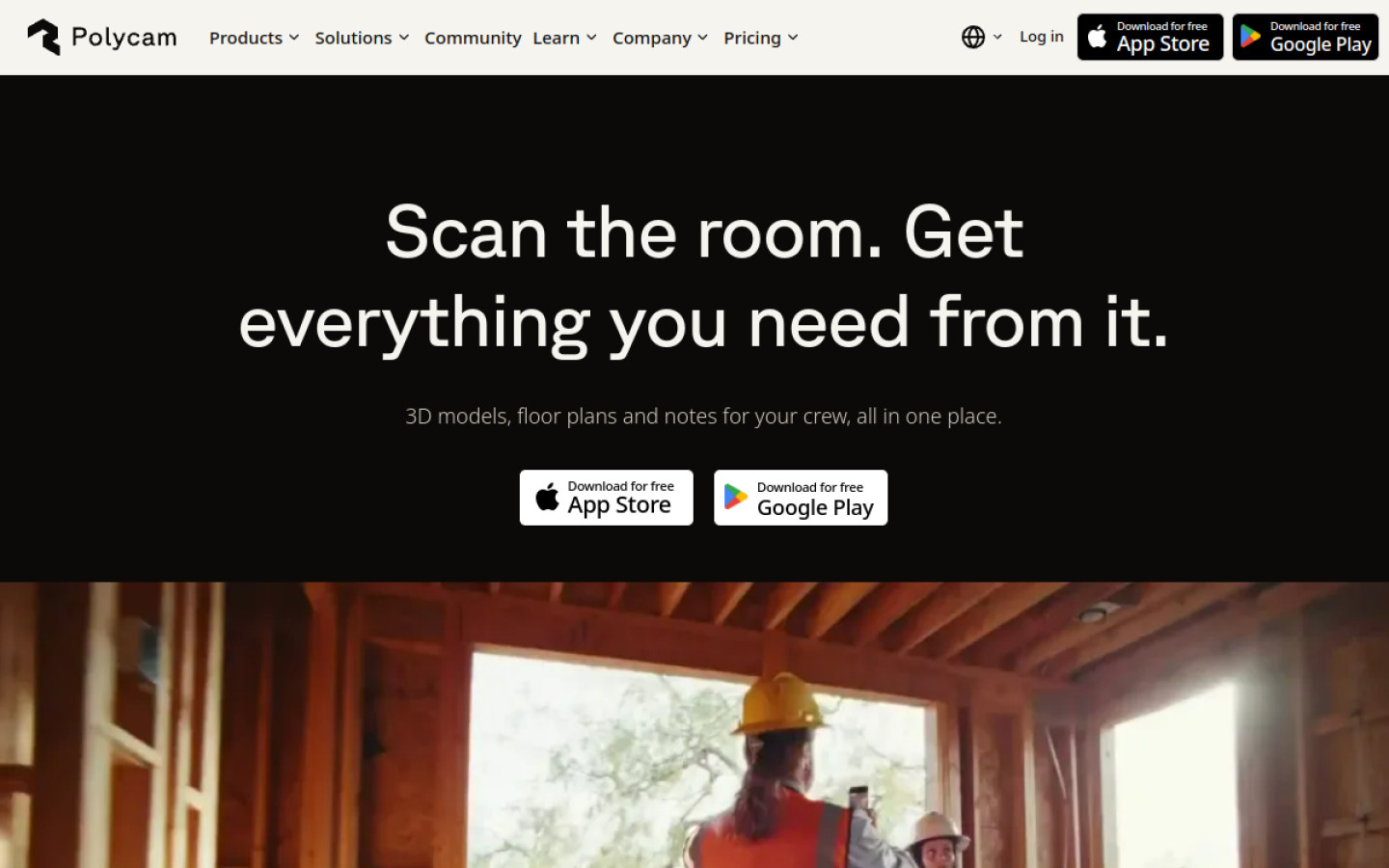
Polycam homepage, captured Nov 2026.
Polycam is a phone-first 3D scanning app for iPhone, iPad, Android and the web. It builds models from LiDAR, photos or room scans, and adds Gaussian splats, floor plans and 360 captures. The free plan covers limited captures with GLTF export only, and it is rated 4.6 out of 5 on Capterra from 55 reviews.
The trade off is that the free plan is only a trial in practice. Full exports in OBJ, FBX and STL, unlimited captures and private sharing need Basic at $150 a year, or $30 a month, while floor plans and measurements sit on Business at $400 a year per user. It suits creators, agents and small teams who want phone capture with files they can use elsewhere.
What we like
LiDAR, photo and room capture in one app
Unlimited captures on Basic
Exports to OBJ, FBX, STL and more
Floor plans and measurements on Business
Watch out for
Free plan exports GLTF only
Best LiDAR results need a Pro iPhone or iPad
Business features cost $400 a year per user
Basic adds full exports, unlimited captures and private sharingVisit poly.cam
02
RealityScan
4.5/5on G2 (5 reviews, checked Nov 2026)
Paid from$1,250/yr
Best free desktop photogrammetry
Free planYes, under $1M revenue
Paid plan$1,250/seat/yr
InputsPhotos and laser scans
PlatformsWindows, Linux, mobile
realityscan.com
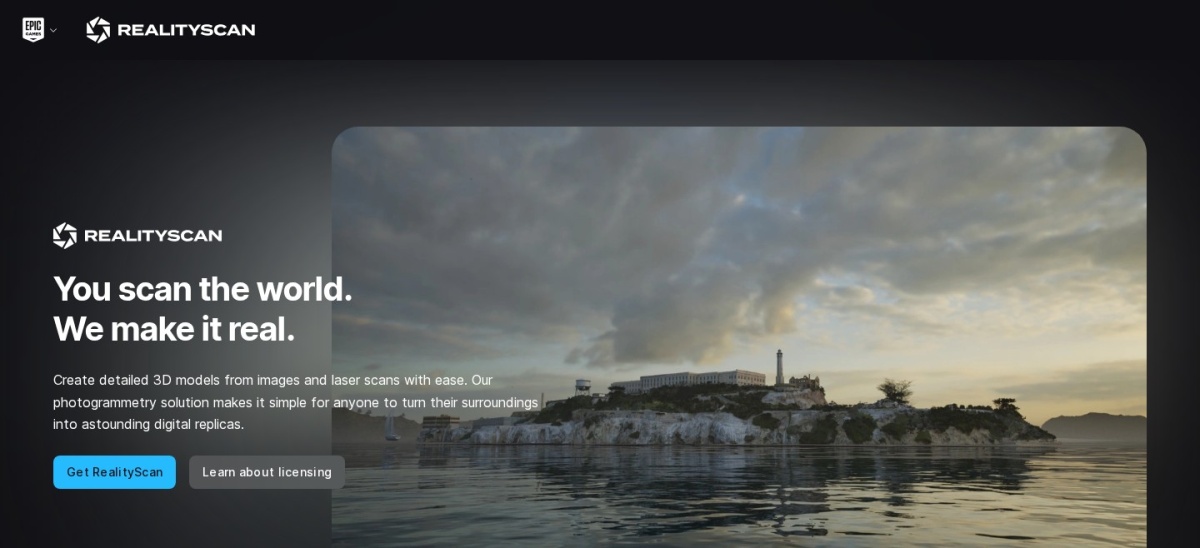
RealityScan homepage, captured Nov 2026.
RealityScan is Epic Games' desktop photogrammetry tool, formerly RealityCapture. It turns photos and laser scans into textured meshes, point clouds and orthophotos, and it is known for fast alignment of large photo sets. It is free, with all features, for individuals and companies under $1 million in annual revenue, and it is rated 4.5 out of 5 on G2 from 5 reviews.
The trade off is the revenue line. A company over $1 million in annual revenue pays $1,250 per seat per year, and the desktop app installs through the Epic Games Launcher with an Epic account. It suits small studios, game artists and heritage teams who want pro-grade reconstruction without a licence fee.
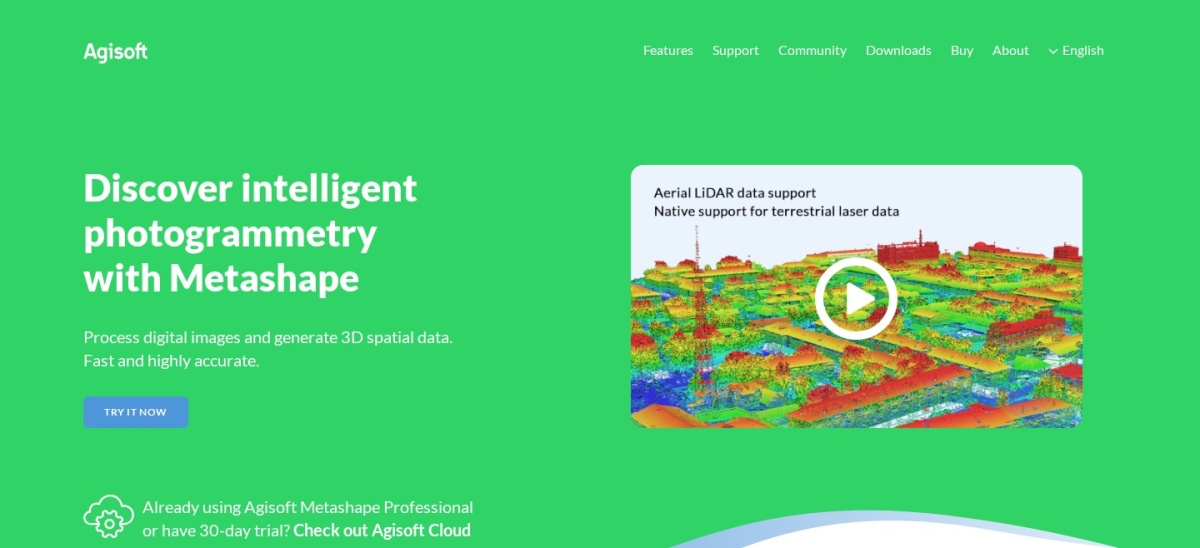
Agisoft Metashape is a desktop photogrammetry tool that turns overlapping photos into dense point clouds, textured meshes and 3D models. Standard costs $179 once as a node-locked licence, with no subscription, and it runs on Windows, macOS and Linux. It is rated 4.4 out of 5 on G2 from 14 reviews.
The trade off is what Standard leaves out. Georeferencing, ground control points, orthomosaics and LiDAR support need Professional at $3,499 once, and the online store takes wire, ACH and SEPA payments only. It suits artists, archaeologists and small firms who want a capable desktop engine for a single payment.
What we like
One-time licence with no subscription
Runs on Windows, macOS and Linux
Strong control over each processing step
30-day trial of the full Professional edition
Watch out for
No georeferencing in Standard
Professional costs $3,499 once
Online store takes no cards, only wire, ACH and SEPA
Professional adds georeferencing, orthomosaics and LiDAR at $3,499 onceVisit agisoft.com
04
Artec Studio
5/5on SourceForge (7 reviews, checked Nov 2026)
Starts at$480/yr
Best professional scan-to-CAD software
Cheapest planLite, $480/yr
Pro plan$1,700/yr
PlatformWindows only
Trial30 days
artec3d.com
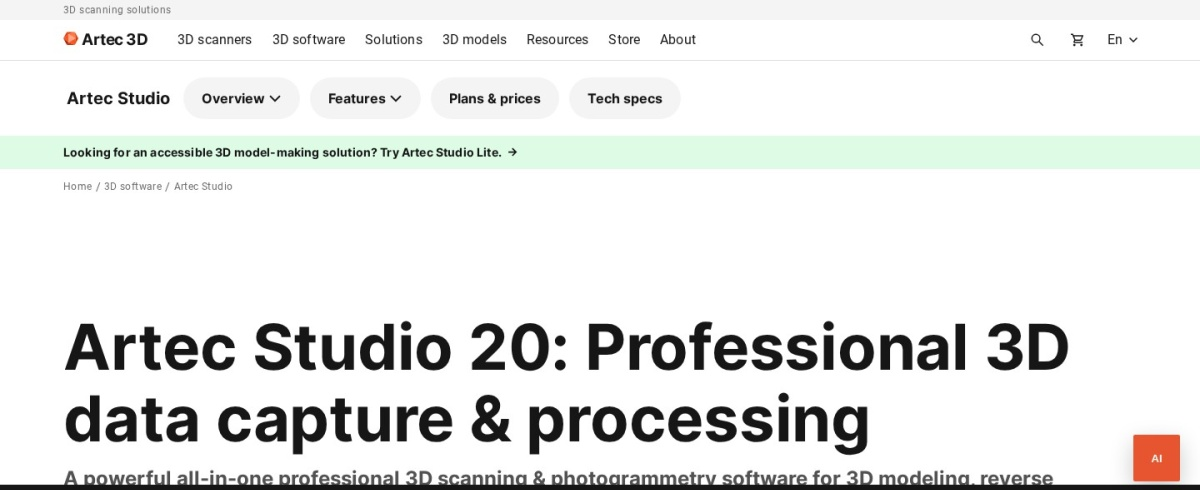
Artec Studio homepage, captured Nov 2026.
Artec Studio is the professional scanning software for Artec's handheld scanners, including Eva and Leo. It covers capture, alignment, meshing, texture mapping and deviation checks against CAD models, with export to STEP and IGES. It is rated 5.0 out of 5 on SourceForge from 7 ratings.
The trade off is cost and lock-in. The full Pro plan is $1,700 a year, or $4,300 for a lifetime licence, and the $480 Lite plan covers photogrammetry only, with no 3D scanning. It suits metrology and reverse-engineering shops that already run Artec scanners and need CAD-ready output.
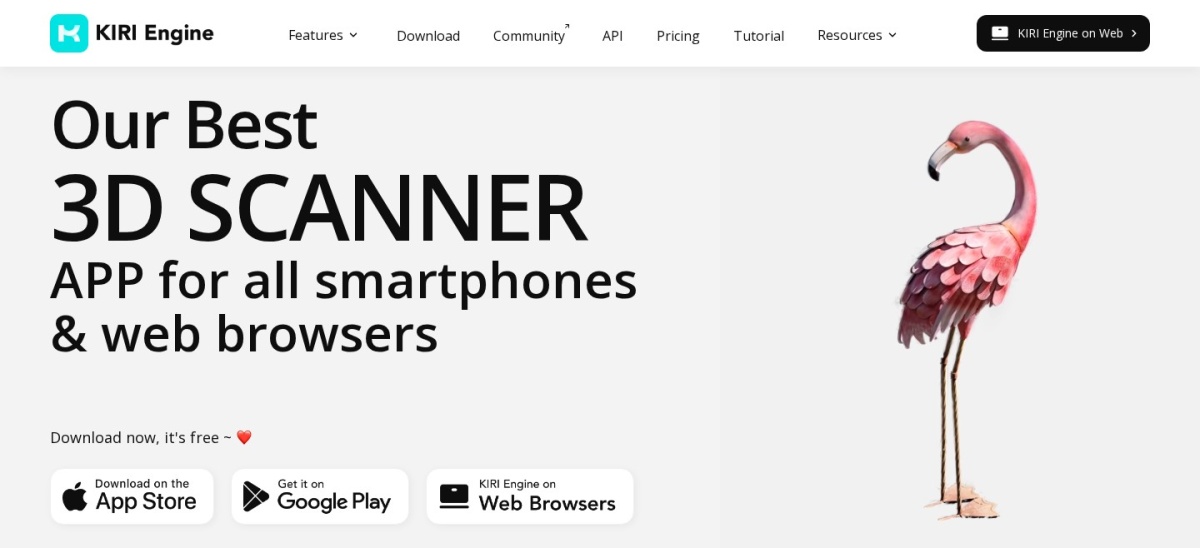
KIRI Engine is a phone and web scanning app that turns photos and LiDAR captures into textured 3D models. Its free Basic plan offers unlimited scans and unlimited exports, which is generous next to most phone scanners. It is rated 4.5 out of 5 on G2 from 2 reviews.
The trade off is the Pro paywall for the best output. Gaussian splatting with mesh, PBR materials, quad mesh and auto-rigging need Pro at $79.99 a year, and the App Store lists several renewal prices below that figure. It suits 3D printing fans, hobbyists and indie game makers who want cheap phone capture.
4.8/5on App Store (11,930 reviews, checked Nov 2026)
Paid from$200/yr
Best free phone scanning for splats
Free planYes, 20,000 credits/mo
Plus plan$200/yr
Pro plan$500/yr
ExportsFBX, SPZ, PLY
scaniverse.com
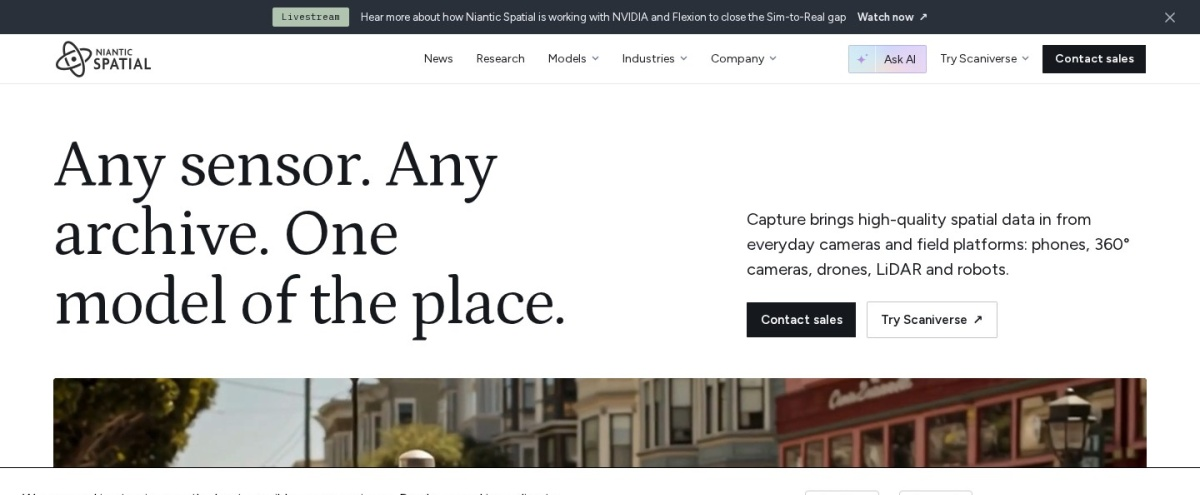
Scaniverse homepage, captured Nov 2026.
Scaniverse is Niantic Spatial's free phone scanning app for iOS and Android. Its Classic on-device mode builds meshes and Gaussian splats on the phone at no cost, with exports in FBX, SPZ and PLY. It is rated 4.8 out of 5 on the App Store from 11,930 ratings.
The trade off is the new credit system. Cloud processing runs on monthly credits, with 20,000 on the free plan, and USDZ export needs Plus at $200 a year while commercial use needs Pro at $500 a year. It suits beginners and hobbyists who want free on-device scanning with modern splat output.
What we like
On-device scanning and splats are free
Exports FBX, SPZ and PLY without paying
Works on iOS and Android
Cloud processing for 360 cameras on paid plans
Watch out for
Google Play rating is only 2.5 from about 500 ratings
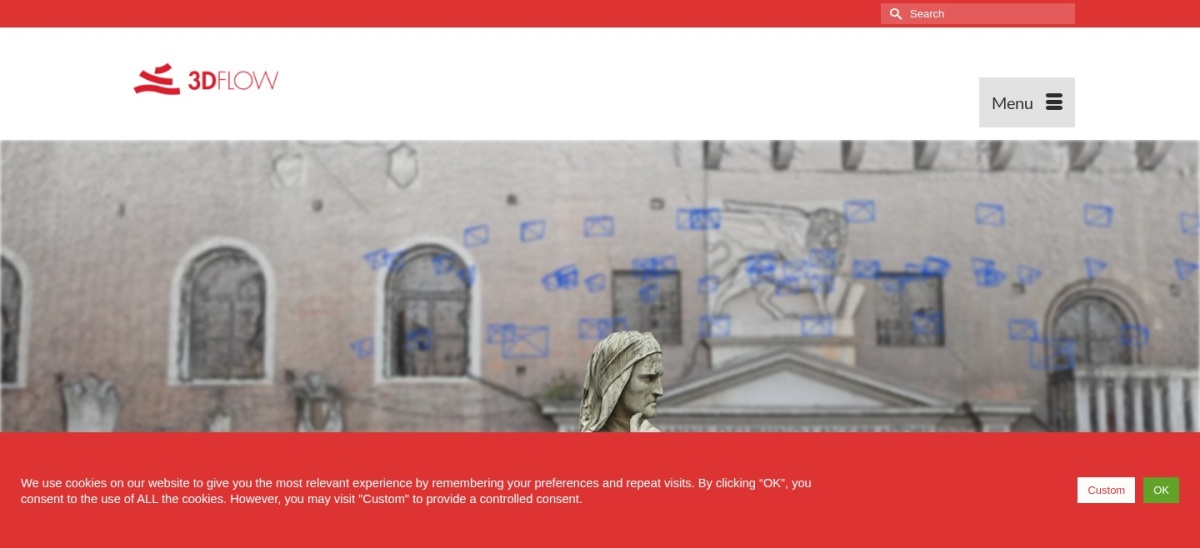
3DF Zephyr is a Windows photogrammetry tool from 3Dflow that rebuilds 3D models from photos, video frames and laser scans. The free edition handles full reconstruction on up to 50 photos per project. It is rated 4.5 out of 5 on G2 from 2 reviews.
The trade off is price and platform. Lite costs €199 once, but the full edition is €4,200 once or €250 a month, and the software runs on Windows only. It suits Windows users who want a perpetual licence and survey outputs such as orthophotos and terrain models.
What we like
Free edition does full reconstruction to 50 photos
Perpetual licences, no subscription needed
Laser scan import on the full edition
Survey outputs on the full edition
Watch out for
Only 2 G2 reviews, so the rating is thin
Full edition costs €4,200
Windows only
Lite removes the 50-photo limit; full adds survey toolsVisit 3dflow.net
08
Meshroom
5/5on FossHub (767 reviews, checked Nov 2026)
PriceFree
Best free open-source photogrammetry
PriceFree, open source
LicenceMPL-2.0
PlatformsWindows, Linux
GPUNVIDIA needed for speed
alicevision.org
Meshroom homepage, captured Nov 2026.
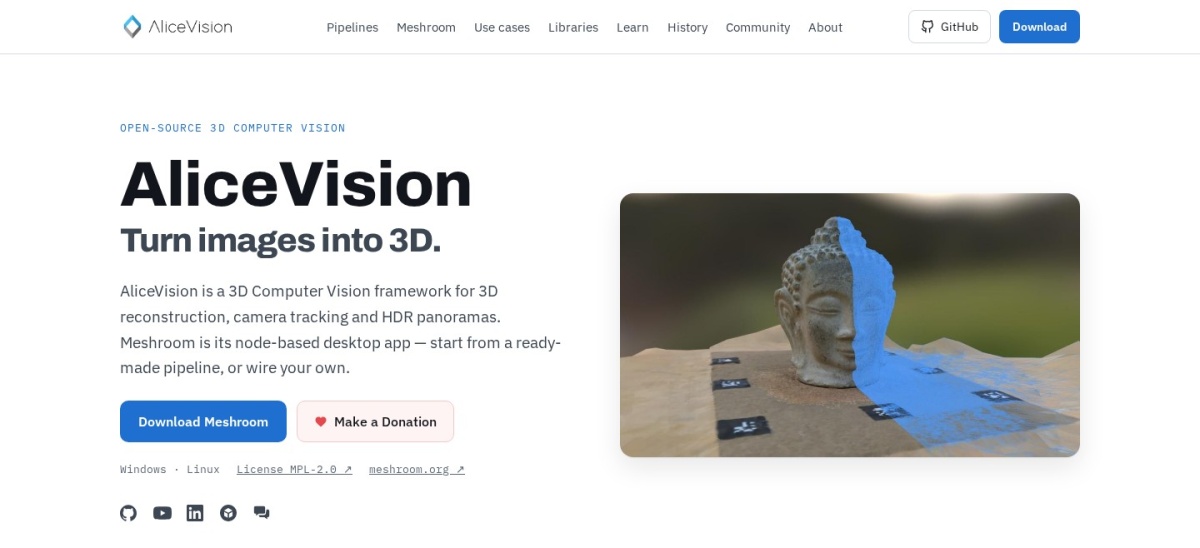
Meshroom is a free, open-source 3D reconstruction tool built on the AliceVision framework. Its node graph breaks a reconstruction into steps such as feature extraction, matching and dense meshing, so any step can be rerun on its own. It is rated 5.0 out of 5 on FossHub from 767 reviews.
The trade off is patience and setup. Meshroom needs a capable NVIDIA GPU for reasonable speed, and its node-based workflow takes longer to learn than a guided app. It suits researchers, heritage teams and patient users who want a free desktop pipeline with full control.
3.1/5on Google Play (397 reviews, checked Nov 2026)
PriceFree
Best free software for Revopoint scanners
PriceFree with Revopoint hardware
ExportsOBJ, STL, PLY, GLTF
PlatformsWindows, macOS, iOS, Android
Post-processingBasic only
revopoint3d.com
Revo Scan homepage, captured Nov 2026.
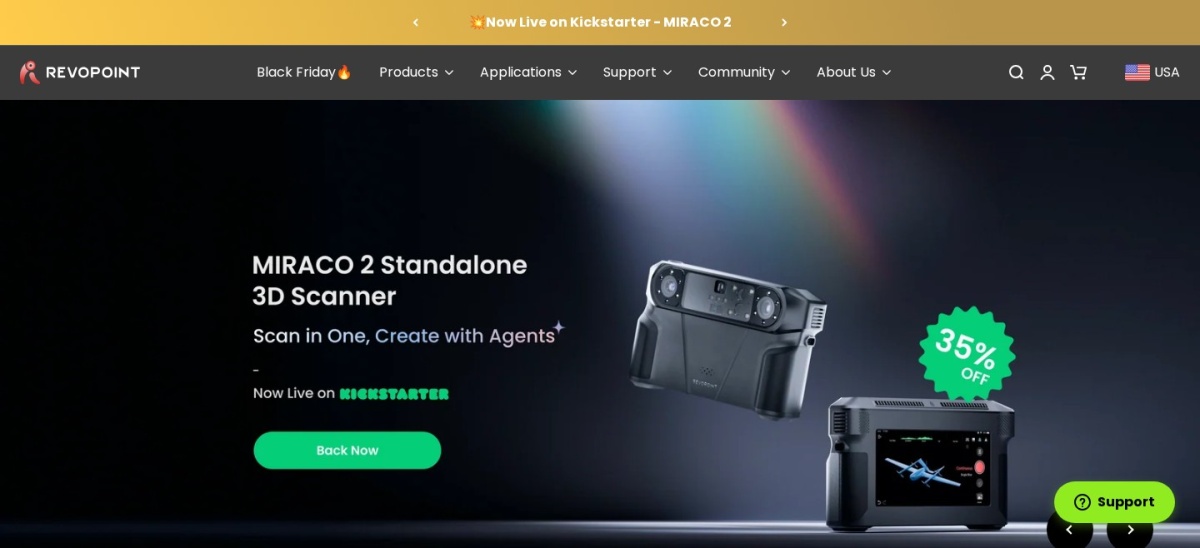
Revo Scan is the free companion software for Revopoint 3D scanners, from the POP series to the standalone MIRACO. It handles capture and basic post-processing, and exports to OBJ, STL, PLY and GLTF. It is rated 3.1 out of 5 on Google Play from 397 ratings.
The trade off is that it only works with Revopoint hardware, and its post-processing is thin next to Artec Studio or Metashape. The mobile app ratings are mixed, with crash reports on some phones. It suits Revopoint owners who want a free, simple path from scan to printable mesh.
Phone apps win on speed and cost. You can scan an object or a room in minutes, with no extra hardware beyond a phone.
Desktop tools win on control. They handle hundreds of photos, laser scans and survey output, and they keep the work on your own computer.
Scanner companion apps sit in between. Revo Scan and Artec Studio only work with their own hardware, so the scanner, not the software, sets the budget.
Start with a free phone app if you are unsure. Move to a desktop tool when you need survey output, CAD export or large photo sets.
How we chose
We started from the 3D scanning tools that appear most often in buyer guides and review listings, then kept the nine with a real free plan, trial or one-time licence and a published price.
Prices come from each vendor's pricing page, checked on 24 November 2026. Ratings come from G2, Capterra, SourceForge, FossHub or the app stores, as noted per tool, and several tools have only a handful of reviews. Where a vendor shows a sale, the list shows the regular price.
We left out tools with no published price and scanner hardware sold without separate software. No vendor paid for a place, and we do not claim to have used these tools ourselves.
How to choose 3D scanning software
Match the tool to the thing you scan and the file you need at the end.
Decide phone or desktop first. Phone apps suit objects, rooms and quick captures. Desktop tools suit large photo sets, survey work and CAD output.
Check the free export formats. A free plan that only exports GLTF is fine for viewing, but you need OBJ, STL or FBX for printing and editing.
Count the real cost, not the headline. A $79.99 yearly plan beats a $1,700 one if you scan now and then, while a $179 one-time licence beats both over three years.
Confirm the hardware you already own. Revo Scan needs a Revopoint scanner and Artec Studio needs Artec hardware, while Polycam, KIRI Engine and Scaniverse run on a phone.
FAQ
What is the best 3D scanning software?
Polycam is the best pick for most people. Its free plan covers phone capture, and Basic at $150 a year adds full exports in OBJ, FBX and STL, unlimited captures and private sharing.
Is there free 3D scanning software?
Yes. RealityScan is free with all features under $1 million in annual revenue, Meshroom is free and open source, and Polycam, KIRI Engine, Scaniverse and 3DF Zephyr all have free plans.
What is the cheapest 3D scanning software?
Meshroom and Revo Scan cost nothing, though Revo Scan needs Revopoint hardware. Among paid plans, KIRI Engine Pro is cheapest at $79.99 a year, followed by Polycam Basic at $150 a year.
Do I need a LiDAR phone to scan in 3D?
No. LiDAR helps with rooms and large spaces, but photogrammetry builds models from ordinary photos on almost any phone. KIRI Engine, Scaniverse and Polycam all offer photo-based capture.
What is the best 3D scanning software for 3D printing?
KIRI Engine and Polycam are strong low-cost picks, since both export STL files for printing. For precise parts, Agisoft Metashape Standard at $179 once gives more control over the mesh.
Can 3D scanning software replace a 3D scanner?
For objects, rooms and small scenes, yes: phone apps and photogrammetry cover most jobs. For metrology and reverse engineering, a dedicated scanner with software such as Artec Studio still gives tighter accuracy.