Later is the best Instagram marketing tool for most small businesses, with a visual planner, grid preview and Link in Bio from $18.75 a month and a 4.5 out of 5 rating on G2. Canva is the best pick for design at $144 a year, and Buffer is the cheapest scheduler at $5 per channel a month.
How we make this list: we compare pricing pages, product documentation and public user reviews, then re-check every price before each update. No product paid for a place. Disclosure.
Later is the Instagram-first pick: visual planner, grid preview and Link in Bio from $18.75 a month, rated 4.5/5 on G2.
Canva has the highest rating here at 4.7/5 from 7,678 G2 reviews, and Pro costs $144 a year.
Buffer is the cheapest paid plan at $5 per channel a month, with a free plan for 3 channels.
Hootsuite and Sprout Social are the priciest, starting at $99 and $79 a seat a month, and suit teams, not solo creators.
SocialPilot, Sendible, Hootsuite and Sprout Social have no free plan, only trials, so budget for the first paid month.
What the basics actually need
Instagram marketing still rests on the basics: a clear profile, a steady posting rhythm, and posts that earn saves and shares. The tools below do not replace that work, but they remove the daily friction of planning, designing, scheduling and measuring it.
Start with scheduling and design. A visual planner such as Later shows how the grid will look before anything goes live, while Canva covers the images, carousels and Reels covers that fill it.
Then add measurement. Our guide on using Smash Balloon Instagram Feed shows how to bring the feed onto a WordPress site, so visitors see the same posts they would find on the profile.
Prices run from free to $99 a seat a month. Solo creators can run the whole basics stack on free plans, while teams that answer comments all day need a shared inbox, which only starts on the dearer plans.
Later is a visual-first social media scheduler built around a drag-and-drop calendar and Link in Bio. The Starter plan costs $18.75 a month on annual billing, or $25 billed monthly, and covers 1 social set of 8 profiles for one user, with 30 posts per profile a month and 5 AI credits.
The trade off is the 30-post cap and the single seat. Active accounts soon need Growth at $37.50 a month, and Later no longer publishes to X. It suits creators who plan Instagram and TikTok visually and post under 30 times a month per profile.
Canva is a browser design tool with thousands of Instagram templates for posts, carousels, Stories and Reels covers. The free plan covers templates, photo uploads and text tools, and Pro costs $144 a year and adds premium templates, background removal, Magic Resize and 100 GB of storage.
The trade off is that the best assets sit behind Pro. Free users hit the premium template and stock photo paywalls often, and Pro costs $15 a month when billed monthly instead of yearly. It suits small businesses that design every post themselves and want one tool for graphics and short video.
What we like
Largest template library in this list
Free plan covers the basics
Highest G2 rating here at 4.7/5
Watch out for
Premium templates and assets need Pro
Monthly billing costs more than the yearly rate
Pro adds premium assets, Brand Kit and Magic ResizeVisit canva.com
03
Buffer
4.3/5on G2 (1,039 reviews, checked Nov 2026)
Paid from$5/channel/mo
Best budget Instagram scheduler
Free channels3
Free scheduled posts10 per channel
AI AssistantYes
Paid planEssentials, $5/channel/mo
buffer.com
Buffer homepage, captured Nov 2026.
Buffer is a simple social media scheduler built around a publishing queue, with ideas, comment replies and analytics beside it. The free plan covers 3 channels and 10 scheduled posts per channel, and Essentials costs $5 per channel a month on annual billing, or $6 billed monthly.
The trade off is that the bill grows per channel. Each Instagram, Facebook or TikTok account adds its own charge, and analytics stay basic next to Sprout Social. It suits solo creators and small businesses that schedule a few accounts and want the cheapest paid plan in this list.
What we like
Cheapest paid plan in this list
Free plan for 3 channels
Easy to learn and quick to set up
Watch out for
Per-channel pricing adds up with many accounts
Analytics are basic for larger teams
Essentials adds unlimited scheduled posts and advanced analyticsVisit buffer.com
04
SocialPilot
4.5/5on G2 (847 reviews, checked Nov 2026)
Starts at$25.50/mo
Best value for small teams
Profiles on Essentials7
Users on Essentials1
Bulk schedulingYes
Paid planEssentials, $25.50/mo
socialpilot.co
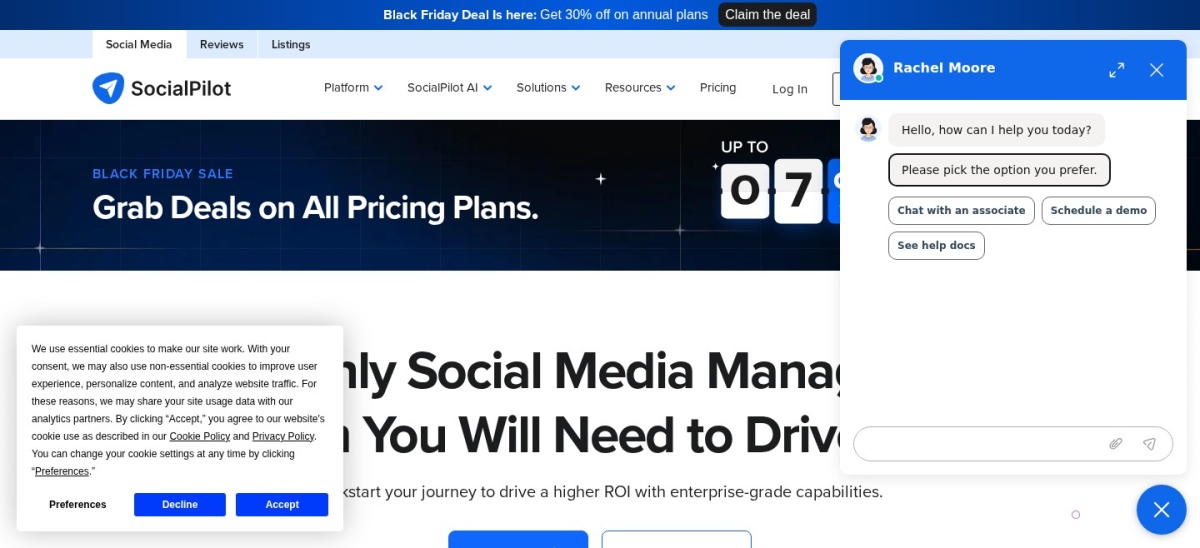
SocialPilot homepage, captured Nov 2026.
SocialPilot is a social media management tool for scheduling, analytics and client work across 10 networks. The Essentials plan costs $25.50 a month on annual billing, or $30 billed monthly, and covers 7 profiles and 1 user with bulk scheduling and a content calendar.
The trade off is the missing free plan. There is a 14-day trial, but every account pays from the first month, and review management is a separate paid product. It suits freelancers and small agencies that schedule for several clients and want more profiles per dollar than Buffer.
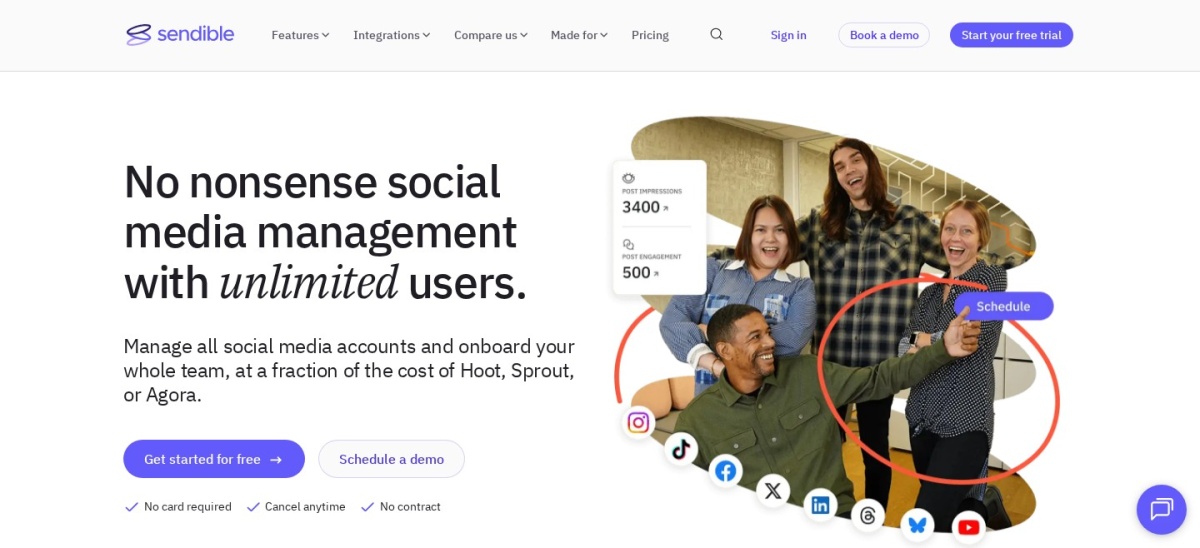
Sendible is a social media management tool built for agencies, with scheduling, monitoring, reporting and client dashboards in one place. The Creator plan costs $29 a month on annual billing, or $35 billed monthly, and includes a Canva integration for designing posts without leaving the dashboard.
The trade off is price for a single user. Creator is dearer than SocialPilot for a similar profile count, and there is no free plan, only a 14-day trial. It suits agencies that report to clients and want approvals and white-label dashboards as they grow.
What we like
Client dashboards and approvals
Canva integration built in
Strong reporting for client work
Watch out for
No free plan, trial only
Pricier than SocialPilot for solo users
Higher plans add more profiles, users and white-label reportsVisit sendible.com
06
Agorapulse
4.5/5on G2 (973 reviews, checked Nov 2026)
Paid from$79/mo
Best shared inbox for Instagram
Unified inboxYes
Instagram publishingYes
ReportsStandard plan
Paid planStandard, $79/mo
agorapulse.com
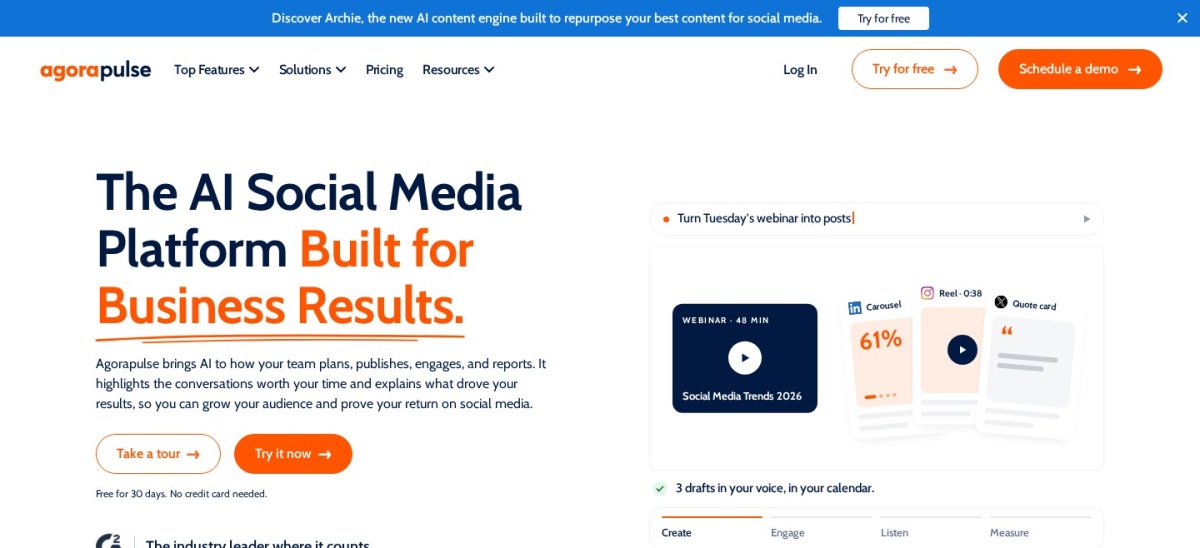
Agorapulse homepage, captured Nov 2026.
Agorapulse is a social media management platform built around a unified inbox, with scheduling, monitoring and reports beside it. The Standard plan costs $79 a month on annual billing, or $99 billed monthly, and covers scheduling and the inbox for a small team.
The trade off is the per-user bill. Each extra seat adds the full monthly rate, so a three-person team pays far more than the headline price. It suits small teams that answer Instagram comments and messages every day and want them in one shared inbox.
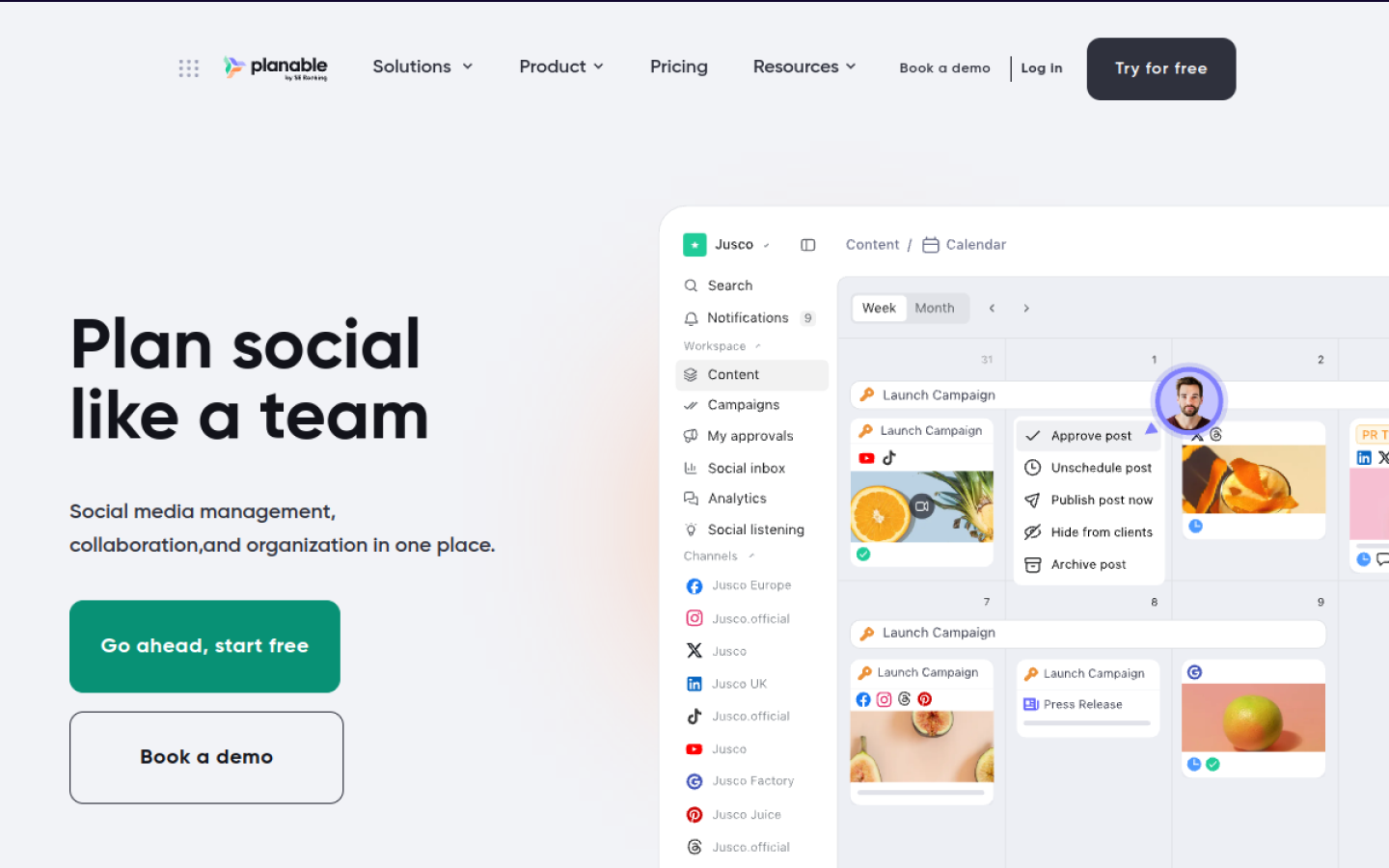
Planable is a visual collaboration tool for planning and approving social posts, with a grid preview that shows how Instagram posts will look. The Basic plan costs $39 a month and adds unlimited posts, while the free plan covers 50 posts for trying the approval workflow.
The trade off is that Planable plans rather than publishes everything itself. Scheduling is included, but analytics are lighter than Sprout Social or Hootsuite. It suits teams and clients who need to approve every post before it goes live.
Hootsuite is a social media management platform with one calendar, a unified inbox and AI caption help across many networks. The Standard plan costs $99 per user a month on annual billing and covers up to 10 social accounts and unlimited scheduled posts for one user.
The trade off is price. Standard costs more than four cheaper tools in this list combined, and the free plan closed in 2023. It suits mid-size teams that run many accounts from one calendar and can spread the per-user cost across them.
Sprout Social is a social media management platform built around publishing, a Smart Inbox and deep analytics. The Essentials plan costs $79 per seat a month on annual billing, or $99 billed monthly, and covers 5 profiles with send-time recommendations and post reporting.
The trade off is the per-seat bill and the profile cap. The inbox only starts on Standard at $199 a seat a month, so small teams pay a lot for the full workflow. It suits mid-size teams that live in analytics and answer customers across Instagram and other networks.
Free plans cover the basics well. Later, Buffer, Canva, Agorapulse and Planable all let you start free, with caps on posts, profiles or users.
Paid plans mostly add volume and teamwork. Higher post limits, more profiles, approval workflows and shared inboxes sit behind the paywall.
SocialPilot, Sendible, Hootsuite and Sprout Social have no free plan, only a trial, so the first month is a real cost. Start with the trial on real posts before you commit.
For a solo creator, a free stack of Later, Buffer and Canva covers planning, scheduling and design. If you sell through Instagram, see how to connect WooCommerce to Facebook and Instagram Shop before you schedule product posts.
How we chose
We started from the best-known Instagram and social media management tools with published pricing and a G2 rating, then kept the nine that cover planning, design, scheduling and analytics for Instagram.
Prices come from each vendor's pricing page, checked on 29 November 2026, using the annual-billing monthly rate where the vendor offers one. Ratings and review counts come from G2 on the same day. Where a vendor shows a sale, the list shows the regular price.
We left out tools with no published price and tools built for one network only. No vendor paid for a place, and we do not claim to have used these tools ourselves.
How to choose an Instagram marketing tool
Match the tool to the job you do every week, not the feature list.
Count how much you post each week. A 30-post monthly cap is plenty for three posts a week, but daily posters outgrow it fast. Check the cap on the entry plan before you buy.
Pick one planner and one designer. Later or Buffer can run the calendar, and Canva can make the images. Two tools that overlap cost twice as much for the same job.
Check the inbox if you reply a lot. Comments and direct messages pile up fast on a growing account. Agorapulse, Hootsuite and Sprout Social include a shared inbox, but only from their paid plans.
Try the free plan or trial on real posts. Schedule a full week, publish it, and read the analytics. A week of real posts tells you more than any feature list.
FAQ
What is the best Instagram marketing tool for beginners?
Later is the best starting point for most beginners. Its visual calendar and grid preview show how posts will look before they go live, the free plan covers the basics, and the Starter plan costs $18.75 a month on annual billing. Add Canva free for design.
Can I do Instagram marketing for free?
Yes, for the basics. Later, Buffer, Canva, Agorapulse and Planable all have free plans that cover scheduling, design or planning with caps on posts or profiles. You only need to pay when the caps start to limit how much you post.
How much does Instagram marketing software cost?
Paid plans in this list run from $5 per channel a month for Buffer to $99 a seat a month for Hootsuite. Most solo creators spend $19 to $30 a month on one scheduler, plus $144 a year for Canva Pro if they design every post.
Do I need a separate design tool for Instagram?
Most accounts do. Schedulers plan and publish, but they do not design. Canva covers templates, carousels and Reels covers from a free plan, and its Pro plan costs $144 a year. Later and Sendible include a Canva integration.
Which tool is best for scheduling Instagram posts?
Later is the best Instagram scheduler here, with a visual calendar, grid preview and Link in Bio from $18.75 a month. Buffer is the cheapest at $5 per channel a month, and SocialPilot gives the most profiles per dollar at $25.50 a month.
What is the cheapest Instagram scheduler?
Buffer is the cheapest paid scheduler in this list at $5 per channel a month on annual billing, with a free plan for 3 channels. Later is next for Instagram-first planning at $18.75 a month, and both beat the per-seat prices of Hootsuite and Sprout Social.
SaaS SEO and WordPress specialist with about 8 years of experience. Rakib compares WordPress plugins, themes, hosting and software using public pricing, documentation and user reviews. See how we rank.